AI Communications









Compare tools for unifying voice, AI, and customer experience, and learn how to evaluate them for global deployment.
Hybrid work, global teams, and AI-powered customer experiences have transformed what enterprises need from business communication tools. You’re no longer merely choosing between phone systems, you’re selecting the foundation for connecting employees, customers, and mission-critical workflows across every region and business unit.
This guide provides the framework for that decision. It compares several leading options to help you prioritize capabilities and identify where real ROI lies. You’ll also learn how to evaluate vendors for enterprise-scale deployment, build a compelling business case, and plan a successful rollout.
Key takeaways
- ROI comes from cost consolidation, productivity gains, better customer experience (CX), and lower compliance risk
- Voice-first AI, unified communications and contact center, enterprise security, and deep integrations are non-negotiable at scale
- Successful deployments need structured evaluation, phased migration, and a vendor that understands global complexity
Top 6 business communication tools for enterprise teams
Each platform below delivers solid enterprise communications. Where they differ is how they handle global telephony, AI, integrations, security, and customer engagement—the capabilities that matter most when standardizing across regions and business units.
1. RingCentral RingEX and RingCX
RingCentral provides enterprises with a voice-first AI communications platform for reliable global telephony, modern collaboration, and intelligent customer engagement on one extensible foundation.
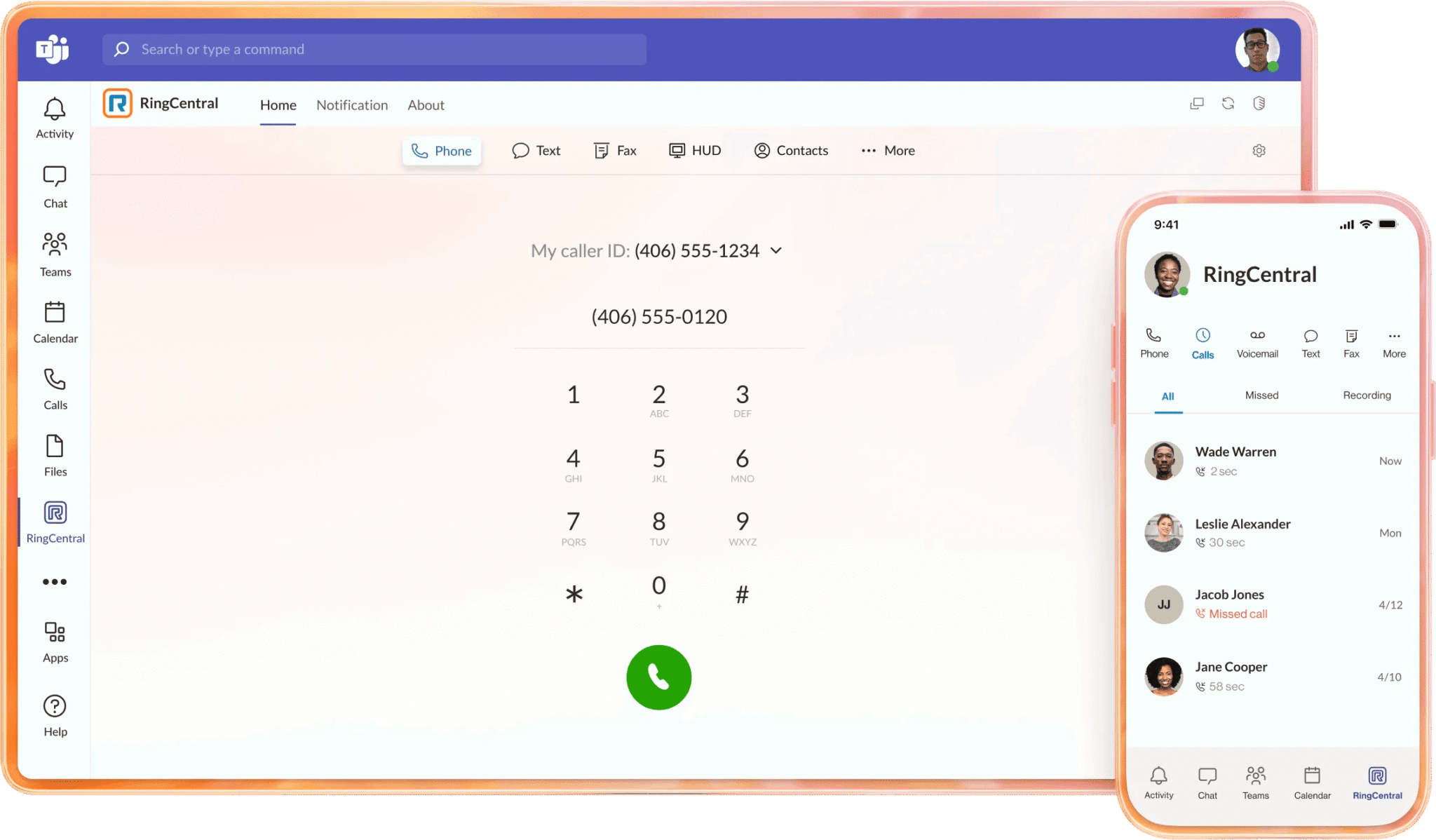
RingEX, the unified communications platform, connects teams through business calling, internal messaging, and video meetings with screen sharing. RingCX, the cloud contact center, powers seamless customer interactions across voice, digital channels, and AI agents.
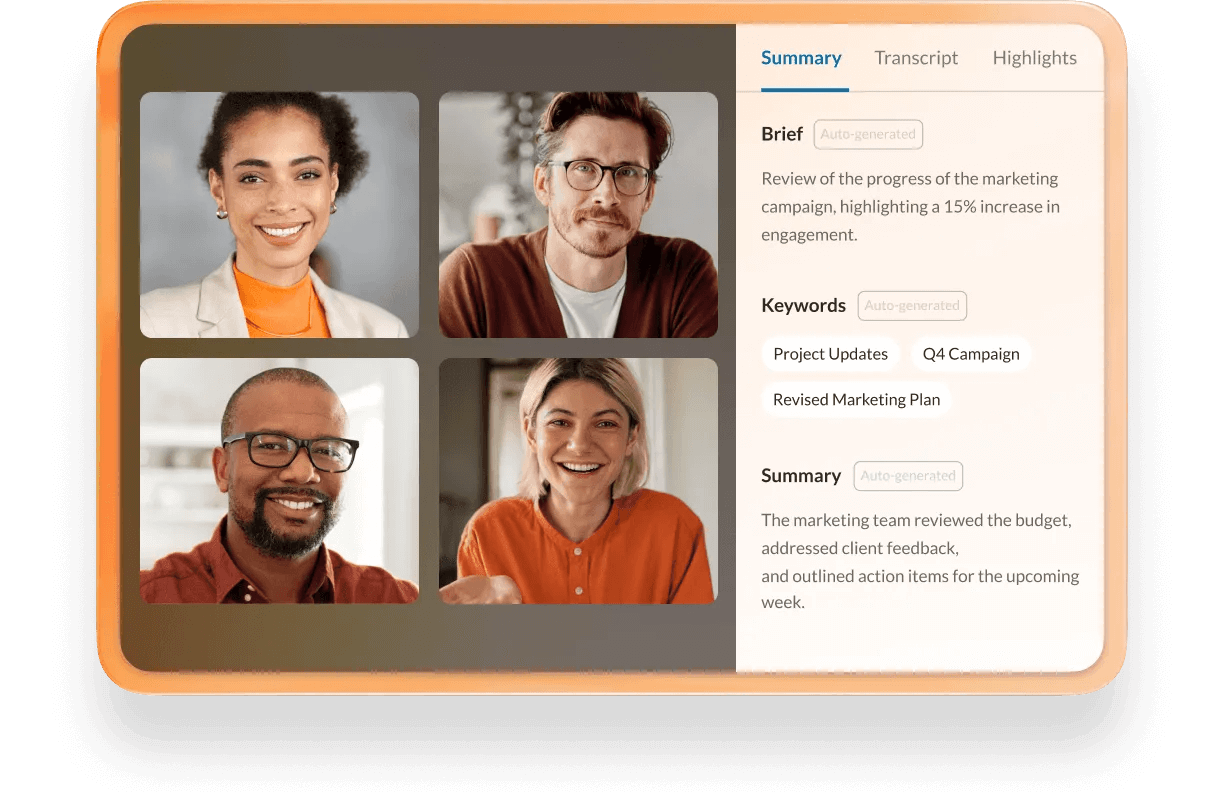
Both run on the same platform with agentic AI that shares context between systems, creating a continuous experience that spans everything from employee collaboration to customer engagement.
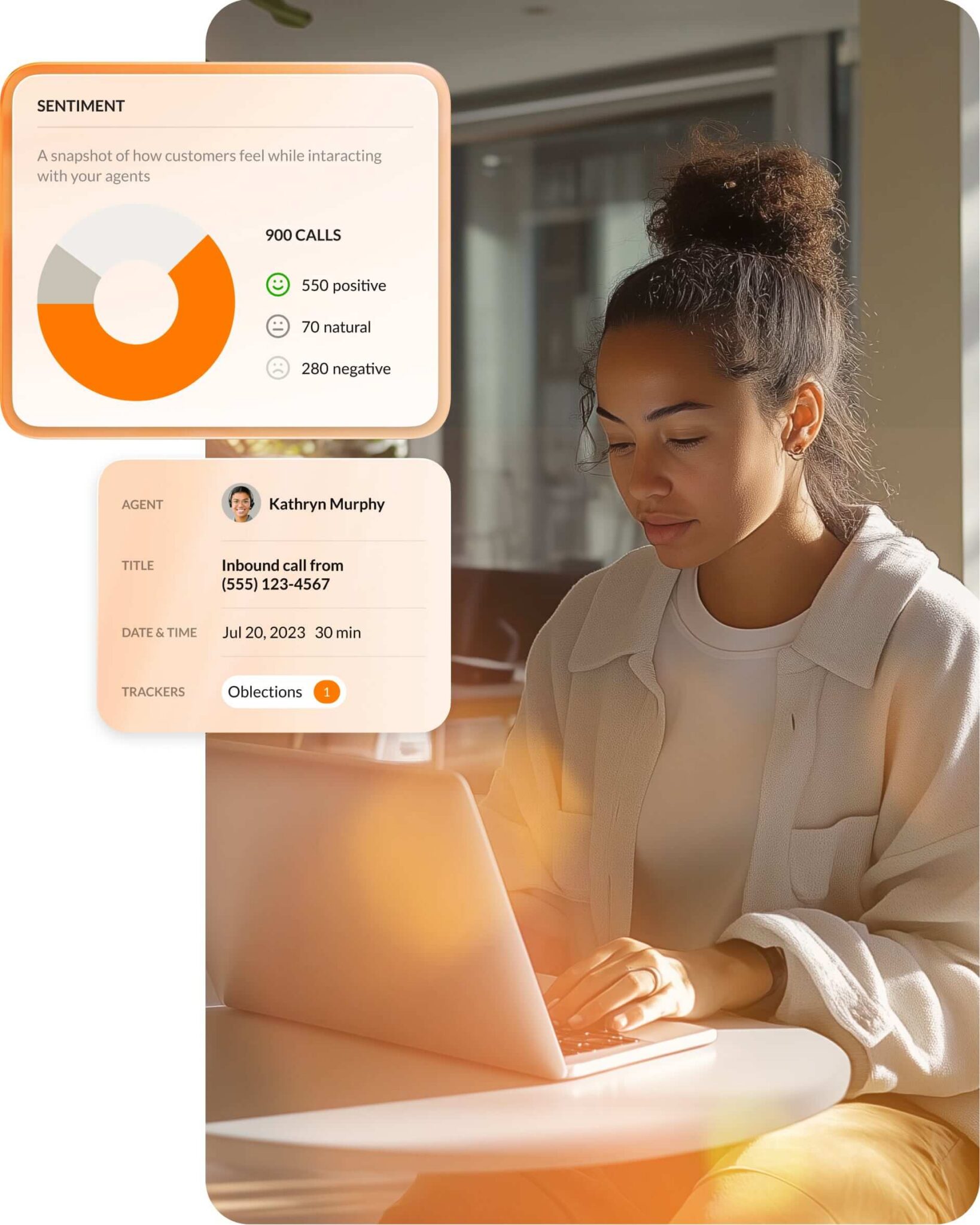
- Voice-first, AI-powered communications: Carrier-grade cloud telephony spans over 45 countries and combines with AI features like live transcription, automated summaries, and real-time assistance.
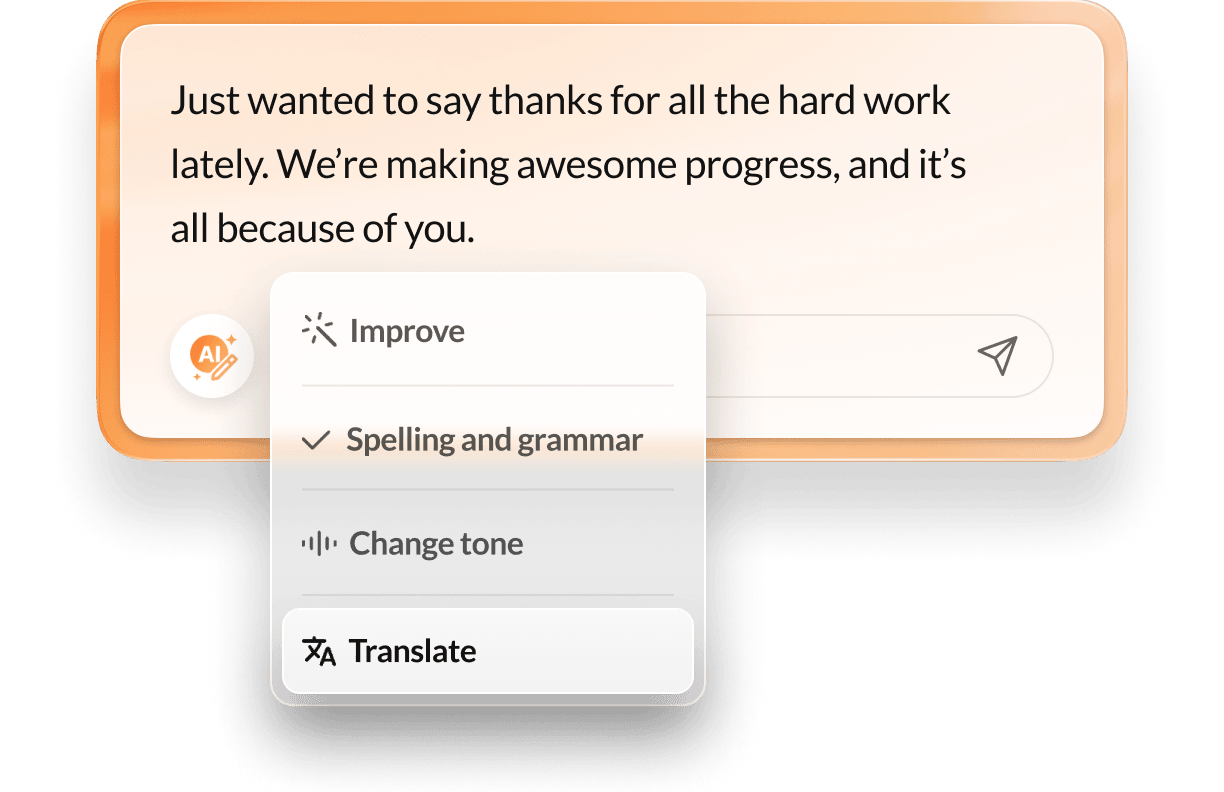
- Enterprise-grade reliability and security: High-availability architecture, global data centers, and security capabilities—including single sign-on (SSO), multi-factor authentication (MFA), role-based access controls (RBAC), and compliance support for regulated industries—help meet strict IT and risk requirements.
- Deep integration ecosystem: Hundreds of integrations connect to Microsoft 365, Google Workspace, Salesforce, ServiceNow, and more. Open APIs let you embed communications and AI directly into your own apps and workflows.
RingCentral also features AI Agents that work across your business. AI Receptionist, AI Virtual Assistant, and AI Conversation Expert operate on the same platform as RingEX and RingCX so you can automate routine interactions while keeping human expertise available for complex issues.
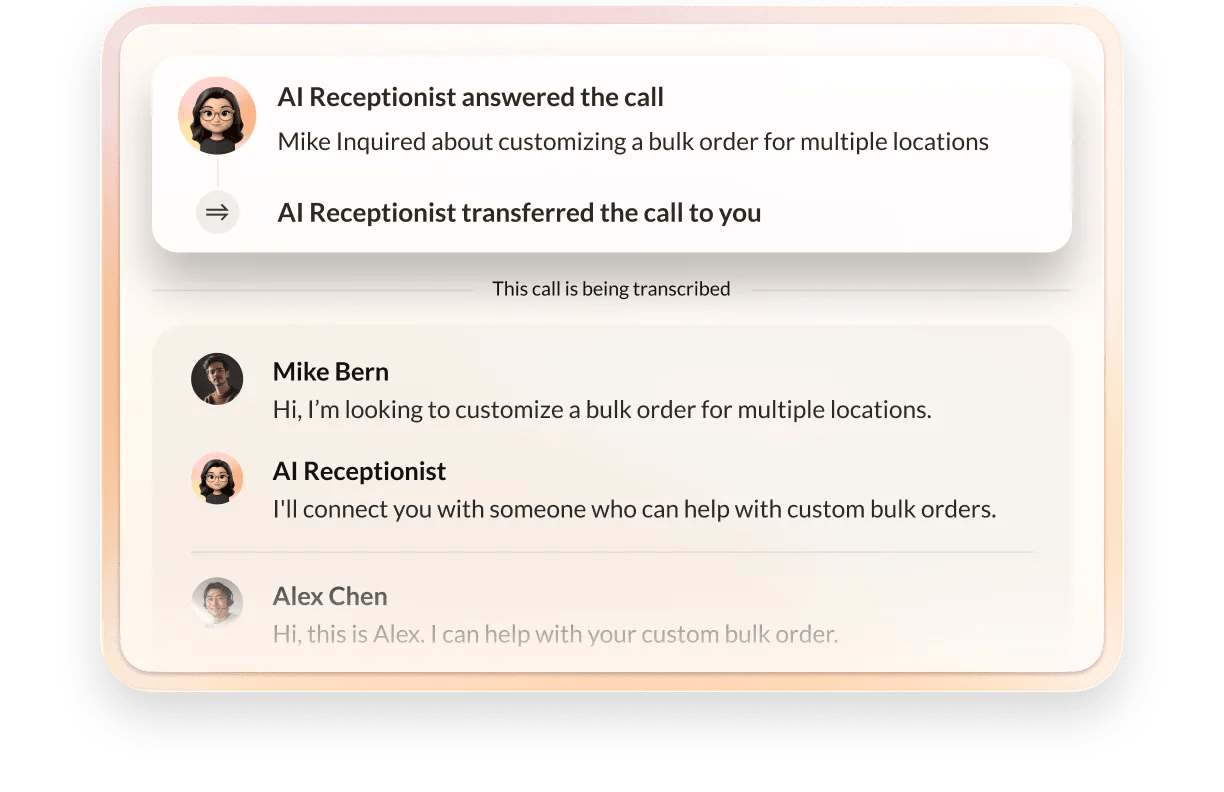
- AI Receptionist (AIR) handles inbound calls and routing automatically so your teams can focus on high-value work.
- AI Virtual Assistant (AVA) enhances employee productivity by simplifying workflows and delivering real-time insights.
- AI Conversation Expert (ACE) supports agents with post-call summaries and coaching guidance.
| RingCentral is proven at enterprise scale.
Global organizations across financial services, healthcare, retail, and technology use RingCentral to replace legacy PBXs, consolidate disparate tools, and support tens of thousands of users on a single platform. For example, Ryder Systems migrated more than 200 branch locations to RingCentral, modernizing communications across its distributed workforce while improving reliability and reducing costs. |
RingCentral’s comprehensive feature set works best when you establish a clear governance model and adoption plan up front to ensure consistent use across regions and business units.
If you run highly customized, on-premises contact centers, you’ll want to plan a phased migration that lets you progressively unlock cloud-native AI and omnichannel capabilities without disrupting operations. Contact us to learn what this can look like for your business.
2. 8×8
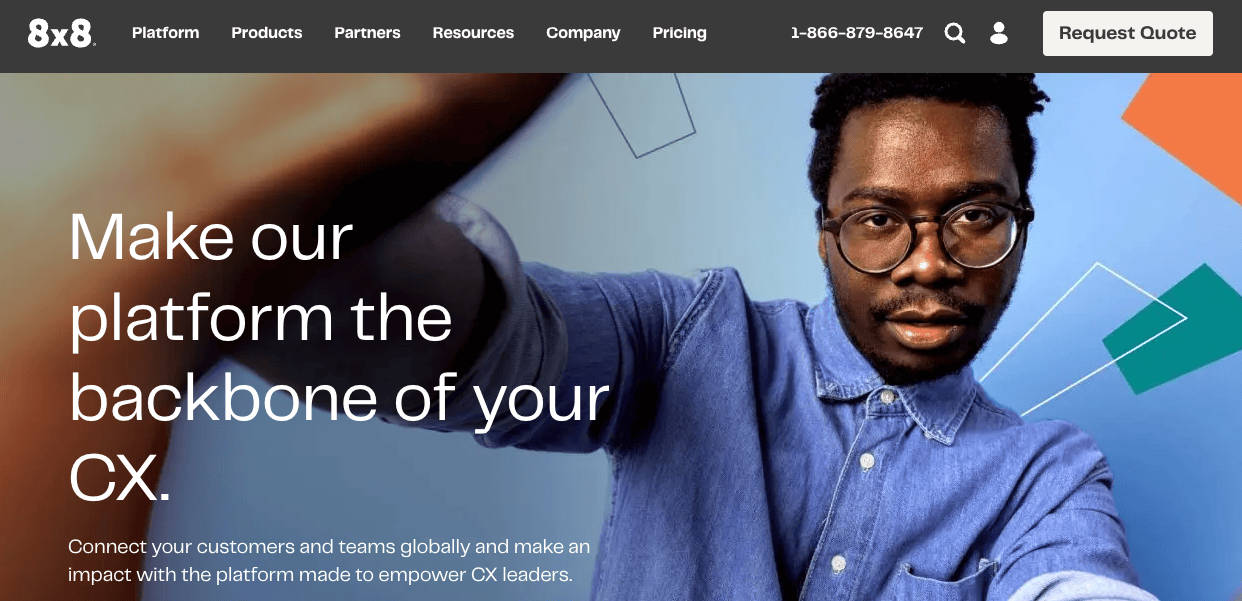
8×8 delivers a cloud-based communications and contact center platform for organizations moving away from legacy telephony. By combining calling, messaging, video, and contact center into a single stack, the platform simplifies procurement and vendor management. This unified environment provides core telephony controls, such as call queues, forwarding, and reporting, alongside baseline encryption and compliance features required for security in regulated industries.
8×8 offers a smaller integration catalog than some competitors, which may require additional work when you need tight connections between communications, customer relationship management (CRM), and line-of-business apps.
3. Vonage Business Communications
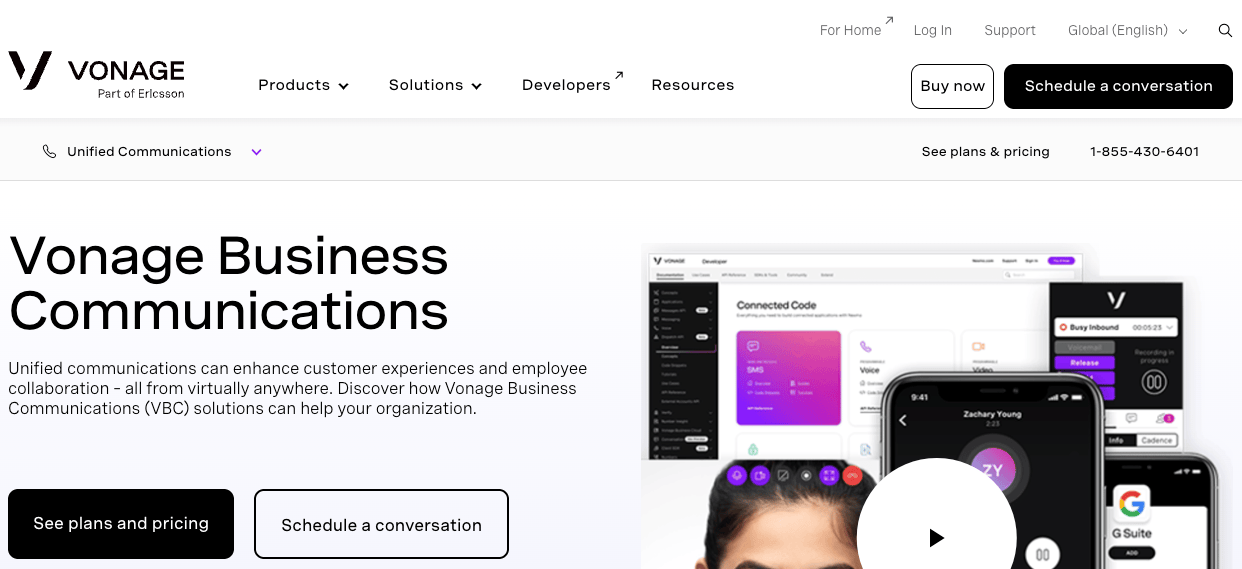
Vonage Business Communications (VBC) delivers unified calling, messaging, and meetings built on a developer-focused foundation of Vonage Communications APIs. This architecture allows you to embed communications directly into your own applications while standardizing workflows across mobile and desktop devices without hardware lock-in.
VBC can make sense if your strategy leans heavily on programmable communications and you want to align your unified communications provider with your communications platform as a service (CPaaS) investments. However, you’ll want to validate performance and user experience across devices before you commit.
4. Microsoft Teams
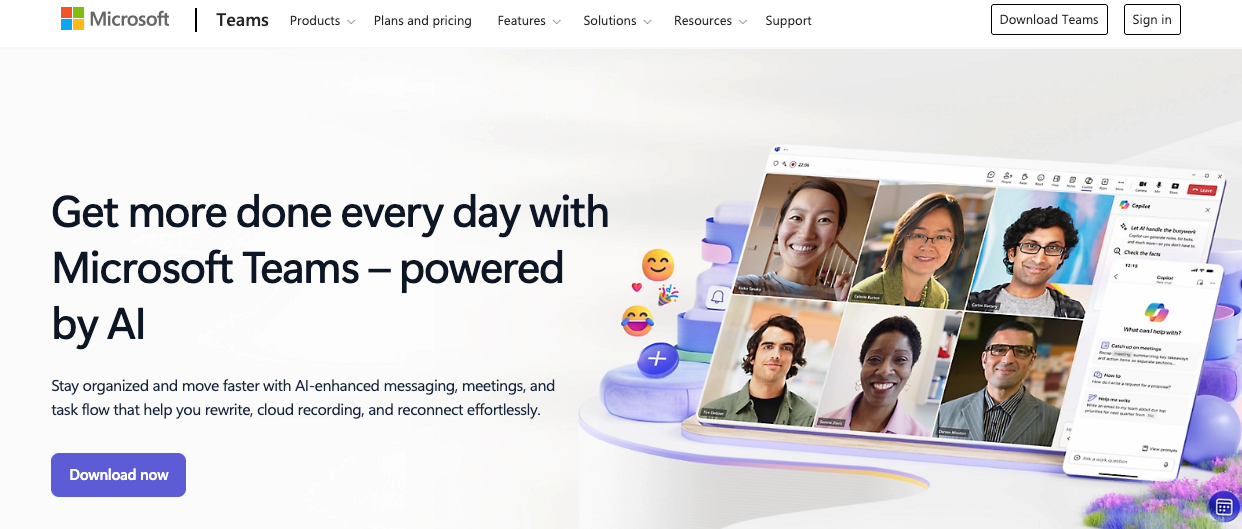
Microsoft Teams serves as a collaboration hub for chat, meetings, and file sharing, especially for organizations that run on Microsoft 365. Deep integrations with Outlook, SharePoint, and OneDrive make it a natural home for group conversations and document workflows.
While the platform includes a large app ecosystem for project management and approvals, you must extend it to handle telephony. You can add voice through Microsoft Calling Plans, Operator Connect, or Direct Routing—or integrate Teams with a specialist provider like RingCentral to gain enterprise-grade voice and contact center capabilities.
Although Teams can effectively replace Slack for internal collaboration, global deployments often face licensing complexity and regional coverage gaps. Many enterprises solve this by pairing it with a specialist provider to avoid the fragmented support models and vendor sprawl inherent in building uncertified contact center solutions.
5. Zoom
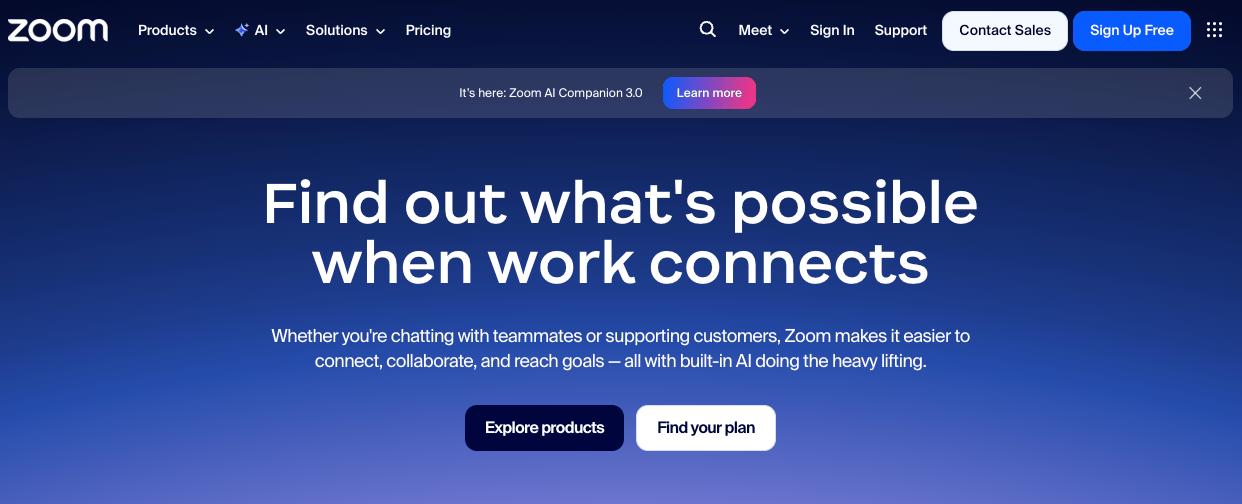
Zoom built its reputation on video meetings and webinars before expanding into telephony, contact center, and chat to offer a broader communications stack. The platform provides strong video capabilities for large-scale town halls and training sessions, plus Zoom Phone and contact center modules that let you standardize on one interface across user groups. Wide hardware support for conference room systems can simplify video room deployments for enterprises investing in hybrid meeting spaces.
Zoom works well if your primary driver is modernizing video calls and events. However, if voice quality, contact center, and AI-powered calling are central to your strategy, you’ll want to compare its capabilities closely with voice-first platforms.
6. Google Workspace
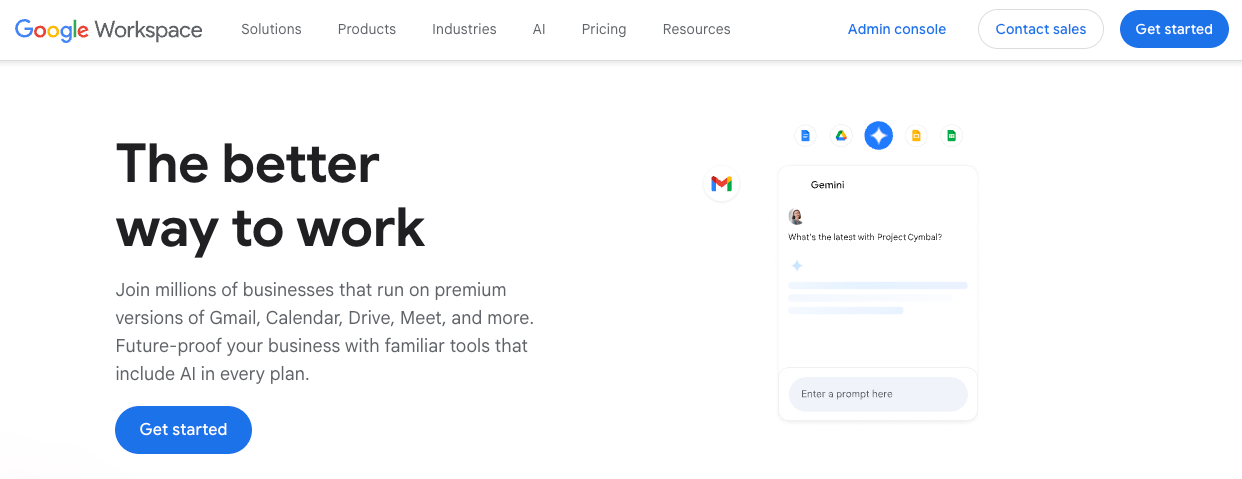
Google Workspace combines email, document creation, file storage, and video conferencing into a unified, cloud-based environment. Core applications include Gmail for business email, Google Drive for cloud storage and file sharing, Google Docs for real-time collaboration, Google Calendar for scheduling, and Google Meet for video conferencing. The suite also offers centralized administration, security controls, data loss prevention options, and integration with third-party applications through APIs and a broad marketplace.
For enterprise deployments, governance and data organization can become complex at scale. Without clearly defined folder structures, retention policies, and access controls, Google Drive can become difficult to manage. Additionally, while Google Meet supports enterprise video call needs, organizations requiring advanced telephony, deep contact center integration, or voice-first AI capabilities may need complementary platforms.
| RingCentral integrates with Google Drive, keeping your internal and external communication hubs connected to strengthen collaboration and improve customer experiences. |
Why business communication tools are essential for enterprise success
Modern business communication tools might seem like just IT infrastructure, but the right platform encourages effective communication and streamlines project execution. It also determines how quickly your teams respond to customers, resolve issues, and make decisions across time zones and business units.
At enterprise scale, you’ll see value in four areas: cost savings, employee productivity, customer experience, and risk reduction.
1. Direct cost savings and simplification
When you consolidate legacy private branch exchanges (PBXs), multiple team collaboration tools, and fragmented messaging apps into a unified platform, you typically reduce:
- Telecom and licensing spend: Retire overlapping tools and replace them with a single predictable subscription cost that’s easier to forecast and manage.
- Infrastructure and maintenance costs: Eliminate the need for on-site hardware and vendor maintenance contracts while freeing up the IT resources required to keep legacy systems running.
- IT administrative overhead: Manage provisioning, policies, and analytics through one dashboard instead of separate consoles.
2. Employee productivity and collaboration
Fragmented tools slow your teams down. As context disappears between email, chat, meetings, and voice, employees must juggle multiple apps to complete basic tasks. This constant switching results in tool fatigue that contributes to an average loss of 51 minutes of work per week.
That friction doesn’t just impact output, it affects morale, ownership, and employee engagement. A unified set of internal communication tools promotes effective communication by:
- Keeping work in context: Tie calls, messages, meetings, and files to the same spaces, projects, or accounts.
- Reducing app switching: Give teams one interface for voice, video, and messaging that integrates with your core tech stack.
- Shrinking low-value work with AI: Automatically summarize calls and meetings, capture action items, and route tasks into your systems of record.
3. Customer experience and revenue impact
Your communication platform directly influences revenue and retention for customer-facing teams. When agents move seamlessly between voice, messaging, and video with AI surfacing insights in real time, they resolve customer support issues faster and more consistently.
Modern, AI-enabled communication software delivers:
- Shorter handle times: Agents access the right information and real-time assistance within a single interface.
- Higher first-contact resolution: Smart routing connects customers to the right teams, supported by transcripts, summaries, and knowledge suggestions.
- Better customer satisfaction and loyalty: Consistent experiences across locations, channels, and business units build trust.
4. Risk, compliance, and resilience
Enterprises face mounting pressure from data protection mandates, industry regulations, and the need for business continuity. According to the Allianz 2026 Risk Barometer, cybersecurity, AI, and business interruptions like supply chain disruptions now rank as the top three corporate concerns globally. In this high-stakes environment, fragmented systems make it harder to enforce policies and provide audit documentation.
The best communication tools centralize controls for data retention, access, recordings, and analytics. They let you design resilient architectures with geographic redundancy and carrier diversity that reduce the risk of outages, compliance violations, and reputational damage.
What are the top features to look for in business communication tools?
At enterprise scale, your feature checklist must go beyond supporting instant messaging and video. To understand how a potential platform will impact cost, risk, and execution, evaluate the following four critical areas.
Voice-first AI and conversation intelligence
Voice remains the most direct communication channel for resolving complex issues and building trust, especially in sales, service, and leadership contexts.
Your communication tool should prioritize these capabilities:
- High-quality, resilient calling across regions and devices with intelligent routing and failover that minimizes dropped calls and jitter.
- Real-time AI assistance that transcribes calls and meetings, surfaces knowledge, and recommends next best actions as conversations happen.
- Post-call intelligence that automatically summarizes conversations, extracts action items, identifies sentiment, and integrates those insights into CRM, ticketing, and workforce tools.
Enterprise-grade security and compliance
When employees share files or store customer data in the cloud, they compound the risk of a data breach. Your communication platform must provide proper security controls to protect and govern that data.
Evaluate these areas:
- Data protection: Secure data through encryption in transit and at rest, secure key management, and clear data segmentation across tenants and regions.
- Identity and access management: Align your identity strategy using SSO, MFA, just-in-time provisioning, system for cross-domain identity management (SCIM), and granular RBAC.
- Compliance posture: Support frameworks and regulations relevant to your industry while maintaining flexible retention and recording policies.
- Visibility and auditability: Centralize logging, admin reporting, and audit trails to support security operations and compliance audits.
Unified communications and contact center convergence
Most enterprises still run unified communications (UC) and contact centers as separate systems, which creates friction. Information doesn’t flow between knowledge workers and agents, and you must manage different vendors, contracts, and data sets.
When you meet communication needs with one platform, you can:
- Route customers to the right expertise by connecting agents with back-office experts over voice or messaging.
- Standardize AI and analytics across internal and external conversations for a complete view of how communication drives outcomes.
- Simplify architecture with shared identity, security, and admin policies instead of parallel stacks.
Integration ecosystem and platform extensibility
Modern communication platforms must fit into broader enterprise architecture, including CRM platforms, IT software, HR systems, and custom tools.
What to look for:
- Prebuilt integrations: Connect seamlessly with tools like Microsoft 365, Google Workspace, Salesforce, ServiceNow, and Zendesk to unify workflows.
- Robust APIs and SDKs: Embed communications and AI directly into your applications and portals.
- Event-driven architecture: Trigger automations and notifications when conversation events happen across calls, messages, summaries, and AI chatbots.
- Developer support: Simplify implementation with clear documentation, sandboxes, and partner solutions that reduce the time and effort required to connect.
How to evaluate business communication tools for enterprise deployment
Once you’ve narrowed your vendor shortlist, you can shift from “what does this do?” to “how will this work here?” A structured evaluation framework moves you from demos and feature comparisons to an executable, low-risk decision.
1. Start with business outcomes and use cases
Anchor your evaluation in the outcomes you need over the next three to five years. Common drivers include:
- Consolidating global telephony
- Improving agent productivity
- Supporting hybrid work
- Enabling AI-powered customer journeys
Document priority use cases across departments, like frontline contact center workflows, collaboration features, or secure group chats for clinical collaboration, then validate that each vendor handles them without requiring excessive customization.
2. Analyze total cost of ownership (TCO)
License prices tell only part of the story. Calculate your total cost of ownership by capturing:
- Current carrier and telephony spend, including on-premises system maintenance
- Licenses for overlapping chat, meeting, webinar, and collaboration tools
- Implementation, migration, and integration costs
- Support, training, and ongoing admin effort
This approach reveals the true savings from consolidation and modernization. It also exposes differences between vendors whose pricing looks similar but varies significantly in what it includes and what costs extra.
3. Plan migration and implementation
Large-scale rollouts rarely happen all at once. Ask each vendor to walk you through a practical migration plan that covers:
- How your existing PBXs, collaboration apps, and contact centers will coexist during transition
- Sequenced rollouts by region, business unit, or function
- Number porting strategy and timelines across carriers and countries
- Room system and device migration, including hardware refresh requirements
Experienced enterprise vendors provide reference architectures, playbooks, and professional services that reduce risk and accelerate deployment.
4. Evaluate security, compliance, and data residency
Bring security and compliance stakeholders into the conversation early. Give them detailed documentation from each vendor that covers architecture, certifications, data flows, and control options. Clarify:
- Where each platform stores and processes data, as well as how you can control data residency
- How vendors handle and retain recordings, transcripts, and AI-generated insights
- How to manage access for on-site and remote teams, contractors, partners, and admins
5. Design a meaningful pilot program
Pilots should test real-world conditions, not just feature demos. Define clear success criteria and involve users from different roles, regions, and technical comfort levels. Measure:
- Call quality, connectivity, and reliability across networks and devices
- User satisfaction and adoption rates without extensive support
- Time saved through AI features like summaries and automations
- Admin experience for provisioning, policy management, and reporting
Run your pilot long enough to capture actual usage patterns beyond early adopter enthusiasm. Analyze feature-by-feature adoption to pinpoint issues like a lack of user-friendly controls or incompatible mobile apps.
6. Align stakeholders and governance
Since business communications touch almost every function, bring IT, security, compliance, HR, finance, and key business units into the selection process early. Define who owns policies, integrations, change management, and support before you commit, then confirm your vendor can support that governance model.
7. Assess vendor partnership and roadmap
Selecting a unified set of business communications tools means you’re also selecting a strategic partner. Evaluate each vendor’s financial stability, innovation pace, AI strategy, and enterprise support commitment. Ask about:
- Dedicated account management and customer success coverage
- 24/7 support options, service level agreements (SLAs), and escalation paths
- Roadmap alignment with your priorities, including AI, industry features, and integrations
Vendors that act like a partner and share best practices, benchmarks, and migration expertise help you realize value faster and lighten the operational load on team members.
Choosing the right business communication platform for your enterprise
Modern business communication platforms consolidate costs, boost productivity through AI-powered assistance, elevate customer experiences with intelligent routing and real-time insights, and reduce compliance risk through centralized controls.
Enterprises choose RingCentral when they need a voice-first AI platform that:
- Unifies employee collaboration and customer engagement
- Integrates seamlessly with tools like Microsoft Teams and Salesforce
- Scales across complex global deployments without compromising reliability or user experience
By combining carrier-grade telephony with an open platform, RingCentral extends intelligence into your existing workflows—all backed by proven enterprise expertise.
Ready to see how RingCentral works in your environment? Explore the RingCentral platform to learn how your teams can call, message, meet, and serve customers on one intelligent foundation.
FAQs about enterprise business communication tools
How do you calculate ROI for business communication tools?
To build a credible ROI model, capture hard savings and productivity gains across four layers:
- Tool and infrastructure consolidation: Calculate savings from retiring PBXs, conferencing tools, legacy contact centers, and overlapping messaging apps. Include hardware maintenance, support contracts, and carrier charges.
- Licensing and carrier optimization: Compare current per-user and per-minute costs against unified licensing and global calling plans.
- Productivity improvements: Estimate time saved from fewer context switches, AI-generated summaries, and reduced administrative overhead, then convert that time into value using fully loaded costs.
- Customer experience and revenue impact: Model conservative improvements in handle time, first-contact resolution, and sales conversion based on intelligent routing, AI assistance, and integrated workflows.
Document your assumptions, run best-case, likely, and worst-case scenarios, and validate your model with vendor reference customers.
What’s the difference between UCaaS and unified communications platforms?
The terms UCaaS (Unified Communications as a Service) and unified communications platform overlap but aren’t interchangeable. Understanding the difference is key to shaping your enterprise strategy.
UCaaS delivers calling, messaging, and meetings through the cloud on a subscription basis. UCaaS replaces on-premises PBX and conferencing servers with multi-tenant cloud infrastructure.
Unified communications platforms build on UCaaS and add:
- Extensibility: APIs, SDKs, and low-code tools let you embed communications and AI directly into applications.
- Convergence: Contact center and AI agents run on the same foundation as employee communications, unifying entire communications stacks.
- Deep integrations: Native connections to CRM, ITSM, ERP, and industry-specific systems eliminate data silos.
If you’re consolidating tools, supporting hybrid work, or simply replacing legacy telephony, UCaaS may be enough. But when you need to unify employee and customer communications, embed AI across workflows, or integrate deeply with your enterprise stack, a unified communications platform gives you the extensibility and convergence that UCaaS alone can’t deliver.
How long does it take to implement enterprise business communication tools?
Implementation timelines vary based on organization size, complexity, and migration strategy. You can typically stand up a focused pilot for a specific region or department in four to eight weeks.
Full enterprise rollouts typically follow a phased approach over several months, including:
- Auditing existing telephony, numbers, devices, and contracts across regions
- Designing target architecture, dial plans, policies, and integration patterns
- Porting numbers, migrating users in waves, and decommissioning legacy systems
- Training users, champions, and admins while refining configurations based on feedback
The fastest, lowest-risk implementations combine internal ownership with a vendor that delivers strong onboarding programs, professional services, and proven migration playbooks. For example, RingCentral works with enterprises through structured deployment methodologies that handle coexistence with legacy systems, global number management, and change management support.
Ask vendors for references from organizations similar in size and complexity, and ask these references what slowed them down or accelerated their deployment. This gives you a realistic view of timelines and resource requirements.
Updated Mar 02, 2026