AI Communications








A practical guide for operations and small-business leaders adding two-way text messaging to the phone system their team already runs.
A customer texts your main business number to confirm an order, and no one sees it, no one replies, and the customer assumes you’re closed. Meanwhile, your employees are answering customer texts from their personal devices, so those conversations live on individual phones where no one else can see them, and business records end up outside your control.
If that sounds familiar, you’re not short on tools. You already run a business phone system. What you don’t have is a managed, shared way to text customers from a number that belongs to the business, with a record everyone can see.
That’s the gap business texting software fills. This guide covers what business texting software is, how it works, and the features that separate a real platform from a consumer app. It also compares seven tools and shows how to choose the one that fits your team.
Key takeaways
- Business texting software sends and receives SMS from a shared business number.
- Two-way, trackable texting offers better continuity and oversight than personal phones.
- Look for customer relationship management (CRM) platform integration, automation, a shared inbox, and opt-out handling.
- 10DLC registration, Telephone Consumer Protection Act (TCPA) consent, and state laws govern legitimate business texting.
- A messaging add-on can layer onto an existing business phone system.
What business texting software is
Business texting software is a platform for sending and receiving short message service (SMS) messages from a shared business phone number. Several teammates staff the same number, messages are saved to a shared history, and texts connect to the systems the business already runs. That oversight is the difference from one employee thumbing replies on a personal phone.
Three traits set it apart from a consumer messaging app:
- A shared number that more than one person can staff
- A visible history that survives staff turnover
- Integrations that tie texts back to customer records
The core functions are consistent across the category: two-way conversations, bulk messaging to opted-in lists, automated replies and reminders, and routing each message to the right person.
How business texting software works
Business texting software connects a business phone number to a messaging platform so your team can send and receive texts through a browser or app rather than a dedicated handset. Platforms with a shared SMS inbox let authorized team members view incoming messages and reply from the same business number instead of their personal numbers. You can text-enable an eligible existing business line, use a local or toll-free number. Depending on the provider and the number’s eligibility, text-enabling an existing line can leave its voice service with your current carrier.
For example, RingCentral lets businesses port an existing number to use for business texting. The setup and approval requirements vary by number type and business type. Message delivery depends on the number type and whether the applicable approvals are in place.
Before sending business texts to US recipients, you’ll need to complete the approval process for your number type. Application-to-person (A2P) 10-digit long code (10DLC) registration applies to messaging over local 10-digit numbers and identifies your business, messaging use case, and opt-in and opt-out processes.
Toll-free numbers require separate verification, while short codes have their own application process. Providers may offer tools or onboarding assistance, but you’ll still need to supply the required business and messaging details. Registration does not replace obtaining appropriate customer consent or honoring opt-outs.
If you want calls and texts in one place, consider a business phone system that supports both. Check that your chosen plan includes the texting features your team needs, particularly shared inbox access, rather than assuming they’re included with basic SMS.
What teams use business texting for
The highest-value uses are time-sensitive and transactional, which is why reminders and confirmations often matter more than marketing blasts. A text that prevents a missed appointment or a failed delivery earns its keep immediately, while promotional messages deliver value over a longer period.
Across teams, the common jobs look like this:
- Appointment reminders: Reduce no-shows with a confirmation the customer can reply to.
- Order and delivery updates: Tell customers where things stand before they call to ask.
- Support replies: Answer quick questions in the channel customers already use.
- Sales follow-up: Keep a conversation warm without leaving another voicemail.
- Review and feedback requests: Ask for feedback while the experience is fresh.
- Internal alerts: Reach staff fast when something needs attention.
Service businesses benefit most when texting and calling run on one platform. Set up a cloud phone for small business and a conversation that starts as a call can continue by text without losing context.
Features to look for in business texting software
What separates a platform from a texting app is integration, automation, shared access, and compliance controls. A consumer app just sends a message. A business platform makes that message part of a workflow, keeps it visible to the team, and helps you stay compliant.
Weigh these against how your team works:
- Two-way shared inbox, so any teammate can see and continue a conversation.
- CRM and helpdesk integration, so texts attach to the customer record instead of staying in a disconnected system.
- Templates and automated replies, so routine answers and reminders take less time.
- Multimedia messaging service (MMS), so you can send images, receipts, or documents when text alone is insufficient.
- Scheduling and analytics, so you can schedule messages and measure results.
- Opt-in and opt-out management, so consent and STOP requests are handled automatically, with response automation with AI for instant answers to common questions.
Teams replacing a tangle of single-purpose apps often get further by consolidating texting into the VoIP for small business stack they already pay for. That avoids adding another subscription and another login.
7 business texting tools to consider in 2026
No single tool wins for every team. A marketing-heavy retailer, a recruiting agency, and a multi-location service business each weight features differently, so treat the comparison as a shortlist to match against your own channels, volume, and the systems you already run.
| Tool | Primary use case | Key feature | Best for |
| RingEX Customer Engagement Bundle (CEB) | Customer calls and texts inside a business phone system | Shared SMS inbox, call queue callbacks, and SMS consent management, with AI-assisted replies | Small and mid-sized teams that want calls and texts in one platform |
| EZ Texting | Mass SMS marketing and campaigns | Keyword campaigns and bulk sending | Small and midsize marketing teams |
| SimpleTexting | SMS marketing and two-way texting | A broad set of texting features in one app | Companies large and small |
| TextUs | Conversational one-to-one business texting | High-volume two-way inbox | Sales, staffing and recruiting teams |
| Textline | Support-team texting | Shared inbox with team collaboration | Customer support teams |
| Salesmsg | Sales texting tied to the CRM | Two-way SMS and MMS with CRM sync | Sales teams working from a CRM |
| Podium | AI-powered lead generation for local businesses | AI lead capture plus messaging, reviews and payments | Local and multi-location businesses |
1. RingEX Customer Engagement Bundle (CEB)
Teams that already run a business phone system can add texting without onboarding another vendor, because the texts are sent from the same numbers as the calls.
The RingEX Customer Engagement Bundle (CEB) adds a shared SMS inbox, call queue tools, and live reporting to RingEX, so teams can work customer conversations together. That matters most when you’d rather manage calls and texts in one place than in separate tools.

- Run texting from the numbers you already own: RingEX sends and receives business SMS from your existing business numbers in the same app as calls, messaging, and video.
- Give the whole team one view of every customer text: The bundle’s shared SMS inbox lets any teammate assigned to it see and reply to texts, so messages don’t sit unread on one person’s phone and teammates don’t send duplicate replies.
- Keep up as volume climbs: AI-assisted writing helps with drafting replies, and automatic SMS consent management handles opt-outs, so your team answers more conversations while staying compliant with opt-out rules.
- Connect texting to the tools your team already uses: RingEX connects to CRM platforms and the rest of your stack through 600+ integrations, so texts land against the customer record instead of in a silo your ops and IT leads can’t report on.
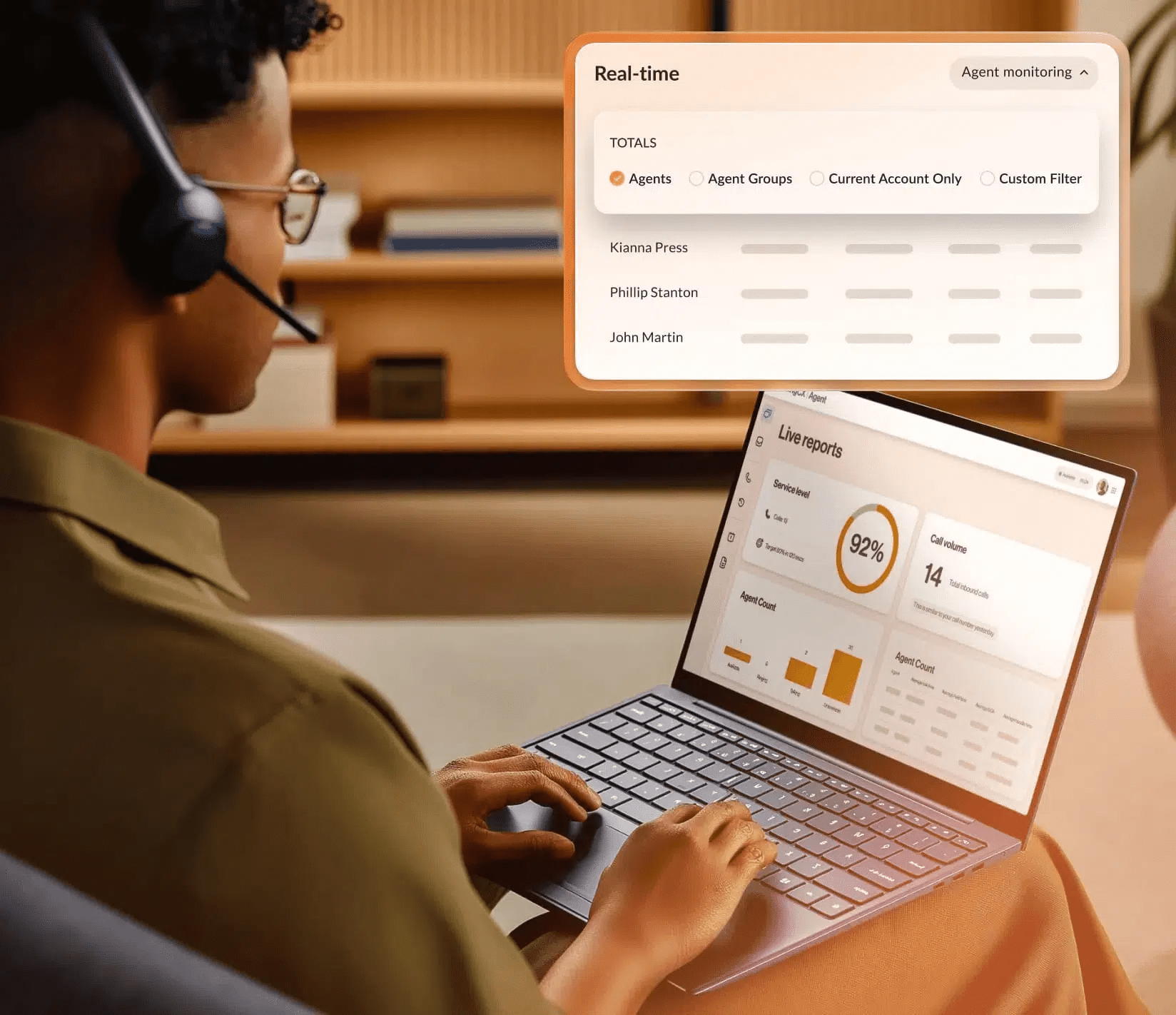
- Run on a network you can put in an SLA: RingEX is backed by a 99.999% uptime commitment, so messages move when customers expect them to.
Where RingEX has limitations: RingEX bundles texting into a broader communications platform. A very small team that wants only standalone texting, with no interest in calls or meetings, might find a single-purpose app quicker to turn on.
Best for: Small and mid-sized teams that want texting inside the unified communication platforms they already run, with calls and texts in one place.
2. EZ Texting
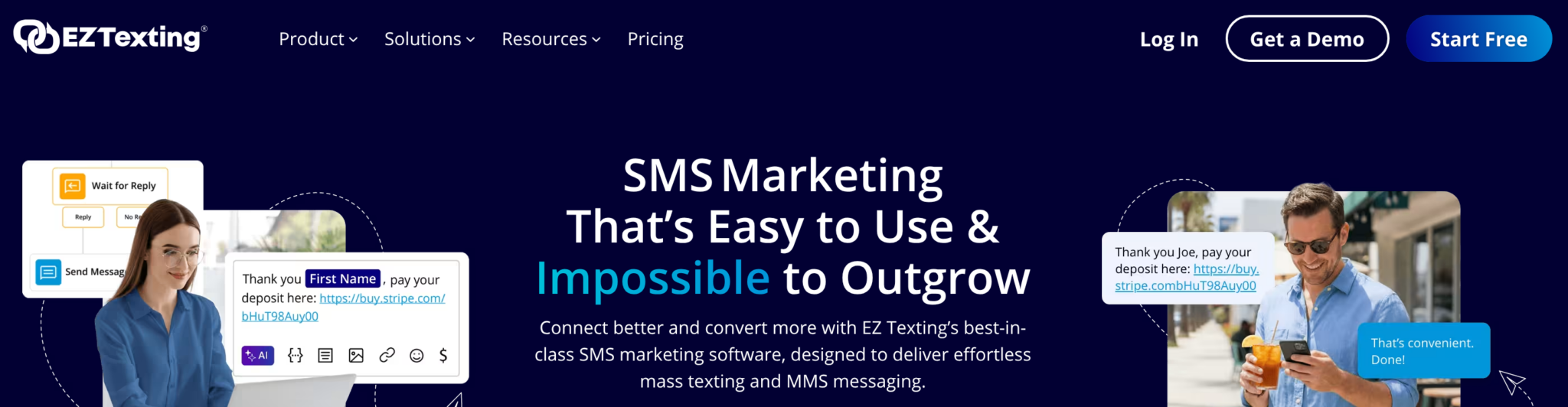
EZ Texting focuses on mass texting and SMS marketing, built around keyword campaigns, contact lists, and bulk messaging. It leans toward teams whose main job is outbound promotion rather than one-to-one support.
What it does well: Fast campaign setup, list building through keywords, and templates make it straightforward for a marketing team to launch sends.
Where it has limitations: A marketing-first design means conversational, high-volume one-to-one texting and deep workflow integrations aren’t its primary focus.
Best for: Small and midsize marketing teams running promotions and announcements.
3. SimpleTexting
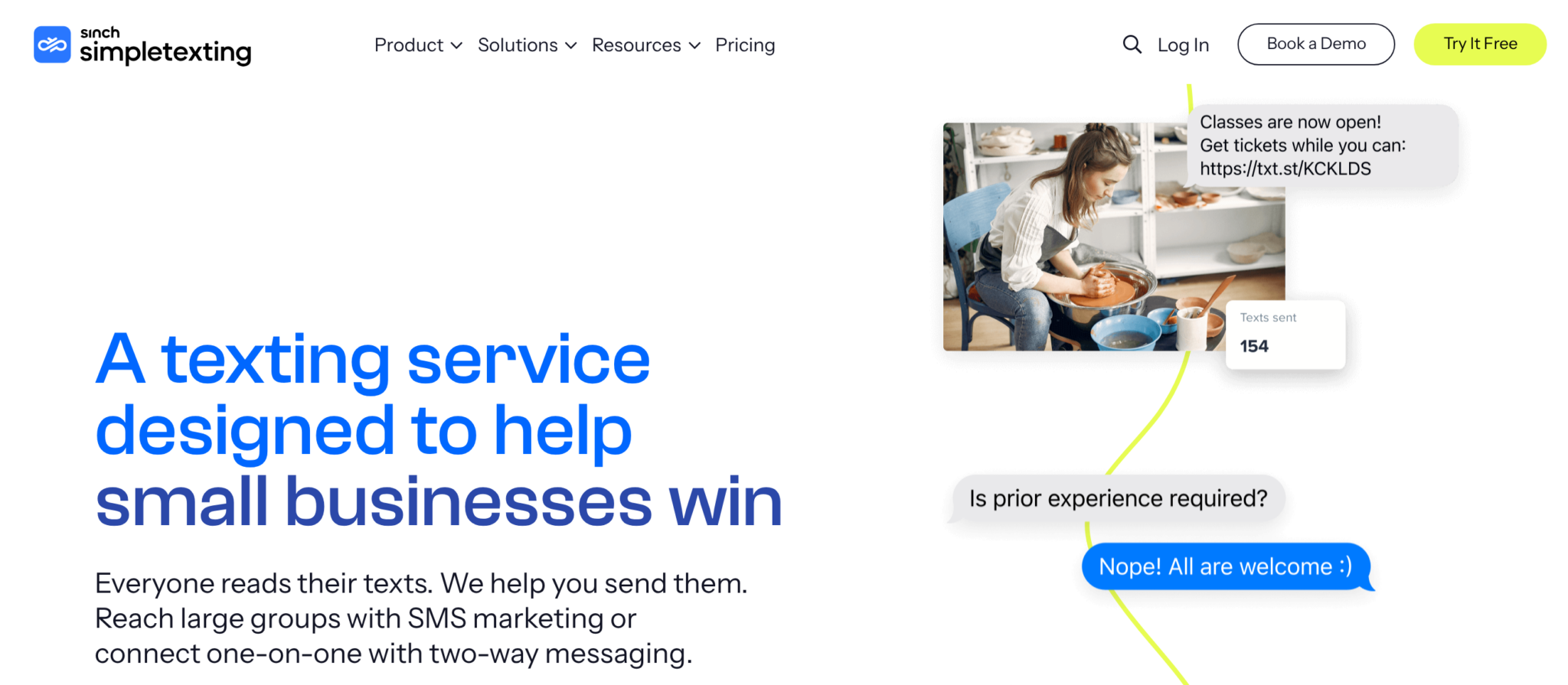
SimpleTexting covers both SMS marketing and two-way texting in one app, and positions itself as built for companies large and small. It’s a generalist that handles campaigns and conversations without specializing in one industry.
What it does well: A broad feature set across campaigns, automations, and two-way inbox keeps most common texting jobs in a single place.
Where it has limitations: A generalist footprint means teams with a specialized need, such as recruiting-grade conversational texting or local reputation management, find purpose-built tools offer more specialized features.
Best for: Companies that want one flexible tool for both marketing and support texting.
4. TextUs

TextUs centers on conversational, one-to-one business texting at volume, with a two-way inbox designed for back-and-forth rather than broadcasts. It’s a fit where the text is the start of a relationship rather than a promotion.
What it does well: A high-volume conversational inbox suits teams that rely on outreach, and it integrates with common sales and recruiting systems.
Where it has limitations: A conversational focus means mass-marketing features and broader business communications sit outside its core.
Best for: Sales, staffing, and recruiting teams that text individuals all day.
5. Textline
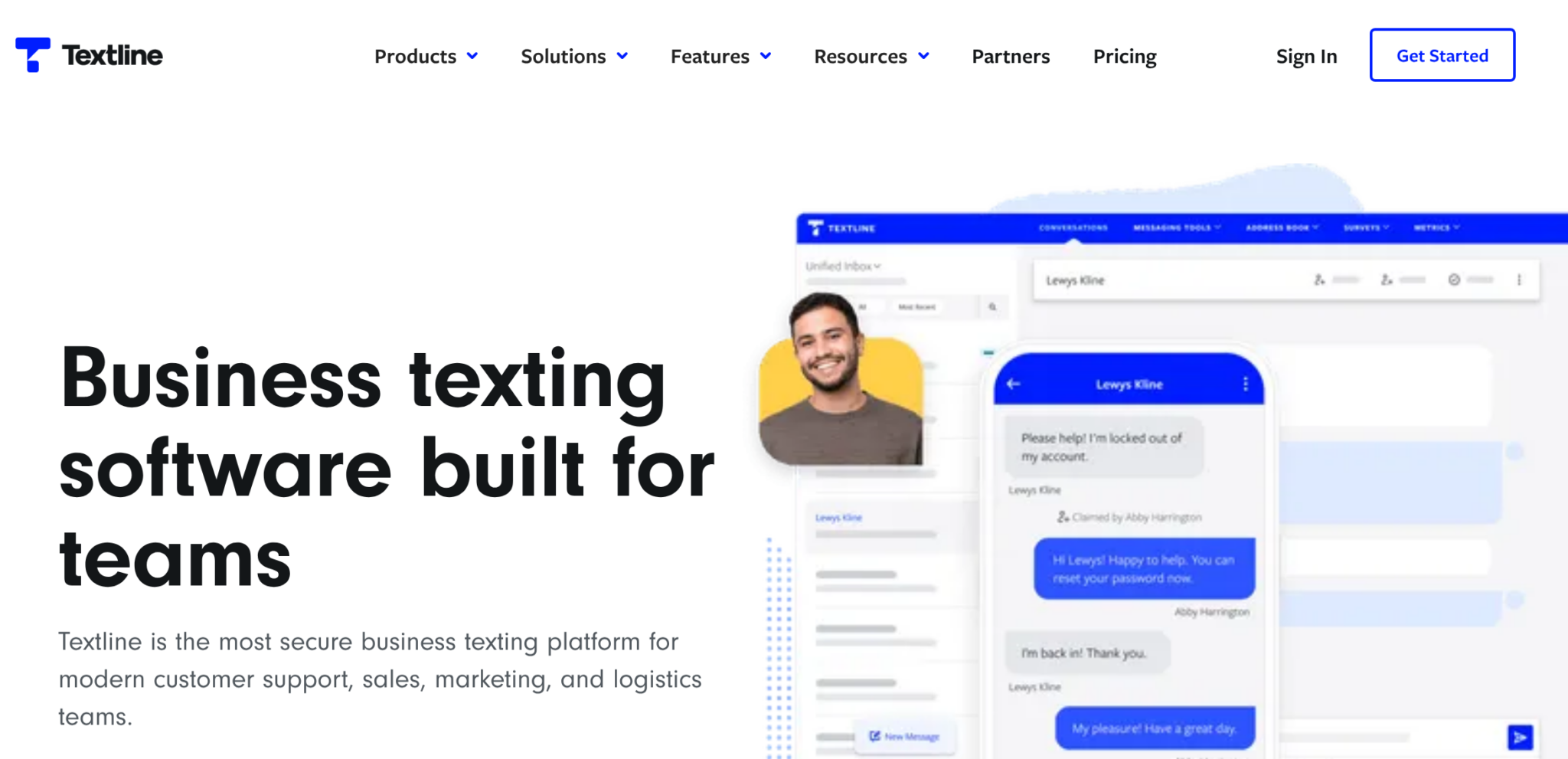
Textline is built for support teams that handle customer issues over text, with a shared inbox and collaboration features for handing off and resolving conversations. It emphasizes the teamwork side of texting.
What it does well: Shared inboxes, assignment, and internal notes help a support group work the same queue without duplicating effort.
Where it has limitations: A support-desk orientation means outbound marketing and sales-pipeline features aren’t where it concentrates.
Best for: Customer support teams that resolve questions by text.
6. Salesmsg
Salesmsg connects two-way texting to the CRM, so conversations sit next to the deal and the contact record. It’s aimed at sales teams that want texting inside the system they already sell from.
What it does well: Two-way SMS and MMS with CRM sync keeps texts attached to the pipeline and lets reps work from familiar records.
Where it has limitations: A sales-and-CRM focus means support-desk workflows and large marketing campaigns aren’t its strength.
Best for: Sales teams that run their day from a CRM.
7. Podium
Podium now positions itself as an AI-powered lead generation and management platform for local businesses, with an AI assistant that answers and qualifies inbound leads around the clock, alongside its messaging, reviews, and payments tools. It targets businesses that depend on local reputation and fast response.
What it does well: Combining messaging with reviews and payments gives local and multi-location teams one place to convert and collect.
Where it has limitations: A local-commerce orientation means enterprise communications and complex routing aren’t its focus.
Best for: Local and multi-location businesses that convert leads and request reviews by text.
How to choose a business texting tool for your team
Start from the numbers you already use and the systems you already run, then narrow your options based on integration and automation. The tool that fits is the one that drops into your workflow rather than the one with the longest feature list.
Walk the decision in this order:
- Your numbers: Decide whether you want to text from your existing business lines or set up new ones, since that shapes which tools fit.
- Your systems: List the CRM or helpdesk texts need to connect to, and rule out tools that don’t integrate with them.
- Your volume and style: Separate marketing broadcasts from one-to-one conversations, because tools specialize in one or the other.
- Where texting should live: Decide whether texting belongs inside your phone system, so calls and texts share a record, or as a standalone app you’ll manage separately.
Answer those four, and the shortlist narrows itself. A team that wants calls and texts in one record will reach a different conclusion than one that only needs campaign blasts.
Compliance and deliverability for business texting
Business texting requires appropriate consent, carrier approval, and reliable opt-out handling. A business phone number alone doesn’t make a texting program compliant, and carrier registration doesn’t replace permission to contact recipients. US programs need to address several overlapping requirements.
Consent and records
Under the TCPA’s implementing rules, marketing texts sent using an automatic telephone dialing system generally require prior express written consent, subject to limited exceptions.
Other texts covered by the TCPA’s autodialer restrictions generally require prior express consent unless an exemption applies. Carrier consent requirements and state laws can also apply, so don’t assume a manually sent text is exempt from all consent obligations.
Keep records showing who opted in, when, how, and what messages they agreed to receive.
Carrier registration
Carriers require businesses to register before they’ll deliver business texts. A2P 10DLC registration is the carrier-facing step that approves your business and use case for sending texts from local 10-digit numbers in the US and Canada, and toll-free numbers go through their own verification.
Treat it as a requirement, not paperwork: missing or rejected registration can block or throttle your outbound texts. Registration also doesn’t replace the consent requirements above. Carriers vet how you send, while consent governs whether you’re allowed to send at all.
Opt-out handling
Honor STOP requests and other reasonable requests to withdraw consent, not just an exact keyword. The Federal Communications Commission’s (FCC’s) rules recognize additional keywords and requests that a reasonable person would understand as an opt-out.
Look for automatic opt-out handling that blocks further messages and maintains a centralized suppression list, plus a process for recording requests received outside the texting platform.
Other applicable restrictions
Marketing programs must also account for applicable Do Not Call requirements and solicitation-hour restrictions. Consent, registration, and automated opt-outs are important controls, but they aren’t a complete legal checklist.
Treat these capabilities as selection criteria rather than afterthoughts. Look for a platform that:
- Supports carrier registration processes
- Preserves consent records
- Manages opt-outs across your team
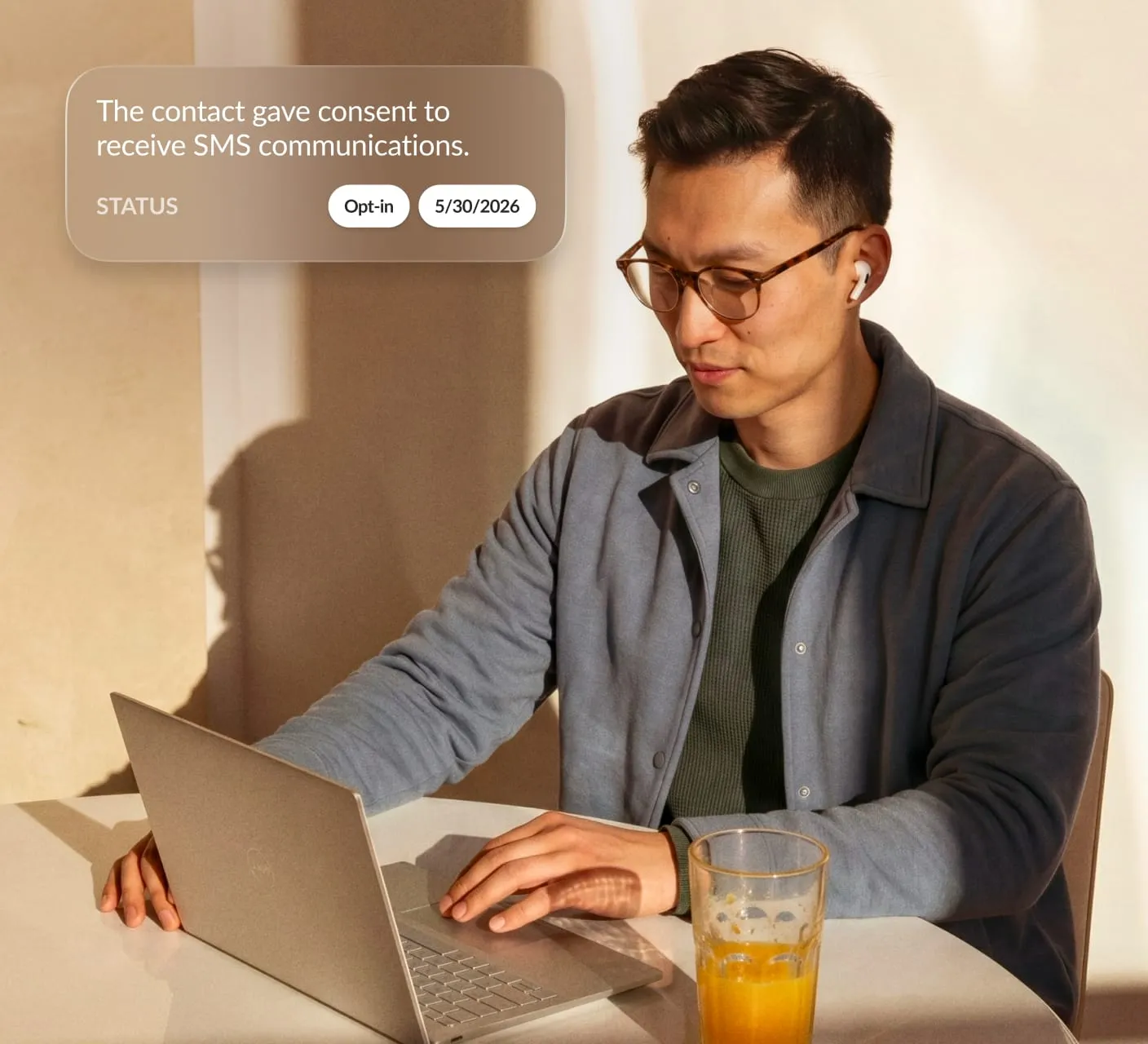
These tools can reduce manual work and missed requests, but your business still needs to provide accurate registration information, obtain appropriate consent, and ensure its messaging practices follow applicable rules.
Put business texting to work for your team
Business texting delivers value when it turns scattered, personal-phone messages into a shared channel your whole team can see and act on. The right tool fits your existing numbers, connects to your CRM, and supports consent management so your team can focus on conversations. Pick for the way your team already works rather than for a feature you’ll never switch on.
If your calls and texts should live in one place, see how business SMS and the Customer Engagement Bundle fit the phone system you already run.
FAQs about business texting software
Is business texting legal?
Yes, business texting is legal in the US when you follow the rules that govern it. The Telephone Consumer Protection Act (TCPA) requires prior express consent before sending marketing texts, and carriers require 10DLC registration for business messaging from local numbers. Honor opt-outs, keep consent records, and register your campaigns to meet the core requirements. State laws and other rules may also apply.
Is there a free business SMS service available?
Some tools offer free trials or limited free tiers, so you can test business texting at no cost.
Those free options come with real constraints, though:
- Tight monthly message caps
- Missing integrations
- Limited user seats
- No help with 10DLC registration or consent management, which is where small teams most often encounter difficulties
For anything beyond a short test, a paid service that supports compliance and connects to your other systems is typically worth the investment.
Originally published Nov 18, 2026