AI Communications
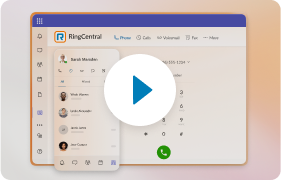
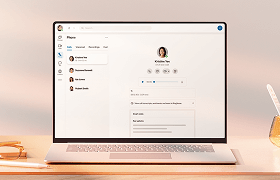





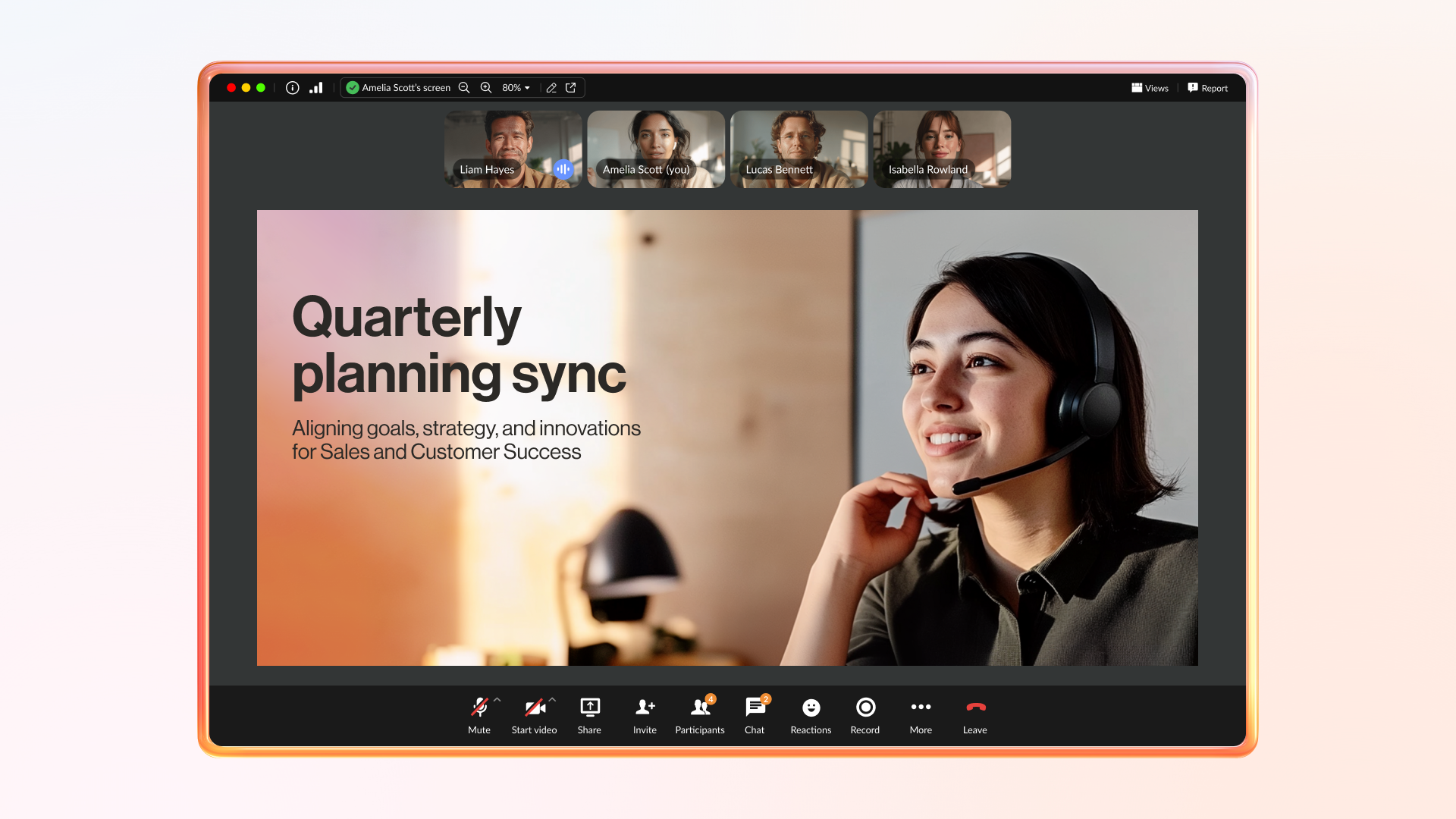

Every month, RingEX Unlocked gives us a chance to bring customers behind the scenes of everything new at RingCentral.
In our latest session, we shared a clear direction for the RingEX experience: smarter AI, easier meeting follow-up, better mobile tools, and simpler admin and analytics experiences.
For businesses, the value is straightforward: fewer missed opportunities, less time spent searching for information, more consistent customer follow-up, and better visibility into how teams are performing.
Our goal at RingCentral has always been the same: to make your communication smarter, more intuitive, and more effortless across every channel.
If you want to stay ahead of what’s coming next, sign up for free and join us for RingEX Unlocked on September 23, 2026.
What we covered | RingEX Unlocked July Session highlights
AI is becoming a more central part of the RingEX experience
RingEX already brings together phone, video, SMS, messaging, and more in one AI communications platform. The next step is making those everyday interactions easier to manage and easier to act on.
At RingCentral, our AI vision is to deliver one agentic AI platform that enhances every interaction across all of your channels, like voice, messaging, video, and more, with outcomes that can scale easily.
Our RingCentral AI portfolio is built around three core capabilities: automate, assist, and analyze.
- Automate frontline interactions with our AI Receptionist (AIR) and complex workflows with our AI Representative (AIR Pro)
- Assist employees in real time with our AI Virtual Assistant (AVA)
- Analyze conversations with our AI Conversation Expert (ACE) to surface insights about customer experience, team performance, and compliance risk
Together, these capabilities support the full interaction journey, from the first customer touchpoint to live employee support to post-interaction insight.
RingCentral’s approach to AI is grounded in trust, privacy, and fit-for-purpose intelligence. Our AI is developed in line with privacy laws, AI regulation, and RingCentral’s secure development policies.
AIR Pro brings agentic AI to complex customer workflows
AIR Pro is the newest addition to the RingCentral AI lineup. It’s designed to help your business reduce handoffs, connect channels, and complete multi-step work with less manual effort.
- Serve customers across channels. AIR Pro brings voice and digital interactions into one AI agent experience, so customers get a more connected experience and your team isn’t managing separate systems.
- Support customers in their language. AIR Pro responds in the language your customer uses, even if they switch languages mid-conversation.
- Go beyond basic bot flows. AIR Pro can reason and plan before taking action, helping route requests, update systems, trigger follow-ups, and complete connected workflows.
- Build AI agents without heavy IT lift. Your team can describe what you need in a simple orchestration studio. Pre-built AI skill templates, knowledge tools, guardrails, and integrations help you set up agents faster.
- Start faster with industry workflows. AIR Pro includes pre-built workflows for specific industries, starting with healthcare, so your team doesn’t start from a blank canvas.
- Measure and improve as you scale. Real-time ROI tracking, analytics, transcript history, and policy controls help your business monitor performance and refine the AI agent over time.
What’s new for RingCentral AIR
How good is RingCentral AI Receptionist (AIR)? The latest July release adds two updates designed to make setup more predictable and ongoing management easier, so your business can deliver a more reliable caller experience from day one.
1. AIR Minutes Usage Alerts help your business avoid coverage gaps and keep customer calls answered. Your admins can set a custom usage threshold in the admin portal, with 80% as the default. Your selected recipients get automatic email alerts when AI Receptionist minutes are running low or fully depleted.
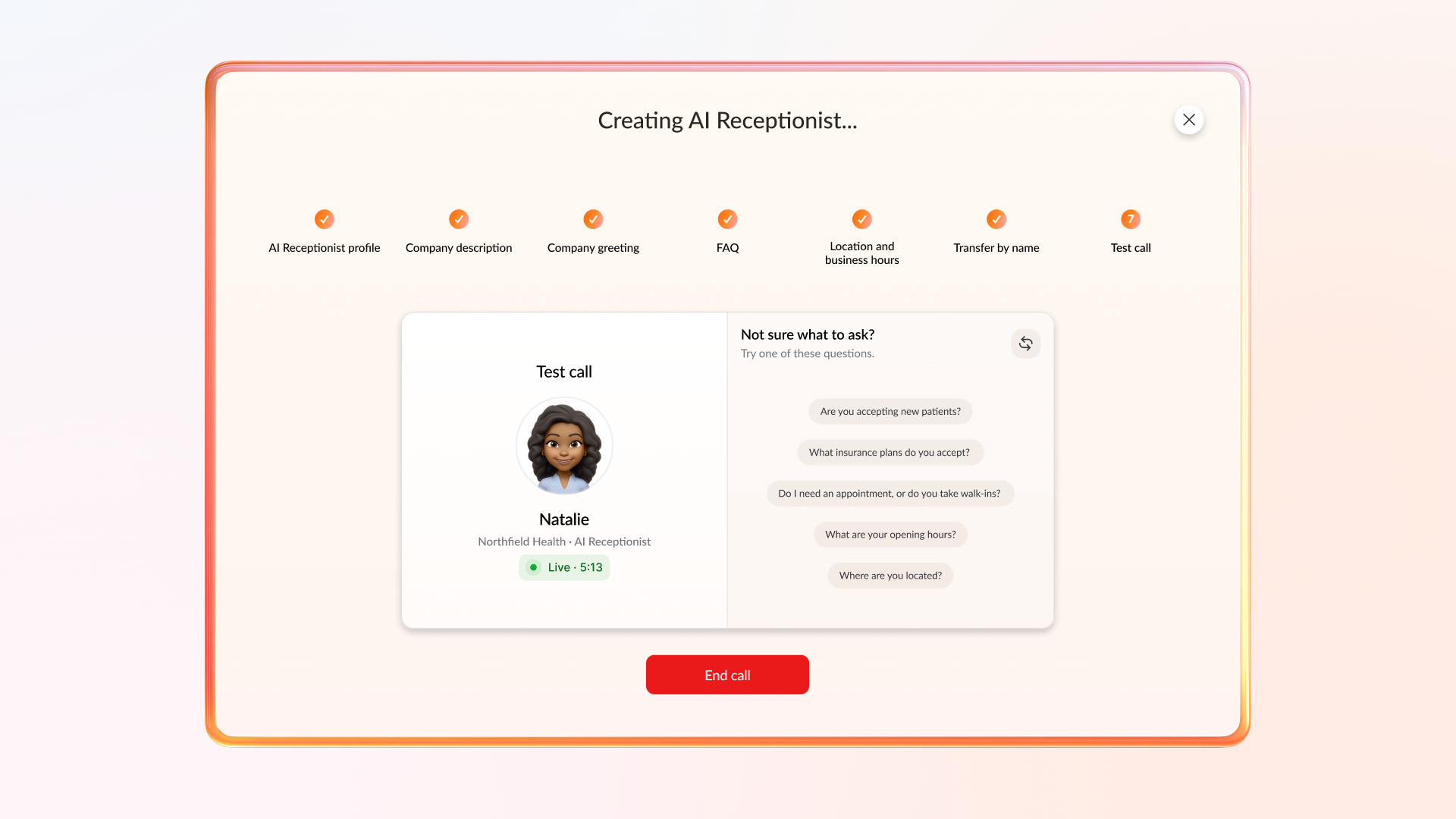
2. Pre-launch Test Call helps your business launch with confidence. Your team can test greetings, FAQs, business hours, and transfer rules before going live. If something needs to change, you can make adjustments on the spot and deliver the right caller experience from the start.
What’s new for RingCentral ACE
The latest July 2026 update for RingCentral AI Conversation Expert (ACE) adds New Compliance Insights to help your business identify potential compliance risk earlier. Instead of relying only on audits or manual reviews, your team can review possible sensitive data exposure closer to when it appears in customer conversations.
For regulated businesses, conversations involving payment data, health information, or personal details can create legal, financial, and reputational risk if mishandled.
The new Compliance tab in ACE Insights gives your team one place to review potential risk across customer interactions. It allows you to:
- Use Sensitive Data Flagging to automatically flag conversations that may involve HIPAA, PCI-DSS, or GDPR data.
- Use Severity Filtering to surface the highest-risk conversations first, helping your team prioritize the issues that need immediate review.
- Use PII Trends Over Time to track which sensitive data is being mentioned and whether exposure is improving, so your business can strengthen coaching, processes, and compliance oversight.
What’s new for RingCentral Video
At RingCentral, we’re building a better video meeting experience for how businesses work before, during, and after every call.
The new RingCentral Video features address one of the biggest gaps in workplace collaboration: turning meeting activity into usable business context.
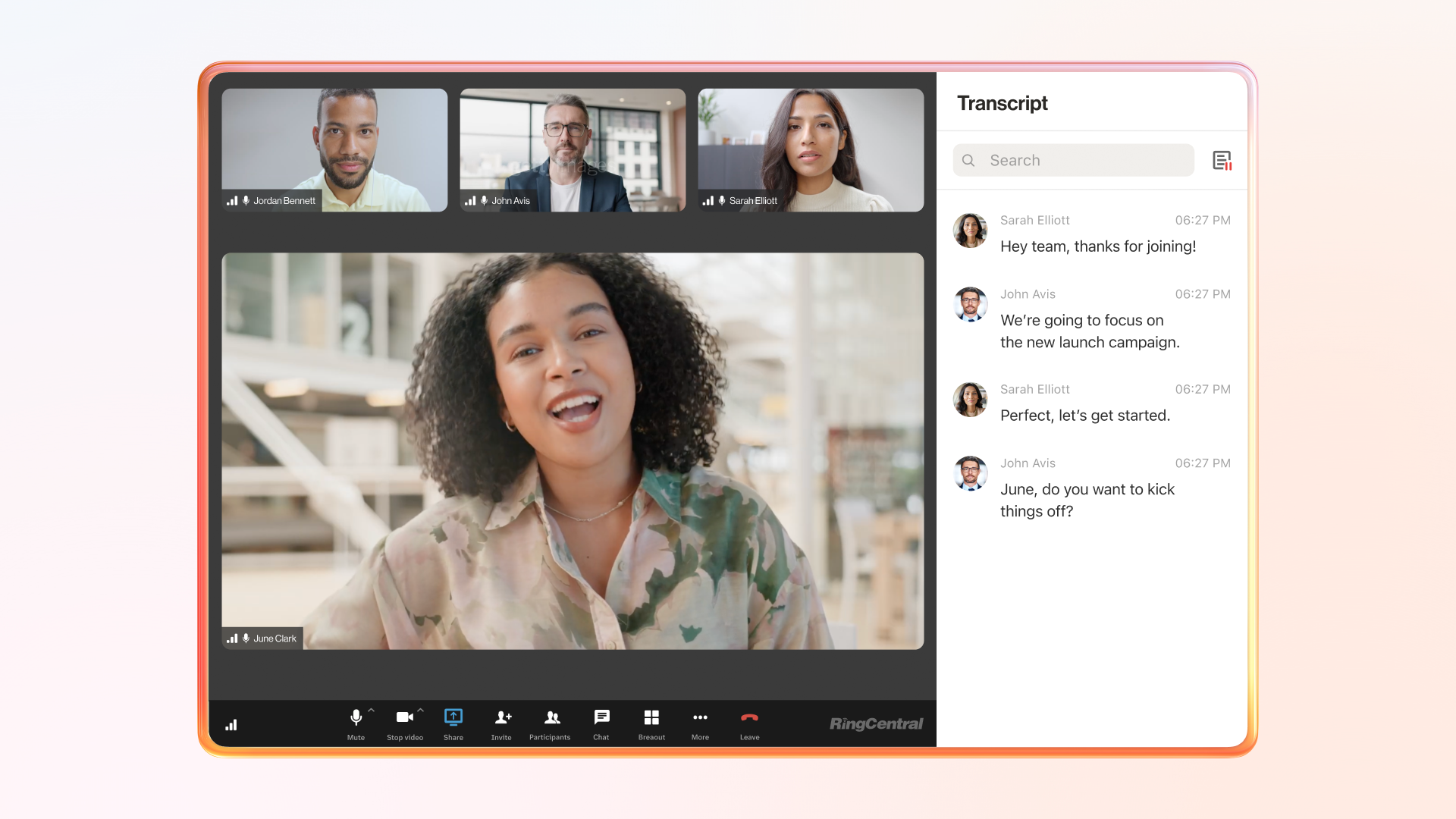
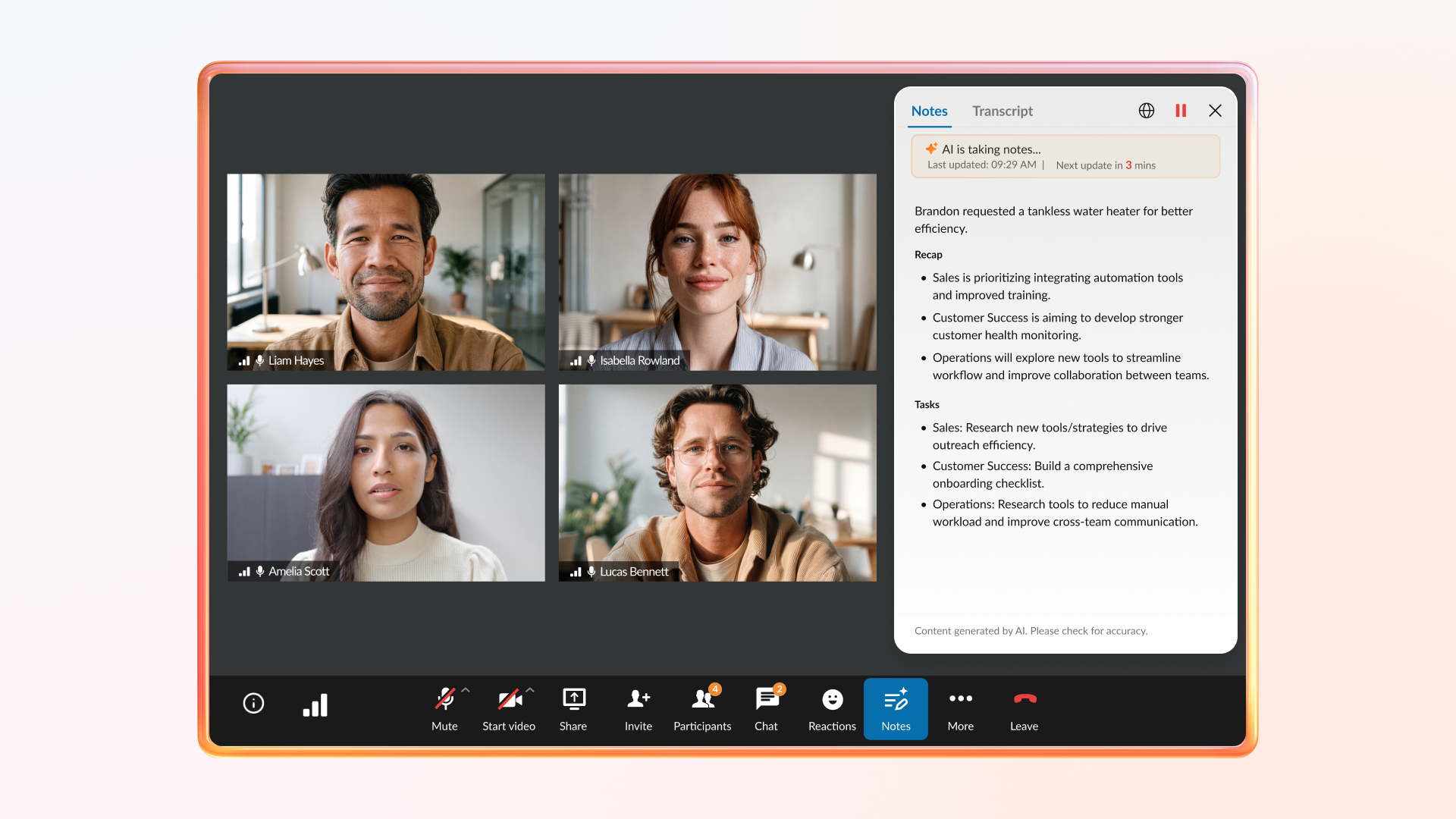
AI helps capture what was discussed, summarize next steps, and make follow-up easier. New admin controls and expanded capacity also help teams manage meetings at scale.
- Before the call, your admins can control which AI meeting features are available. Live transcription, AI Notes, translation, and closed captioning can be turned on or off for users. This helps your business roll out AI in a way that fits your internal policies.
- During the call, your team can stay focused on the discussion. AI recaps appear every 5 minutes, helping late joiners catch up without interrupting the meeting.
- After the call, your team gets clearer follow-up. AI Notes provide summaries, key topics, and action items. Post-meeting chat history also keeps links, shared resources, decisions, and discussion details available after the meeting ends.
- As your business grows, your meetings can scale with it. RingCentral Video capacity is increasing from 200 to 300 participants, supporting all-hands, trainings, department meetings, and cross-functional discussions.
What makes the new RingCentral RingEX experience different and better
The new RingEX experience is focused on one practical goal: helping your teams communicate, manage work, and support customers with less friction.
For your business, that means easier mobile call handling, stronger supervisor visibility, more accessible tools, better SMS follow-up, clearer reporting, and simpler admin navigation.
Here’s where the latest RingEX experience updates can make an immediate difference for your team:
- Work faster on mobile. The enhanced mobile Heads-up Display (HUD) gives your team a clearer view of status, active call duration, and call controls in the RingCentral mobile app. This helps mobile users manage calls with fewer taps.
- Manage delegated lines from iOS. Delegated Lines and HUD on iOS Mobile let users switch between their own extension and delegated lines, also known as Bridge Call Appearance. This helps teams answer and place calls on behalf of shared lines, such as department, location, or executive lines.
- Support live calls from anywhere. Call Monitoring from Mobile Devices lets supervisors view active calls and use whisper, barge, or take over from mobile. Calls on hold can also be taken over. This helps supervisors coach or assist during live customer conversations.
- Monitor conference calls from HUD. Supervisors with monitoring permission can now monitor conference calls hosted by their monitoring group. This gives supervisors visibility into group conversations, not only one-on-one calls.
- See which customers are still waiting for a text reply. The Shared SMS Inbox Awaiting Reply Filter shows SMS threads where your shared inbox number was not the last sender. This helps your team prioritize pending replies and keep customer conversations on track, improving responsiveness and the overall customer experience.
- Use SMS more strategically. Business SMS helps your team maximize your RingEX investment by using SMS for higher-value customer engagement. You can automate scheduling and reminders, support document sharing and client triaging, and meet customers in a channel they already prefer.
- Stay connected hands-free on the road. The enhanced RingEX for Apple CarPlay experience brings calls, texts, and favorite contacts into a safer hands-free flow. Your team can hear notifications through Siri, reply to team messages by voice, review recent texts, mark messages read or unread, and call from message threads.
- Find analytics dashboards faster. The simplified RingEX Business Analytics homepage makes dashboards easier to locate with streamlined navigation, clearer channel groupings, and simpler menus.
- Track call queues in the desktop app. The Call Queue Dashboard lets managers view real-time queue and agent metrics through the Reports tab.
- Find phone settings faster. In the Admin Portal, admins can access Phone Settings, Auto-Receptionist, and Site settings under Phone System > Company.
- Better accessibility in the RingCentral app. Screen Reader Enhancements help vision-impaired users move through the app with clearer error announcements and message option prompts.
Top questions about RingEX from the community
Is RingEX an upgrade or an extra charge?
If you’re using the RingCentral app, you’re using RingEX. Phone, messaging, and video are included in your RingEX license. Different package tiers are available depending on the features and capabilities your business needs.
What do beta, controlled availability, and general availability mean?
Beta and controlled availability are final testing phases before full rollout. General availability means the feature is ready for all customers.
What’s the difference between AIR, AIR Pro, and AVA?
- AI Receptionist (AIR) is available now as an add-on. It helps with front-desk tasks like answering FAQs, booking appointments, routing calls, and handling simple workflows.
- AI Representative (AIR Pro) is in early access. It’s built for more complex work, such as multi-step customer requests, CRM integrations, and industry-specific workflows.
- AI Virtual Assistant (AVA) is also in early access. It works inside the RingCentral app to help employees in real time by bringing together context from meetings, phone calls, and messages.
Customers can sign up for the early-access waitlist to express interest. Enrollment isn’t guaranteed during the preview phase, but submitting the form helps put your organization on our radar as we expand access.
Join our RingCentral Unlocked sessions where we share the links or reach out to RingCentral Customer Success Team at [email protected].
Got more questions about RingEX?
At RingCentral, we’re always here to help, whether you’re a current admin, new to RingEX, or evaluating RingEX as an option for your communications platform.
We provide plenty of resources to help you get set up, learn the Admin Portal, explore key features, and manage RingEX effectively.
If you’re evaluating whether RingEX is worth it as a communications platform:
- Explore the RingCentral blog to stay updated on the latest product announcements, customer stories, and more.
- Visit the RingCentral Community to find discussions, tips, and best practices.
- Contact RingCentral sales to learn more about pricing and demos.
If you’re an existing RingEX customer:
- Explore RingCentral University for available training and learning resources.
- Open the RingCentral app to access the Help Center, view your My RingCentral Team contacts, and get help with releases, early access, or roadmap questions.
Don’t miss the next RingEX Unlocked session
It’s free to attend. Join us for RingEX Unlocked on September 23, 2026 (11am PT | 2pm ET).
See the latest features in action with live demos, and bring your questions for our RingCentral Customer Success experts. Get practical tips on how to simplify communication, automate tasks, and get more from RingEX.
Register now for RingEX Unlocked Sept 2026. Can’t join live? Register anyway, and we’ll send you the recording.
About RingEX Unlocked
RingEX Unlocked is RingCentral’s monthly webinar series hosted by the Customer Success team. Each session covers the latest and upcoming features for RingEX, with live demos, expert commentary, and a real-time Q&A with hundreds of customers. Sessions are free to attend, and recordings are available on demand.
Watch the July 2026 recording.
Originally published Sep 22, 2026