AI Communications









Unify voice, digital, and AI on one platform, secure it to enterprise standards, and scale it as your customer base grows.
If you lead customer experience at an enterprise, you’re managing more channels, more compliance exposure, and more pressure to deploy AI than your budget grew to cover. Interactions are scattered across voice, chat, email, and social, each with its own tools and its own visibility gaps.
The work isn’t just adding capacity, it’s unifying those channels, securing the data that moves through them, and scaling the whole operation without a full platform replacement every two years. This guide walks through what a modern enterprise contact center is, how AI changes the economics, the features that matter, how to evaluate platforms, and the practices that support a successful rollout.
Key takeaways
- Enterprise contact centers bring voice, digital channels, AI, and analytics together on a single cloud-native platform that scales customer experiences
- Look for mature AI functionality, deep CRM and unified communications (UC) integrations, and enterprise-grade security
- When implementing, align cross-functional teams, run focused pilots, and optimize continuously using real interaction data
What is an enterprise contact center and how does it differ from a traditional call center?
A modern enterprise contact center goes far beyond an upgraded phone system. It’s a cloud-based engagement platform that orchestrates every customer interaction across voice, digital channels, and AI under a single, governed framework.
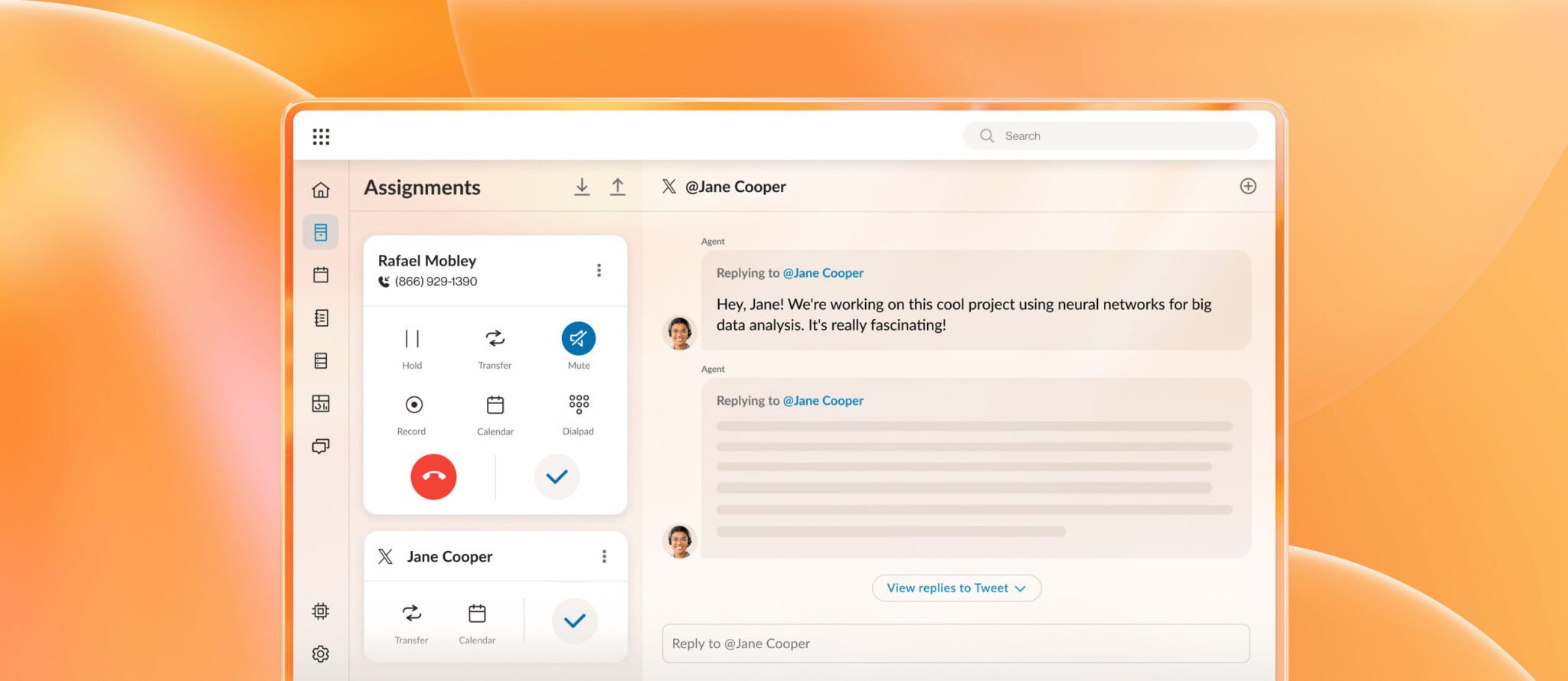
An enterprise contact center typically includes:
- Cloud-native architecture: Elastic scalability, global reach, and frequent feature updates without major upgrade projects.
- Unified channels: Voice, SMS, mobile app, web chat, email, social messaging, and video on one platform, so customers don’t start over when they switch channels
- Integrated AI: Intelligent routing, self-service, and analytics that use machine learning and conversational AI to improve responsiveness and reduce manual work
- Enterprise-grade governance: Advanced security, role-based access, audit trails, and policy controls that align with your risk, compliance, and data-protection requirements
- Open integrations: Deep connectivity with your CRM, ticketing, workforce management, UC platform, and data lakes so you can treat contact center data as a shared enterprise asset
These capabilities set an enterprise contact center apart from a traditional call center. A conventional call center typically operates on-premises, focuses solely on voice, and offers only basic reporting and simple interactive voice response (IVR) routing.
While a call center is built to manage calls efficiently, an enterprise contact center is designed to coordinate complete customer journeys at scale.
How AI improves enterprise contact center experience and efficiency
AI raises both customer experience and operational efficiency in the enterprise contact center by handling routine work, guiding agents in real time, and turning every interaction into data you can act on. The gains compound across customer engagement, agent productivity, and business performance.
In RingCX, these benefits come from a set of purpose-built AI modules rather than a single bolt-on.
- AVA Agent Assist gives agents real-time guidance during live interactions, surfacing answers and next steps so handle time drops and first-contact resolution rises.
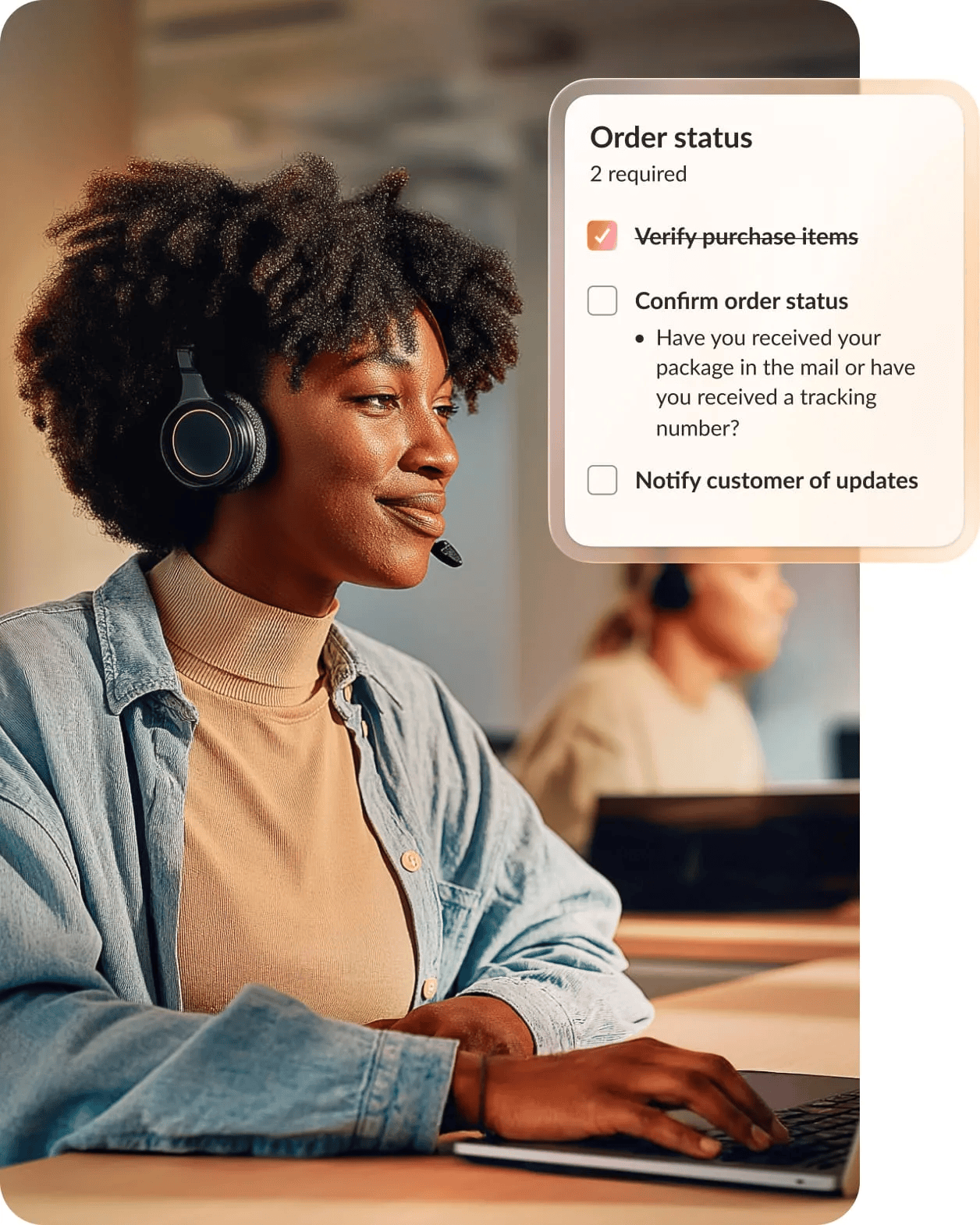
- AVA Supervisor Assist gives supervisors the same live view, flagging the interactions that need attention so they can step in before one goes wrong.
- AI Quality Management scores 100% of interactions with no sampling, so coaching targets real gaps instead of a handful of manually reviewed calls.
- AI Interaction Analytics turns every voice and digital interaction into searchable insight on why customers are contacting you.
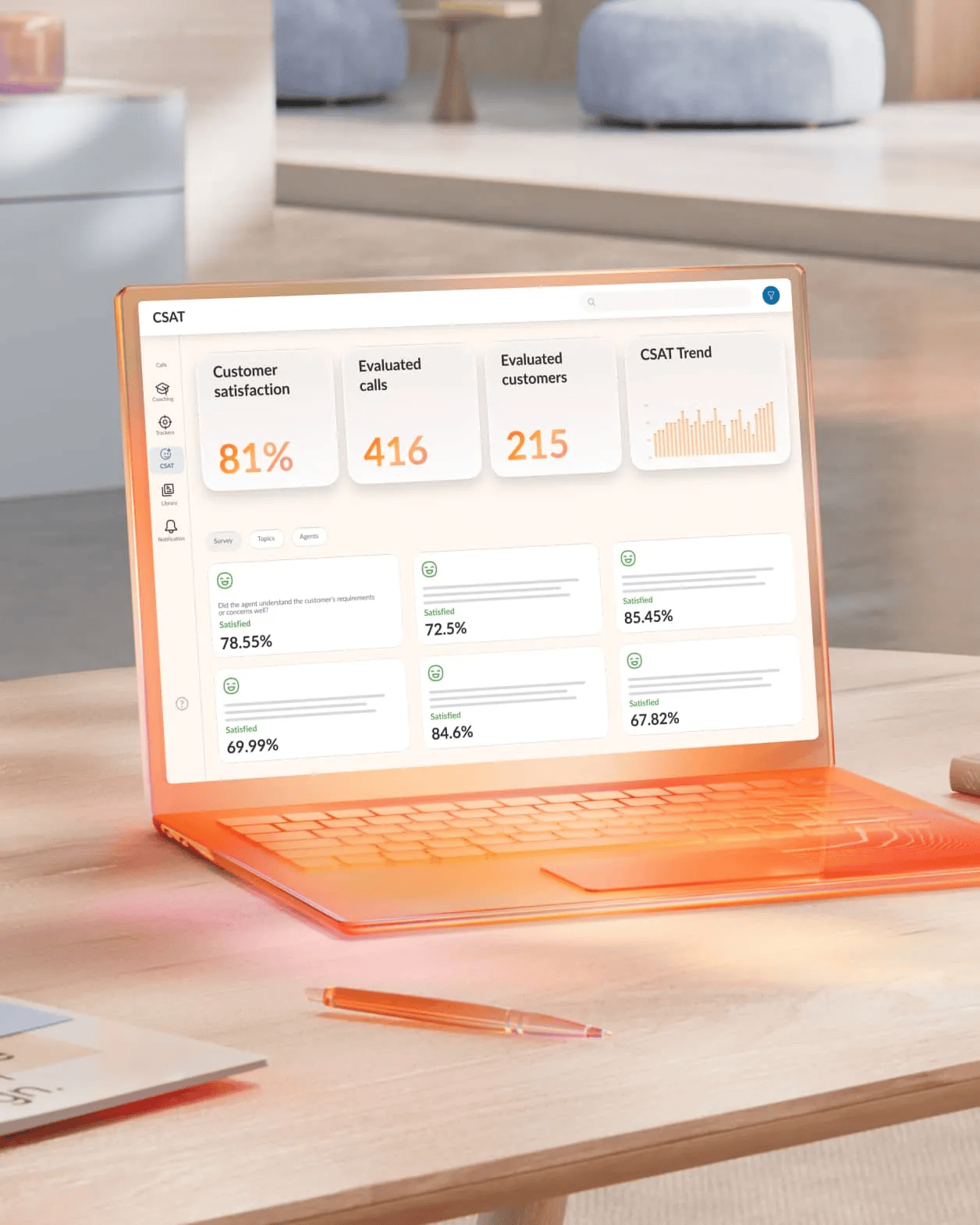
- AI Workforce Engagement forecasts demand and builds schedules that hold service levels without overstaffing.
The pressure to fund the shift to AI contact centers is real: a Gartner survey of customer service leaders found AI spending in the function surged 38% in a year even as overall service budgets rose just 2%. Other benefits include improved customer experience and operational efficiency.
Enhance customer experience
On the customer experience side, a modern enterprise contact center lets you:
- Reduce friction across customer journeys. By giving agents and AI access to a unified interaction history and relevant context, you cut down on repetition and hand-offs.
- Meet customers where they are. With voice, messaging, and digital channels coordinated, customers can choose what works best without sacrificing quality.
- Resolve issues faster. Intelligent routing and AI-powered self-service let you resolve simple issues quickly and route complex cases to the right experts on the first try.
- Make interactions more personal. Integration with CRM and other systems allows agents and AI to tailor responses based on preferences, history, and current status.
Streamline operational efficiency
On the operational efficiency side, your enterprise contact center can:
- Optimize staffing. With accurate volume forecasts and real-time dashboards, you can align staffing to demand and reduce overtime or idle time.
- Automate low-value work. AI-driven self-service, automated after-call tasks, and workflow integrations reduce manual effort, so your teams can focus on higher-value interactions.
- Improve coaching and performance management. Conversation intelligence surfaces coaching moments automatically, letting supervisors spend more time supporting agents and less time hunting for examples.
- Reduce technology overhead. Consolidating on a unified platform that serves as both a unified communications as a service (UCaaS) and contact center as a service (CCaaS) solution simplifies vendor management, administration, and support.
What are the key features of a modern enterprise contact center solution?
A modern enterprise contact center must deliver predictable uptime, consistent call quality, deep analytics, and AI that drives outcomes. You need a platform that supports global operations, integrates with your existing architecture, and evolves with your strategy.
The features that matter most directly impact reliability, integration depth, and your ability to act on data in real time. Here’s what to look for when you evaluate enterprise contact center platforms.
Omnichannel communication and integration
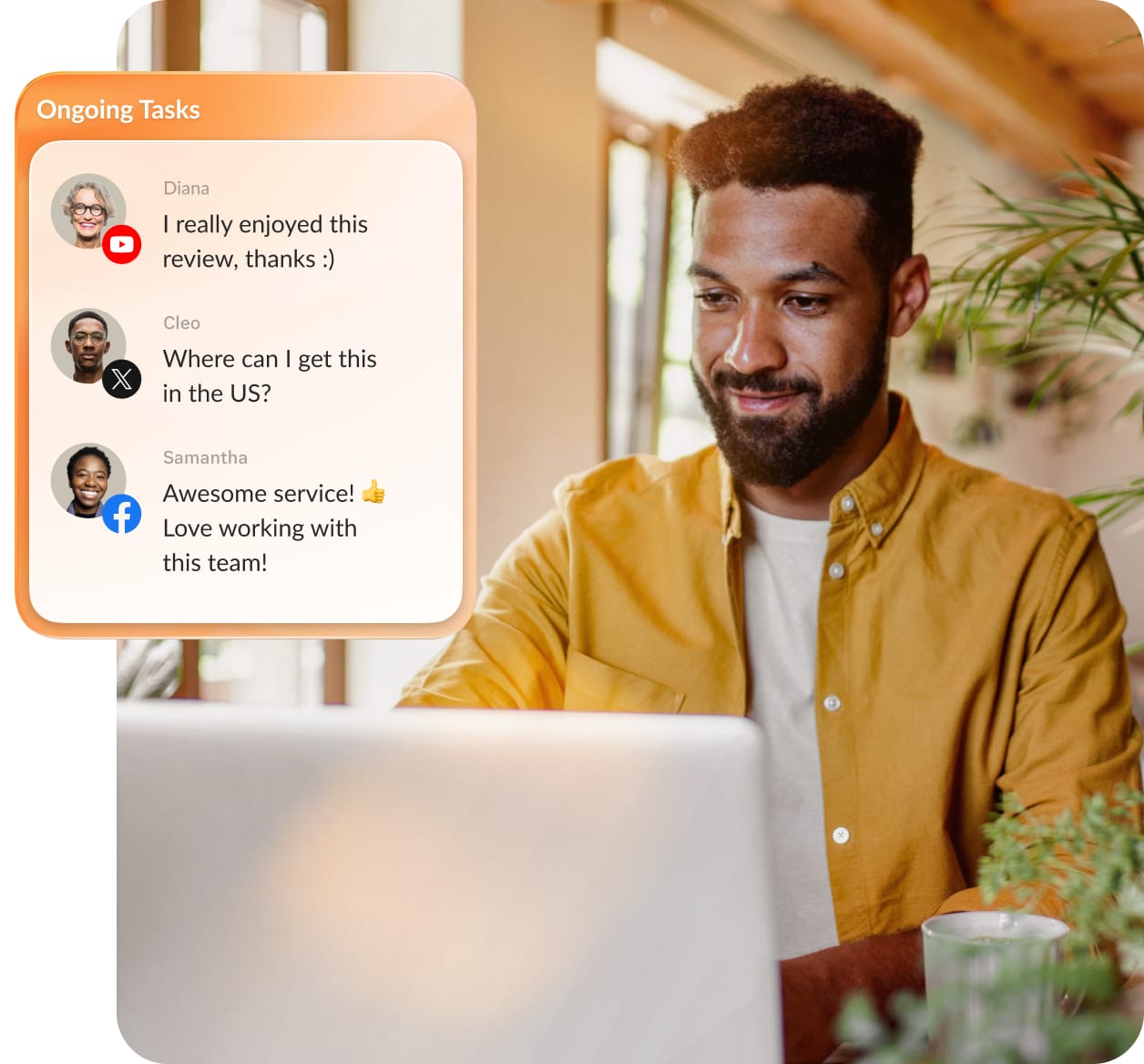
Customers expect to move from web to phone to email without repeating themselves. That means every interaction needs to feed a single, trusted view.
A strong enterprise contact center platform provides:
- Native support for key channels: Voice, SMS, web chat, email, and social messaging apps, all managed from one admin and reporting layer
- Shared customer context: Unified interaction history that follows the customer, allowing agents and AI to see the same record
- Tight CRM integration: Two-way sync with CRMs like Salesforce, Microsoft Dynamics, ServiceNow, and others without duplicating data or toggling between systems
- Unified communications and contact center integration: Seamless escalation to subject matter experts in your UC platform, bringing the right people into conversations in real time
- Consistent policies across channels: Standardized quality, compliance, and data retention rules for every touchpoint.
Advanced analytics and reporting capabilities
You need reliable, near real-time data on performance, risk, and customer behavior that you can share across finance, operations, and product teams at enterprise scale.
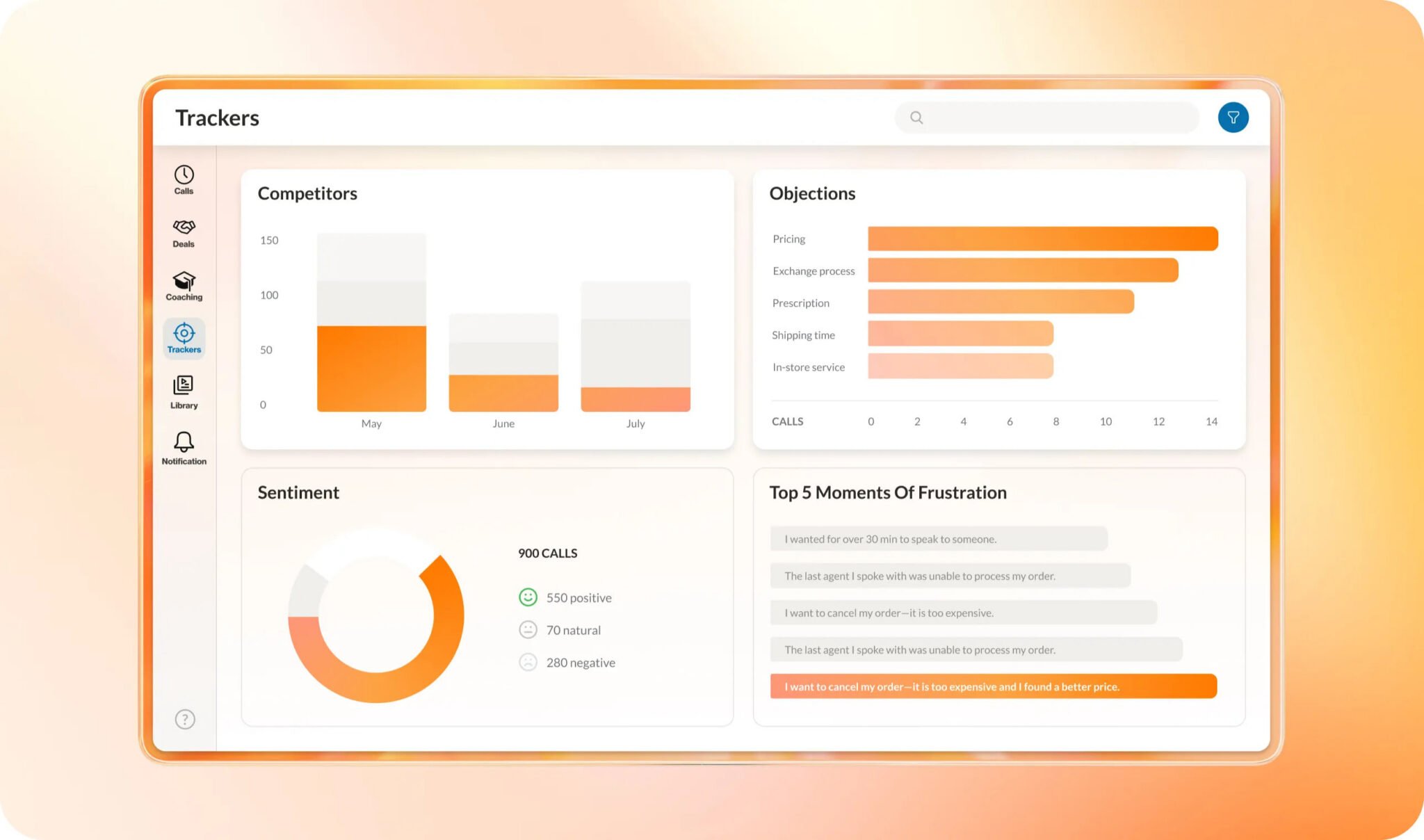
Modern enterprise contact center analytics delivers:
- Real-time operational dashboards: Live views of queue health, service levels, occupancy, and routing performance for intraday adjustments before service level agreements (SLAs) slip
- Historical reporting: Trend data on volume, handle time, transfers, abandonment, and channel mix that feeds capacity planning and staffing models
- Conversation intelligence: Transcription and interaction analysis that surface themes, emerging issues, and coaching opportunities without manual call reviews
- Quality and compliance reporting: Tracks whether employees follow scripts, disclosures, and regulatory steps, and identifies where you need training or automation
- Open data access: APIs and data export options to feed contact center metrics into your enterprise BI tools and data warehouses
AI-powered automation and self-service options
AI in the enterprise contact center has shifted from “nice-to-have” to required. You need automation grounded in high-quality telephony and routing, especially for voice, where latency or transcription errors can quickly degrade the experience.
A voice-first, AI-enabled platform offers:
- Intelligent virtual agents: AI virtual assistants that handle common tasks over voice and digital channels, including balance inquiries, order status, troubleshooting, and appointment management
- AI-powered routing: Routing that incorporates intent, sentiment, customer profile, and historical context, not just skills and queues
- Automated workflows: Integration-driven actions that update CRM records, open tickets, trigger notifications, or launch workflows as customer interactions progress
- AI-assisted agents: Real-time guidance, summaries, and after-call note generation that reduce cognitive load and let agents focus on customers instead of administration
- Proactive outreach: AI automatically sends timely outbound notifications like shipping updates, renewal reminders, and support check-ins based on customer actions or system activity
RingCX intelligent virtual agents and contact center automations put this self-service into practice, resolving routine requests across voice and 20+ digital channels before they ever reach an agent.
How do you choose the right enterprise contact center platform?
Selecting an enterprise contact center means balancing risk, cost, and experience across IT, security, operations, and finance. A structured evaluation framework helps you focus on what matters for your environment.
The right platform should protect you from outages, security incidents, and integration dead-ends while positioning you to modernize over the next three to five years.
Evaluate scalability and security needs
Before you look at demos, define the scale and risk profile you’re designing for. As you assess scalability and contact center compliance, consider:
- Global reach: Which countries, regions, and languages you support today and expect to add, and whether the vendor can provide local numbers, routing, and regulatory alignment in those markets
- Uptime and SLAs: Documented uptime commitments, transparent status tracking, and clear escalation paths in case of incidents
- Disaster recovery and resilience: Redundant data centers, failover processes, and continuity options if a region or provider experiences issues
- Security posture: Encryption for data in transit and at rest, along with identity and access controls such as single sign-on (SSO) and multi-factor authentication (MFA); conformance with frameworks like SOC 2, ISO 27001, and applicable privacy regulations is also important
- Data residency and retention: How and where the vendor stores customer data, and how configurable your retention and deletion policies are
On uptime specifically, hold vendors to a published number and a public record. RingCentral commits to a 99.999% uptime SLA and reports live availability on its status dashboard, so the commitment is verifiable rather than asserted.
Assess integration with existing enterprise systems
Your enterprise contact center platform needs to integrate cleanly with your CRM, ticketing, identity and access management (IAM), knowledge bases, and collaboration tools. Poor integration now leads to manual work, data gaps, and stalled automation in the future.
When you evaluate integration capabilities, look closely at:
- APIs and developer support: Well-documented, stable APIs, software development kits (SDKs), and webhooks that your teams or partners can use to build and maintain custom integrations
- Pre-built connectors: Out-of-the-box integrations with your core systems, including CRMs, IT service management (ITSM), workforce management (WFM), UC, and authentication providers, that reduce implementation time and ongoing maintenance
- Event-driven architecture: The ability to react to real-time events, such as when a ticket updates, a payment processes, or an SLA breaches, by triggering actions in the contact center
- Identity and directory integration: Synchronization with your directory services and SSO so you can manage user access centrally
- Total cost of ownership: Not just license costs, but also the effort you’ll need to build, test, and maintain integrations over time
Compare leading enterprise contact center vendors
When you compare enterprise contact center vendors, weigh each on the criteria that decide reliability, integration depth, and long-term fit, then look at how the major platforms differ in practice.
Five9, Genesys, and Talkdesk are established enterprise contact center platforms, each with deep routing and reporting and a long enterprise track record. RingCX competes on three axes worth testing directly against them:
- Turnkey AI: RingCX builds agent assist, supervisor assist, quality management, and virtual agents into the platform, rather than delivering them as separate modules to license and configure one by one.
- Omnichannel breadth: RingCX handles voice and 20+ digital channels in one agent workspace, so the same routing and reporting cover every channel.
- Implementation effort: RingCX is designed for faster deployment, which shortens the time from contract signing to live operations.
Score every vendor on the same axes with your own requirements in hand, since the right fit depends on your channel mix, your existing stack, and how much configuration your team can absorb.
9 best practices for implementing and managing an enterprise contact center
Even the best enterprise contact center platform can fall short if you handle the rollout like a basic tech swap. You’re changing how people work, how customers experience your business, and how to track success, so treat your implementation as a business transformation.
Here are nine best practices that will help you optimize your enterprise contact center implementation and accelerate time to value.
- Align stakeholders early: Establish a cross-functional steering group that includes IT, security, operations, customer experience (CX) leadership, and representatives from key business units to define requirements and success metrics before you begin.
- Map business outcomes to capabilities: Tie features like AI routing, omnichannel, or conversation intelligence to concrete goals such as faster resolution, reduced transfers, or improved compliance so you can measure what matters.
- Start with a pilot: Identify pilot regions or lines of business where you can show meaningful impact quickly, then scale based on proven results rather than attempting a full enterprise rollout at once.
- Design role-specific enablement: Build tailored training for agents, supervisors, administrators, and executives that focuses on how the new platform changes their day-to-day work, not just feature lists.
- Use AI to reduce friction: Leverage capabilities like AI-assisted notes, summaries, and guidance to make the agent experience simpler from day one and accelerate adoption.
- Identify and empower champions: Pair early adopters with peers so champion agents and supervisors can support their colleagues, provide feedback, and model new behaviors throughout the organization.
- Define a clear KPI set: Align on a manageable number of metrics, such as first-contact resolution, handle time, transfer rate, and customer effort, that you’ll track consistently to measure progress.
- Leverage analytics and conversation intelligence: Use real interaction data to refine routing rules, knowledge content, and self-service flows rather than relying on assumptions or outdated playbooks.
- Iterate in controlled sprints: Make targeted changes, measure impact, and then decide whether to scale, adjust, or roll back so you continuously improve without introducing unnecessary risk.
What’s next for your enterprise contact center strategy?
Today’s enterprise contact center is far more than a call router. It is a cloud-native platform that brings voice, digital channels, AI, and analytics together under unified governance.
Success depends on partnering with a vendor that offers strong telephony expertise, advanced AI capabilities, and a practical implementation roadmap that aligns stakeholders, starts with focused pilots, and evolves through real interaction data.
If you’re ready to modernize, see how RingCX combines omnichannel routing, enterprise telephony, and agentic AI into one platform.
FAQs about enterprise contact center solutions
What is an enterprise contact center solution?
An enterprise contact center solution is a cloud platform that manages high volumes of customer interactions across voice and digital channels under unified routing, analytics, and governance. It differs from a basic call center in its scale, its AI, and its integration with the CRM, workforce, and security systems a large organization already runs.
How do enterprise contact centers use AI?
Enterprise contact centers use AI to route interactions by intent and sentiment, power self-service virtual agents, guide agents in real time, and score every interaction for quality. The result is faster resolution for customers and less manual work for agents and supervisors.
What features should an enterprise contact center have?
Look for the following enterprise contact center features:
- Omnichannel support on one platform
- Deep CRM and unified communications integration
- Real-time and historical analytics
- Built-in AI for routing and quality
- Enterprise-grade security with documented uptime
The combination matters more than any single feature, because gaps show up at the handoffs between systems.
How does CCaaS differ from an on-premises contact center?
Contact center as a service (CCaaS) runs in the cloud and scales on demand with frequent updates, while an on-premises contact center runs on hardware you buy, host, and upgrade yourself. CCaaS shifts capacity, resilience, and new features to the provider, which is why most enterprise modernization moves in that direction.
Updated Oct 14, 2026