AI Communications









Learn how AI can drive real revenue, free up your team, and deliver enterprise-level customer experience without enterprise overhead.
Small businesses stand to gain the most from AI. The right tools automate routine work, speed up customer responses, and sharpen decision-making without expanding headcount.
This guide covers why small businesses are accelerating AI adoption, details the core capabilities that drive growth, and provides a practical path to AI implementation.
Key takeaways
- AI helps small businesses automate routine work and grow without adding headcount
- Voice-first AI tools improve customer experience and capture every opportunity
- Integrated AI platforms turn everyday conversations into revenue-driving insights
What is AI for small business?
AI for small business refers to the application of artificial intelligence technologies to solve problems and improve operations in small and medium-sized enterprises (SMEs). These technologies simulate human intelligence processes, such as learning, reasoning, and problem-solving, to perform tasks that traditionally require human intervention.
In recent years, small businesses have had unprecedented access to AI capabilities thanks to major breakthroughs in cloud infrastructure, computational performance, intuitive AI interfaces, and other technological advancements. These advancements have essentially removed barriers and democratized AI technology, which means that small businesses can now leverage sophisticated technologies that were once exclusive to large corporations with substantial resources.
However, this is not known to all. Many small business owners still believe AI is too complex, expensive, or irrelevant to their operations. In reality, AI can be implemented in various ways, from simple AI agents to more advanced predictive analytics tools, all of which can provide significant benefits to small businesses.
Why are more small businesses using AI?
AI is shifting from complex enterprise technology to a tool you activate with a credit card and a few clicks. This new accessibility, combined with lower costs and measurable gains in time savings and revenue, is driving small business adoption.
AI solutions can also provide a vital buffer against economic pressure. According to a 2025 report by the US Chamber of Commerce, 80% of small business owners see tech as essential for weathering inflation and supply chain disruptions.
AI benefits small businesses in several practical ways:
1. Do more with your existing team
When customer support juggles phones, inboxes, and admin work, growth takes a back seat. AI handles important but time-consuming repetitive tasks, including:
- Answering common customer questions
- Summarizing calls and meetings to reduce manual note-taking
- Routing calls and messages to the right support agent automatically
- Updating CRM records and customer details in the background
- Automating data-entry, scheduling, and basic reporting across business tools
2. Reduce costs and broaden capabilities
Cloud-based AI eliminates the barriers that once kept small businesses on the sidelines. Rather than making a large up-front investment for data scientists and specialized hardware, you can pay per user and activate features as you grow.
AI platforms today cover everything from communications and marketing to financial management and project tracking. These often have predictable monthly subscriptions that beat salary, benefits, and turnover costs every time.
3. Deliver enterprise-level customer experience without enterprise overhead
PwC’s 2025 Customer Experience Survey found that 61% of customers expect quality service, 53% prioritize seamless experiences, and 59% think personalization makes a brand stand out.
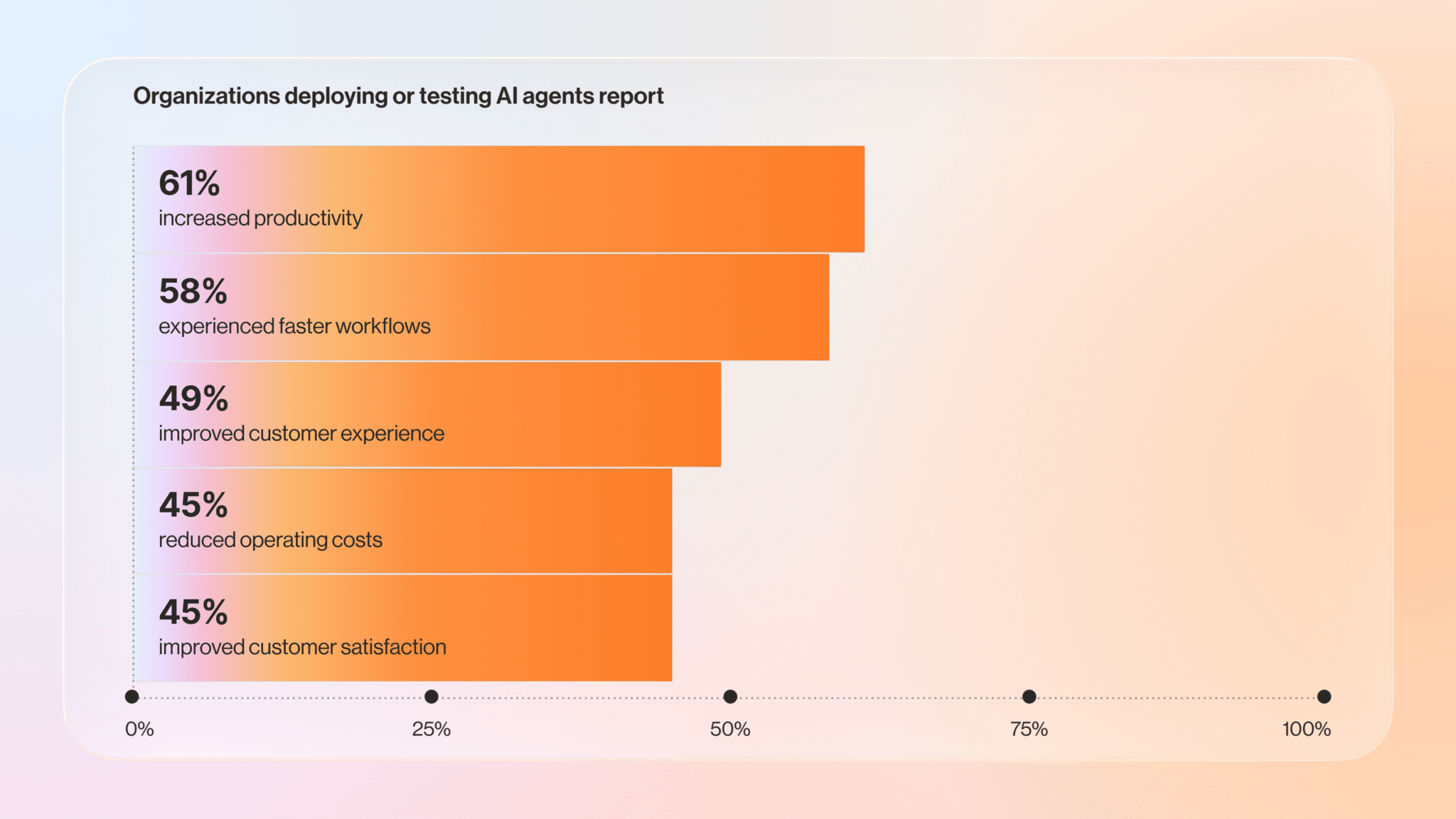
AI delivers these results without a large call center or marketing team. Our 2026 Agentic AI Trends report found that businesses using AI agents reported increased productivity (61%), faster workflows (58%), and improved employee and customer experience (49%).
Thanks to natural language processing (NLP) and machine learning, AI technology helps you personalize experiences across outreach and email marketing, customer check-ins, and support calls. With an AI-powered business platform, you can:
- Ensure you never miss a call—an AI receptionist answers after hours or when your team is busy
- Offer self-service for simple requests like hours, appointments, and order status over voice, SMS, or web chat
- Follow up with leads automatically after a call, form fill, or event
- Keep your team informed with AI-generated meeting summaries, task updates, and conversation insights that connect customer interactions to the rest of your business
The result is a polished experience that feels like a much bigger operation, even when you run a lean team.
4. Gain data and insights you’ve never had before
Most small businesses make decisions based on gut feel and a handful of reports. AI transforms every call, message, transactions, and workflows into usable data. With the right platform, you can:
- See which marketing channels drive inbound calls and revenue
- Understand why customers contact you and how that changes over time
- Spot coaching opportunities by analyzing sales or service conversations
- Track project performance and surface bottlenecks before they slow your team down
When you see patterns in how your business operates and how customers interact with your business, you can make better decisions about where to invest, what to fix, and how to grow.
5 ways to boost growth with AI for small business
AI drives small business growth when you apply it to the areas that directly affect revenue, customer retention, and operational efficiency. Here are five strategies to help you compete harder and scale smarter.
1. Attract more of the right customers
AI can capture and qualify leads around the clock so you never miss an opportunity to connect with prospects when they’re ready to buy.
What to do:
- Deploy an AI chatbot on your website: Answer common questions about pricing, services, and availability instantly. Capture contact details and qualify leads based on their responses before routing them to your sales team.
- Automate follow-up sequences: Trigger personalized follow-up emails or SMS messages when a prospect fills out a form, calls your business, or attends an event.
- Analyze conversation data to refine messaging: Review AI transcripts and summaries to understand common questions and relevant value propositions. Use those insights to sharpen your website copy, ads, and sales scripts.
2. Close deals faster and more reliably
AI removes friction from your sales process by automating admin work, surfacing the right information at the right time, and keeping deals moving forward.
What to do:
- Let AI handle meeting notes and CRM updates: Use AI-generated call summaries and automatic CRM logging to allow sales teams to stop typing and start selling.
- Score and prioritize leads with AI: Analyze past deals to identify patterns that predict which leads are most likely to close.
- Automate proposal and contract generation: Draft proposals, quotes, and contracts based on templates and customer data to cut turnaround time from days to hours.
- Set up intelligent reminders and nudges: Monitor deal activity and get alerts when a prospect goes quiet, a follow-up is overdue, or a contract sits unsigned.
- Analyze win/loss patterns: Review conversation intelligence data to understand why deals close or stall and identify coaching opportunities to refine your sales playbook based on what actually works.
3. Improve customer service without adding headcount
AI scales your support capacity and helps you deliver the fast, personalized experiences modern customers expect by handling routine requests, routing complex issues to the right people, and giving your team the context they need to resolve problems faster.
What to do:
- Deploy an AI receptionist for 24/7 call coverage: Pick up calls after hours, during lunch, or when your team is swamped. AI greets callers, answers common questions, assists with self-service requests, and routes urgent issues to the right person.
- Use AI to route and prioritize support tickets: Categorize incoming requests by urgency, topic, and customer value to ensure high-priority issues route to senior agents and simple questions go to junior staff or self-service options.
- Surface relevant knowledge articles and past interactions: Pull up customer history, previous tickets, and suggested solutions in real time during calls or chats so your team can resolve issues faster without putting customers on hold.
- Monitor sentiment and escalate proactively: Detect frustration or dissatisfaction in customer conversations and alert supervisors before a small issue becomes a lost customer.
4. Run leaner and smarter operations
AI streamlines workflows and eliminates repetitive tasks that traditionally require manual labor, reducing overhead costs and minimizing human error. Smarter operations allow your team to focus on work that requires judgment, creativity, and relationship-building.
What to do:
- Automate scheduling and calendar management: Let AI handle appointment booking, rescheduling, and reminders.
- Streamline internal communication with AI summaries: Use AI to summarize long email threads, Slack conversations, or team meetings.
- Optimize staffing and resource allocation: Forecast call volume, track support ticket trends, and identify seasonal demand patterns to schedule the right number of people at the right times.
- Identify process bottlenecks: Analyze workflow data to see where tasks stall, which steps take the longest, and where most errors occur.
5. Make better business decisions with real data
AI transforms raw business data and scattered interactions into actionable insights across departments so you stop guessing and start making decisions based on what your customers actually say and do.
What to do:
- Track and analyze customer conversation trends: Use AI to identify the most common questions, complaints, and feature requests across calls, chats, and emails.
- Measure what drives revenue: Connect call tracking, conversation intelligence, and CRM data to see which marketing campaigns, sales tactics, and service interactions lead to closed deals and repeat purchases.
- Benchmark team performance objectively: Analyze call handling time, script adherence, customer sentiment, and resolution rates across your team.
- Test and iterate faster: Run A/B tests on call scripts, email templates, or chatbot flows and measure which version drives better outcomes.
Top AI for small business platforms
Now that you know which strategies deliver the most growth, you need to find a platform that helps you execute them. Below are some of the leading platforms that embed AI across various operational areas.
AI tools for customer experience and communication
1. RingCentral RingEX
RingEX helps you answer every call, streamline internal conversations across channels, and make both employees and customers happier. It delivers enterprise-grade capabilities at small business scale, enabling you to compete on responsiveness and professionalism without expanding headcount.

Here’s what small businesses gain with RingEX:
- AI-powered receptionist and virtual agents: RingCentral AI Receptionist (AIR) answers and routes calls using natural language, handling routine questions and providing basic information 24/7. AI Virtual Assistant supports employees by tackling admin tasks, surfacing insights, and sharing knowledge.

- Unified calling, messaging, and video: RingEX provides a single app for phone, team messaging, SMS, fax, and video meetings. Your team doesn’t have to juggle multiple tools, and AI summarizes conversations across every channel.
- Conversation intelligence: RingEX’s AI Virtual Assistant (AVA) generates transcriptions, summaries, and tracks keywords from calls and meetings, helping your team follow up faster without manual note-taking.
- Conversation analytics: AI Conversation Expert (ACE) analyzes completed calls and meetings to surface trends, coaching opportunities, and process gaps, turning everyday interactions into actionable intelligence for your team.
- Deep integrations with your existing stack: RingEX connects natively to tools like Microsoft 365, Google Workspace, Salesforce, HubSpot, and ServiceNow to keep call and message data in sync with your CRM and productivity tools.
RingCentral gives you room to grow. You start with RingEX for unified communications and add RingCX contact center licenses when you need advanced routing, workforce management, or omnichannel queues.

The platform offers deep configuration across call flows, analytics, and workflows. While you’ll need to invest some admin time up front to match your processes (especially if you run multiple locations), that flexibility pays off. You get AI built into the core of your communications in one scalable platform rather than a patchwork of separate tools.
2. Microsoft Teams
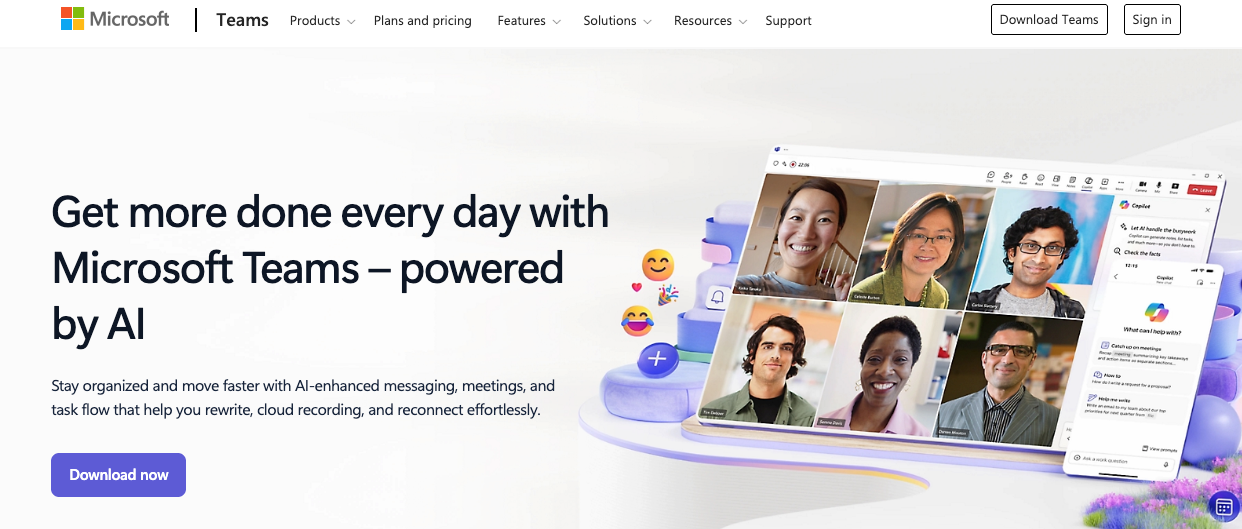
Microsoft Teams centralizes chat, meetings, and file sharing for businesses already running Microsoft 365. Its built-in AI, Microsoft Copilot, generates meeting summaries, action items, and transcripts so your team captures details without manual note-taking. Integrated channels keep project and customer conversations organized across SharePoint and OneDrive.
However, for external calls and customer interactions at scale, you’ll likely need specialized AI communications tools beyond what Teams offers natively.
3. Zoom
Zoom expanded from video meetings into a broader platform that includes phone, chat, events, and an AI assistant called Zoom AI Companion. It’s designed to help meeting-heavy businesses streamline tasks through AI-generated summaries, action items, and key point extraction.
Zoom Phone delivers cloud calling with call queues, interactive voice response (IVR), and voicemail transcription, while Zoom Team Chat centralizes internal messaging and collaboration.
Zoom works well when your business centers on meetings, though many businesses quickly outgrow the time and feature limits imposed by its free tiers. If you want to unlock all its AI features and advanced phone capabilities, you’ll need a paid plan.
4. Salesforce Einstein
Salesforce Einstein embeds AI capabilities across Sales Cloud, Service Cloud, and Marketing Cloud to help you sell, service, and market more effectively. Einstein scores leads and opportunities based on historical patterns, generates emails and knowledge articles, and routes service cases intelligently. It also surfaces trends and forecasts directly inside your CRM.
The platform works best when you already run Salesforce as your core system. Small businesses exploring AI for the first time may find simpler platforms deliver faster value with less complexity and implementation overhead.
5. HubSpot
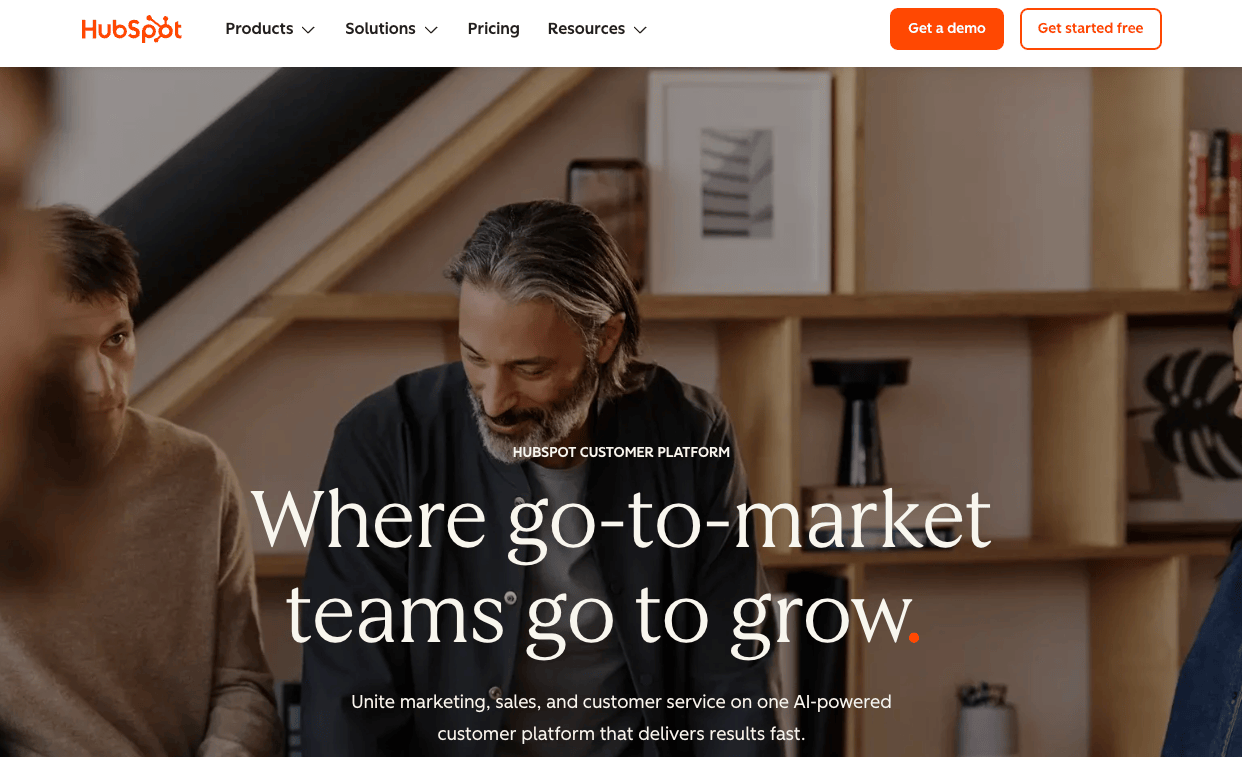
HubSpot unifies marketing, sales, service, and operations into a single CRM platform with AI capabilities. The platform accelerates content creation with AI-powered drafting tools, captures leads 24/7 through intelligent chatbots, and centralizes customer interactions into one view. Automated workflows nurture prospects, hand off qualified leads to sales, and trigger alerts when buyers take action, allowing your team to focus on closing deals instead of manual follow-up.
HubSpot works well when you prioritize marketing and sales alignment with integrated CRM and light AI features. However, you’ll find that advanced automation and reporting capabilities live behind higher-priced plans.
6. Notta
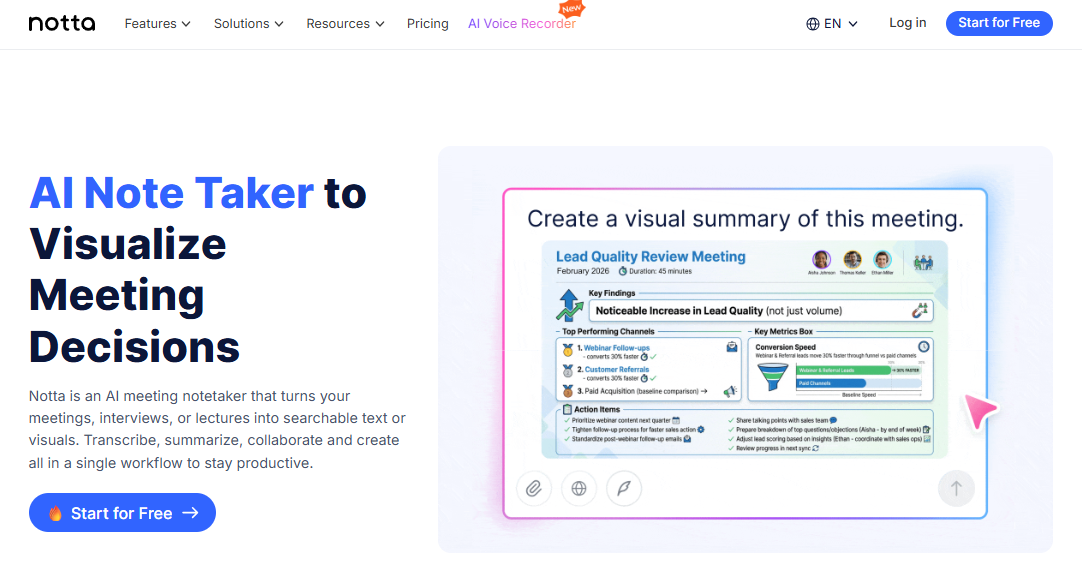
This AI-powered transcription and meeting assistant automatically captures and transcribes conversations across various platforms, from Zoom calls to Slack meetings, transforming verbal discussions into searchable, shareable text documents. Small businesses can preserve institutional knowledge from every interaction without the distraction of manual note-taking during important meetings.
Notta’s multilingual capabilities go beyond basic transcription. It offers real-time translation that breaks down language barriers and makes meetings accessible to diverse teams and international clients. The platform’s AI can identify action items, summarize key points, and categorize information by topic, helping small business teams extract maximum value from every conversation while ensuring nothing important falls through the cracks.
7. Tidio
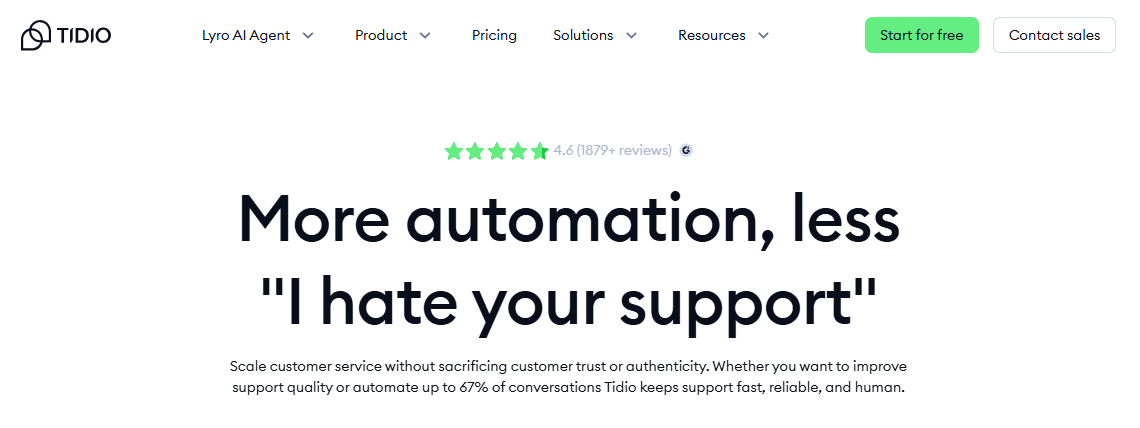
This chatbot solution combines live chat with AI automation to engage website visitors, answer questions instantly, and convert more prospects into customers.
Tidio stands out for its user-friendly visual chatbot builder that requires zero coding skills, making it accessible even to technologically cautious business owners. Its analytics dashboard provides valuable insights into customer pain points and frequently asked questions, helping small businesses identify product improvement opportunities and content gaps that might otherwise go undetected.marketing and content creation
AI tools for marketing and content creation
8. Jasper
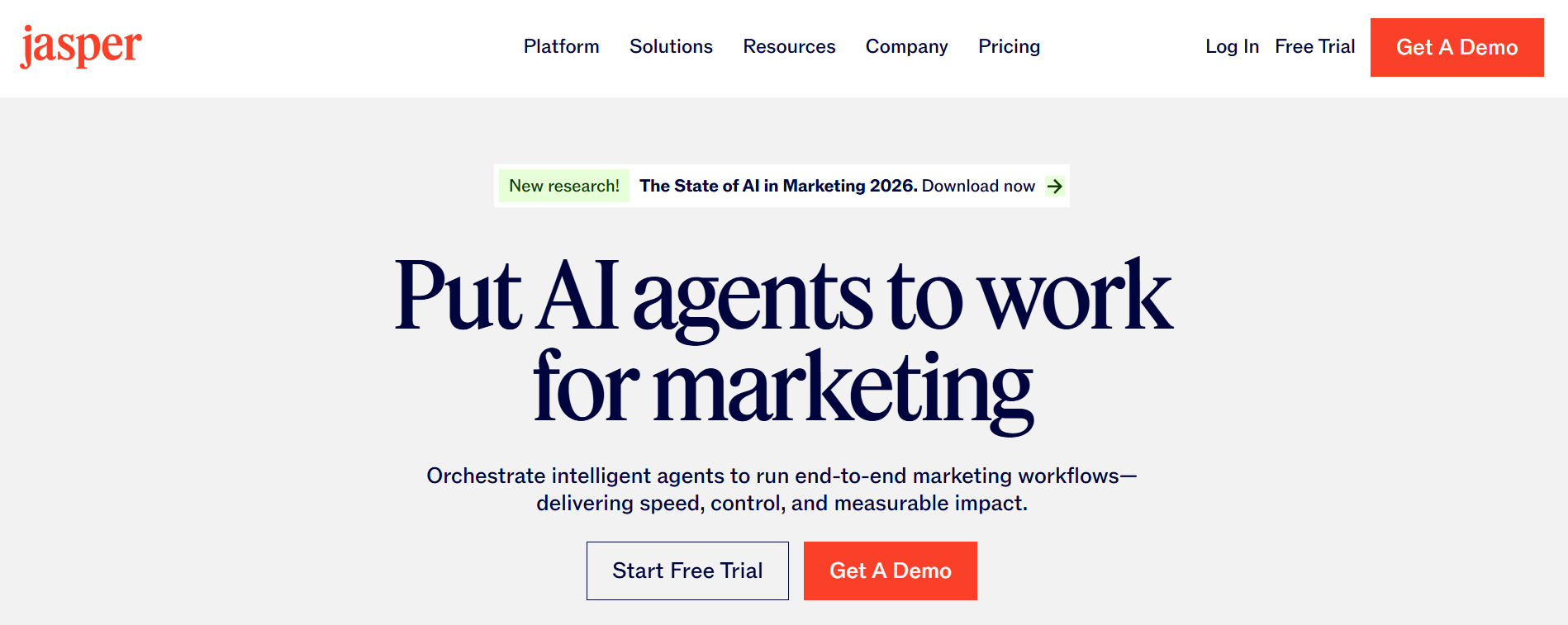
An AI writing assistant that helps small businesses create marketing copy, blog posts, and social media content at scale. It helps maintain consistent content output even with limited marketing resources.
Jasper’s templates for specific content types like product descriptions, email campaigns, and ad copy enable small businesses to maintain professional marketing communications without specialized copywriting expertise. The platform’s ability to adopt different brand voices and tones makes it particularly valuable for maintaining consistent messaging across all customer touchpoints, regardless of which team member is creating the content.
9. Canva with Magic Design
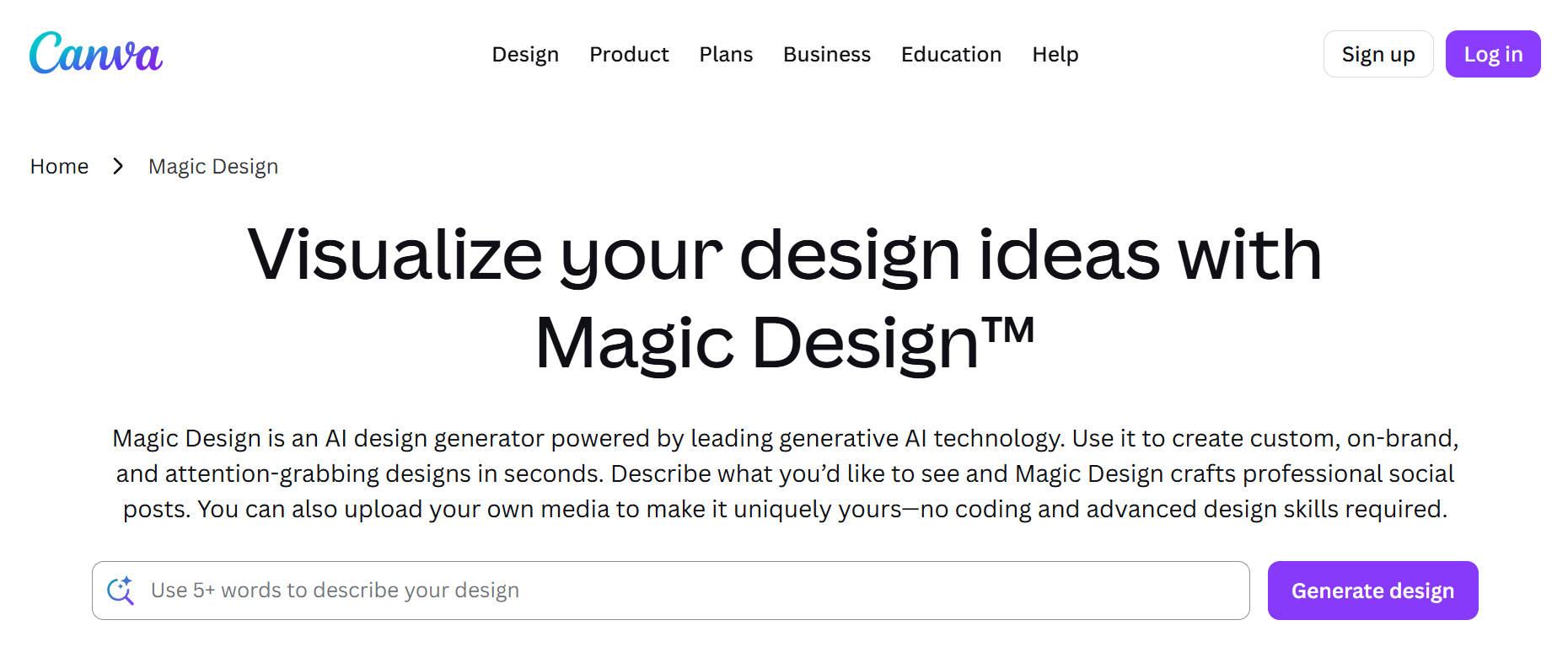
Combines AI-powered design suggestions with easy-to-use templates, allowing businesses without dedicated design teams to create professional marketing materials quickly.
Beyond basic design creation, Canva’s AI capabilities now extend to automatically resizing designs for different platforms, suggesting complementary color palettes based on brand guidelines, and even removing backgrounds from images without specialized editing skills. Small businesses can maintain a cohesive visual identity across all marketing channels without the expense of freelance designers or agencies.
10. MarketMuse
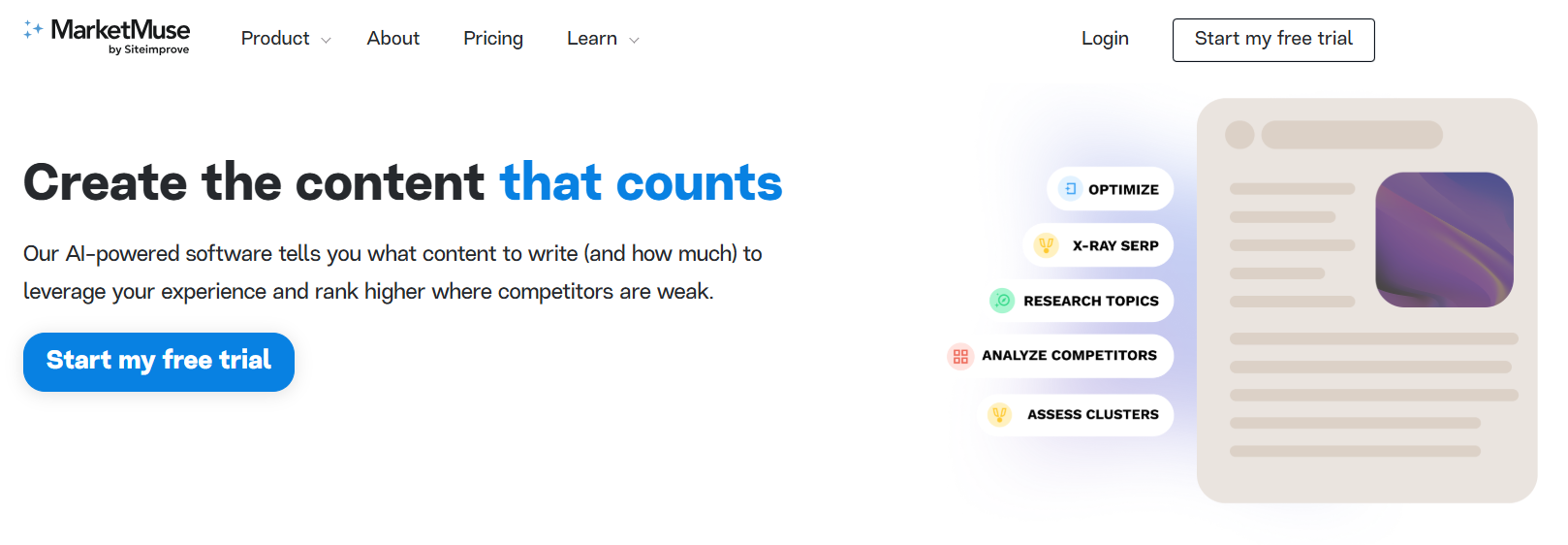
An AI content planning and optimization platform that helps small businesses identify content opportunities and improve SEO performance without requiring deep expertise.
MarketMuse’s competitive analysis features allow small businesses to identify content gaps where they can outperform larger competitors with more targeted, in-depth coverage of specific topics. Its AI-generated content briefs provide detailed guidance on what information to include in each piece, helping even inexperienced writers create authoritative content that ranks well in search results.
AI tools for business productivity and project management
11. Notion AI
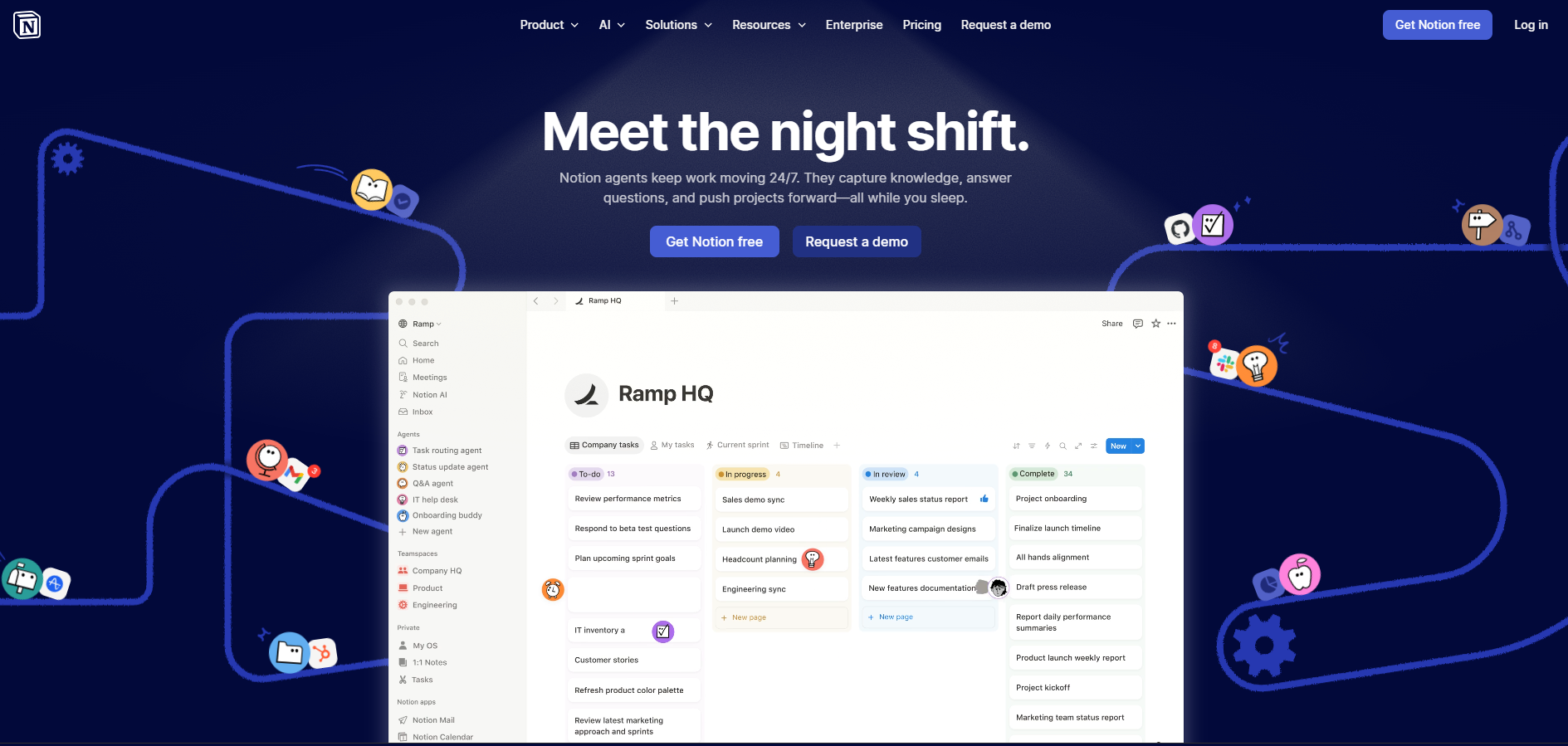
An all-in-one workspace that uses AI to help small teams organize projects, collaborate on documents, and manage knowledge bases more efficiently.
Notion AI excels at transforming unstructured information into organized, searchable knowledge repositories that grow more valuable over time. Small businesses benefit from its ability to automatically summarize lengthy documents, generate meeting agendas based on previous discussions, and create structured databases from unformatted text, significantly reducing administrative overhead.
12. Zapier
Though not purely AI, this automation platform uses intelligent workflows to connect different business applications, creating automated processes that would otherwise require custom development.
Zapier’s growing integration with AI tools allows it to create increasingly sophisticated workflows to make context-aware decisions rather than simply following rigid rules. Small businesses can implement complex process automation like intelligent lead routing based on prospect characteristics or document processing workflows that extract and categorize information without human intervention.
13. Asana
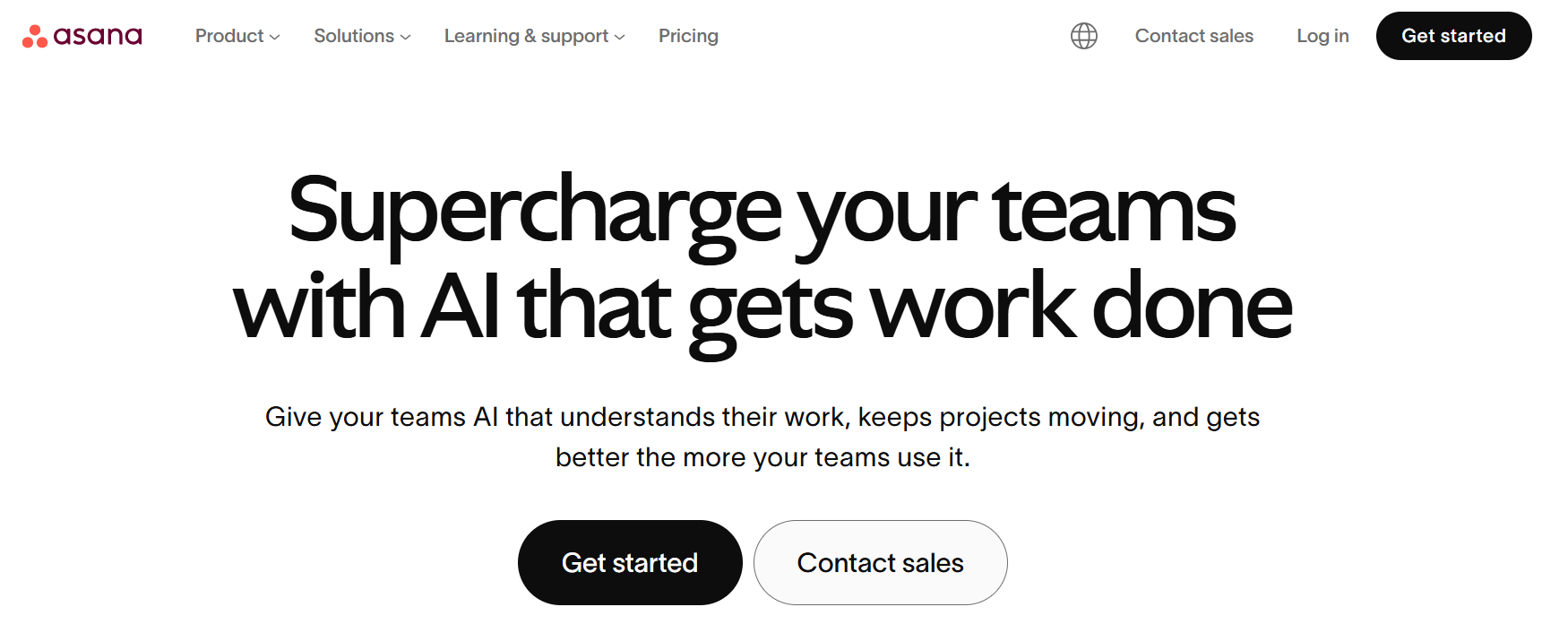
This AI-enhanced project management platform helps small businesses organize workflows, track tasks, and manage deadlines with predictive intelligence that anticipates bottlenecks before they occur. Its smart task prioritization and resource allocation recommendations allow even small teams to manage complex projects efficiently without dedicated project managers.
Asana AI’s capabilities extend to analyzing team productivity patterns and suggesting workflow optimizations based on historical performance data. Small businesses particularly value its ability to automatically generate project timelines based on team capacity and task dependencies, eliminating the manual planning that typically consumes hours of management time and ensuring more realistic project scheduling.
AI tools for financial management
14. QuickBooks with AI features
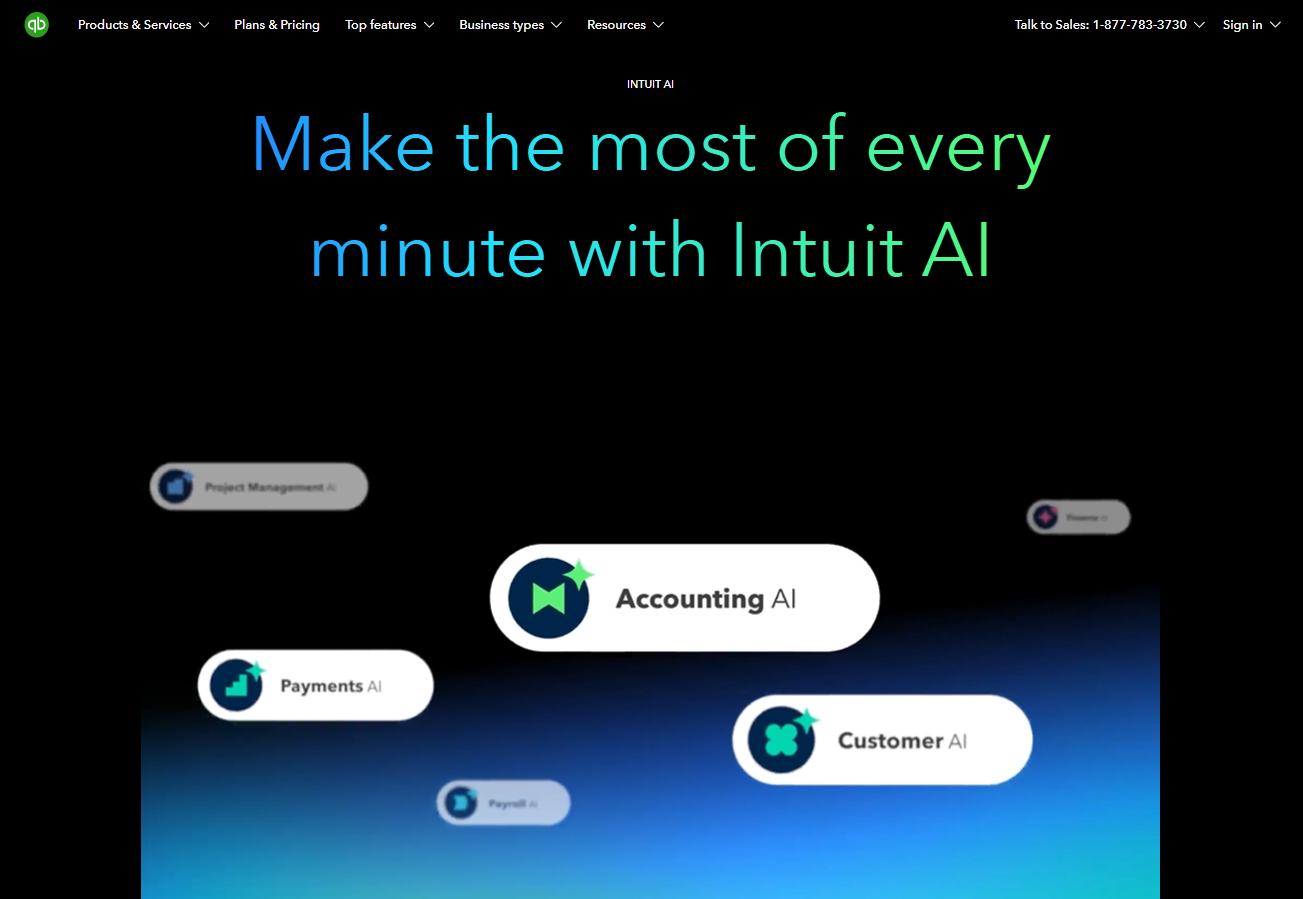
It incorporates machine learning to automate expense categorization, forecast cash flow, and identify potential tax deductions that small business owners might otherwise miss.
QuickBooks’ AI capabilities now extend to anomaly detection in financial transactions, flagging unusual patterns that might indicate errors or fraud before they impact the business. Small business owners particularly value its ability to generate natural language explanations of complex financial trends, making accounting insights accessible without specialized financial expertise.
15. Ramp
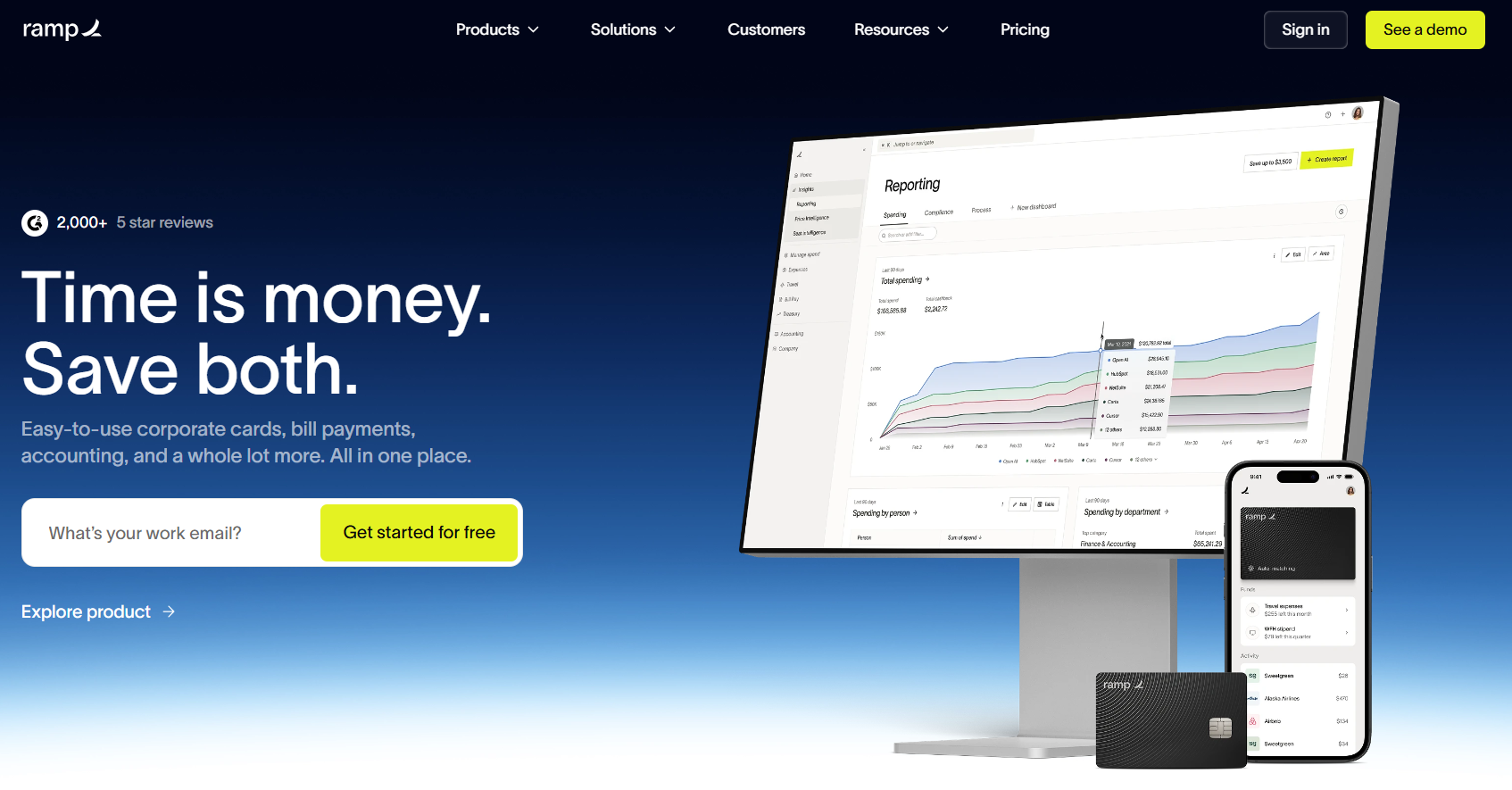
An AI-powered expense management platform that automatically categorizes transactions, flags unusual spending patterns, and identifies opportunities for cost savings.
Ramp differentiates itself through its proactive approach to cost management, automatically identifying duplicate subscriptions, negotiating better rates with vendors, and suggesting alternative suppliers based on spending patterns across its user base. Small businesses gain access to spending intelligence typically available only to large enterprises with dedicated procurement teams.
16. Fathom Analytics
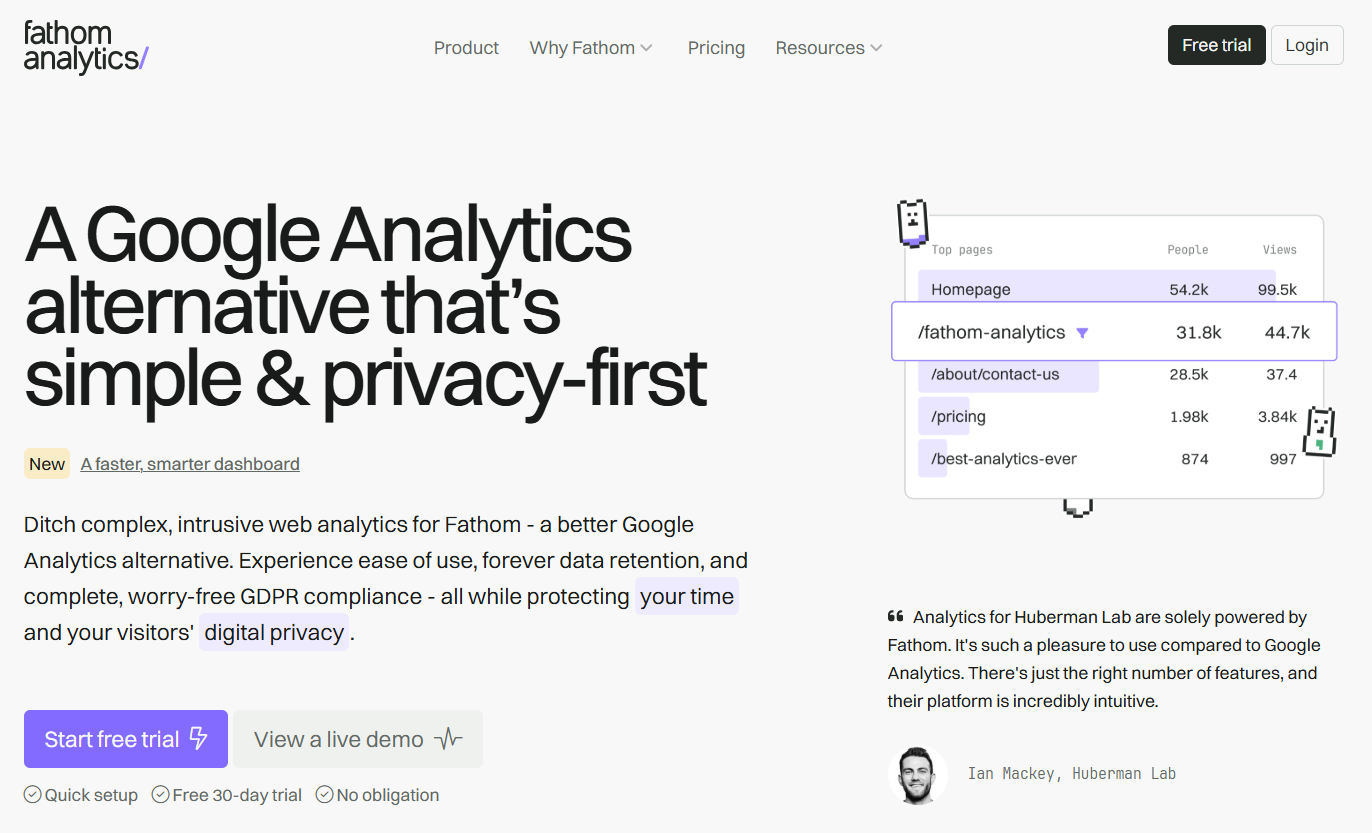
This privacy-first alternative to Google Analytics helps small businesses gain valuable website insights without compromising visitor privacy or requiring cookie consent banners. Fathom anonymizes all visitor data and operates without cookies, allowing businesses to collect accurate metrics while maintaining full GDPR, CCPA, and other privacy law compliance without legal complexity or risk.
Fathom Analytics stands out for its intuitive, clutter-free dashboard that presents only meaningful metrics that drive business decisions, eliminating the overwhelming complexity of traditional analytics platforms. Small businesses particularly appreciate its single-line implementation code, real-time bot filtering that ensures accuracy of visitor counts, and forever data retention that provides long-term visibility into website performance trends without the premium pricing typically associated with extended data storage.
Key features to look for in AI for small business tools
When evaluating AI-powered tools, focus on the specific capabilities that help you run efficiently so you can win customers and keep them happy. Here are six core features that matter most for growing companies:
- Voice-first AI and intelligent call handling: Use AI that greets callers, understands their needs, routes them to the right person, and supports around-the-clock coverage.
- Automated customer engagement and lead capture: Deploy chatbots, SMS, and messaging assistants that answer questions, qualify leads, and book appointments when your team is offline. Automate follow-up emails, texts, or tasks after calls, form fills, or events so customers get a response right away.
- Real-time conversation intelligence and analytics: Generate automatic transcripts, AI-driven summaries, and analytics reports to search calls for specific topics, spot sentiment trends, and review performance metrics like handle time, first-contact resolution, and script adherence.
- Seamless integration with existing business tools: Automatically log calls, texts, and chats in CRMs, sync productivity and calendar tools, and connect custom apps or niche tools your business relies on.
- Workflow automation across departments: Look for platforms that automate repetitive tasks beyond communications, such as project updates and content creation, so AI delivers value across your entire business, not just one function.
- Scalable pricing and modular features: Choose platforms that let you start with what you need and add capabilities as you grow, without locking you into enterprise contracts before you’re ready.
How to successfully implement AI for small business growth
Once you know the tools you need, it’s time to make AI work in your business. Here’s a practical 60- to 90-day path toward growth:
Weeks 1–3: Assess your business needs and identify high-impact use cases
Ground your AI plans in business reality by running a focused assessment alongside normal operations:
- Do a quick AI readiness check: Evaluate whether you know your top operational and customer pain points, if your core systems (phone, CRM, ticketing) work and contain clean data, and whether you have one or two internal champions who can drive adoption.
- Map your customer journey and internal workflows: List how customers find you, contact you, and move through purchase and support. Also note where your team spends the most time on repetitive or manual tasks.
- List your biggest friction points: Log common issues like missed calls, long hold times, slow responses, manual data entry, and inconsistent follow-up. Include internal pain points like disorganized project tracking or inconsistent content output.
- Estimate impact: Determine how fixing these issues could affect revenue, costs, or satisfaction. Even rough estimates help you prioritize.
- Identify two or three starter use cases: Choose high-impact, low-complexity scenarios like after-hours AI call answering, automated meeting notes, or a simple website chatbot for FAQs. You might also consider AI-assisted content drafting if those areas create the most friction.
Rather than trying to redesign everything at once, find a few places where AI quickly removes friction and clearly shows value.
Weeks 4–7: Select the right AI platform and plan your integration
With a few use cases defined, evaluate platforms with a sharper lens. Prioritize platforms that cover multiple business functions in one place rather than adding a separate point solution for every problem. Once you choose a platform, outline a simple integration plan:
- Configure core settings: Set up users, numbers, basic call flows, and key integrations for your CRM, email, and calendar.
- Launch a pilot group: Turn on AI features for a specific group, such as an AI receptionist for one location or AI meeting notes for a certain team, and refine settings based on their feedback.
Start with a narrow, defined scope before scaling across your entire business.
Weeks 8–12: Train your team and measure success
AI success requires change management, not just technology. Focus on three areas:
- Clear communication and expectations: Explain why you’re adopting AI, what it will and won’t do, and how it supports your people. Address concerns early and openly.
- Role-specific training and playbooks: Create simple guides showing how receptionists handle AI handoffs or how sales reps use AI call summaries and CRM logging. Extend this to other roles too, for instance, finance teams using AI expense tools, marketers using AI writing assistants, or project leads using AI task management.
- Metrics and feedback loops: Define three to five measurable outcomes, such as calls answered, response times, or customer satisfaction (CSAT) scores. Include operational metrics like time saved on admin tasks, reduction in manual data entry, or improvement in project on-time delivery. Review your KPIs weekly during the pilot and adjust workflows as needed.
Avoid common challenges by involving frontline staff in pilot design, staying transparent about data capture, and celebrating wins when AI removes tedious work.
Turn AI into your small business growth engine
The AI platforms that deliver the highest ROI do more than handle calls and messages. They combine voice-first AI, unified messaging, conversation intelligence, and tight integrations with your existing tools to deliver efficiency across your entire operations.
RingCentral RingEX gives you enterprise-grade AI built into the core of your business communications. Connect your phone, messaging, video, and CRM into one platform so your team stops juggling tools and starts focusing on work that grows revenue.
AI helps you compete harder, operate leaner, and deliver the experience customers expect, all without the overhead that holds small businesses back. Contact us to see how RingCentral and AI can enhance your small business.
Updated Mar 30, 2026