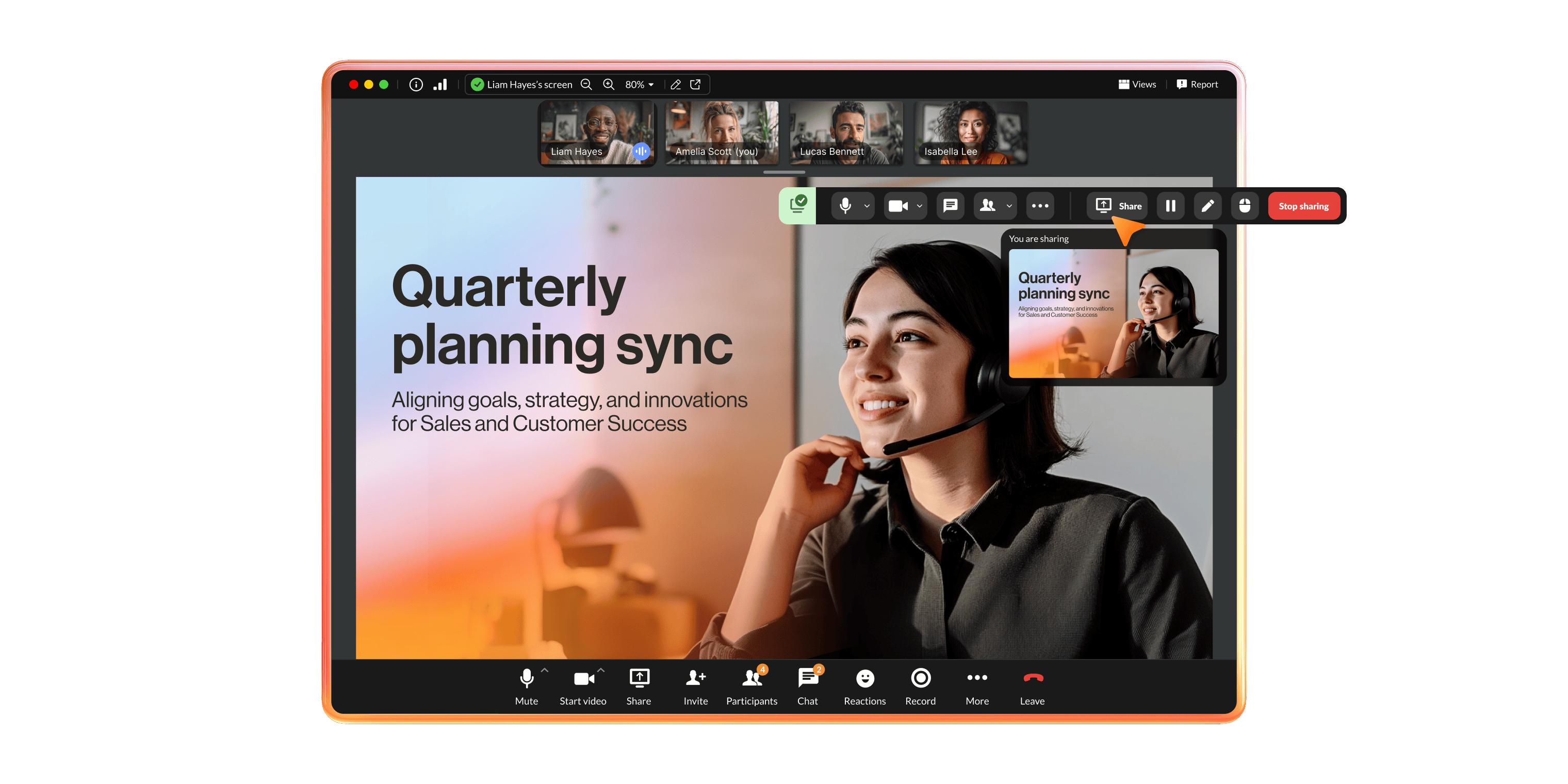


Easily add free meetings users to your RingEX plan.
AI-powered
Save time with a personal AI assistant that provides in-meeting transcriptions, post-meeting notes, action items, and translated transcripts.
Experience simple and easy video meetings enhanced with AI-powered transcripts, notes, and recaps.

Rated 4.0 on PCMag
Save time with a personal AI assistant that provides in-meeting transcriptions, post-meeting notes, action items, and translated transcripts.
Join video meetings from any device or browser and get a full-featured experience.
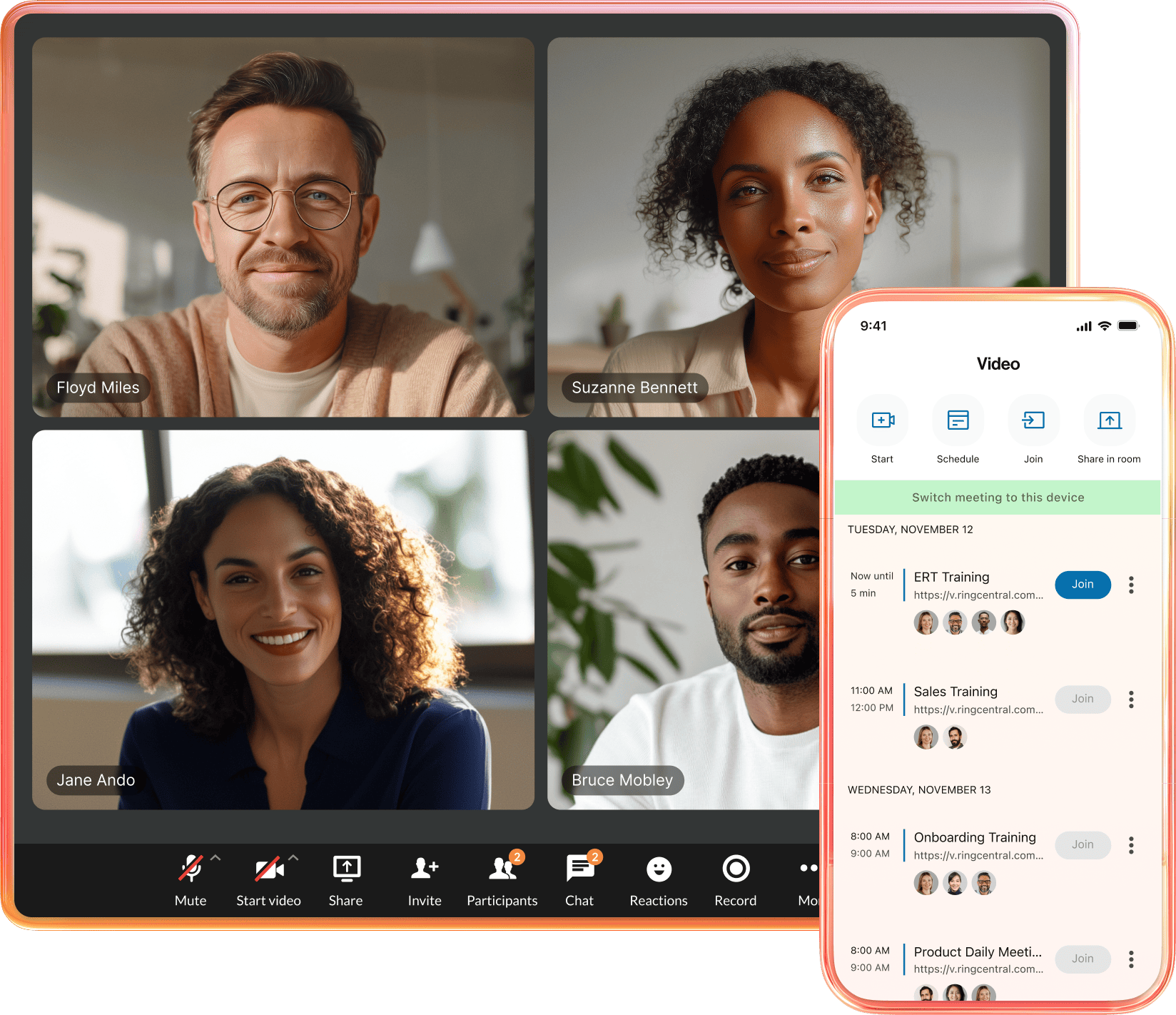
Join from a supported desktop or mobile browser - perfect for your external guests and clients.
Enjoy full-featured meetings with the mobile app, using whiteboards, augmented reality (AR) annotations, and live content sharing.
Switch between desktop and mobile devices in one easy click.
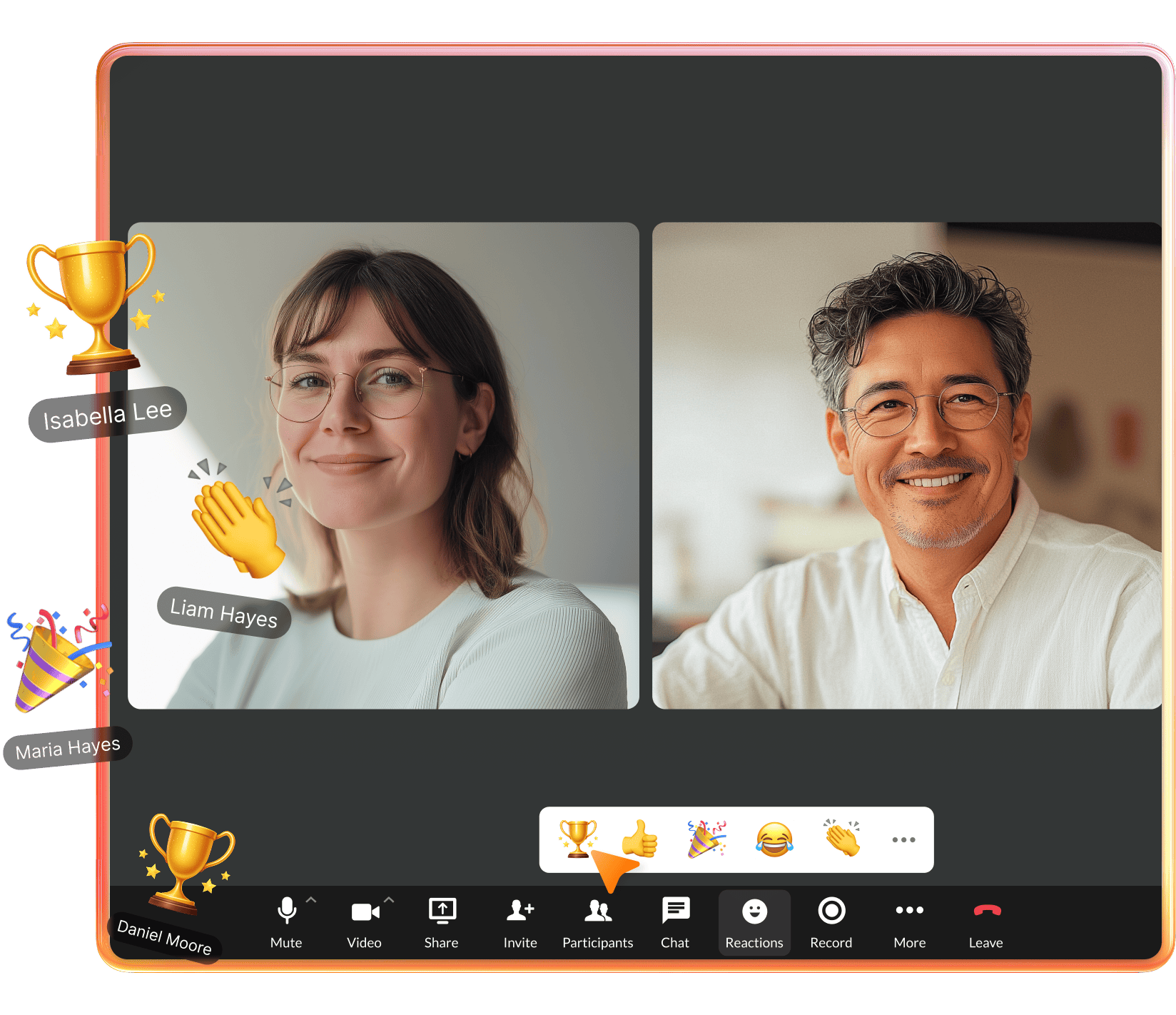
Enjoy AI enhancements like real-time transcriptions, captions, notes, smart invites, and secure end-to-end encryption for high-quality video interactions.
Enjoy HD audio and inclusive capabilities like live transcriptions—so you’ll never miss a detail.
Use virtual backgrounds, interactive whiteboards, customizable emojis, and meeting summaries to create engaging and customized meeting experiences.

RingCentral video meetings come with your own Personal AI Assistant—at no extra cost.
Live AI recaps capture key decisions and action items automatically, helping everyone stay engaged during the meeting.
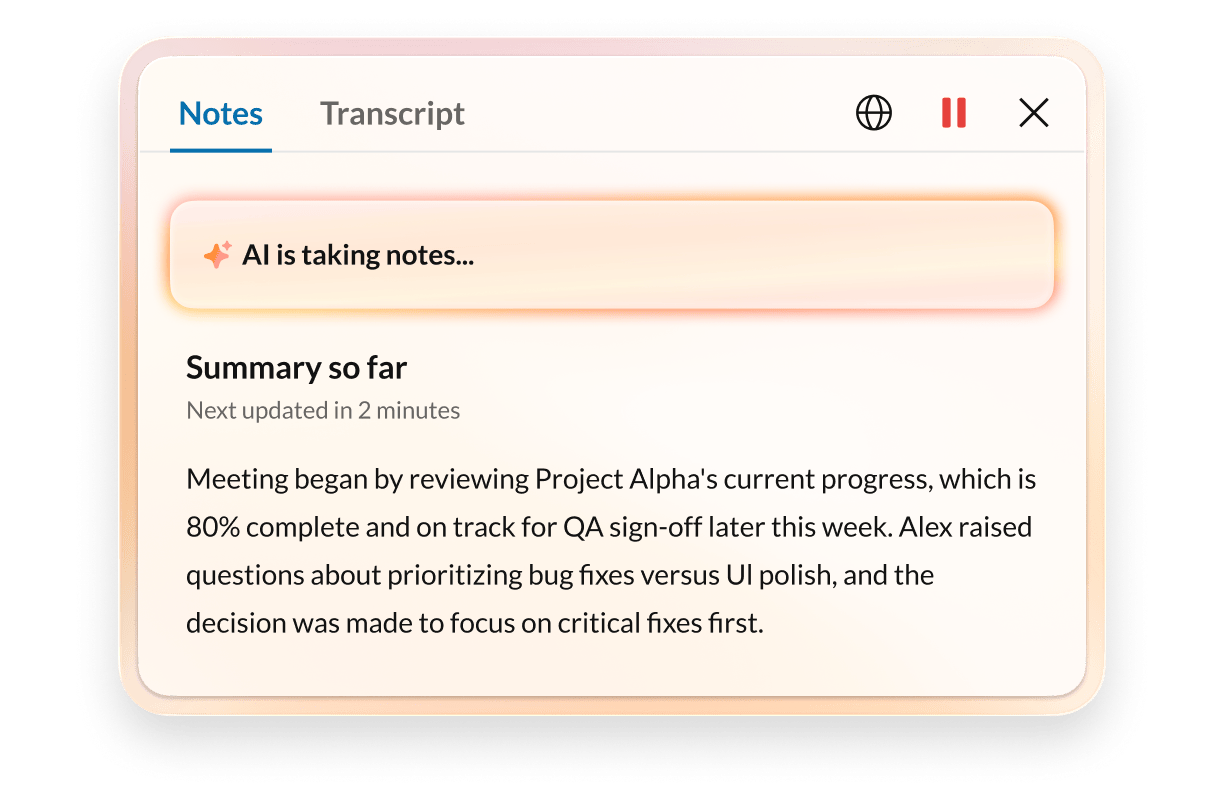
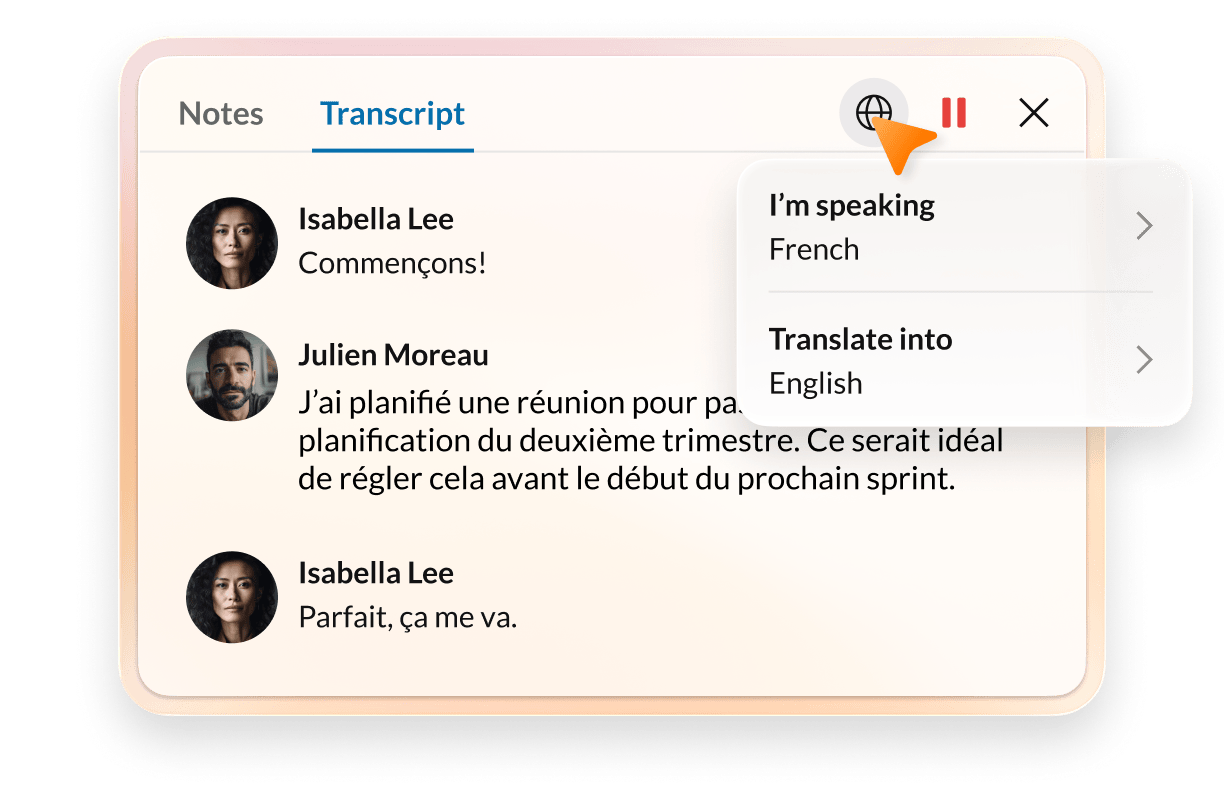
Missed the start? Catch up with live transcripts and captions, now with live translations in 15+ languages.
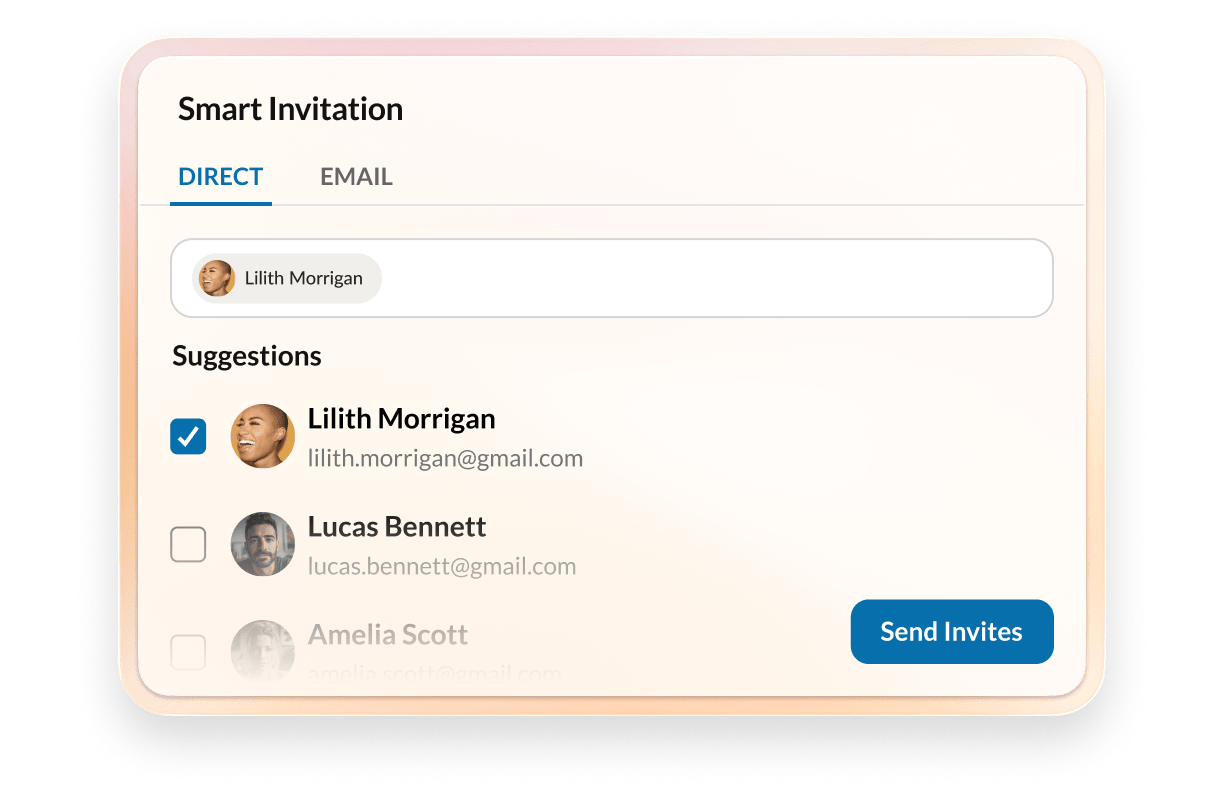
Smart Invites check availability and automatically reaches invited guests via the best channel whether that’s email, SMS, message, or video call.
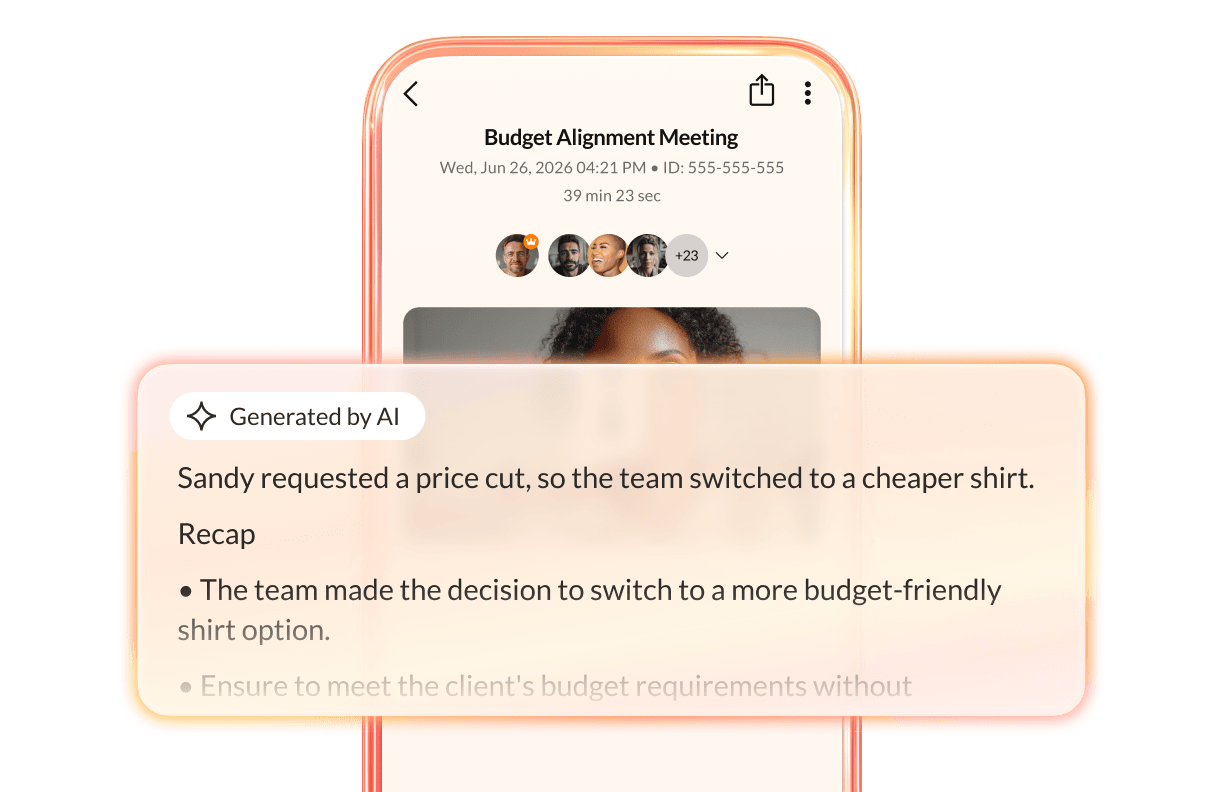
Get summaries of key post-meeting highlights, transcripts, notes, and more.
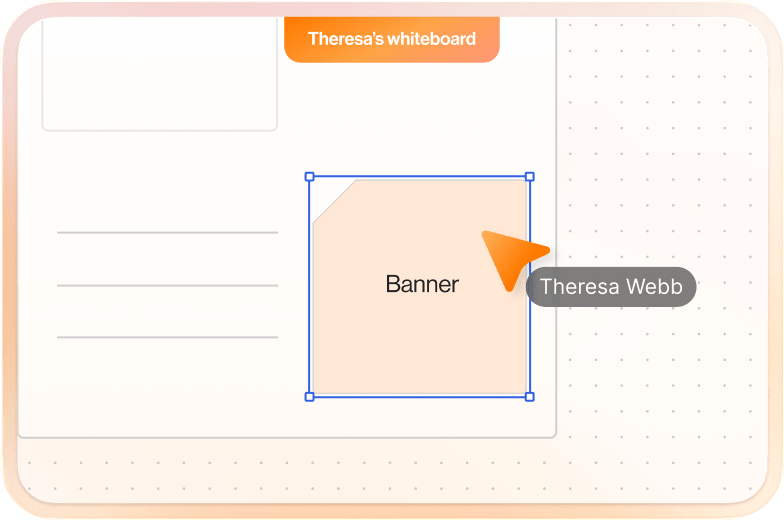
Bring teams together for exciting collaborative sessions with a digital whiteboard that makes room for everyone’s ideas.

Take notes directly on-screen during the meeting, without needing a separate note-taking app.
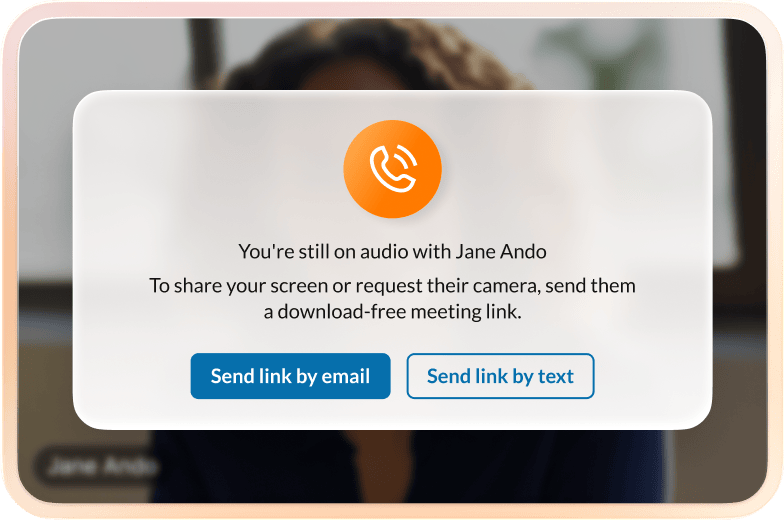
Turn phone calls with external guests into a video screen-share with just a few clicks.
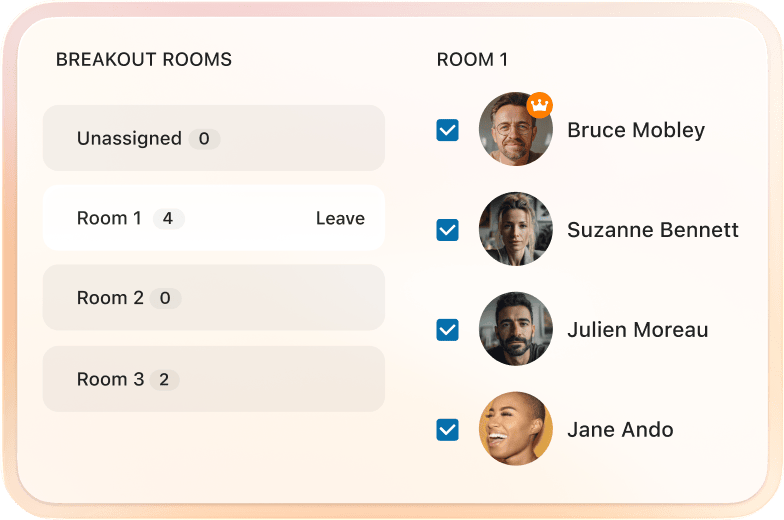
Easily split up a larger meeting into smaller groups for effective brainstorming sessions.
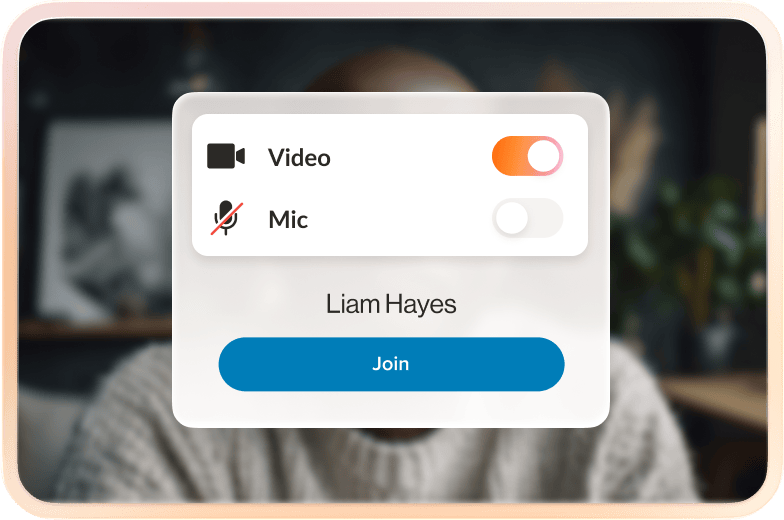
Enter meetings confidently by previewing camera, mic, and speakers before joining and see who’s already in the meeting.
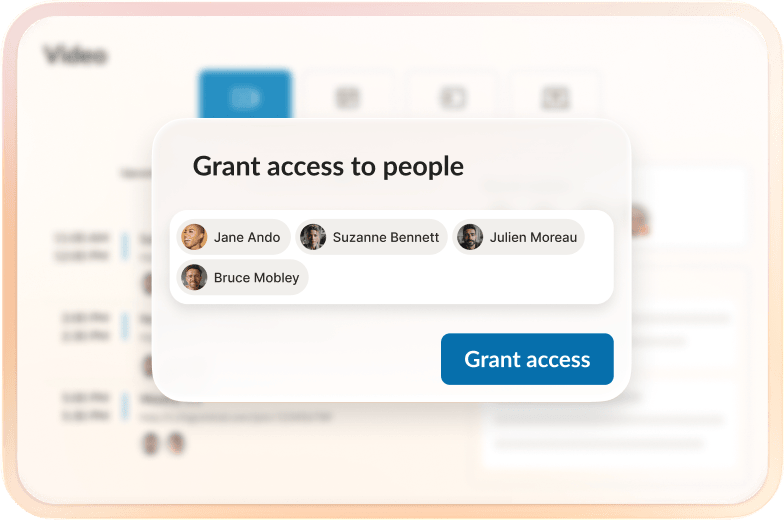
Share recordings with coworkers or external guests based on different permissioning settings.
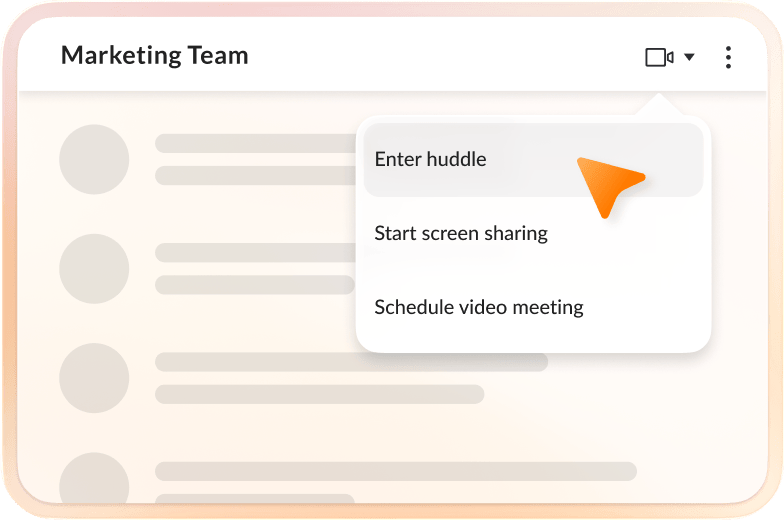
Host ongoing meetings that allow colleagues to come and go as they please—just like a virtual team room.
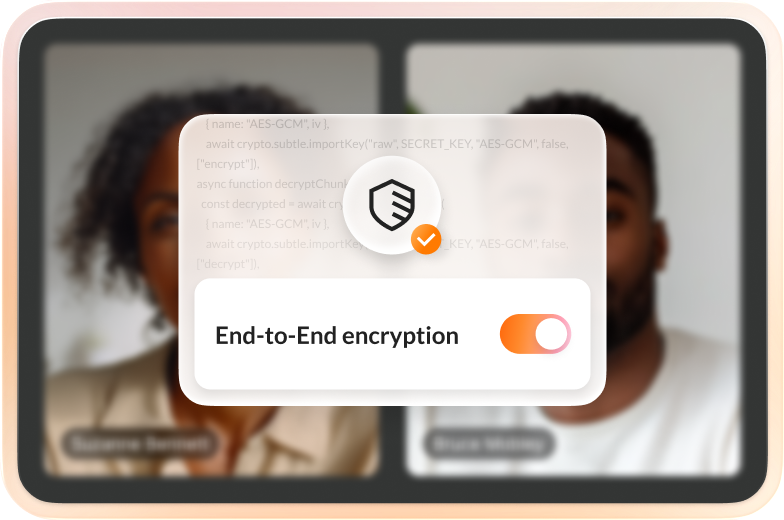
Add another layer of security to video meetings when needed - with the ability to dynamically turn on or off with a click of a button.

Evolve workflows with integrations, solve video meeting quality issues, and keep big ideas safe with enterprise-grade security.

Add the integrations your teams need into RingCentral, including syncing meetings with Google/Outlook calendars and more.
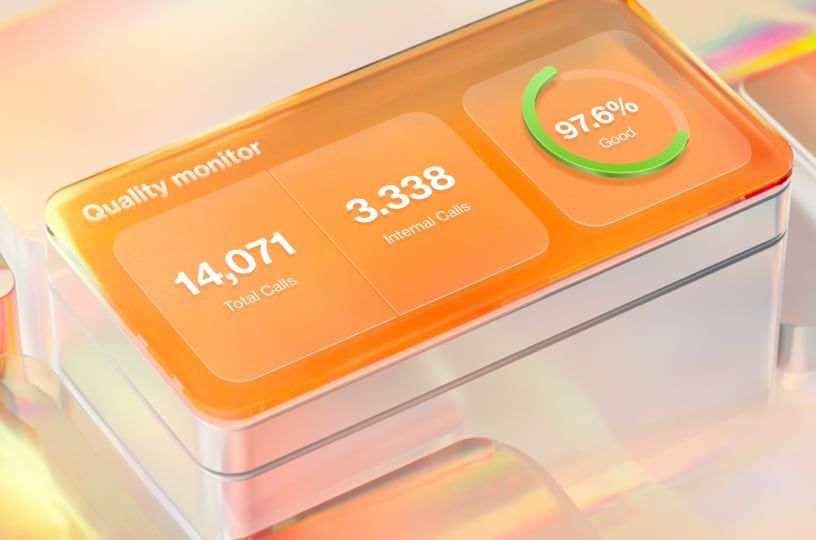
Get real-time insights into the quality of your video meetings with RingEX Analytics™.
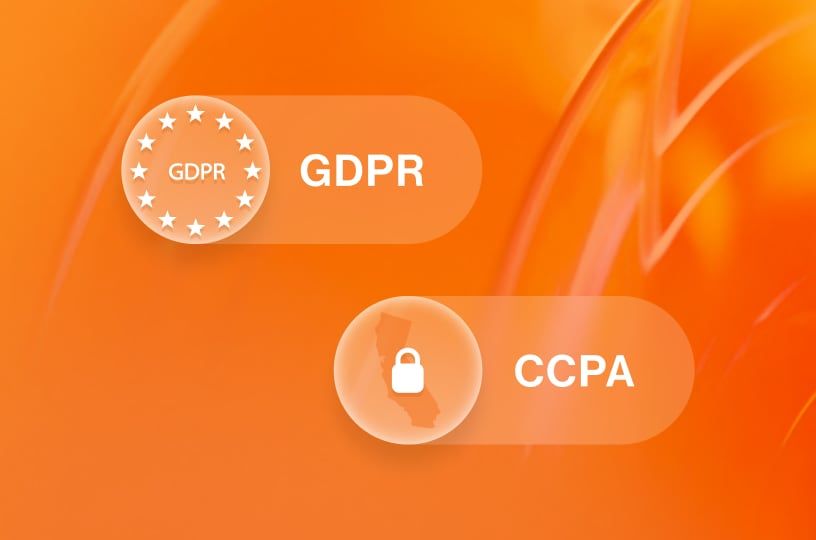
From end-to-end encryption to third-party validation, get transparency on all things security at our Trust Center.
Get the power of RingCentral Video, everywhere. Easily start meetings with the API or fully embed live video into your browser or mobile app.
RingEX is a unified communications platform that offers messaging, video, phone, and more all in one app, and is best for customers who need a full business communications package. RingCentral Video is our video meetings solution that is included as a part of RingEX.
RingEX customers can choose to add on additional users via free & paid Meetings licenses, which offers video conferencing with built-in team messaging. This is best for customers who do not need a phone line and want to have seamless communications through messaging and meetings only.
Whether you are a free Meetings user, paid Meeting user, or a RingEX user, almost all video meeting features are supported across both plans.
Nope! Video meetings are accessible using the same RingCentral app. You can download the mobile version on iOS and Android mobile devices and the desktop app on Windows and Mac for free.
No download is required to join a RingCentral video meeting, even with our free plan.
Instead of downloading the RingCentral app, simply join from a supported web browser:
RingCentral’s video conferencing solution is secure and trusted by big and small businesses worldwide.
Our virtual meetings come with multi-layer security and are GDPR, HIPAA, and HITRUST certified. Your plan includes features such as a waiting room and user authentication to make sure only authorized users can join your meetings, while host controls enable you to remove participants who don’t need to hear confidential discussions.
You can even add another layer of security to your video conferences when needed, with dynamic end-to-end encryption (E2EE)—and the ability to turn this on or off with the click of a button.
Scheduling a RingCentral video meeting is simple, and there are three ways to do so through the RingCentral app.
You can:
We highly recommend syncing your Microsoft Outlook or Google Calendar so that you can ensure your meetings are on your calendar! You can also easily schedule a meeting directly from Microsoft Outlook or Google Calendar with the respective Scheduler Add-Ins, available through our RingCentral App Gallery.
Recording can be started by the meeting host, who just needs to click on the record button located at the bottom of the meeting screen. You will know the recording has started when a red dot and a timer show up on the bottom left.
Once the meeting is over, go to the Video tab in the RingCentral app and select “Recent recordings”.
You’ll notice that the recording will contain AI-generated summaries, notes, and meeting transcripts. These allow you to easily catch up without having to rewatch the entire recording and are shareable with users within your company.
Unlike many other free video meeting platforms—and some paid services, too—there are fewer limitations on meetings with RingCentral.
Free meetings users get unlimited 50-minute video meetings for up to 100 participants with limited AI capabilities. Paid meetings users & RingEX users get unlimited 24-hour video meetings for up to 300 participants.
RingCentral Video is free for RingEX customers. Unify your team communication and streamline your workflow with the all-in-one solution for calls, messages, and video.
Easily collaborate with meeting tools that include screen share, interactive whiteboards, annotations, and more.
Your meetings move with you in a click. Easily switch between desktop and mobile, or elevate from a phone call to a video.


I chose RingCentral because it was a single, reliable, unified platform with lots of options, from daily voice to seamless online meetings. Today, we're leveraging that same platform's built-in AI capability and the capacity for virtual town halls, proving we made the right choice.
Tim Strecker | Director of IT, Iron Workers International
60%
of member calls resolved entirely by RingCentral AI Receptionist
38%
decrease in call handle time with RingCentral AI Receptionist SMS integration

Reimagine video meetings with our brand new desktop app experience.