AI Communications







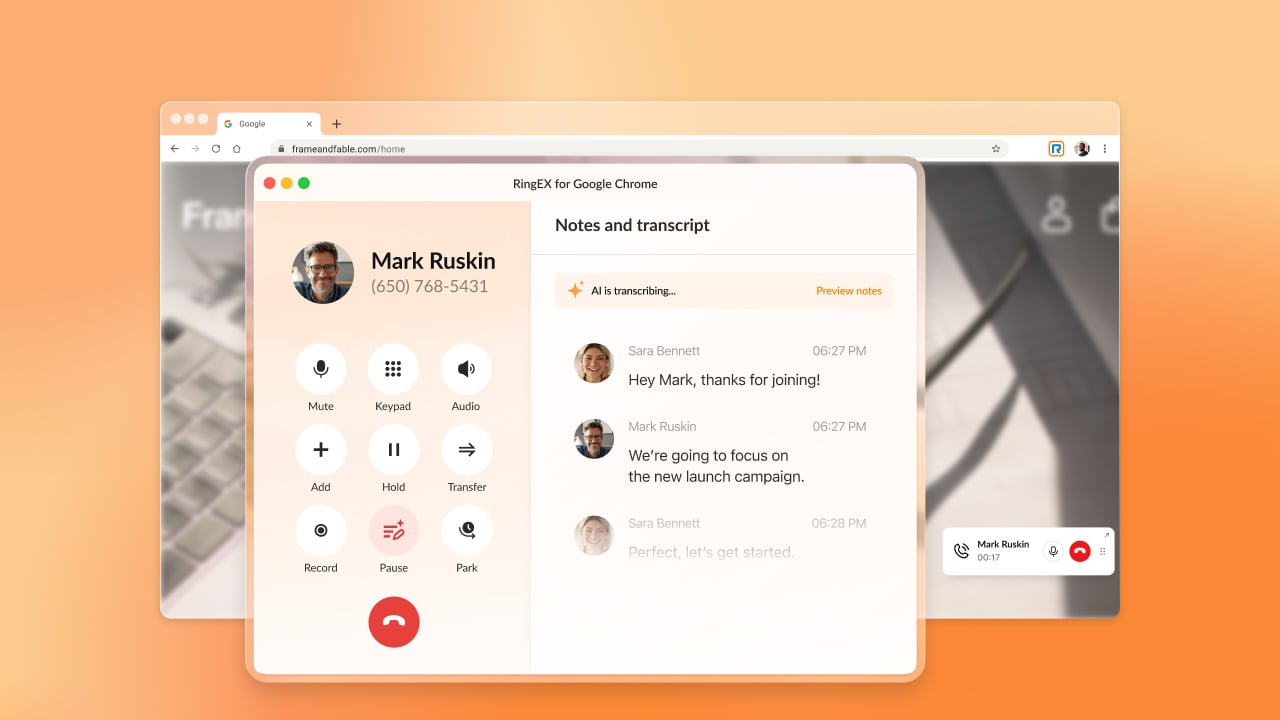

In today’s digital workspace, the browser is no longer just a tool—it’s where your entire day happens, for Google Workspace and ChromeOS power users alike. With dozens of open tabs competing for your attention, “context switching” between your work and a separate phone app is a major hit to your focus.
The all-new RingEX for Google Chrome eliminates that friction, turning your browser into a powerful, AI-driven communication hub that lives exactly where your work does.
Seamless integration for your Google Workspace flow
Irrespective of how you are using the Google Workspace, the new version ensures your communication tools never pull you away from the task-at-hand:
- One-click actions: Spot a budget discrepancy in a Google Sheet? Hover on or highlight the number and click one of seven customizable actions to reach your contact and resolve errors without closing your spreadsheet or switching windows.
- Intuitive HUD (Heads-up display): Eliminate the “Are you there?” pings. A streamlined dashboard lets you see teammate availability at a glance, allowing you to manage calls and escalate inquiries to available experts with a single click—providing total coordination without the clutter of extra hardware.
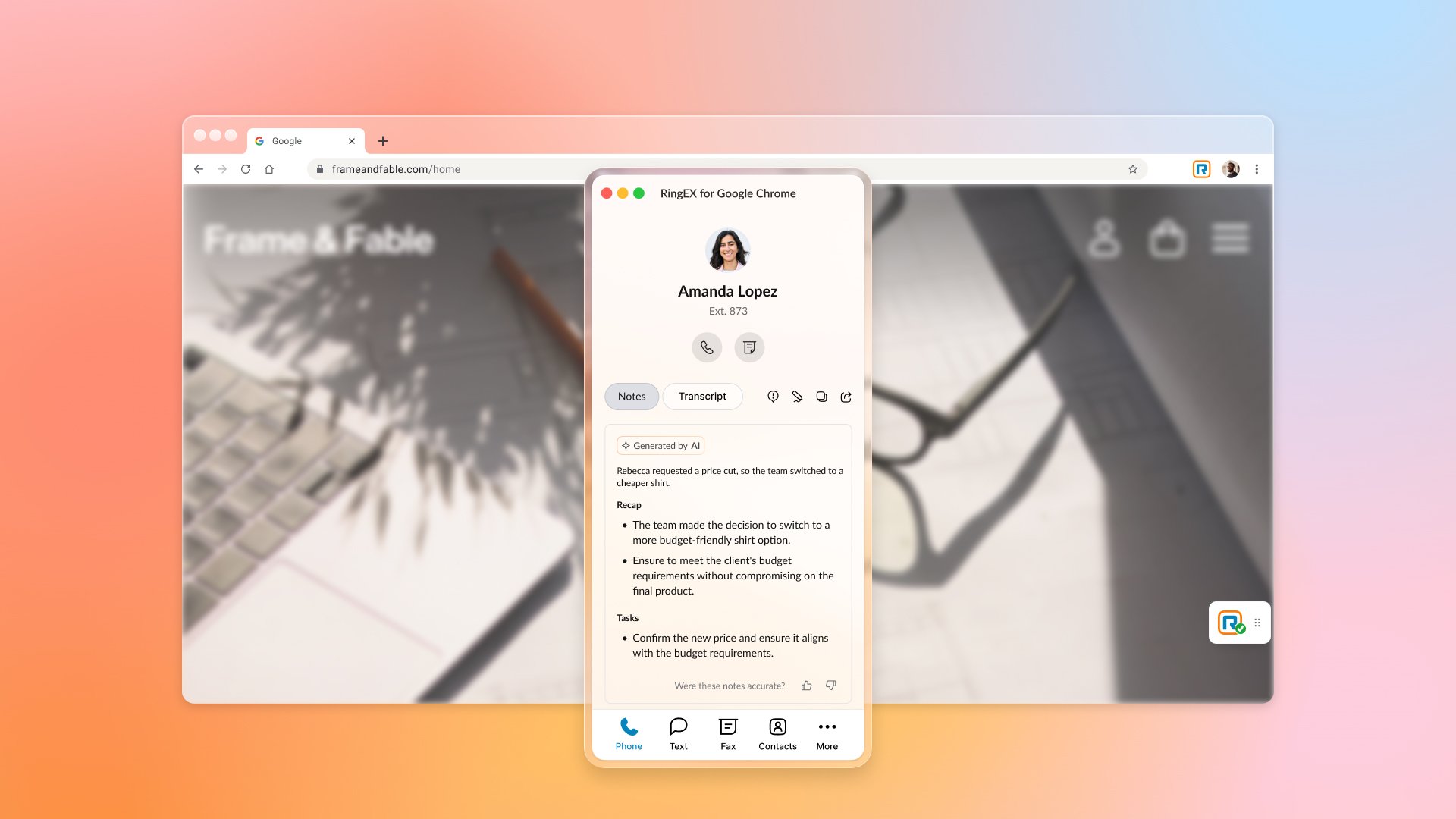
- Uninterrupted Presentations: When an urgent call comes in while you’re fine-tuning a Slide deck, AI-powered Notes capture the dialogue automatically and create task lists in the background, helping you stay focused on your visuals.
Smarter teamwork and AI-powered collaboration
The latest RingEX release brings high-end telephony and teamwork tools directly into your Chrome interface, designed to facilitate seamless handoffs and collective productivity:
- AI-powered handoffs: With Contextual Transfer, when a client moves from our AI Receptionist to you, their background info moves with them—no more asking the caller to repeat their story. Send polished follow-ups or reminders using AI SMS Composer without leaving your active tab.
- Shared team communication: Use a Shared SMS Inbox to coordinate outreach from a single unified number, or manage high-volume traffic with integrated Queue Call Handling.
- Quick access management: Access your calls and notifications more quickly with a customizable, compact widget that helps keep your user interface clean and clutter-free.
Ready to upgrade? Existing users can toggle on the new experience (Link to user guide).
New users? Get the collaboration powerhouse at the Chrome Web Store today. Contact your administrator if installation is restricted by your organization.
If you would like to meet the awesome who built this, visit us at our booth at Google Cloud Next on April 22-26 in Las Vegas.
Originally published Mar 24, 2026