AI Communications










A side-by-side look at commonly shortlisted IVR platforms, and how to evaluate which one fits your contact center.
Most interactive voice response (IVR) menus were built to keep callers away from agents by deflecting volume. But a touch-tone tree that makes someone press 4, then 2, then 0 just to reach a human is a holding pattern dressed up as self-service.
The IVR software that fits your contact center and actually resolves inquiries depends on how complex your calls are, what’s already in your stack, and how far you want automation to go before a human steps in. A five-person support desk and a 400-seat contact center need very different things from the same category.
This guide is a working shortlist of nine IVR platforms, comparing what actually separates them, plus a framework for scoring them against your own routing and reporting needs. Start with the framework if you want to judge fit yourself. Start with the list if you already know what you’re missing.
Key takeaways
- Modern IVR software gets judged on containment, how many contacts it resolves without an agent, not on how many menu levels it offers.
- Total cost runs past the license, into integration work, per-minute or per-seat pricing, and the reporting you need to prove deflection.
- The strongest platforms treat IVR as a single layer of routing and let AI agents handle multi-step requests end-to-end.
What IVR software does, and what modern IVR now means
IVR software is an automated voice system that answers inbound calls with recorded prompts, determines what the caller wants, and either resolves the request or routes it to the appropriate person or department. Callers provide input through keypad presses or by speaking in plain language. The goal is to understand, then route or resolve.
Unfortunately, legacy IVR stops at the keypad. You map every path in advance, the caller navigates the branches, and anything the menu didn’t anticipate routes to a live agent.
Conversational IVR uses speech recognition and natural language processing to catch intent directly. A caller says “I was charged twice this month” and the system pulls the billing thread without a single menu prompt.
Buyers now expect IVR to authenticate the caller, pull customer relationship management (CRM) data mid-call, and hand full context to whoever takes over on escalation, whether that’s a live agent or an AI agent.
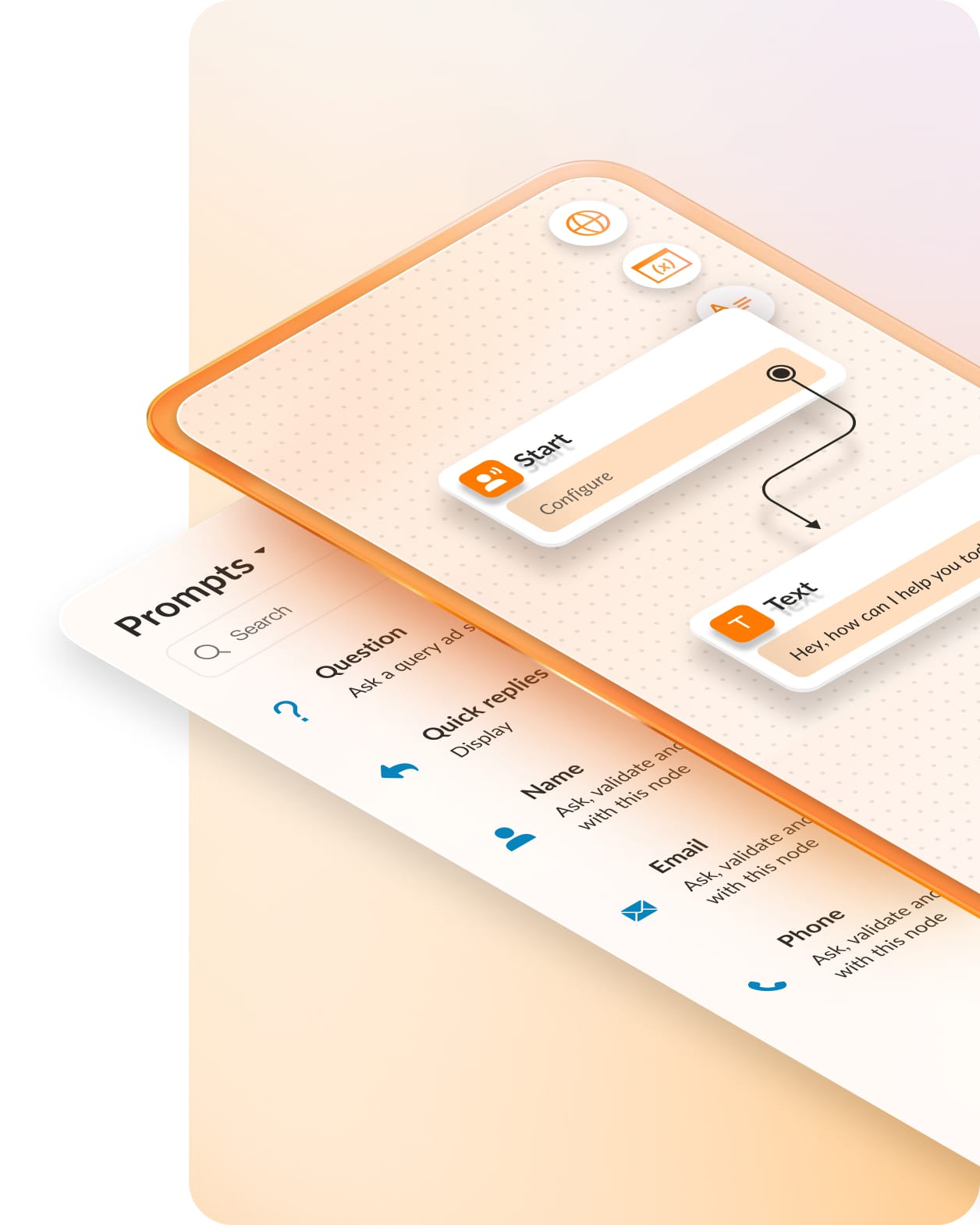
The IVR-focused AI features are expected to continue expanding. According to Gartner, 85% of customer service leaders planned to explore or pilot customer-facing conversational GenAI in 2025. Conversational and AI IVR has become a baseline most buyers now screen for.
Standalone IVR vs. IVR inside a contact center platform
The decision that actually shapes your cost and roadmap is whether to run IVR as a standalone tool or as one layer inside a contact center platform. The nine options above split roughly along that line, and the right call depends on where you’re starting.
Standalone or point IVR gets you in cheaper. You buy the menu, wire it to your phone system, and go. The catch is ownership: you’re responsible for every integration, and passing caller context to an agent or a CRM becomes your engineering problem. For simple routing at low volume, that trade can make sense.
IVR embedded in an omnichannel contact center works differently. Routing, reporting, and AI agents run on one system, so context carries from the automated layer through to the agent without custom middleware. You often pay more up front but get fewer seams later.
If you’re consolidating a fragmented stack, or your calls involve multi-step requests, the embedded model usually wins on total cost even when the sticker looks higher.
The framework settles it. Score call complexity and integration burden honestly, and the architecture that fits falls out of the answer. A customer service chatbot sitting on top of routing follows the same logic: the value comes from shared context, not from adding another standalone tool.
How to choose IVR software: A selection framework
Before comparing vendors, give yourself a rubric. The tool that looks strongest in a demo isn’t always the one that fits your call patterns, your stack, or your reporting obligations. Score every platform on these four dimensions and the shortlist sorts itself.
1. Containment and self-service rate
Containment is the number that matters. It measures how many contacts the system resolves without ever reaching an agent, and it’s the cleanest proof of ROI you’ll get.
Vendors love to quote call volume handled. Push past that and ask what percentage of calls end in resolution, because volume handled counts every call the IVR shoved straight into a queue.
This is where budgets are moving. Nearly three-quarters of customer service organizations planned to implement agent assist solutions by the end of 2025, according to Customer Experience Dive reporting on Gartner. Automation-first self-service is the direction of travel, so weigh containment heavily.
2. Integration with your existing stack
An IVR that can’t see your data can’t resolve much. Check for native CRM integrations, unified communications as a service (UCaaS) support, and contact center compatibility before anything else.
It’s also worth evaluating open APIs that let the system connect to the rest of your stack, whether that’s an EHR, a billing platform, an ERP, or any other tool your agents pull from mid-call. The more systems your IVR can reach, the more it can resolve before a customer ever needs a live agent.
A standalone system that can’t pass context forces callers to repeat themselves at every handoff, which is the exact friction you’re paying to remove. If the platform needs custom middleware just to read an order status, factor that build into the cost.
3. Conversational and AI capability
Test the language layer directly:
- How accurate is the speech recognition with real accents, background noise, and complex voice commands?
- Does intent detection handle a caller who describes a problem instead of picking a category?
- Does the vendor offer autonomous AI agents that complete a multi-step task, like verifying identity and processing a return, or does automation stop at routing?
The gap between understanding a request and completing it is where most of the value sits.
4. Reporting, admin, and scalability
You’ll live in the admin console more than you expect. Look for a self-serve flow builder your team can edit without a professional-services ticket, real-time monitoring dashboards that show where calls drop, call recording for quality review, and pricing that scales predictably as seats or minutes grow.
Then plan for a future where consolidation is standard. An IVR that lives inside a broader platform ages better than a point tool you’ll have to rip out later.
9 top IVR software platforms for 2026
Each entry below covers who the platform fits, its standout IVR capability, and what to weigh before you buy. The order isn’t a ranking. Read it as a shortlist to match against the framework above.
| Platform | Ideal for | Standout IVR capability |
| RingCX | Teams consolidating voice and digital into one contact center | AI-first IVR that carries caller context into the agent workspace |
| GoTo Connect | SMBs wanting calling and IVR in one plan | Visual dial-plan editor for menu setup |
| Dialpad | Teams that want AI transcription alongside routing | AI-powered IVR with real-time transcription |
| Aircall | Support and sales teams working inside a CRM | IVR with a deep app marketplace |
| Twilio | Developer teams building custom flows | Programmable IVR via Studio and APIs |
| CloudTalk | SMB support and sales desks | Multi-level IVR with skills-based routing |
| Vonage | Teams needing IVR plus programmable APIs | IVR across a communications and API portfolio |
| NiCE | Enterprise contact centers | Enterprise IVR with deep analytics |
| TCN | High-volume, compliance-heavy calling | IVR tuned for regulated inbound and outbound |
Notice the pattern in the deployment column. Platforms that embed IVR inside omnichannel routing (RingCX among them) spare you the work of wiring a standalone IVR to a separate contact center.
When routing, reporting, and AI agents share one system, there’s no context to stitch together by hand. That’s worth weighing against the lower entry price of a point tool.
1. RingCX
RingCX puts IVR where it does the most work: inside an omnichannel contact center that unifies voice and more than 20 digital channels under one automatic call distribution (ACD) engine. The IVR is one layer of a system that already knows the caller’s history across channels, so intelligent routing has context to work with from the first second of the call.
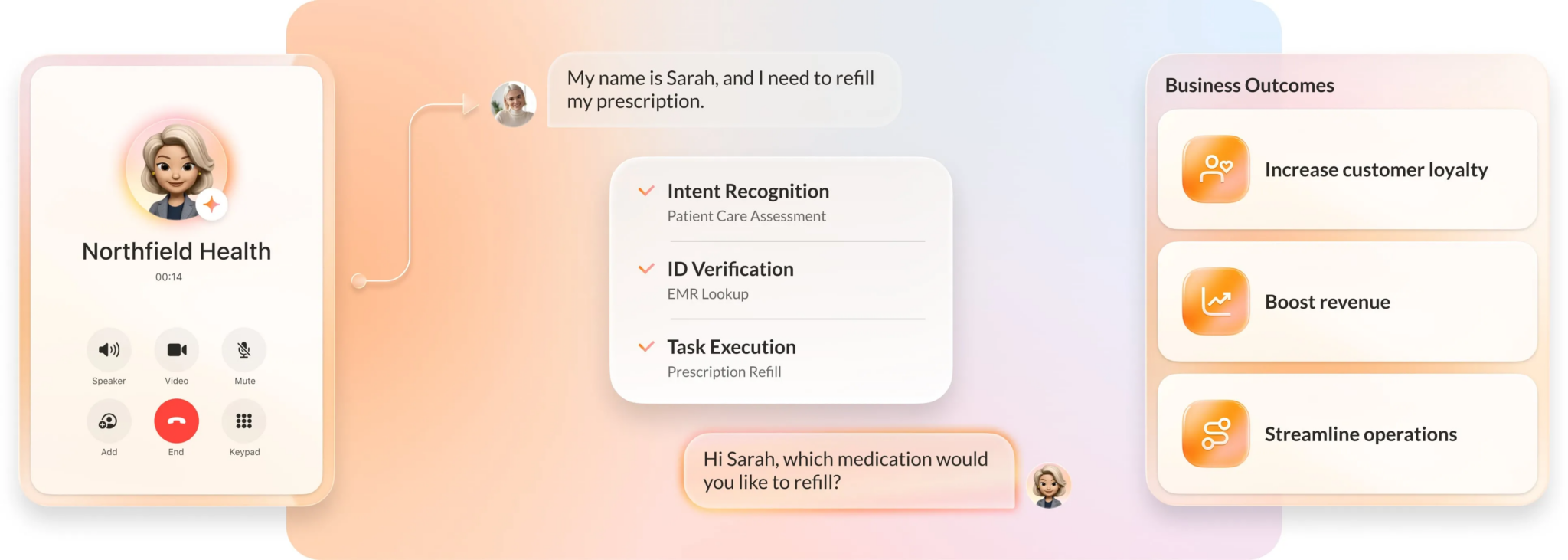
Two capabilities push RingCX past a traditional menu. AI Representative (AIR Pro) is the voice-first AI agent built into RingCX for complex, high-volume interactions. It handles multi-step inquiries across voice, SMS, chat, and social, runs on customizable call flows rather than fixed menus, and operates autonomously within the business rules and guardrails you set.
AIR Pro connects with your existing business systems to bring context into each interaction. When a call needs a person, it hands off with the full history in view so the customer never repeats themselves.
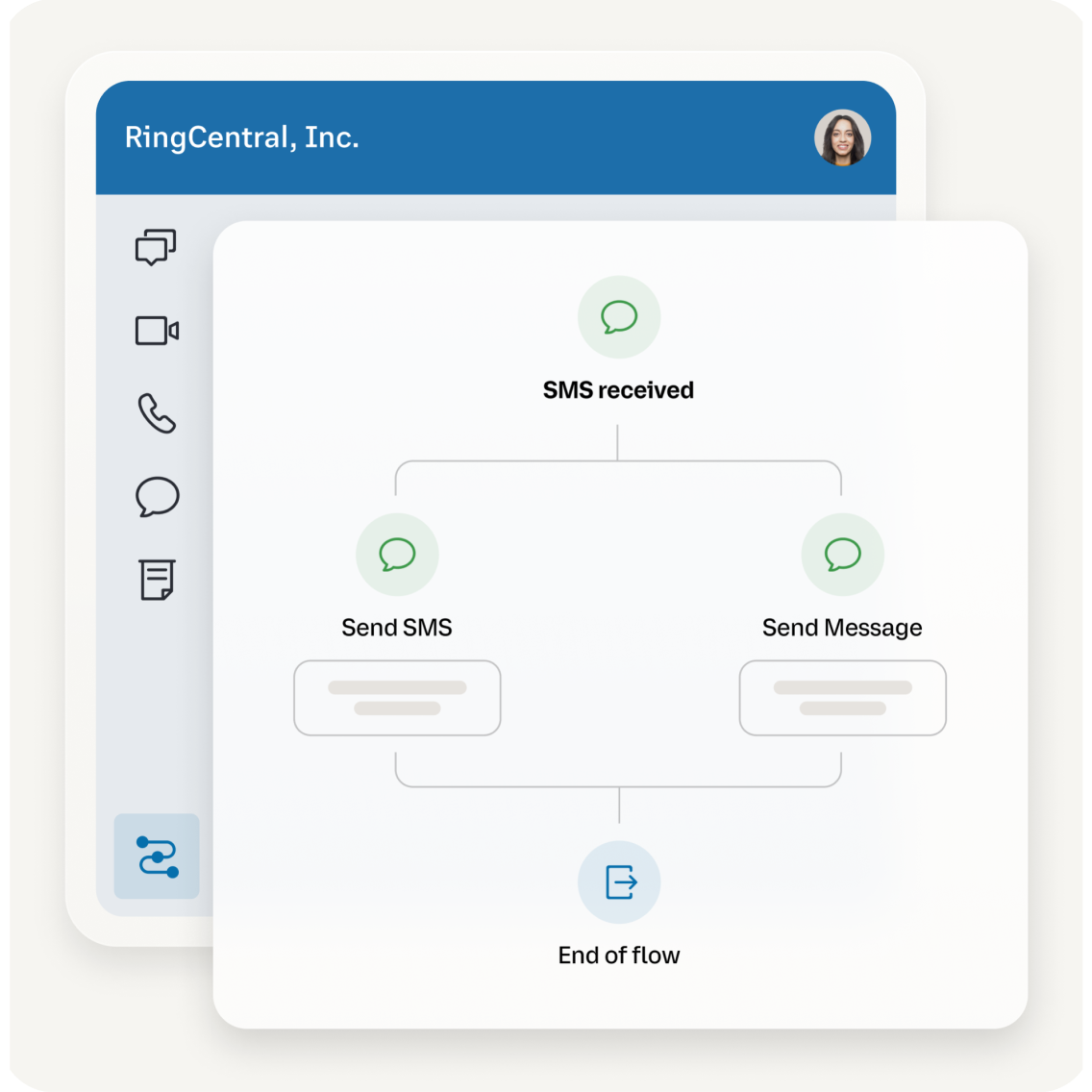
The AI-powered Workflow Builder changes how those flows get built in the first place. Rather than mapping menu branches by hand, you simply describe what you need directly to AVA, RingCX’s AI Virtual Assistant, and it builds the workflow automatically on demand. No coding and no technical resources required, so an operations lead can stand up a new flow or adjust an existing one in minutes instead of waiting on a developer.
RingCentral also offers AI Receptionist (AIR)
RingCentral also offers AI Receptionist (AIR), available as an add-on to RingEX or as a standalone product, for teams whose front-line needs center on inbound call handling rather than a full contact center. AIR answers calls, responds to common questions, routes callers based on intent, and books appointments on its own. Like AIR Pro, it replaces a traditional menu-driven IVR with intent-based routing, so a multi-location business or a busy front desk can get callers to the right place without the custom call flows or the RingCX Workflow Builder.
2. GoTo Connect
GoTo Connect bundles IVR into its contact center, aimed at small and mid-sized teams that want calling and call routing in one plan.
Its visual dial-plan editor takes a drag-and-drop approach to call flow design, letting admins build and rearrange menus by dragging nodes, which keeps basic setup out of IT’s queue. If you need straightforward menu routing tied to a phone system, it can cover the essentials.
3. Dialpad
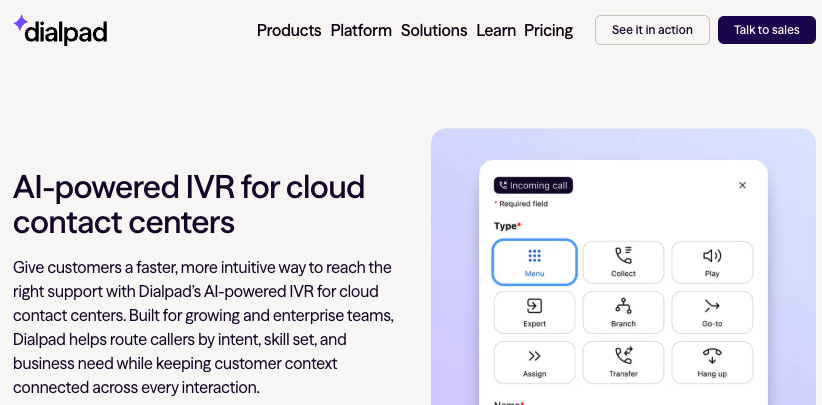
Dialpad pairs IVR with its AI layer, so calls get routed and transcribed in real time. The draw is the built-in speech intelligence: live transcription, voicemail transcription, and AI features run alongside routing rather than as a separate purchase. It fits teams that want conversation data captured automatically as calls move through the system.
4. Aircall
Aircall offers IVR as part of its cloud call-center product, built for support and sales teams that work inside a CRM. Its strength is the app marketplace, with a large catalog of prebuilt integrations that connect routing to the rest of the stack. Setup is quick, which suits teams that want to be live in days rather than months.
5. Twilio
Twilio takes the developer route. Its programmable IVR, built with Studio and backed by APIs, lets engineering teams design custom IVR call flows to spec. There’s no prebuilt console to outgrow, though you own the build and the maintenance. It fits organizations with the developer resources to treat IVR as software they assemble.
6. CloudTalk
CloudTalk targets small business support and sales desks with multi-level IVR and skills-based routing. The setup is designed to be self-serve, so smaller teams can map menus, configure call forwarding, and route by agent skill without specialist help. It’s a fit when you need structured routing without enterprise complexity or cost.
7. Vonage
Vonage offers IVR within a broader communications platform and a well-known API portfolio. That gives teams two paths: use the packaged contact-center features, or build custom voice flows on the APIs when requirements get specific. It suits organizations that want a standard IVR now and programmable headroom later.
8. NiCE
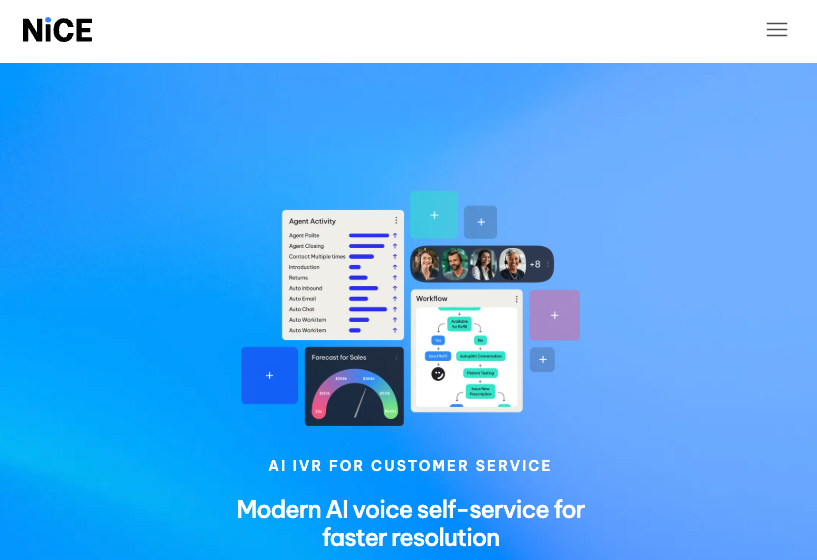
NiCE sits at the enterprise end, with IVR paired to deep analytics and workforce management tooling.
Its reporting and workforce features are built for large, high-volume operations that need granular visibility into every routing decision, tracking metrics like average handle time and call tagging down to the individual call. The trade-off is scope: it’s a heavier platform than a smaller team would need.
9. TCN
TCN focuses on high-volume, compliance-heavy calling, the kind regulated industries run. Its IVR is tuned for environments where call handling has to satisfy strict rules, and its tooling leans toward outbound and collections use cases as much as inbound support.
Where to go from here
The IVR software worth buying is the one that offers AI-first, context-aware routing that lifts containment without trapping callers in unresolvable menus. Menu depth stopped being a differentiator years ago. Resolution rate is the number your shortlist should compete on.
Run the comparison on your own data. Score each IVR platform against the four dimensions (containment, integration, AI capability, and reporting) using your actual call volumes and escalation patterns, not a vendor’s demo numbers. The tool that wins against your context is the one to pilot.
When you’re ready to model IVR as part of a full omnichannel deployment, RingCentral’s contact center pricing lays out what it costs to run IVR, routing, and AI agents on one platform.
FAQs about IVR software
What is IVR software?
IVR software is an automated phone system that greets inbound callers, interprets what they need through keypad presses or spoken input, and then resolves the request or routes it to the right agent or department.
Modern versions use speech recognition and natural language processing so callers can describe a problem instead of navigating a numbered menu. The goal is to handle routine contacts without an agent while sending complex ones to the right place with context attached.
How much does IVR software cost?
Pricing varies by model. Standalone IVR and UCaaS-bundled tools often charge per user per month or per minute of call time. On a contact center platform, standard IVR is table stakes and comes with the core per-seat license, so it isn’t a separate cost.
The budget question is really about the layer above basic menus. AI agents that resolve inquiries in natural language, like AIR Pro, along with the integrations that connect them to your business systems and any custom flow development, are where premium tiers and add-on licensing come in. That’s where total cost separates from the entry price, so compare platforms on what a full deployment with the AI capabilities you need actually runs, not the cheapest license.
What is the difference between IVR and a call center?
IVR is the automated layer that answers and routes calls. A call center is the wider operation, including the agents, software, and processes that handle contacts an automated system passes on.
IVR sits at the front, resolving routine requests and directing everything else. A contact center platform typically includes IVR as one component alongside agent tools, routing, and reporting.
What is conversational IVR?
Conversational IVR uses speech recognition and natural language processing to understand a caller in plain language, rather than making them press numbered options. A caller states their intent, like “reschedule my delivery,” and the system acts on it. It cuts the menu-navigation friction of touch-tone systems and raises the share of calls resolved without an agent.
Can IVR software integrate with a CRM?
Yes. Most modern IVR software connects to CRM systems (e.g., Salesforce, HubSpot, Zendesk, or Pipedrive) so it can identify callers, pull account or order data mid-call, and pass that context to an agent on escalation.
Native integrations are common in UCaaS and contact center platforms, while standalone IVR may need custom development or middleware to reach the same data. Confirm the depth of the integration during evaluation, since read-only lookups and full two-way sync are not the same thing.
Originally published Sep 21, 2026