AI Communications









On the frontline—whether it’s a hospital ward, a retail floor, or a loading dock—communication is the heartbeat of the operation. But for too long, these teams have been stuck juggling bulky analog radios alongside their smartphones.
At RingCentral, we believe the frontline deserves a single, unified tool that works as hard as they do. That’s why we’re unveiling Push to Talk (PTT) 2.0. We’ve reimagined the experience to be more intuitive for users and significantly easier for the IT teams who support them.
A unified experience for the modern frontline
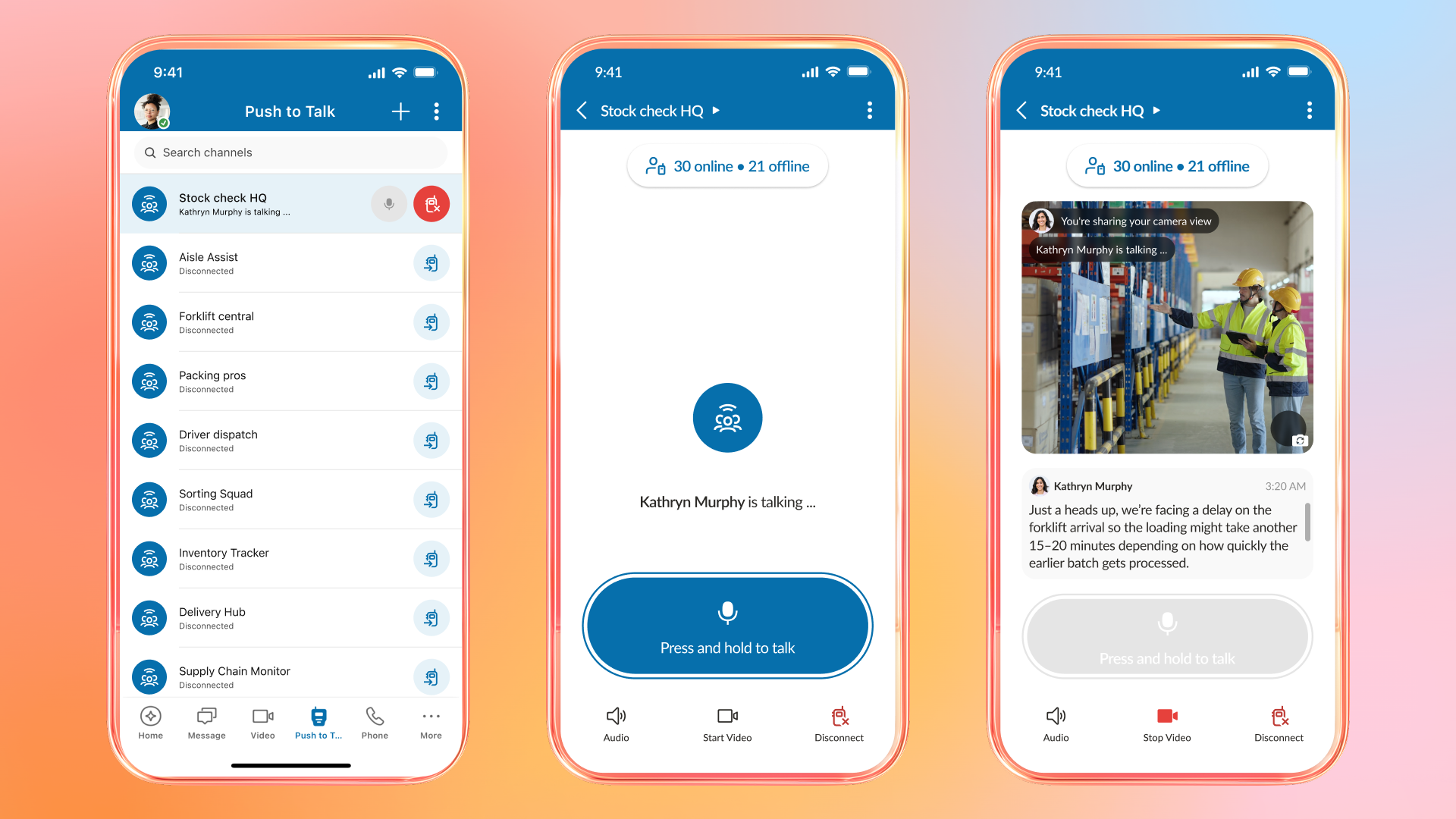
With the previous version of PTT, the experience was largely about the group. While great for general announcements, it didn’t always fit the nuance of a real workday. We’ve moved beyond the simple “one-to-many” broadcast to give your teams more flexibility in how they interact during a busy shift.
- New switchboard UI: We’ve replaced cluttered menus with an immersive “Switchboard” home screen. Every PTT channel and key contact is now at your fingertips in a layout that mirrors the RingCentral messaging experience, ensuring training is minimal and adoption is immediate.
- Presence awareness: Integrated user status indicators show who is available, on a call, or in a meeting before you broadcast, cutting down on unnecessary chatter.
- In-app management: Non-admins can create, edit, and retire channels directly in the app, allowing them to spin up temporary groups for incidents, special events, or pop-up tasks as needs change. Leads can rename channels, add or remove participants, and close them when the job is done, keeping communication clean and relevant.
High-stakes reliability in high-noise environments
We know that the frontline is rarely a quiet place. Whether it’s the hum of a hospital or the roar of a warehouse, audio can get lost.
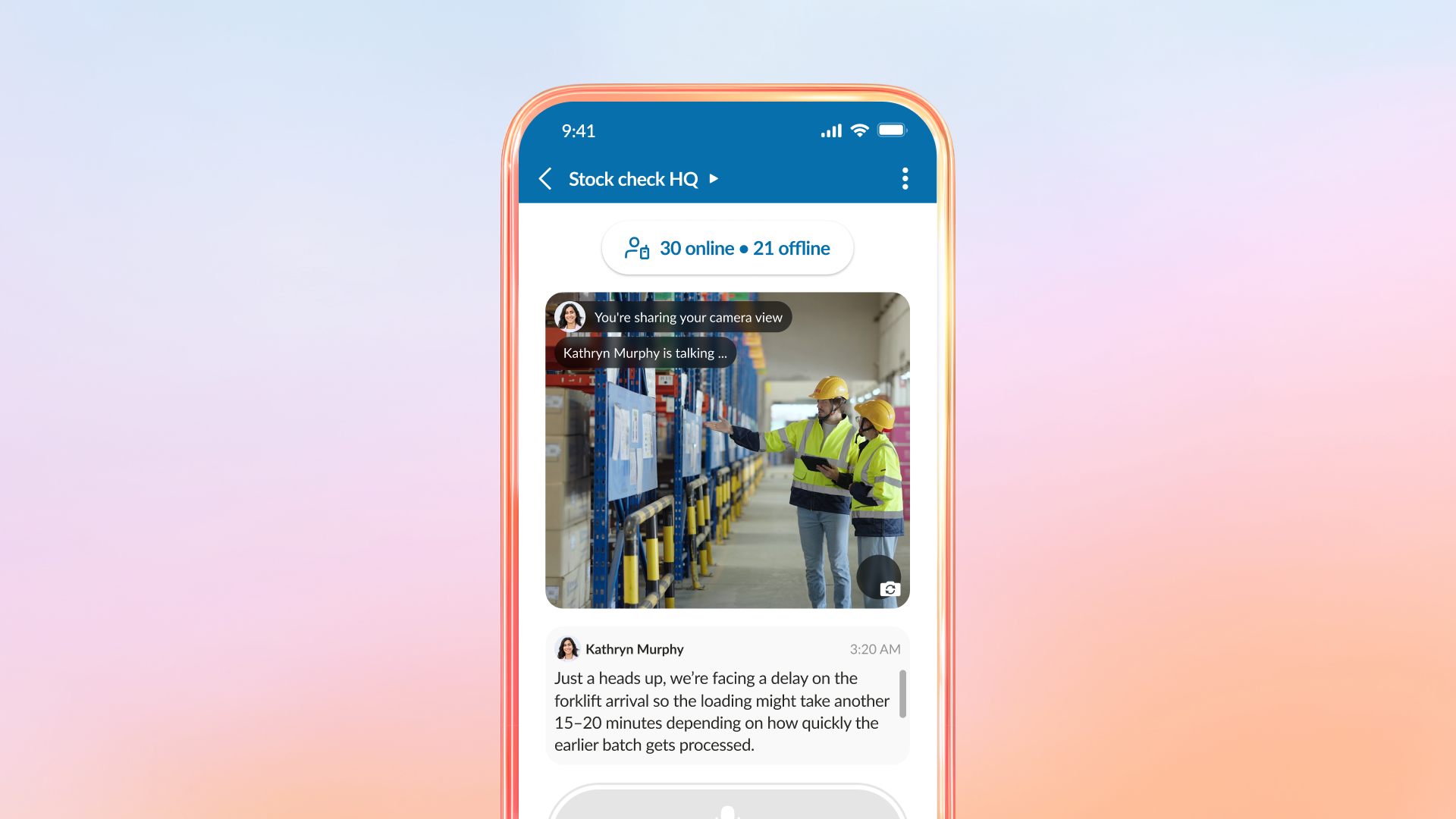
- Persistent transcripts: The most recent PTT message (English only) stays on-screen, allowing users to “read” the audio if they are in a noisy area. In loud or fast-moving settings, being able to quickly read the latest update keeps everyone aligned.
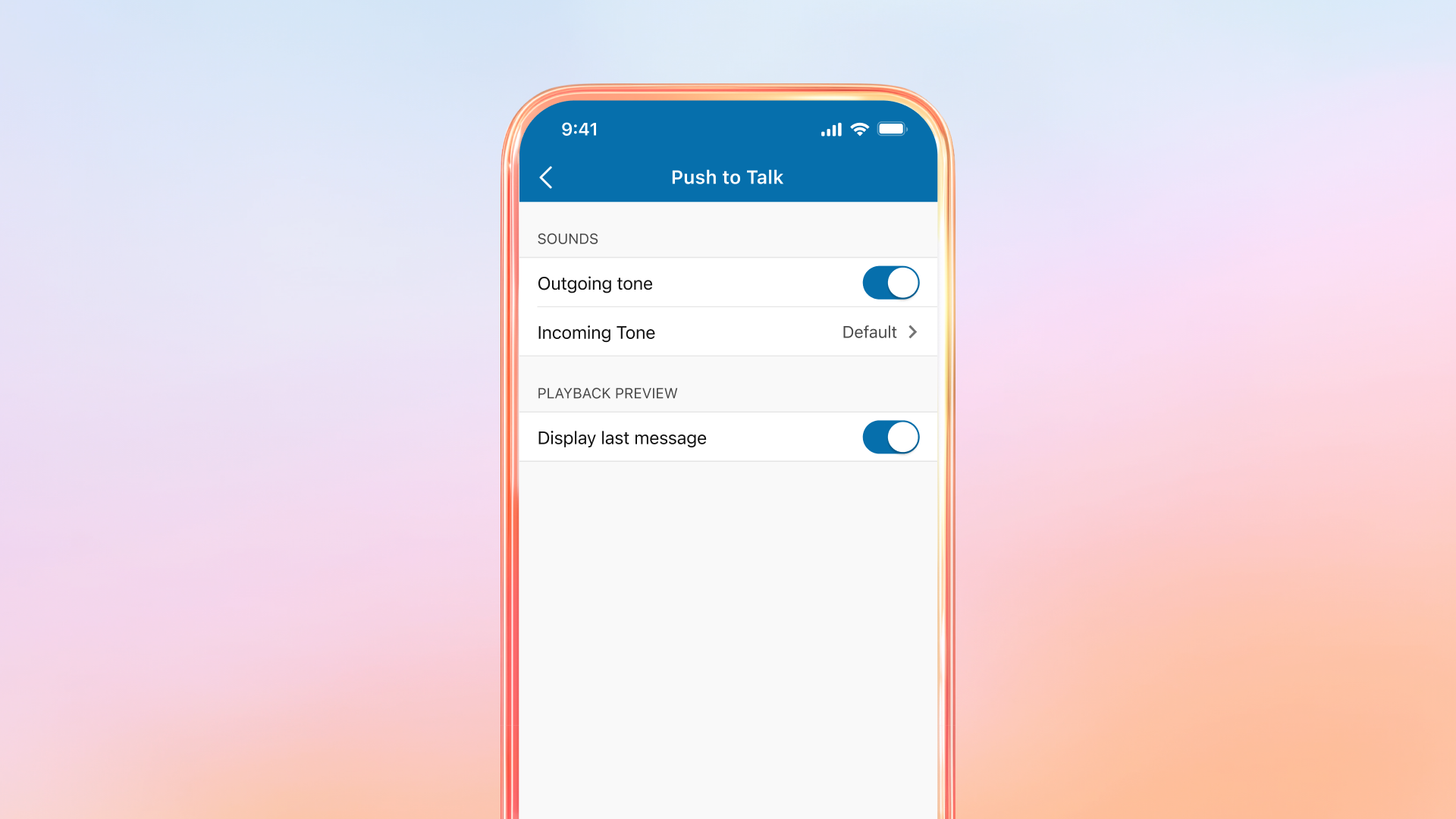
- High-visibility notifications: A stronger inbound tone cuts through the roar of a shop floor or loading dock.
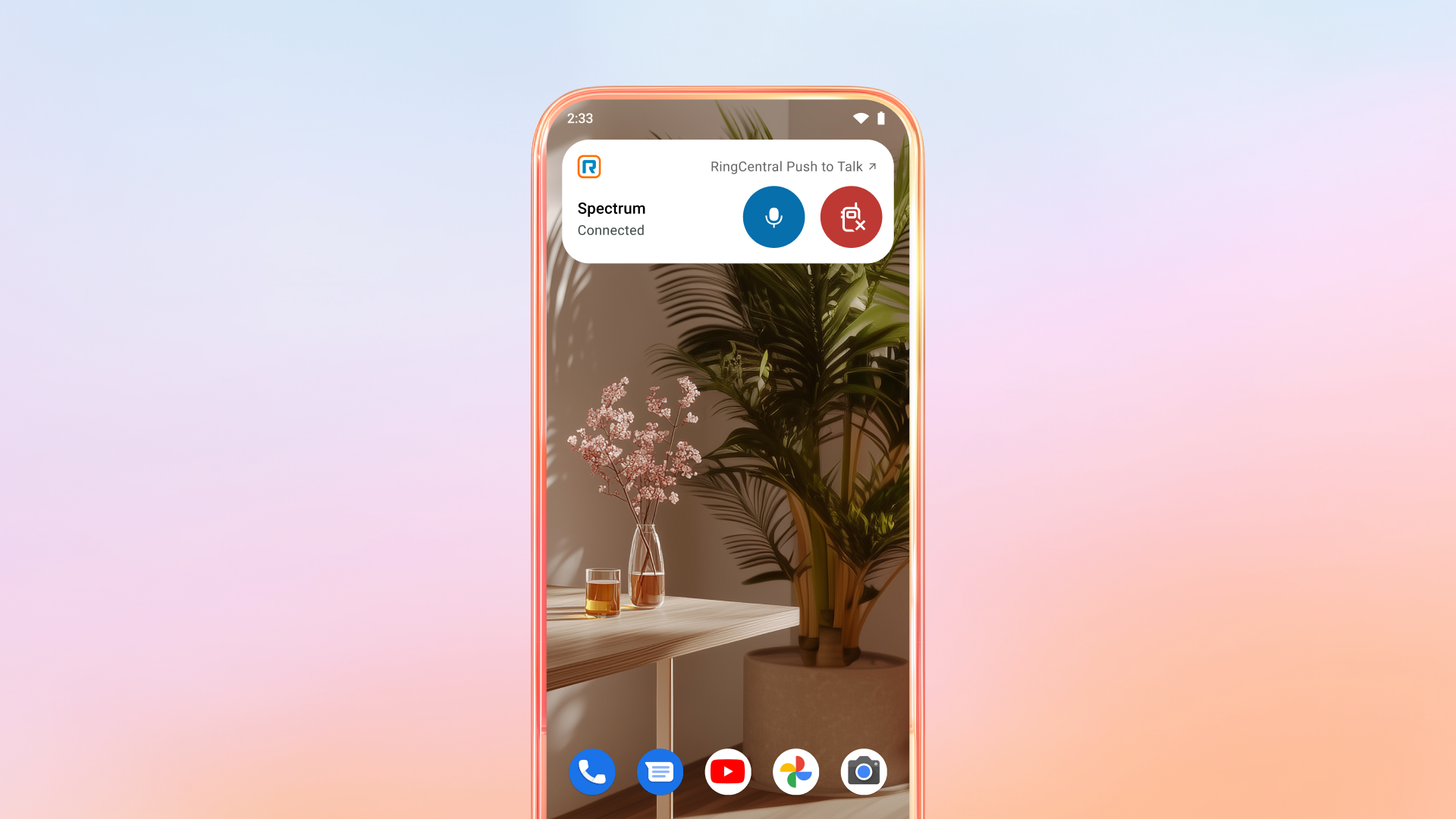
- Android mic widget: For workers using ruggedized devices or wearing gloves, we’ve added a home-screen widget for Android devices. Users can chime into a conversation without even unlocking their phones, significantly reducing “how-to” support calls.
You can learn more about using the new capabilities for Push to Talk here.
Streamlined settings: reclaiming time for IT admins
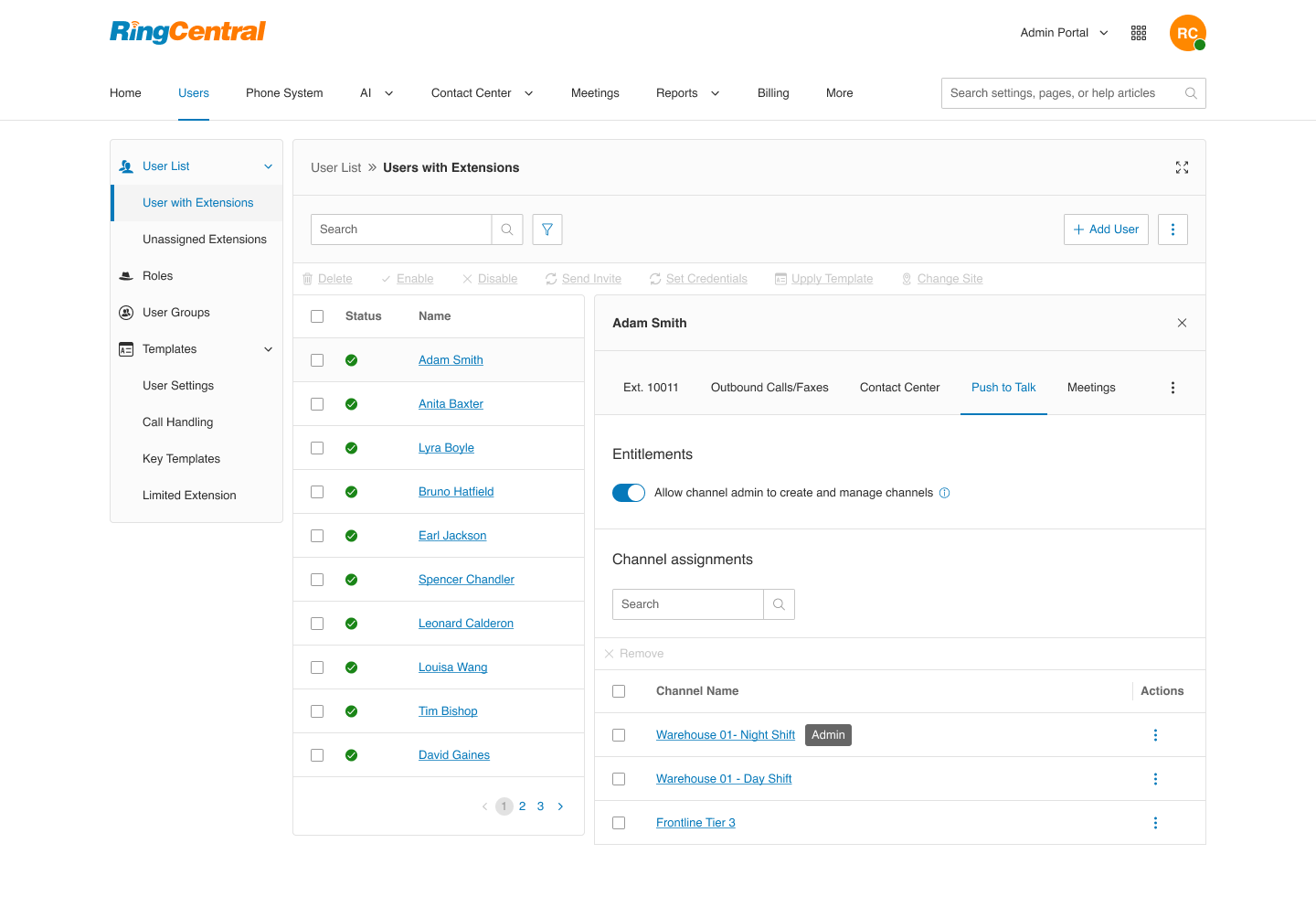
For IT Admins, managing a rotating frontline staff can be a logistical headache. Traditionally, every small change—like creating a temporary channel for a weekend sales event—required a manual ticket. By moving management capabilities into the hands of the people on the floor, you’re not just empowering them—you’re reclaiming your own time.
Here are new changes that can now be found within the admin portal:
- Self-serve channel management: Empower trusted team leads (like store managers or floor leads) with the new “Channel Admin” role. They can spin up or wind down channels on the fly directly in the app, while you maintain authorization control through the admin portal.
- Streamlined user profiles: A new dedicated PTT tab in user settings allows for easy, centralized management of 1:1 communication and channel permissions.
You can learn more about managing Push to Talk channels here.
Frontline success in action
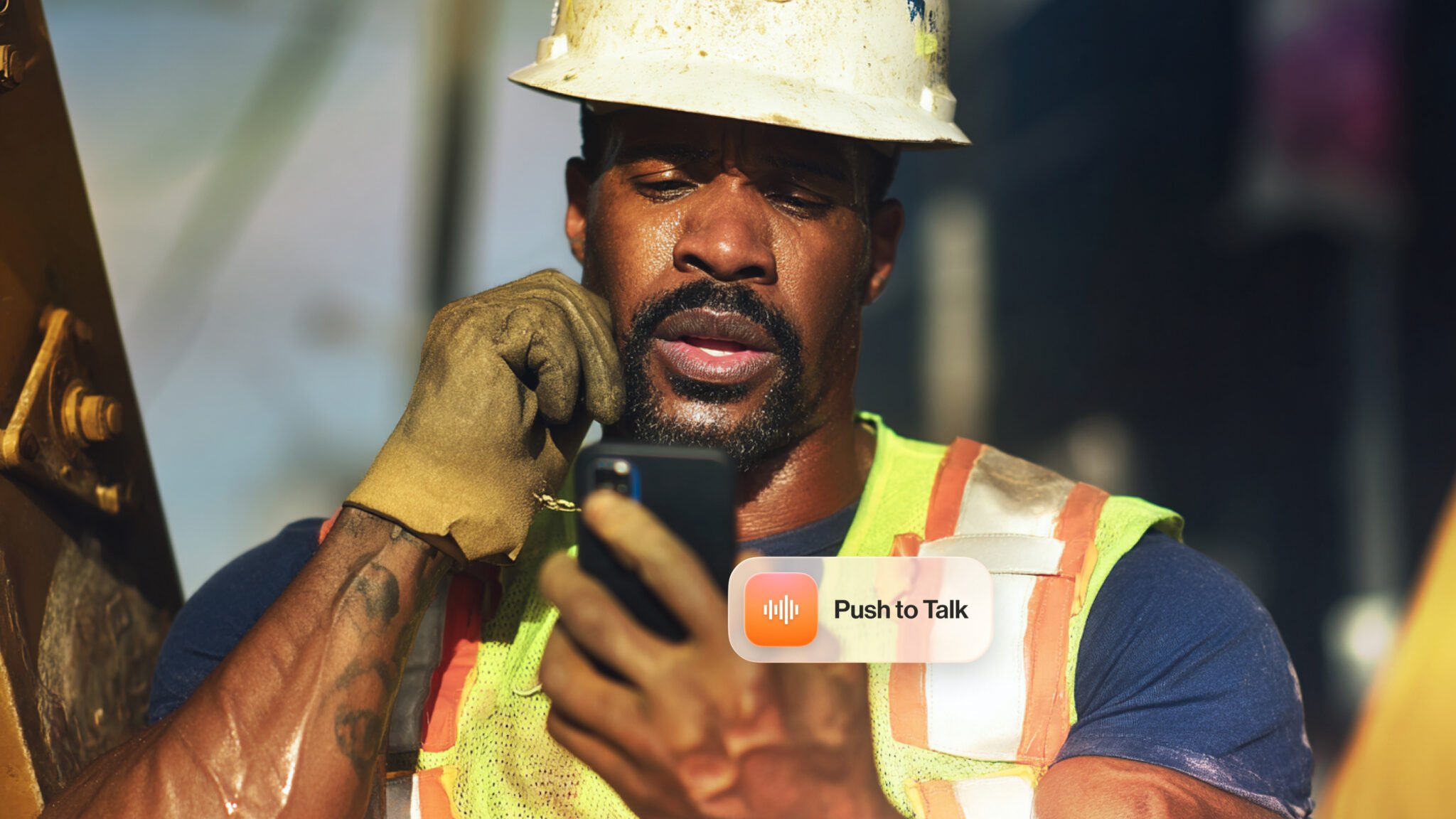
These enhancements are already streamlining day-to-day workflows across field-heavy teams. Here are a few practical ways customers are putting them to work right now.
- Retail: Coordinate across a busy store during a “holiday rush” with louder inbound tones and dedicated channels created in seconds.
- Healthcare: Use PTT for quiet nurse-to-radiology escalations, and rely on live transcripts when PPE or high-decibel environments make audio difficult to hear.
- Manufacturing/Construction: Keep crews focused with the home-screen mic widget for gloved use, while keeping Safety and Maintenance channels pinned on the Switchboard for rapid response.
One device, one experience
The ultimate goal of PTT 2.0 is consolidation. Why ask your employees to carry a phone, a pager, and a walkie-talkie when they can do it all in the RingCentral app? By bringing things like group channels and presence awareness into a single pane of glass, you aren’t just giving them a tool—you’re giving them a better way to work.
If you’re already using RingCentral Push to Talk, make sure your teams update to the latest app version to access the new PTT 2.0 experience.
New to RingCentral Push to Talk? Add it to your RingEX plan and give your frontline teams:
- One app for walkie-talkie, calling, SMS, group messaging, and video camera sharing
- AI noise reduction and live transcription
- Easy setup across iOS, Android, and multi‑modal devices like Zebra
- Enterprise-grade security and management
Ready to see the new experience in action? Contact sales or talk to your RingCentral representative to enable the new PTT features for your frontline teams today.
Originally published Mar 12, 2026