AI Communications










Not every team outgrows Fireflies for the same reason—here’s how to find the tool that fits yours.
Fireflies is built for scheduled video calls. When your team manages conversations across phone calls, support interactions, or digital channels, the tool hits a wall. The same happens when you need to analyze 100% of your interactions instead of manually sampling a fraction.
Fragmented meeting data scattered across your tools, manual quality assurance that covers only 1–2% of interactions, and transcripts that never reach your CRM create blind spots. Those gaps affect coaching decisions, compliance exposure, and revenue visibility at scale.
The tools covered in this guide range from lightweight AI notetakers to enterprise conversation intelligence platforms. And the right fit depends on your team size, use cases, and whether you need meeting insights, AI transcription, or broader coverage across customer-facing channels. Use this guide as a decision tool, not a ranking of the best Fireflies alternative.
Key takeaways
- Bot-free recording, CRM integration depth, and post-meeting workflow automation are among the key features that differentiate these tools
- Teams managing high volumes of customer-facing conversations across voice and digital channels need broader interaction coverage, not just meeting summaries
- Transcription accuracy varies under real-world conditions, especially with multiple speakers, accents, and internet connection issues
- Enterprise teams should assess compliance posture, data residency, and integration maturity as first-order filters
Top Fireflies alternatives for conversation intelligence
Fireflies users switch for different reasons. Some teams need a cleaner, cheaper meeting notetaker. Others need deeper meeting intelligence, AI summaries that actually reach the CRM, and recording that works without a bot joining every call. Still others have outgrown meeting intelligence entirely and need a platform that covers customer-facing interactions across voice and digital channels, not just scheduled video calls.
Each tool below describes what it does, who it serves best, and what it excels at. The comparison table gives you a structured overview before the individual entries.
| Tool | Bot-free option | CRM integration | Interaction coverage scope |
| RingCentral Video + AI Conversation Expert | Yes | Yes | Video meetings, voice, digital interactions |
| Gong | Available in some configurations | Yes | Voice, video, email, digital |
| Avoma | No | Yes | Video meetings and calls |
| Otter.ai | Phone dial-in option | Limited | Video meetings and audio |
| Fathom | No | Yes | Video meetings |
1. RingCentral Video + AI Conversation Expert (ACE)
Most Fireflies users are looking for two things: better AI meeting notes and, for some teams, deeper analysis of what’s happening across customer conversations. RingCentral covers both through two products that work independently or together.
RingCentral Video is RingCentral’s video collaboration platform. It handles the core use cases Fireflies users care about, such as AI-powered meeting notes, translated transcripts, live AI recaps, action item capture, and meeting summaries, without requiring a separate third-party notetaker tool.
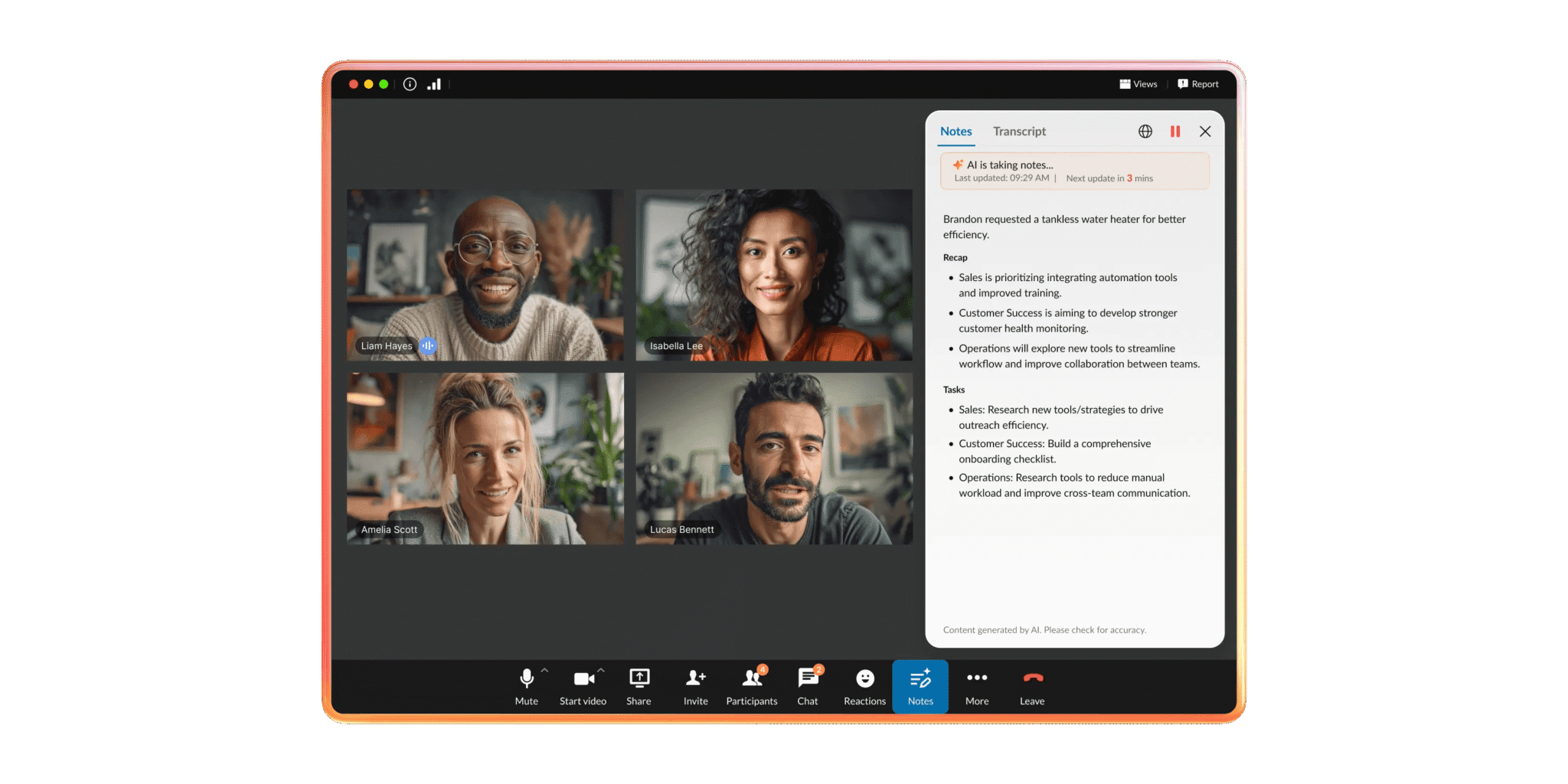
- AI-powered meeting notes and transcripts: Generates AI notes and translated transcripts automatically after each meeting, so participants spend less time on manual documentation. Smart invites and workflow tools help reduce pre- and post-meeting friction.
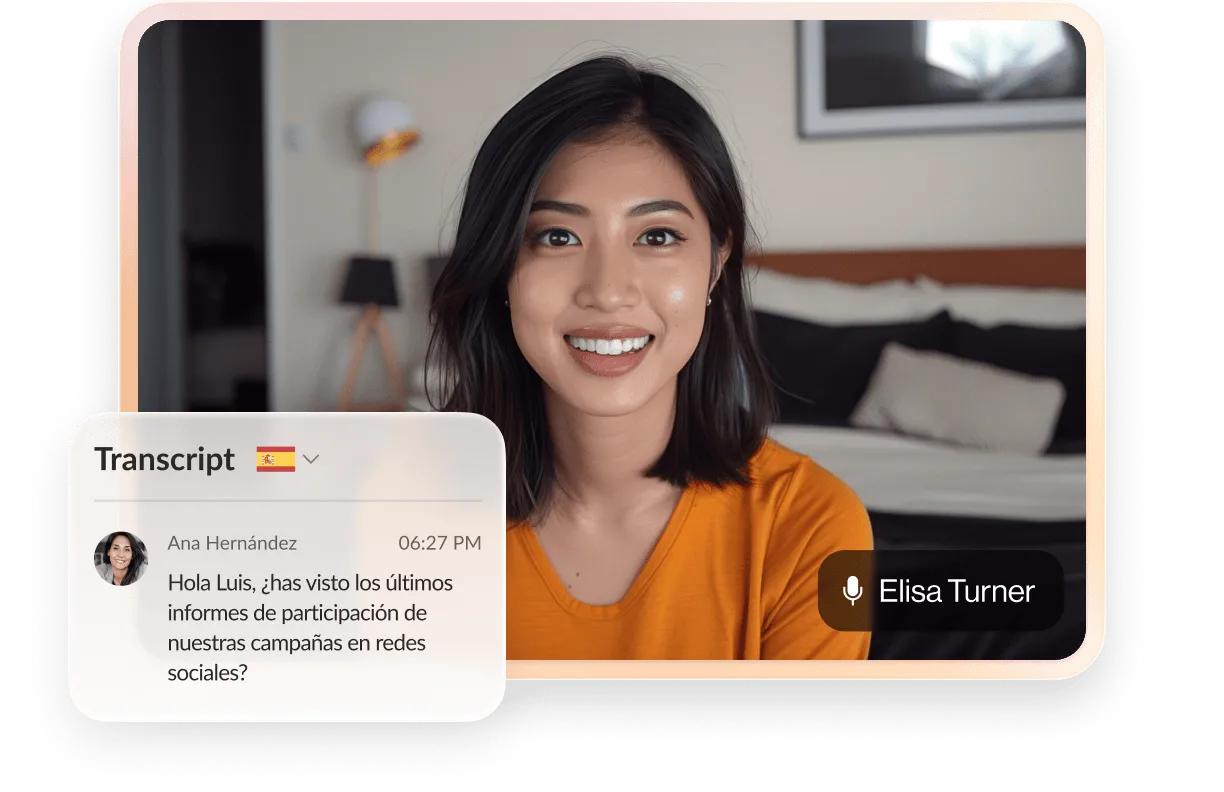
- Live AI recaps: Key decisions and action items are captured automatically during the meeting, keeping participants focused on the conversation rather than note-taking.
- Meeting summaries and captions: Post-meeting summaries give attendees a structured record of what was discussed. Live captions improve accessibility and make meetings more inclusive across language and hearing differences.
ACE is RingCentral’s conversation intelligence product for teams that need to go beyond meeting notes. Where RingCentral Video covers the meeting layer, ACE is built for customer-facing interactions across sales, customer service, healthcare, operations, and other functions managing high volumes of business conversations.
ACE produces structured post-interaction data, including conversation summaries, sentiment signals, action item extraction, and performance trends. It’s available as a standalone CI solution and integrates with RingCX as an additional intelligence layer on top of native AI features.
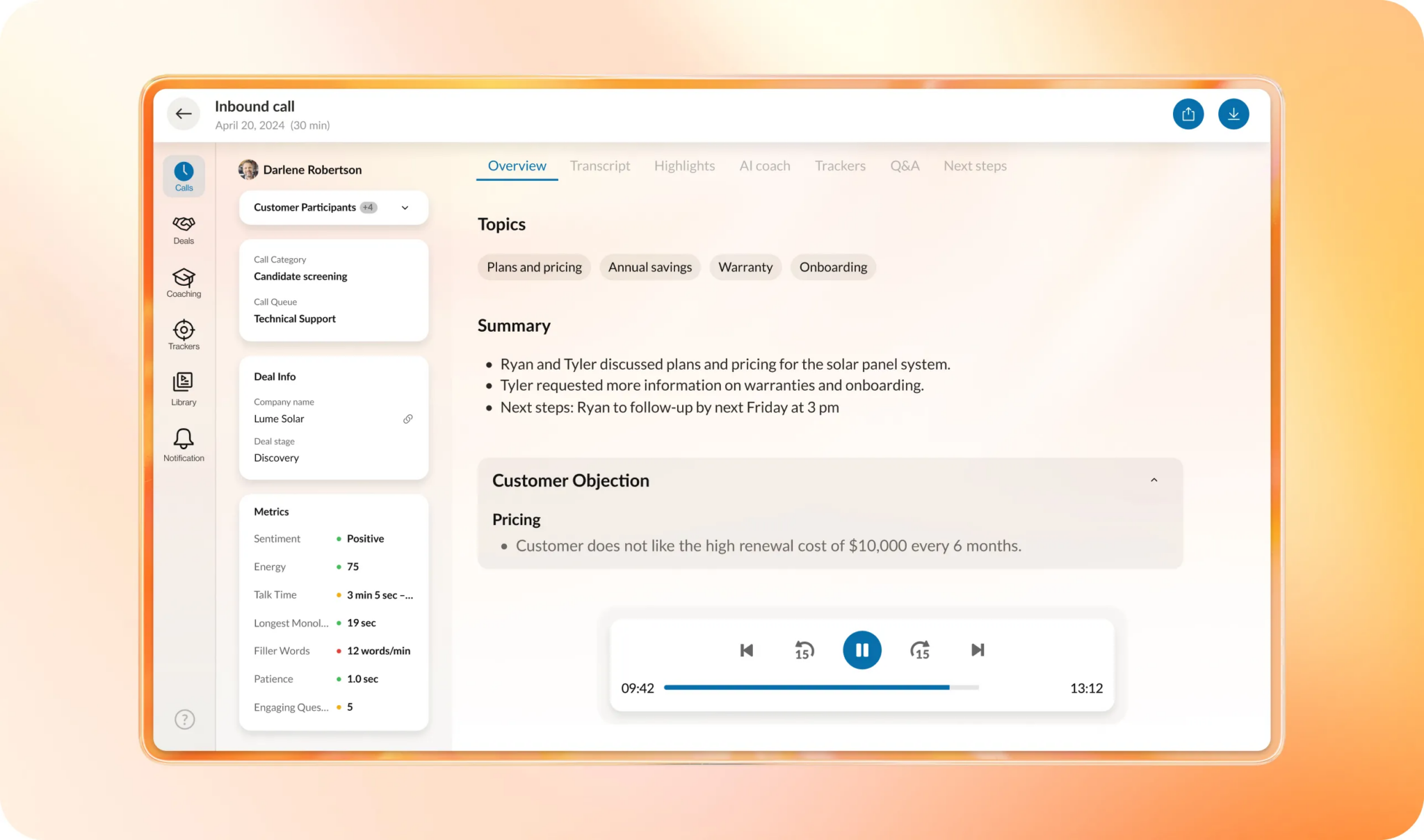
- Interaction coverage: Capture and analyze conversations across all your customer-facing channels, not just scheduled video meetings. You can identify performance gaps and compliance risks across your entire interaction volume instead of relying on manual sampling that only covers a fraction of total interactions.
- Sentiment and intent tracking: Get real-time visibility into conversational data that reveals how customers feel across sales calls, service interactions, and other touchpoints.
- Performance trend analysis: Spot coaching opportunities and performance patterns across your entire team, not just the calls you happen to review manually. This gives you the data you need to support targeted coaching at scale.
- Native platform integration: ACE comes with its own data governance policies, security controls, and admin workflow. You can reduce vendor sprawl and maintain conversation intelligence capabilities within your existing communication platform.
RingCentral Video is included in RingEX, RingCentral’s unified communications platform. If your team already uses RingEX, you have access to these AI features without adding another tool.
ACE is available as an add-on for teams that need conversation intelligence beyond the meeting layer. For teams already using Fireflies with RingCentral via the RingCentral App Gallery integration, ACE may provide a path to native conversation intelligence within the platform.
See RingCentral AI’s value across your business
Find out how AI improves customer engagement, surfaces conversation insights, and drives team productivity.
2. Gong
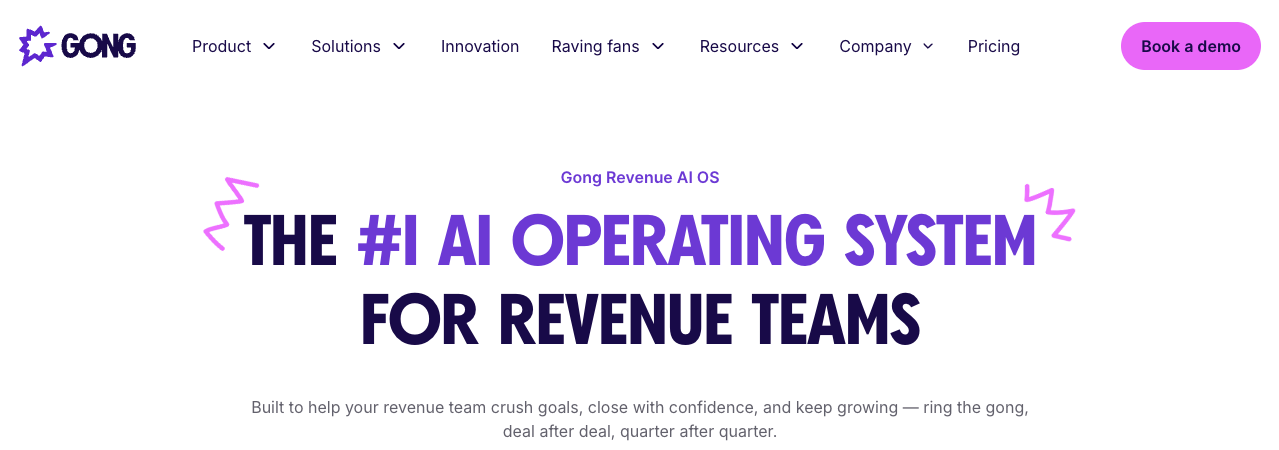
Gong is a revenue intelligence platform built for sales organizations. It records and analyzes customer-facing conversations across voice, video, email, and digital channels, then surfaces deal intelligence, coaching insights, and pipeline risk signals for sales managers and revenue leaders.
Common capabilities include conversation scoring against sales methodology, talk-to-listen ratio tracking, deal health indicators tied to interaction data, and CRM workflows based on call outcomes. Gong integrates with major CRM platforms and may support bot-free recording in some configurations.
Gong is designed for sales teams managing a high volume of prospect and customer conversations where deal visibility and rep coaching are the primary priorities.
3. Avoma
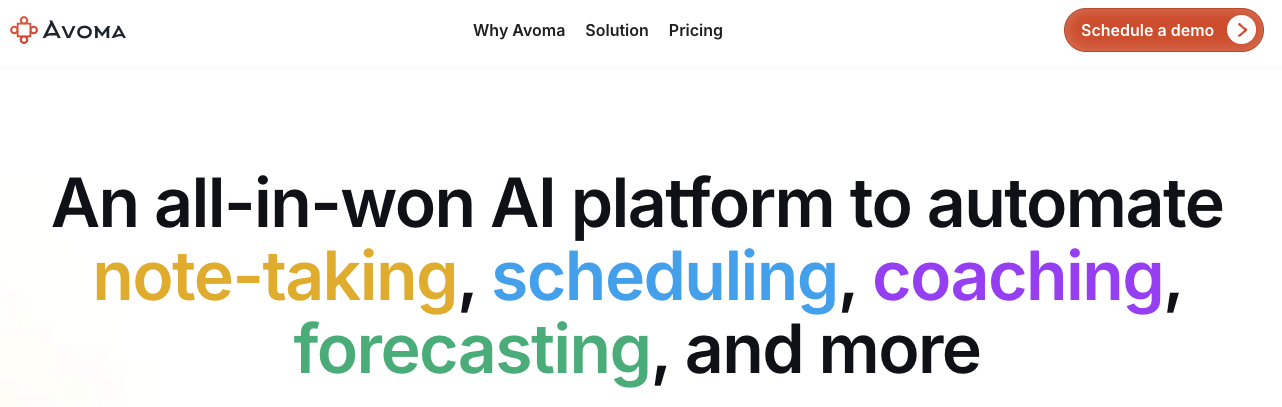
Avoma is a meeting intelligence platform positioned around AI note-taking, AI sales coaching, and conversation analytics. It can be used to transcribe and summarize meetings, extract action items, and provide conversation insights such as topic tracking and engagement scoring across sales and customer success calls.
Avoma supports CRM workflows for pushing notes and outcomes into deal records, reducing manual data entry after calls. The platform” also supports agenda templates, collaborative note-taking, and post-meeting follow-up workflows.
Avoma sits between lightweight notetakers and full revenue intelligence platforms in terms of depth and price point. This makes it a practical option for growing sales and customer success teams that need more than transcription but aren’t ready for the complexity of an enterprise CI deployment.
4. Otter.ai
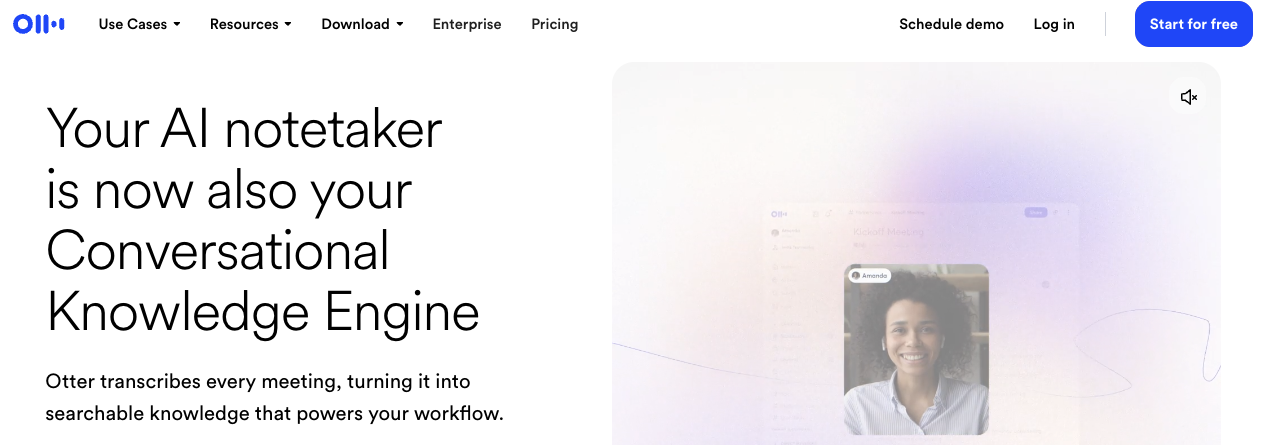
Otter.ai is an AI meeting transcription tool focused on real-time and post-meeting note capture. It transcribes audio from video conferencing platforms, in-person meetings via mobile, and phone calls through a dial-in option, making it a flexible tool for capturing conversations outside of scheduled video calls.
Core features include live transcription, automated meeting summaries, speaker identification, and a searchable transcript archive. CRM integration is limited compared to sales-focused platforms. It’s well-suited for teams whose primary need is searchable transcription rather than conversation analytics or coaching workflows.
5. Fathom
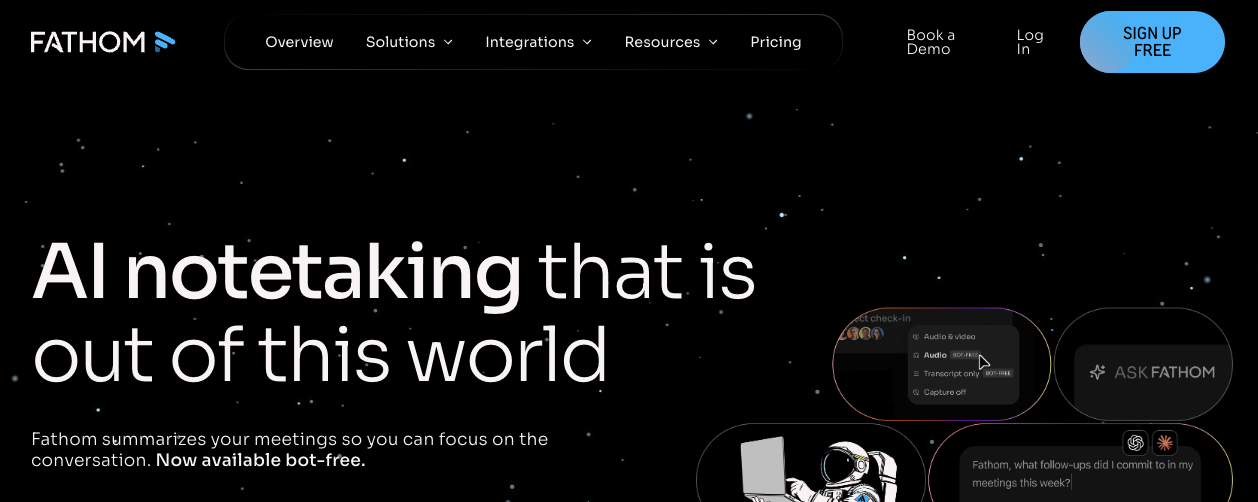
Fathom is an AI meeting notetaker that records, transcribes, and summarizes video meetings. It integrates with major video conferencing platforms and generates structured summaries with action items after each call.
Fathom supports CRM workflows for pushing call notes into deal records. It can be a fit for individual contributors and small teams that need meeting capture and CRM logging without a large budget commitment, but it doesn’t extend to conversation intelligence or interaction coverage outside of video meetings.
What to evaluate when choosing a Fireflies alternative
Meeting notes, conversation intelligence, or broader interaction coverage represent meaningfully different requirements, and choosing the wrong category creates a new gap rather than closing the existing one. Before evaluating specific meeting tools, clarify which category your team actually needs.
- Interaction coverage scope: Meeting notetakers capture what was said in scheduled calls; CI platforms can analyze interactions across voice and digital channels. The distinction matters for teams managing compliance or QA at scale, but broader coverage may also require higher cost, more setup work, and clearer governance.
- Bot presence and client-facing risk: Visible recording bots can raise consent concerns in regulated environments or sensitive client conversations. Confirm whether the tool offers bot-free or device-based capture before deploying it on external calls.
- CRM and workflow integration depth: Tools that only generate transcripts may require manual data entry downstream. Prioritize platforms that push structured data directly into your CRM, ticketing system, or project management tool if avoiding manual follow-up is a core requirement.
- Transcription accuracy under real conditions: Transcription accuracy varies with multiple speakers, background noise, accents, and non-English content. Test against your actual call environment, not a controlled demo. Look for multilingual support and language support options, especially across internet connection variations.
- Enterprise security and compliance posture: Confirm SOC 2, General Data Protection Regulation (GDPR), and any industry-specific certifications before deploying at scale. Also, evaluate data residency options and the vendor’s AI training data policies.
- Scalability beyond the meeting layer: If your team manages customer-facing conversations outside of scheduled video calls, such as phone calls, support interactions, or sales outreach, confirm whether the platform also covers those channels.
How to choose the right Fireflies alternative for your team
The right tool depends on what you’re actually trying to solve. Start with your use case and team size, then filter by capability.
For individual contributors and small teams
If you’re primarily capturing internal meetings, prioritize these factors:
- Free plan availability or free AI option
- Highly accurate transcription
- Ease of setup and mobile app support
Analytics depth and CRM integration matter less when your primary need is accurate, searchable notes from recurring calls.
For sales and revenue teams
If you need coaching data, deal intelligence, and CRM automation, evaluate platforms that offer:
- Conversation scoring
- Playbook adherence tracking
- Pipeline visibility
Summaries alone may not be enough for teams focused on rep performance or forecast accuracy.
For operations and IT leaders
If you’re managing customer-facing conversations at scale across voice and digital channels, look beyond meeting intelligence tools. You may need a platform that covers interactions beyond scheduled video calls. The gap between what a notetaker captures and your team’s actual daily interaction volume actually produces in a day is where compliance risk and coaching blind spots emerge.
For regulated industries
If you’re in healthcare, financial services, or managing compliance risk at the organizational level, make these your first filter:
- Security certifications
- Data residency options
- Interaction coverage
Features and pricing are secondary to whether the platform can meet your regulatory obligations.
Once you’ve identified your category, evaluate two or three tools within it against your call environment, your existing tech stack, and your team’s tolerance for setup complexity. The tool that fits your workflow on day one is more valuable than the one with the longest feature list.
Match your conversation intelligence tool to your actual workflow
The Fireflies alternatives market splits into two categories: meeting notetakers and conversation intelligence platforms.
Meeting notetakers work for some teams. But if you manage high volumes of customer-facing conversations across voice and digital channels, you need structured post-interaction data that supports coaching, compliance, and revenue visibility. That scope requires higher cost, more implementation work, and clearer governance.
Understand what coverage your team actually needs. Then evaluate platforms built for that scope.
If you need AI meeting notes with deeper roots in your communications platform, RingCentral Video is included in RingEX. If you need conversation intelligence beyond scheduled meetings, ACE is available as an add-on. Both are built on the same platform rather than added as a separate vendor.
Fireflies alternative FAQs
What is the free alternative to Fireflies?
Fathom and Otter.ai both offer free tiers for users who need meeting capture and transcription. Fathom focuses on video meeting recording and AI summaries, while Otter.ai includes live transcription and a searchable archive.
Both tools cover video meetings, and neither extends to full conversation intelligence across voice and digital channels.
If your team is already using a unified communications platform, RingCentral Video is worth evaluating. It’s part of RingEX, and includes automated meeting notes, summaries, and transcripts.
What is the difference between Fathom and Fireflies?
Both tools record and summarize video meetings, but they differ in pricing model and feature depth. Fathom offers a free tier for individuals, while Fireflies operates on a credit-based AI model that can create friction at higher usage volumes.
Fireflies offers broader integrations and team collaboration features in its paid tiers. Fathom is lighter and faster to set up.
However, neither tool provides conversation intelligence beyond the meeting layer. For teams that need that coverage, AI Conversation Expert (ACE) is available as an add-on to RingEX or RingCX.
Is Otter.ai better than Fireflies?
It depends on what your team actually does after a meeting ends.
- Otter.ai wins on real-time transcription and mobile capture for in-person conversations.
- Fireflies pulls ahead when you need post-meeting workflow automation and CRM integrations, and its paid tiers offer meaningfully more depth for sales teams.
Where both fall short: customer-facing conversations that happen outside scheduled video calls. RingCentral’s AI Conversation Expert (ACE) covers that gap, adding sentiment analysis, CRM sync, and coaching opportunities across your full communication stack.
What should enterprise teams look for in a Fireflies alternative?
Enterprise teams should prioritize four things:
- Interaction coverage scope, or whether the platform covers all relevant customer-facing channels or only video meetings
- Security and compliance certifications, such as SOC 2, GDPR, Health Insurance Portability and Accountability Act (HIPAA), where applicable
- CRM and workflow integration depth
- Scalability under real-world conditions, including multiple speakers, varied accents, and high daily interaction volumes
Pricing model transparency and data residency options matter too. At enterprise scale, AI credit limits and data sovereignty requirements can become real operational constraints.
Teams evaluating a Fireflies replacement should also consider whether they need a standalone transcription tool at all. RingCentral Video (included with RingEX) provides native meeting recording and transcription, reducing the need to patch in a separate app.
For teams that need AI capabilities beyond transcription, RingCentral’s AI Conversation Expert (ACE) addresses all four criteria above: interaction coverage across voice and digital channels, enterprise security certifications, CRM integration, and scalability at volume. ACE is available as an add-on to RingEX or RingCX.
Originally published Jun 03, 2026