AI Communications









Compare the top customer experience software platforms for enterprise teams in 2026.
Keeping up with modern customer expectations is an ongoing challenge. You need to provide fast service while keeping your operations organized, yet using separate tools for different channels slows things down. Disconnected systems force customers to repeat themselves and make it difficult for your team to stay on the same page.
Customer experience software solves this by bringing every channel into a single platform. Your team can manage conversations across channels, view relevant context before they connect, and track performance without jumping between tools. That means quicker responses, fewer handoff mistakes, and more consistent customer service.
This comparison of seven leading customer experience software options highlights where each one excels and the trade-offs to consider. We’ll also cover what customer experience management (CXM) software does and how the category splits into three distinct jobs.
Key takeaways
- Customer experience management software acts on experience, CRM systems store the record
- Unified customer experience software eliminates the friction and slow response times caused by fragmented toolsets
- Integrated AI agents automate tasks across the full customer lifecycle to reduce manual work for teams
- Platform choice is based on which part of the customer experience you’re trying to own
What is customer experience management software?
Customer experience management (CXM) software is a category of tools that an organization uses to measure, analyze, and improve how customers experience the business across all channels. It brings together survey feedback, interaction data from calls and chats, journey analytics, and the service systems agents work in, then turns that combined view into action.
The CXM software category covers a wide range of use cases, including:
- Voice of customer (VoC) and feedback management
- Customer journey mapping and orchestration
- Customer experience analytics
- Contact center and customer service platforms
- Conversational AI and self-service tools
- Customer service knowledge management
- Customer engagement, CRM, and marketing automation
- Customer success management
Many CXM tools span multiple categories, but all aim to move your customer support from reactive to proactive. This is critical because modern service standards are higher than ever. In fact, PwC found that customer service (61%) is the third-most important quality driving customer loyalty, after product quality and fair pricing.
To meet rising expectations, you must overcome three common issues:
- Fragmented customer data: Splitting context between sales and support means agents miss history, operate without full customer context, and leave callers feeling overlooked.
- Complex compliance: Managing multiple regions and channels increases the risk of errors and inconsistent service.
- Difficult scaling: Forcing agents to switch between tools or handle follow-ups manually consumes time that they could spend on higher-value interactions.
Modern CX platforms eliminate this friction by keeping every interaction and workflow in one view. That means faster help, fewer repeated explanations, and less avoidable rework for your team.
CXM software vs. CRM vs. contact center software
In short, a CRM stores the record of the relationship, customer experience management software measures and acts on the quality of that relationship, and contact center software runs the individual interactions the relationship is made of. It’s easy to conflate the three, but the confusion is costly, because a platform bought for the wrong job underdelivers no matter how well it’s implemented.
- CRM: A CRM is a system of record. It holds accounts, contacts, opportunities, and case history, and it answers questions about who a customer is and what they’ve bought. It’s built for accuracy and retrieval, and it does not measure whether the last conversation went well.
- CXM software: This is a system of insight and action.CXM software collects signals a CRM doesn’t hold, including survey scores, sentiment from recorded conversations, and journey drop-off points, then routes those signals to the teams responsible for resolving the underlying issue. It typically reads from a CRM and writes back to it.
- Contact center software: These platforms are a system of execution. They route contacts across voice and digital channels, give agents a workspace, and produce the raw interaction data the other two systems consume.
If you want to understand where the boundary sits in practice, the distinction between customer experience and customer service maps closely onto the split between what CXM software measures and what contact center software runs.
7 customer experience management software platforms compared
The right platform does more than organize your messages—it provides a foundation for your team to scale. To find a system that supports your growth, look past the marketing and consider how the following customer experience management tools handle high-stakes moments like complex call routing, agent-to-customer handoffs, and large-scale sentiment analysis.
| Platform | Primary use case | Key capability | Audience fit |
| RingCentral RingCX | Running omnichannel customer interactions | Native AI across every interaction, not a sample | Mid-market and enterprise contact centers |
| Salesforce Service Cloud | Service delivery inside an existing CRM | CRM-native case and workflow management | Organizations standardized on Salesforce |
| Genesys Cloud CX | High-volume interaction orchestration | Journey orchestration and predictive routing | Large, complex contact center operations |
| Qualtrics XM | Measuring and diagnosing experience | Survey and voice-of-customer research | CX and insights teams running formal programs |
| Zendesk for Customer Service | Ticket-based support at scale | Unified agent workspace and self-service | Digital-first support organizations |
| Talkdesk | Contact-center-native CX delivery | Cloud contact center with embedded automation | Teams consolidating onto one CX platform |
| Five9 | Voice-led contact center operations | Routing, agent assist, and workforce tooling | Contact centers with heavy outbound and inbound volume |
1. RingCentral RingCX
Contact center leaders can lose most of their visibility to sampling. Manual quality assurance reviews a fraction of conversations, so coaching decisions and trend analysis rest on whatever a reviewer happened to pull that week.
RingCX is RingCentral’s AI-first contact center platform, built to close that gap by analyzing every customer interaction as it happens. It handles voice alongside 20+ digital channels in one agent workspace, and its AI capabilities are native to the platform rather than added on top.
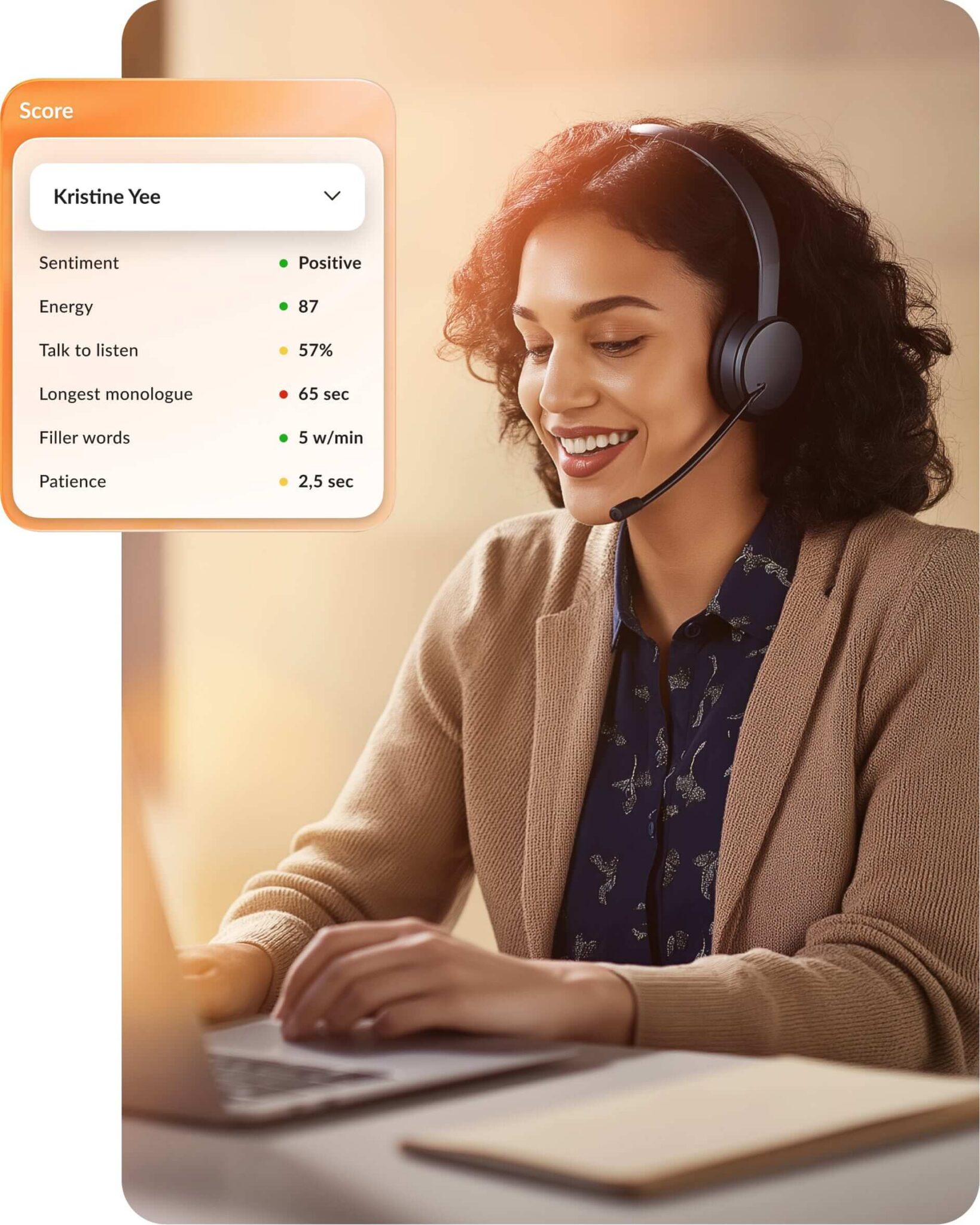
- Every conversation reviewed, not a sample: AI Quality Management automates scoring and compliance monitoring across 100% of contact center interactions, so no manual sampling decides what gets seen.
- Agents stop searching mid-call: AVA Agent Assist surfaces relevant knowledge and next steps during the interaction, and drafts the summary afterwards.
- Supervisors see the whole floor: AVA Supervisor Assist monitors interactions across the operation and surfaces coaching signals to managers rather than leaving them to spot-checks.
- Virtual agents across the conversation lifecycle: RingCX includes Intelligent Virtual Agents that automate customer interactions across voice and digital channels without sacrificing personalization. RingCX virtual agents use conversational AI to understand intent, resolve common requests, guide customers through workflows, and escalate to live agents with full context so customers never have to repeat themselves.
- AI Interaction Analytics: RingCX extracts sentiment, intent, customer satisfaction signals, and root causes from every interaction. Leaders can pinpoint recurring issues, identify friction in the customer journey, and proactively improve service operations. Rather than relying solely on post-call surveys, you gain insight from the conversations themselves.

RingCX suits mid-market and enterprise teams managing rising interaction volume across several channels, particularly those consolidating separate routing, quality, and analytics tools onto one platform.
Real-world impact: AllThingsCX realized a 25% reduction in average handle time using RingCX AI Quality Management, allowing them to identify and resolve frustrations before they lead to churn.
2. Salesforce Service Cloud
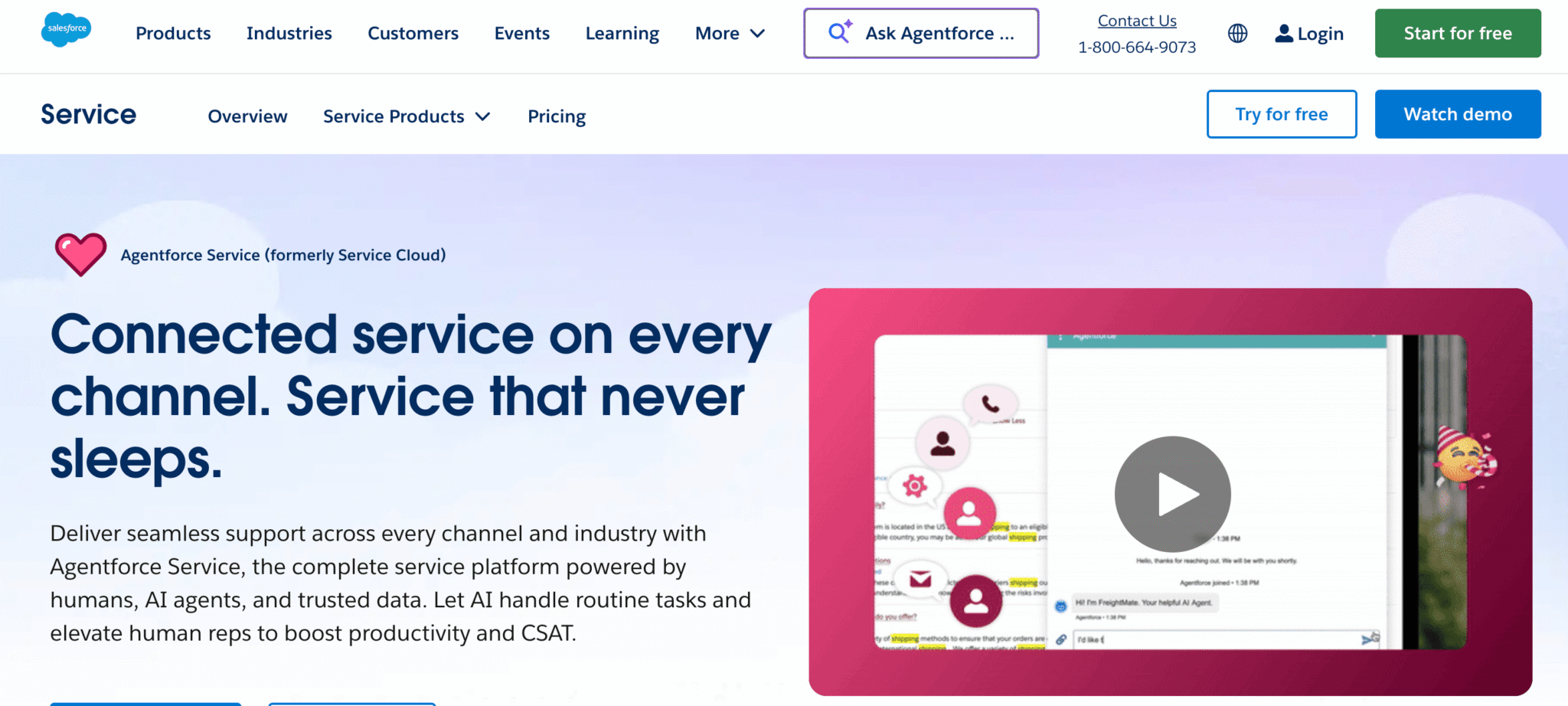
Salesforce Service Cloud (now Agentforce Service) builds customer experience directly onto the Salesforce CRM. It unifies customer history, case management, and real-time interactions into a single screen, making it standard for enterprises already using the Salesforce ecosystem.
Key features:
- Omnichannel routing: Matches cases and conversations to agents based on skills, language, and capacity to improve response speed
- Unified service workspace: Brings phone, chat, and email into one workspace so agents can resolve issues with complete context
- CRM-native workflows: Connects service interactions with account data to eliminate repetitive questioning
- Agentforce AI: Automates routine resolutions and provides “next-best-action” guidance during live interactions
3. Genesys Cloud CX
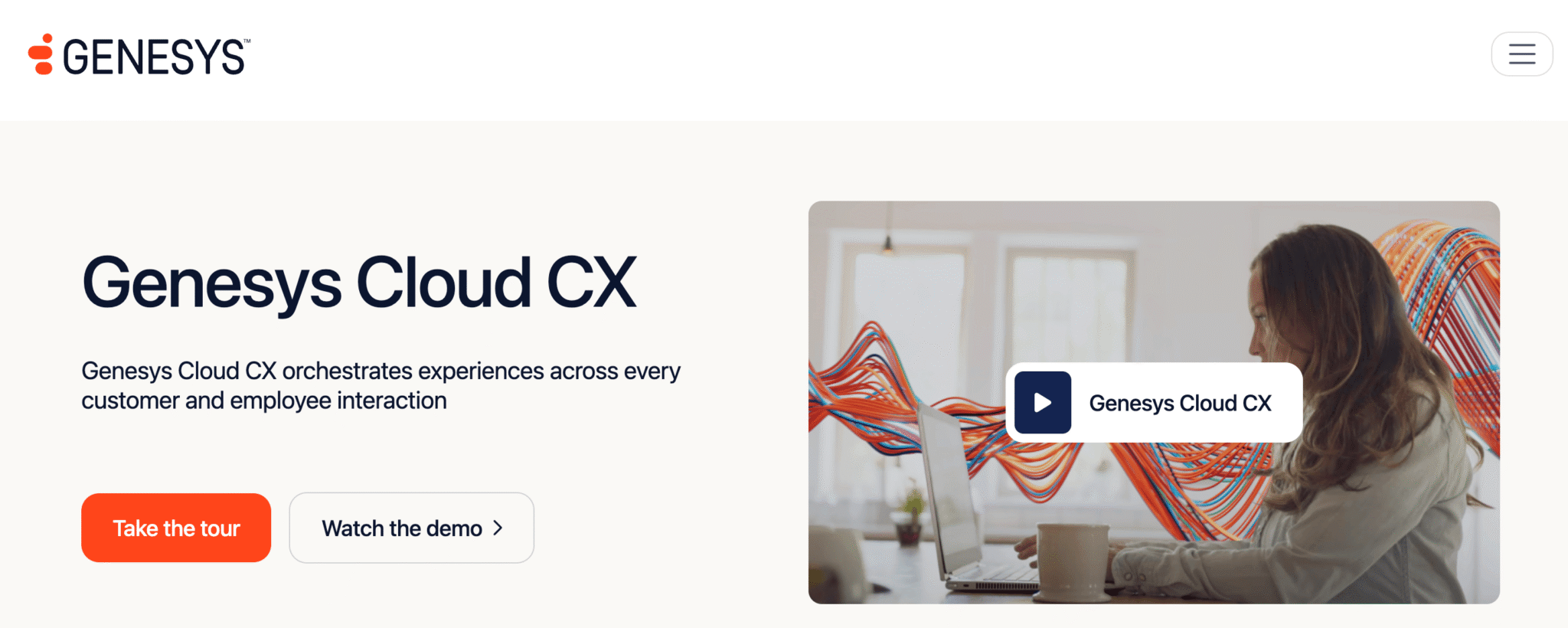
Genesys Cloud CX handles high volumes of customer conversations across voice and digital channels. It manages complex queues and agent staffing to ensure consistent service levels during peak periods.
Key features:
- Journey orchestration: Unifies voice, digital, and social channels into a single timeline so agents maintain full context during transfers
- Predictive routing: Matches incoming interactions with the best-suited agent available based on skills and historical performance
- Workforce engagement management: Provides native tools for forecasting, scheduling, and monitoring within the same interface
- Agentic virtual agents: Executes end-to-end actions across back-office systems to resolve customer requests autonomously
4. Qualtrics XM
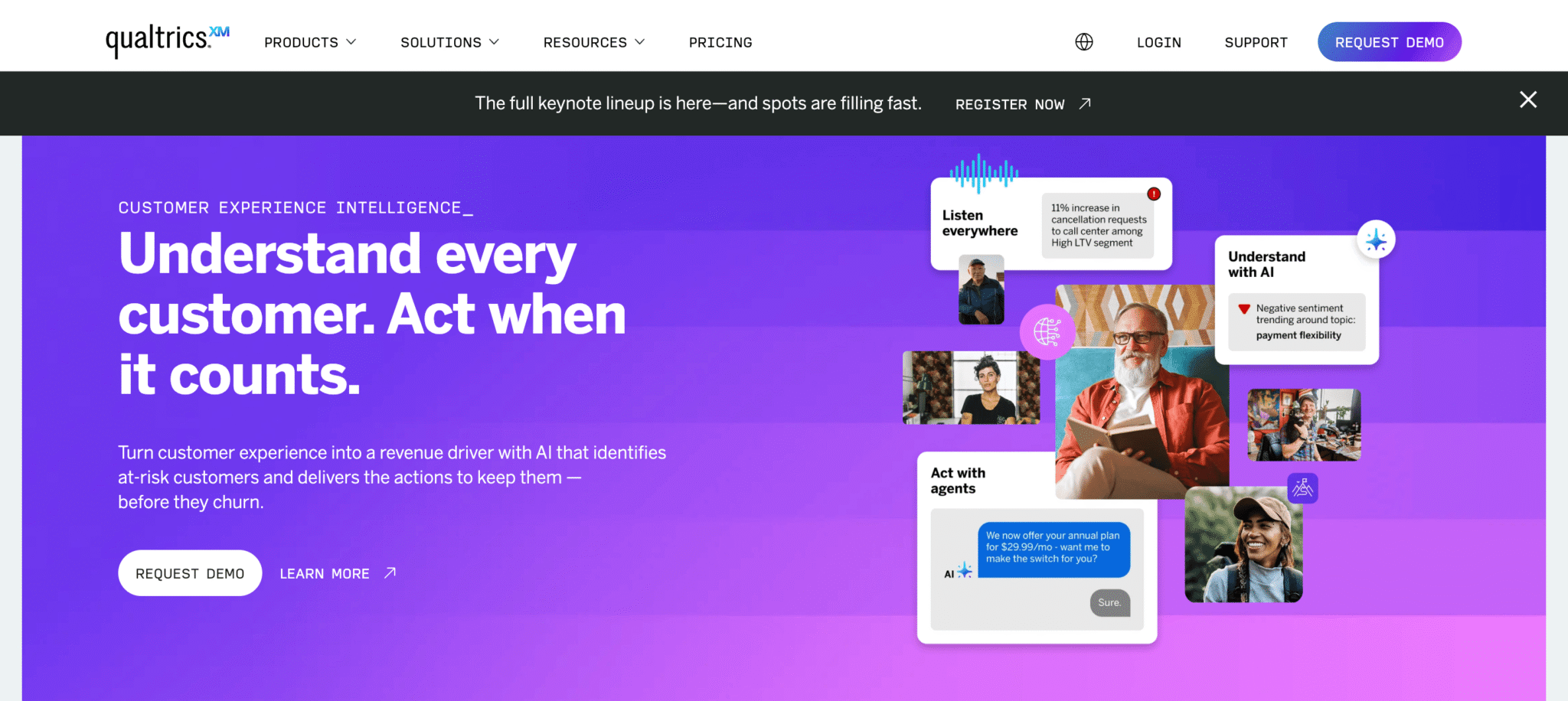
Qualtrics XM identifies root causes of customer friction by analyzing millions of interactions across surveys, social media, and call transcripts. It transforms raw sentiment into structured intelligence and automates the recovery process when customer satisfaction drops.
Key features:
- AI-assisted actioning: Suggests replies and next-best actions like service recovery offers based on context and urgency
- Profile-level context: Pulls in customer status, location, lifetime value, and recent visits so frontline teams respond with more relevance
- Sentiment and theme analysis: Groups customer feedback into sentiment trends so teams can quickly see what drives positive or negative experiences
- Cross-experience coverage: Supports customer and employee experience programs to help connect internal issues with customer outcomes
5. Zendesk for Customer Service
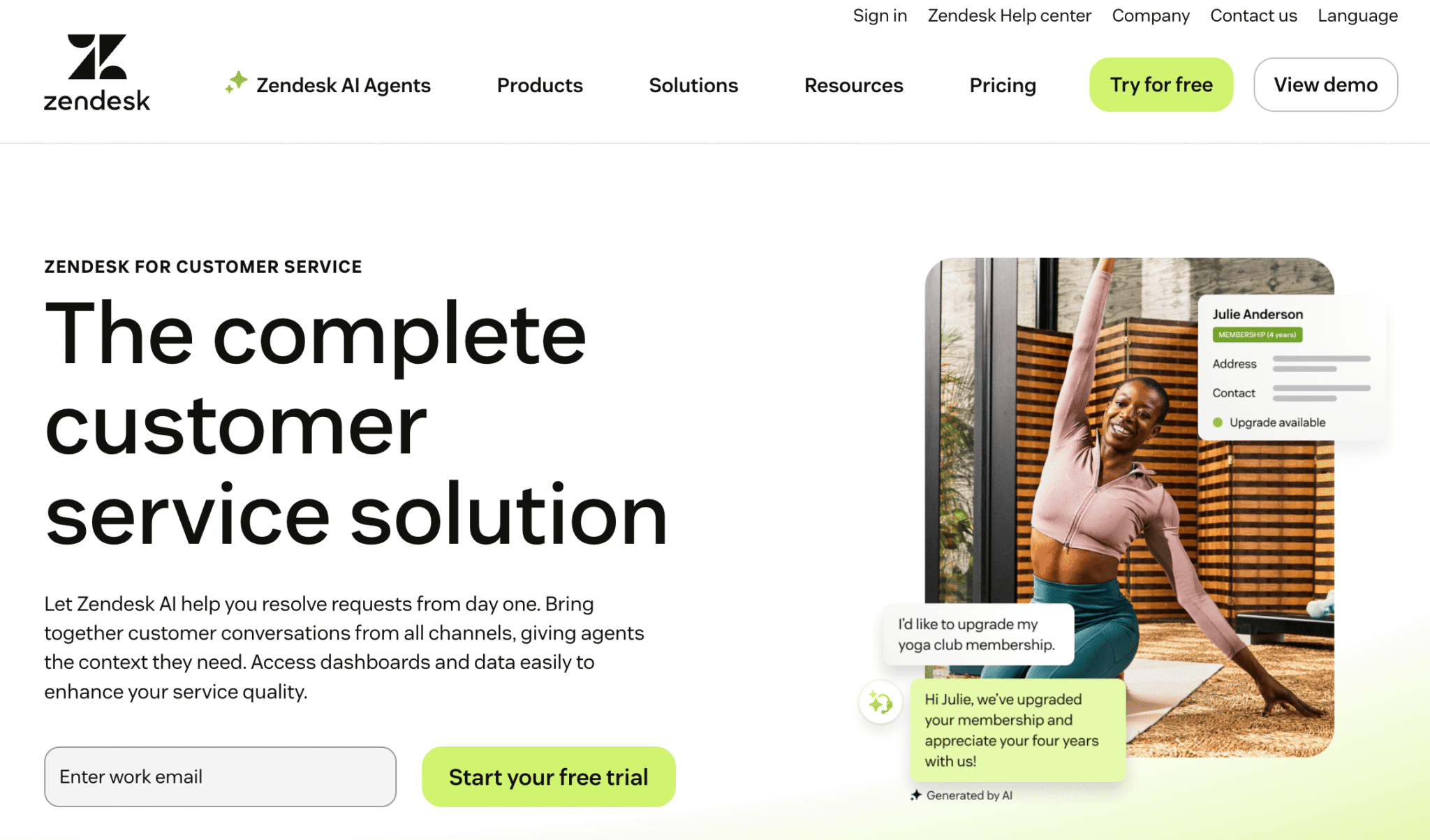
Zendesk for Customer Service manages customer requests through a ticketing-first architecture. It centralizes conversations from email, chat, messaging, and social channels, allowing teams to organize incoming work and automate repetitive steps at scale.
Key features:
- Unified agent workspace: Consolidates tickets and conversations from multiple channels so agents can respond without switching apps
- Ticketing and routing automation: Assigns requests automatically based on intent and agent skills to reduce manual triage
- Help center and self-service: Powers branded knowledge bases and AI-driven bots to resolve common issues automatically
- AI and agent assist tools: Generates suggested responses and ticket summaries to reduce manual drafting time
6. Talkdesk
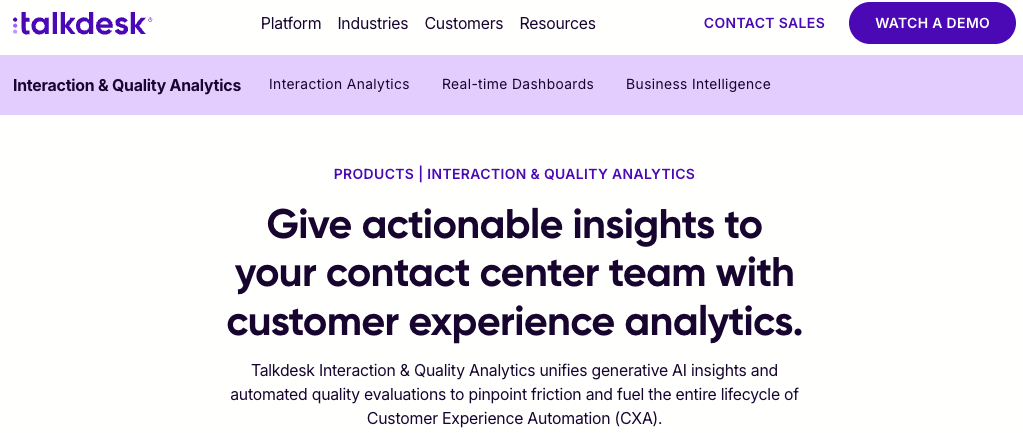
Talkdesk manages customer interactions through a cloud contact center platform built for voice and digital channels. It combines routing, agent tooling, and reporting in one system, so contact center teams run operations without assembling them from separate vendors.
Key features:
- Omnichannel routing: Directs voice and digital contacts to agents based on intent and availability across every supported channel
- Unified agent workspace: Brings customer context and conversation history into one interface so agents avoid switching between systems
- Workforce engagement tools: Supports forecasting, scheduling, and quality review for teams managing shift-based operations
- Automation and self-service: Resolves routine requests through virtual agents before they reach a live agent queue
7. Five9
Five9 runs customer interactions through a cloud contact center platform with roots in voice operations. It handles inbound and outbound calling alongside digital channels, with routing and agent tooling built for teams managing sustained call volume.
Key features:
- Inbound and outbound routing: Distributes calls and digital contacts across agents based on skills and availability
- Agent assist: Surfaces guidance and customer context during live interactions to reduce time spent searching
- Workforce management: Provides forecasting, scheduling, and adherence tracking for shift-based contact center teams
- Reporting and analytics: Delivers interaction and performance reporting for supervisors monitoring queues and agent activity
What to evaluate in a customer experience management platform
Five criteria separate these platforms in practice: channel coverage, interaction analytics, integration depth, governance and security, and consolidation cost. Evaluate each against your own operating model rather than against a vendor’s comparison chart.
Channel coverage
Many enterprise teams still use separate systems for internal calls, contact center queues, and customer data. That fragmentation buries critical customer context, forces agents to spend time switching screens, and leaves managers with disjointed reporting.
Omnichannel contact center software addresses this friction by integrating internal communications and customer support into one workflow. This keeps customer history visible across departments, making routing more consistent and escalation paths more obvious. It also improves resolution speed and allows you to optimize operations to increase customer loyalty.
Ask whether agents handle each channel inside the platform or somewhere else. A platform that only ingests data from a channel still shows it on the dashboard, so coverage looks complete while agents switch tools on every interaction.
Real-time analytics and actionable insights
Most teams already have dashboards—but many only show what happened, not what to fix next. Modern CX software should connect live performance signals to immediate action. This allows you to measure customer experience quality by pinpointing where routing fails, where coaching is needed, and where service bottlenecks form.
Integration depth
A platform that can’t reach the systems already holding your customer data produces a partial view, however good its own analytics are. The quality of the insight is capped by the completeness of the input, and most enterprise customer data sits across more systems than any one vendor connects to by default.
Map the connections before you shortlist, not after. List the systems that hold customer data today, including the CRM, the billing platform, the product database, and any vertical system specific to your industry, then ask each vendor which of those it connects to natively and which need custom work. The answer separates platforms faster than any capability demo.
Security, compliance, and AI governance
Risk exposure grows with every channel added and every AI system introduced, which makes governance an evaluation criterion rather than a procurement afterthought. Each new channel is another place customer data lives, and each AI system is another place decisions get made without a person reviewing them.
The cost of getting this wrong is documented. IBM’s 2026 Cost of a Data Breach report put the global average cost of a breach at $4.99 million USD. Weak oversight of AI systems raises that exposure rather than lowering it, because automated decisions scale mistakes at the same rate they scale everything else.
Ask vendors for specifics: role-based access control, audit trails covering both human and AI actions, data residency options, and the certifications relevant to your industry. AI oversight deserves its own line of questioning, because the systems reviewing your conversations need governance as much as the people do. Quality programs built on AI quality management make this easier to demonstrate, since full-coverage review produces an audit trail that manual sampling can’t match.
Consolidation cost
Every platform on your shortlist either replaces tools you already pay for or adds a layer on top of them. That difference compounds over a contract term. Consolidating three systems into one retires their licenses and the integrations between them. A platform that sits above your stack leaves all of it running and adds its own.
Gartner predicts that by 2028, more than half of customer service organizations will double their technology spend without an equivalent reduction in talent. Price the whole picture. Count what a platform retires, what it leaves running, what integration work it creates, and what it costs to administer. Then ask each vendor to name the systems their customers decommission after deploying it. A vendor that can’t name them is selling you another system to run.
How to implement customer experience software at scale
Rolling out enterprise CX software is a staged operational change, not a “buy tool, flip switch” project. To succeed, you must first determine how the platform connects to your existing systems and whether it can meet enterprise-grade security and scale requirements from day one.
Weight your evaluation by your existing program
Start by analyzing your current customer journey and the program you’ve built around it.
- Research-led programs: If your main gap is knowing why satisfaction moves, weight the evaluation toward survey and voice-of-customer capability.
- Service-led programs: If your main gap is inconsistent interactions or thin visibility into agent performance, weight it toward contact center capability with native analytics.
- CRM-standardized organizations: If your problem is service processes rather than insight, a CRM-native service platform costs less to run than a separate system you integrate yourself.
Sequence your rollout
Switching everything at once puts every assumption to the test on the same day. Sequencing allows you to slow the process down, address challenges, and train your team.
- Map high-impact journeys first: Pick two or three journeys with the biggest influence on customer success, such as billing resolutions or renewals.
- Define required integrations before vendor scoring: List “must-connect” systems and required data fields before scheduling demos.
- Run a controlled pilot: Launch in one region or business unit with fixed metrics like first response time, transfer rate, and customer satisfaction score (CSAT).
- Measure operational lift and rework: Track whether teams actually spend less time switching tools and handling manual follow-ups.
- Scale in phases: Expand only after the pilot proves operational improvement and governance readiness.
Centralizing internal collaboration and external customer engagement preserves context during escalations and cross-team transfers. This reduces repeat handling and speeds resolution for a more seamless experience.
Ensure data security, compliance, and scalability
CX platforms process sensitive conversation data across channels, regions, and teams, making governance failures costly. Enterprise evaluation must include concrete control checks before procurement.
Verify these governance pillars to mitigate risk:
- Access governance: Role-based permissions, least-privilege controls, and audit logs
- Data controls: Retention policies, regional data handling, and encryption coverage
- Compliance operations: Clear evidence trails for QA, policy enforcement, and incident response
- Scalability readiness: Capacity to handle higher interaction volume, more teams, and multi-region governance without redesigning workflows
Beyond traditional security, evaluate AI oversight, as weak AI management increases breach risk and cost. If your platform includes AI assistance, require clear controls for model use, data access, and human review paths.
Choose customer experience management software that fits your operation
Customer experience directly affects revenue, cost, and risk across entire organizations. When systems remain fragmented, customers suffer through long hold times, redundant transfers, and the frustration of repeating their issue to multiple agents.
Customer experience software addresses these pain points by unifying internal communication, contact center operations, and customer insights. Centering this system on voice—where high-stakes interactions still happen—maintains context across every channel. For large enterprises, this convergence provides the visibility necessary to maintain accountability and make informed decisions at scale.
Explore RingCX and see how you can elevate customer interactions with a solution designed to streamline engagement across every touchpoint.
Customer experience management software FAQs
What is the best CX software?
No single CX platform wins across every use case because the platforms in this category are built for different jobs. The right choice depends on whether your priority is measuring experience through research, running interactions across channels, or managing service processes inside an existing CRM. Define which of those three problems costs you most, then evaluate against that.
What are the 4 types of CRM systems?
CRM systems are usually grouped into four types:
- Operational, which automates sales, marketing, and service processes
- Analytical, which examines customer data to find patterns
- Collaborative, which shares customer information across departments
- Strategic, which orients long-term customer strategy around that data
Most commercial CRM products combine several of these rather than fitting one category cleanly.
What are the 5 C’s of customer experience?
The 5 C’s are commonly listed as:
- Customer
- Consistency
- Context
- Convenience
- Communication
Together, they describe an operating standard: know who the customer is, deliver comparable quality on every channel, carry history into each new interaction, remove effort from the customer’s side, and keep them informed. They function as a design checklist rather than a measurement framework.
Updated Sep 07, 2026