AI Communications











From five-person teams to global enterprises: a breakdown of 12 platforms, the features that matter, and a framework for finding the right fit.
Pick the wrong video conferencing platform and the problems don’t announce themselves on day one.
They often show up days later, when you discover three different employees using three different tools for three different meeting types. Months later, a security review turns up recorded calls sitting in a personal Google Drive. At renewal, you’re paying for four overlapping products that no one vetted together.
Switching platforms mid-year is expensive, painful, and rarely worth it. Getting the selection right takes deliberate upfront evaluation.
This guide covers what video conferencing software is, why organizations of every size depend on it, how 12 of the most-used platforms compare on features and fit, and a framework for choosing based on your team’s size and needs.
Key takeaways
- Video conferencing software enables real-time audio, video, and collaboration between distributed participants, and organizations of every size use it as their primary meeting format.
- The right tool depends on team size: free tiers work well for small teams, but mid-market and enterprise buyers face real tradeoffs around admin control, security, and total cost of ownership.
- Security, AI-powered transcription, and third-party integrations separate platforms worth committing to from ones that quietly create operational overhead.
- Vendor evaluation for enterprise deployment considers roadmap alignment, security posture, and support accountability.
- AI-powered platforms that turn conversations into summaries, action items, and coaching data will pull further ahead over the next two to three years.
What is video conferencing software?
Video conferencing software lets distributed participants join real-time audio and video sessions from internet-connected devices. Most platforms fall into one of three deployment models.
- Cloud-hosted SaaS is the most common: the vendor manages the infrastructure, updates happen automatically, and your team accesses the platform from any device.
- On-premise solutions run on your own servers, which matters for regulated industries and government organizations with strict data residency requirements.
- Hybrid deployments combine both, typically for organizations that want cloud convenience but can’t fully move sensitive data off their own infrastructure.
The category has also changed shape. What started as standalone meeting tools has shifted toward unified communications (UCaaS) platforms that combine video with calling, messaging, and contact center in one product.
Some tools on this list are built specifically for meetings. Others are full UCaaS platforms. That distinction matters when you’re evaluating total cost of ownership and long-term fit.
Why teams rely on video conferencing: Key business benefits
No longer just a solution for connecting remote workers, video conferencing software is now a critical, strategic layer for most businesses. Its benefits span cost management, team collaboration, and documentation.
Cuts travel costs without cutting face time
When you account for flights, hotel, meals, and car rental, business trips quickly add up to $1,000 or more. A video call costs nothing beyond software licensing. For teams managing regular travel budgets, that math compounds fast across a year.
Supports how most teams already work
Most organizations now run some mix of remote, hybrid, and in-office employees. For distributed teams, real-time video is the primary meeting format. Platforms built specifically for distributed work outperform ones that treated video as an add-on to an in-office communications stack.
Compresses decision cycles
Async email threads delay decisions because each round-trip takes hours or days. A 20-minute video call with the right stakeholders resolves the same issue with a clear outcome on record. That difference adds up across a quarter.
Turns conversations into documentation
AI transcription and automatic summaries mean meetings don’t evaporate when the call ends. Your team stops relying on whoever took the best notes, because decisions are captured, searchable, and shareable in minutes.
That’s especially valuable in revenue-facing roles, where follow-through between touchpoints determines whether a deal progresses. For sales teams, video conferencing directly supports pipeline velocity by keeping deals moving between calls.
Top video conferencing software in 2026
Not every platform here is right for every team. This list spans free tools through enterprise-grade UCaaS platforms, highlighting the features that set each tool apart.
| Video conferencing tool | Standout feature | Participant limit |
|---|---|---|
| RingCentral Video | Unified UCaaS with embedded AI | Up to 300 |
| Zoom | Ease of use, large capacity | Up to 100 (5,000 with add-on) |
| Microsoft Teams | Deep M365 integration, persistent channels | Up to 1,000 |
| Cisco Webex | Room device integration, AI noise removal | Up to 1,000 |
| Google Meet | Browser-based, zero plugins, GCal sync | Up to 1,000 |
| GoToMeeting | Known for consistent performance, annotation tools | Up to 250 |
| Whereby | Custom room links, no downloads required | Up to 200 |
| Jitsi Meet | Open-source, self-hostable | Varies |
| Dialpad Meetings | AI transcription | Up to 150 |
| Zoho Meeting | Zoho CRM and Desk integration | Up to 500 |
| TruConf | On-premise deployment, low-bandwidth performance | Varies |
| ClickMeeting | Webinar automation, registration pages | Up to 10,000 |
1. RingCentral Video
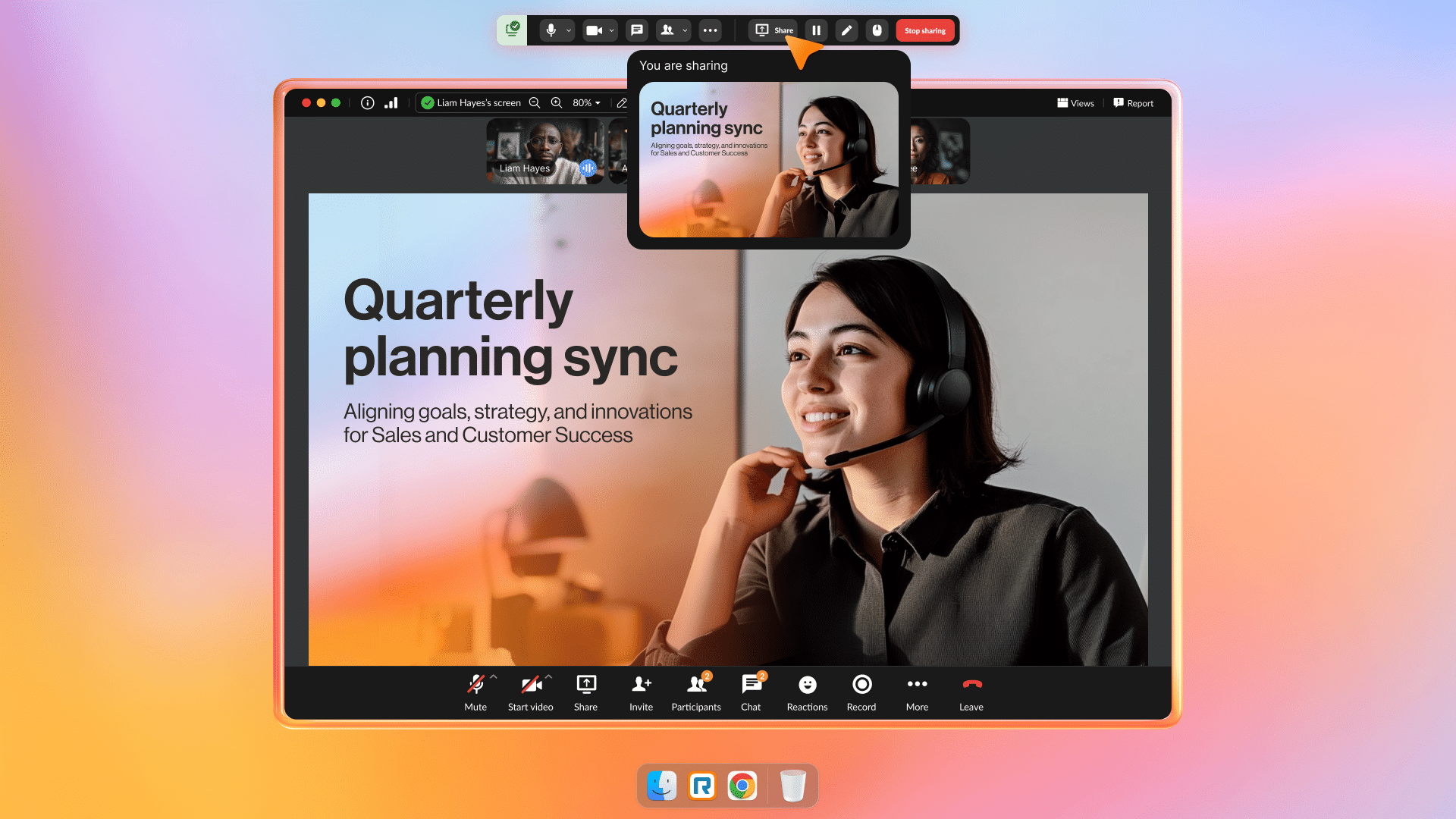 RingCentral Video runs inside RingEX, RingCentral’s unified communications platform. Rather than deploying a standalone meeting tool, your team gets video, calling, and messaging in one app: one login, one admin console, one vendor contract.
Recognized by PCMag as Best Overall VoIP Provider in 2025, RingCentral is built on a carrier-grade global network with 99.999% uptime.
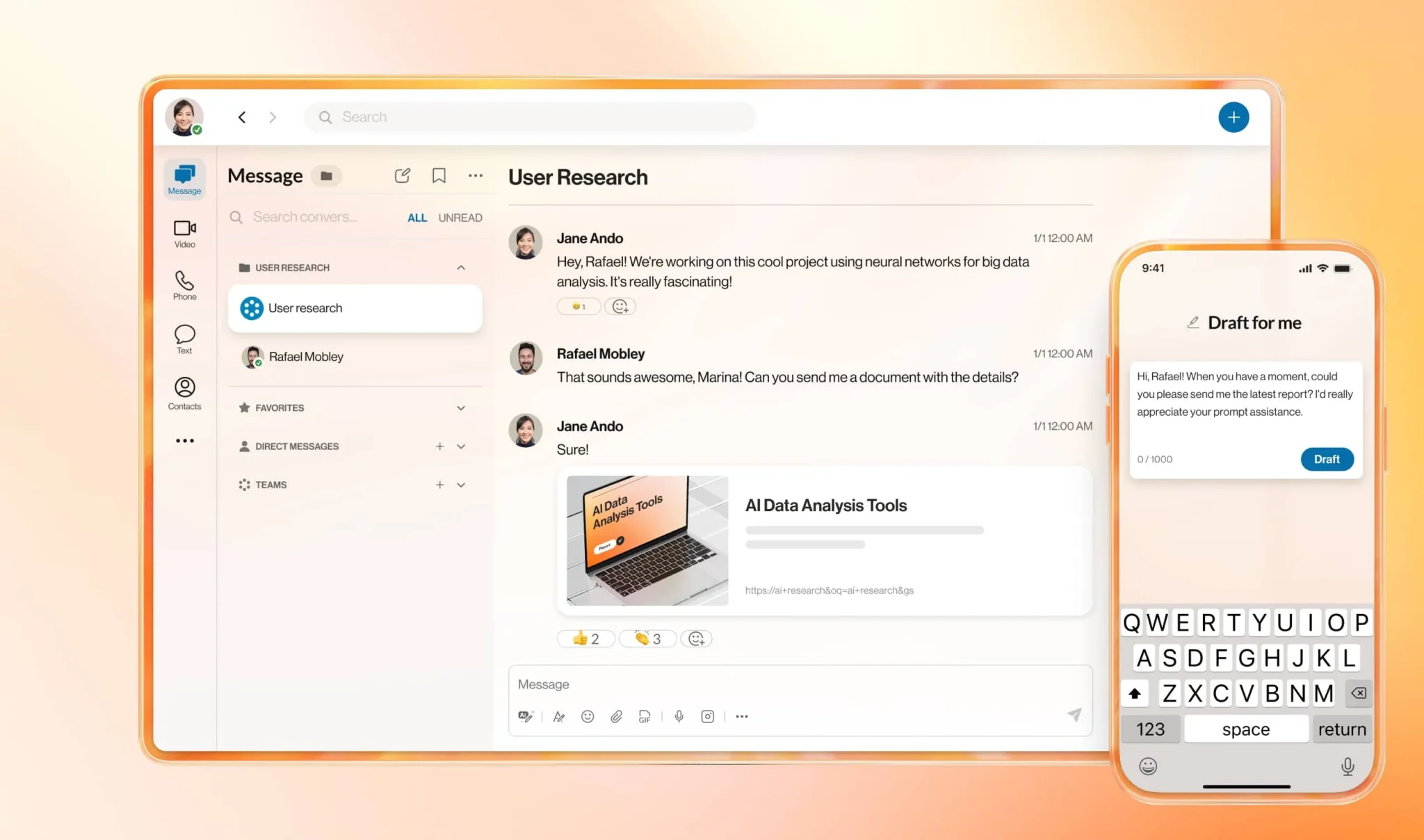
Why it works for teams at scale:
- One platform for all communications: Your team moves between video, voice, and messaging without switching apps. IT manages permissions, policies, and security in one place across every location
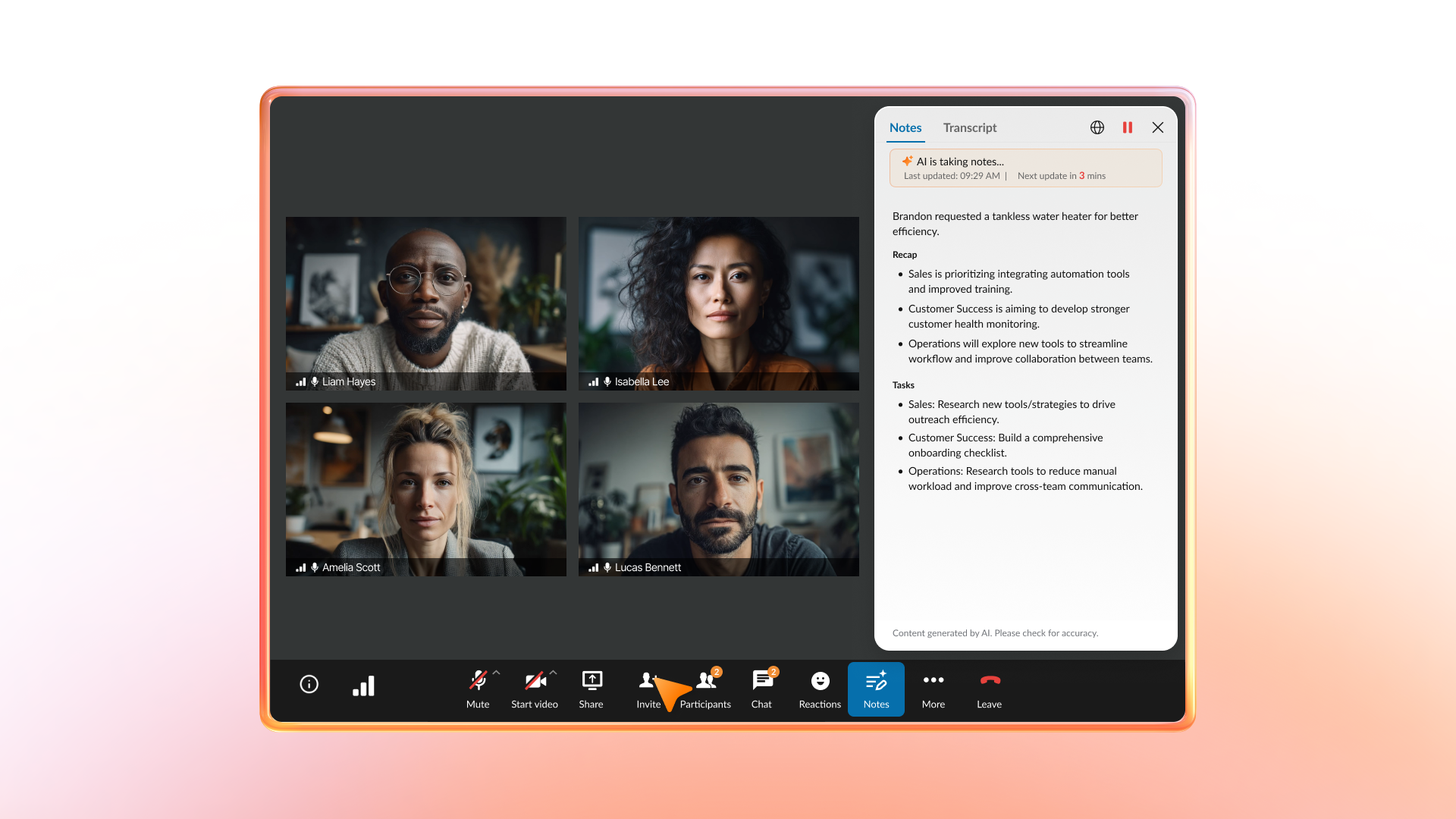
- AI that documents while your team works: Automatic transcriptions, meeting summaries, and action item capture run without anyone manually taking notes. Leaders get clearer accountability; teams get more time back from post-meeting admin.
- Enterprise-grade security and governance: Role-based access controls, waiting rooms, passcodes, and encryption in transit and at rest protect every session without requiring a separate vendor for compliance.
- 500+ integrations: Microsoft 365, Google Workspace, Salesforce, and hundreds of other business apps connect without rebuilding your existing workflows.
RingCentral Video makes the most sense as part of a broader communications strategy rather than a standalone meeting tool. If your team only needs basic meetings and has no intention of consolidating calling, messaging, or contact center, the full platform delivers more than you’ll use.
Best for: Mid-market and enterprise teams that want to consolidate video, voice, and messaging into one platform.
2. Zoom
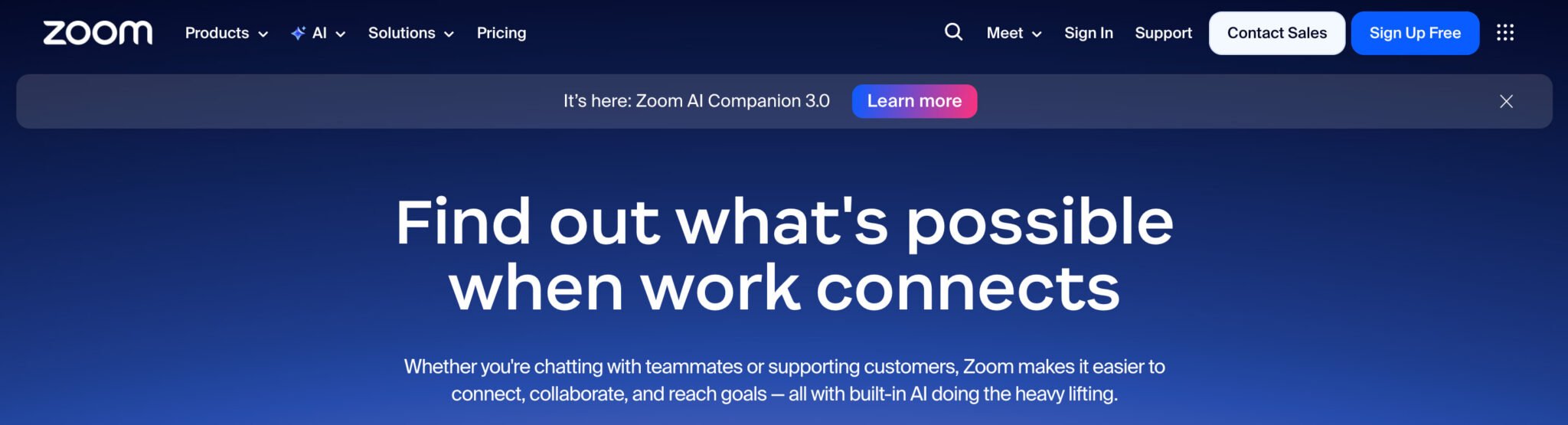
Zoom built its reputation on meetings that work without a tutorial. Its setup is fast, its interface stays out of the way, and employees and external guests can join without friction. For large-scale webinars and virtual town halls, its participant capacity and moderation tools are hard to match.
Zoom’s AI Companion handles meeting summaries, chat composition, and whiteboard generation. Its app marketplace covers hundreds of third-party integrations.
Key features:
- Participant capacity up to 100 on standard paid plans, scaling to 5,000 with the Large Meetings add-on; webinar mode supports larger audiences
- Zoom AI Companion for summaries, transcription, and chat generation
- Broad third-party app ecosystem
- Familiar interface reduces onboarding friction across employees and guests
Accessing advanced security, compliance, and telephony features requires higher-tier plans or separate add-ons. Because Zoom Phone is a distinct product line, its telephony and meeting functions are less unified than integrated UCaaS platforms.
Best for: Organizations that need high participant capacity for webinars or town halls and want a widely adopted, easy-to-deploy meeting tool.
3. Microsoft Teams
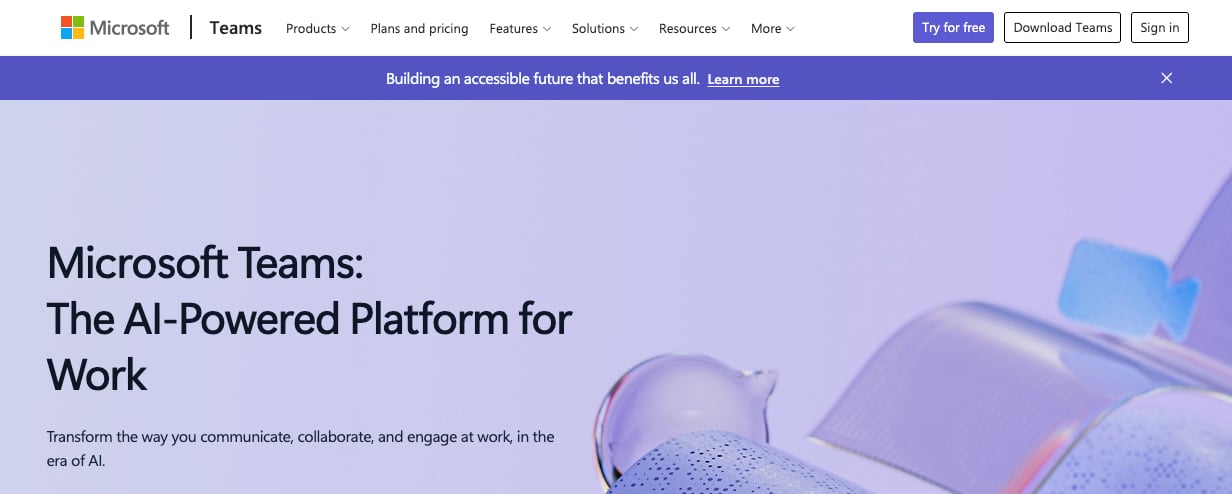
Microsoft Teams is the collaboration layer built into Microsoft 365. If your organization runs on Outlook, SharePoint, and OneDrive, Teams connects them: meetings launch from calendar invites, files shared in chat pull from SharePoint, and transcripts integrate with Copilot for automated summaries.
Teams Phone extends the platform to enterprise telephony, making it a candidate for organizations already committed to the Microsoft ecosystem who want a single vendor across calling, meetings, and messaging.
Key features:
- Native integration with the full M365 suite: Outlook, SharePoint, OneDrive, and Copilot
- Persistent channels and threaded chat for project-based communication
- Teams Phone for enterprise telephony within the same app
- Enterprise governance tools via the Microsoft 365 admin console
The platform’s interface may be substantial for small teams focused solely on video calls, and performance can be inconsistent on older hardware or slower connections. Achieving the platform’s full unified communications potential requires a Microsoft 365 Business or Enterprise subscription.
Best for: Organizations already committed to Microsoft 365 who want meetings, calling, and collaboration in a Microsoft-managed environment.
4. Cisco Webex
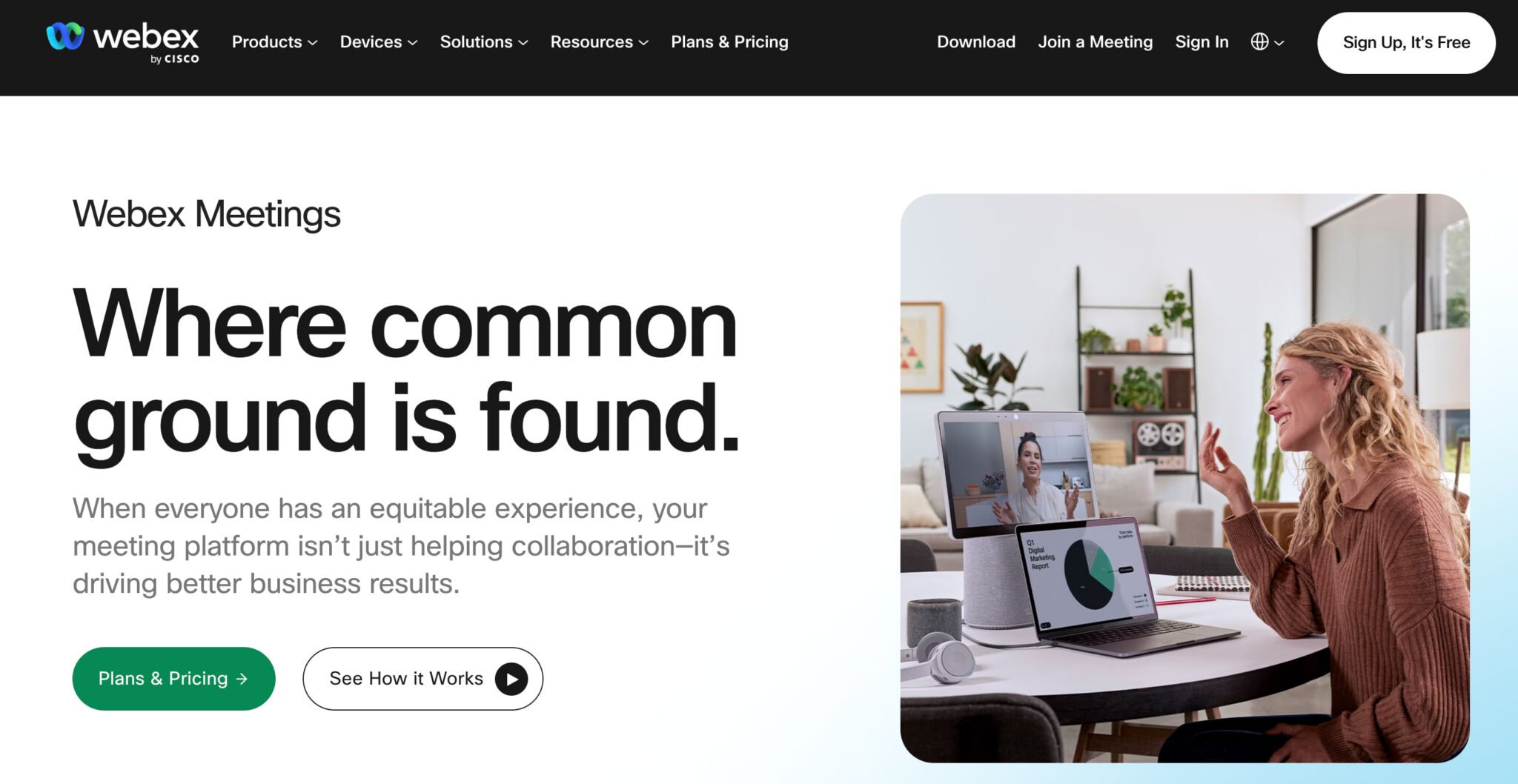
Cisco Webex sits inside Cisco’s broader collaboration stack, which includes Webex Calling, Webex Messaging, and Webex Contact Center. Organizations that already run Cisco networking and security infrastructure tend to find it a natural extension, with devices, policies, and management tools that work together without added configuration.
AI capabilities include Webex Assistant for meeting summaries, real-time transcription, and background noise removal. Webex also leads in hardware integration, with native support for Cisco room systems that create consistent hybrid meeting experiences.
Key features:
- Native integration with Cisco room devices for consistent hybrid meeting quality
- Webex Assistant for real-time transcription, summaries, and noise removal
- Unified suite: meetings, calling, messaging, and contact center in one platform
- Strong security posture within the Cisco ecosystem
Extracting the platform’s full value often requires broader Cisco adoption across networking and devices, which can make it less compelling in multi-vendor environments. Additionally, licensing complexity increases as you integrate more Webex components.
Best for: Enterprises already operating on Cisco infrastructure who want their collaboration stack to align with their network environment.
5. Google Meet
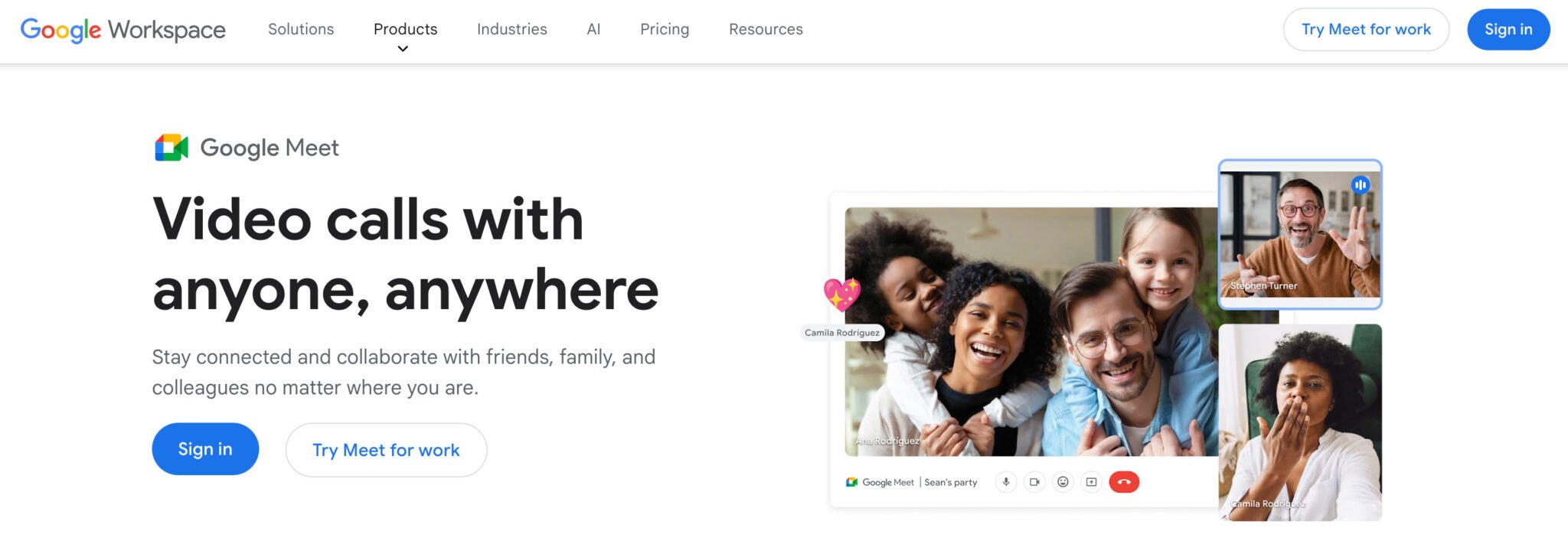
Google Meet is built into Google Workspace. Scheduling happens in Google Calendar, recordings save to Drive automatically, and meeting links appear inside Gmail. For organizations that run on Google’s productivity suite, that integration removes friction that complicates standalone meeting tools.
Meet is browser-first: participants join without downloading anything, which helps for guest-heavy meetings and organizations with locked-down desktops.
Key features:
- Native Google Workspace integration: Calendar, Drive, Gmail
- No download or plugin required to join—guests click a link and they’re in
- Meet AI for automated summaries and transcripts (on higher Workspace tiers)
- Consistent interface across desktop and mobile
Since Meet is primarily a meetings tool, telephony, SMS, and contact center functions require separate products or the Google Voice add-on.
Best for: Teams running on Google Workspace who want meetings that flow directly from their existing calendar and file management workflow.
6. GoToMeeting
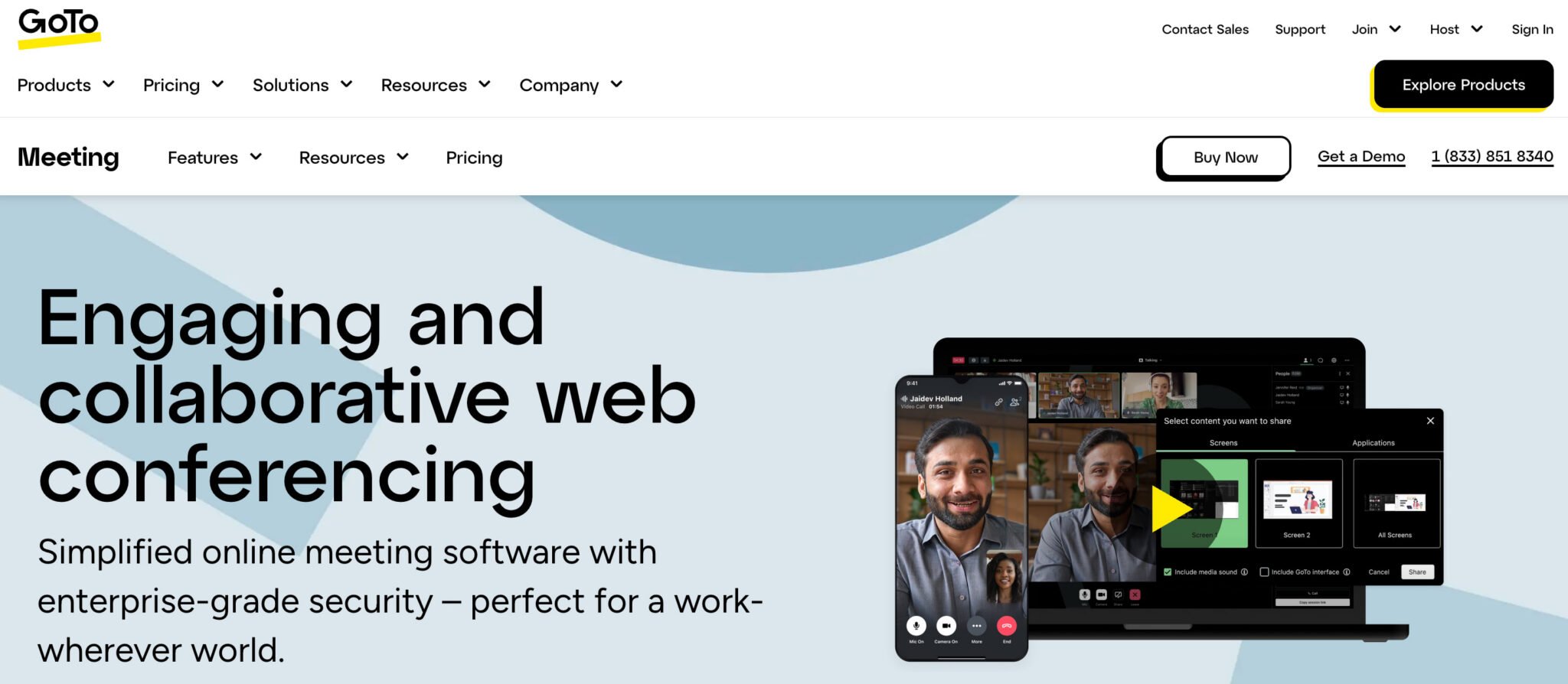
GoToMeeting focuses on meeting reliability. Its core value is consistent audio and video quality even on variable network connections, with a clean interface that doesn’t require much onboarding. AI-powered transcription and meeting summaries help teams track decisions and follow-ups after the call ends.
Built-in screen annotation and drawing tools make it well-suited to training sessions, design reviews, and technical walkthroughs where live markup adds clarity that narration alone can’t.
Key features:
- Consistent performance across varied network conditions
- AI transcription and meeting summaries
- Drawing and screen annotation tools for training and design-focused meetings
- Smart meeting assistant for note-taking and agenda tracking
GoToMeeting is focused solely on meetings, meaning capabilities like persistent messaging, enterprise telephony, and contact center features require separate GoTo products. In addition, the platform’s integration ecosystem is narrower compared to category leaders.
Best for: Mid-market teams that want a reliable, focused meeting tool without the overhead of a full unified communications platform.
7. Whereby

Whereby runs entirely in the browser. No app to install, no account required for guests. Just click a link and you’re in the meeting. That low-barrier entry makes it practical for client calls, customer support conversations, and situations where you can’t assume the other person has specific software installed.
Whereby also lets developers embed video directly into their own products via its API, which separates it from most general-purpose meeting tools.
Key features:
- No downloads or installs required for any participant
- Permanent custom room URLs (e.g., whereby.com/yourcompanyname)
- Embeddable video for SaaS products and web applications via API
- Free tier available for small teams
The platform is not designed for enterprise-level requirements concerning administrative control, compliance, or governance. Whereby also does not include unified communications features such as telephony, persistent messaging, or contact center capabilities.
Best for: Small teams and developers who need frictionless guest access or want to embed video in their own products.
8. Jitsi Meet
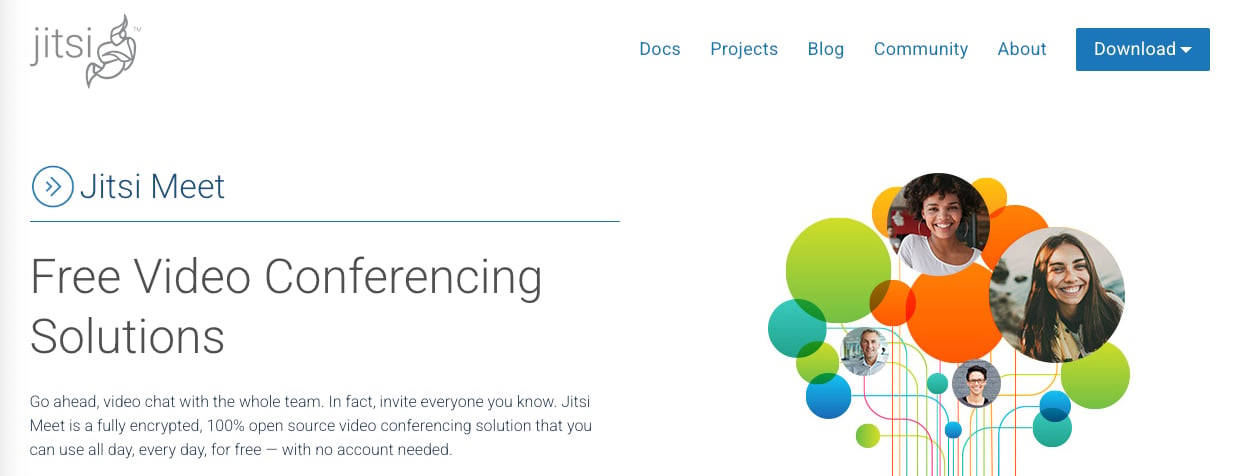
Jitsi Meet is open-source and free. Anyone can use the hosted version at meet.jit.si without creating an account or paying anything. Organizations with IT resources can also self-host the entire stack, which gives full control over where meeting data lives and who has access to it.
It’s a no-frills option: solid video and audio, no vendor lock-in, and a strong choice for teams with data sovereignty concerns or zero budget for video software.
Key features:
- Completely free (both hosted and self-hosted versions)
- Open-source codebase: fully auditable and customizable
- No account required to host or join meetings
- Self-hosting option for complete data control
The platform lacks native AI features like smart transcription or call analytics, and it offers limited admin controls for enterprise governance. Furthermore, reliability when using the self-hosted version is entirely dependent on the user’s infrastructure.
Best for: Teams that need a free, privacy-conscious, open-source option and don’t require enterprise admin controls or AI-powered features.
9. Dialpad Meetings

Dialpad Meetings runs inside Dialpad’s UCaaS platform. Its standout capability is AI that transcribes conversations in real time, pulls out action items automatically, and tracks sentiment across calls. For organizations already using Dialpad for their phone system, adding meetings keeps everything in one platform.
Key features:
- Real-time transcription and AI-generated action items via Voice Intelligence
- Single platform for calls, messages, and meetings if you’re using Dialpad for telephony
- Integrations with Salesforce, HubSpot, Google Workspace, and Microsoft 365
The platform provides its greatest value when used in conjunction with Dialpad’s calling features, as standalone video use bypasses much of the differentiated functionality. Additionally, the participant capacity is lower compared to many category leaders.
Best for: Teams actively evaluating or already using Dialpad as their UCaaS platform.
10. Zoho Meeting
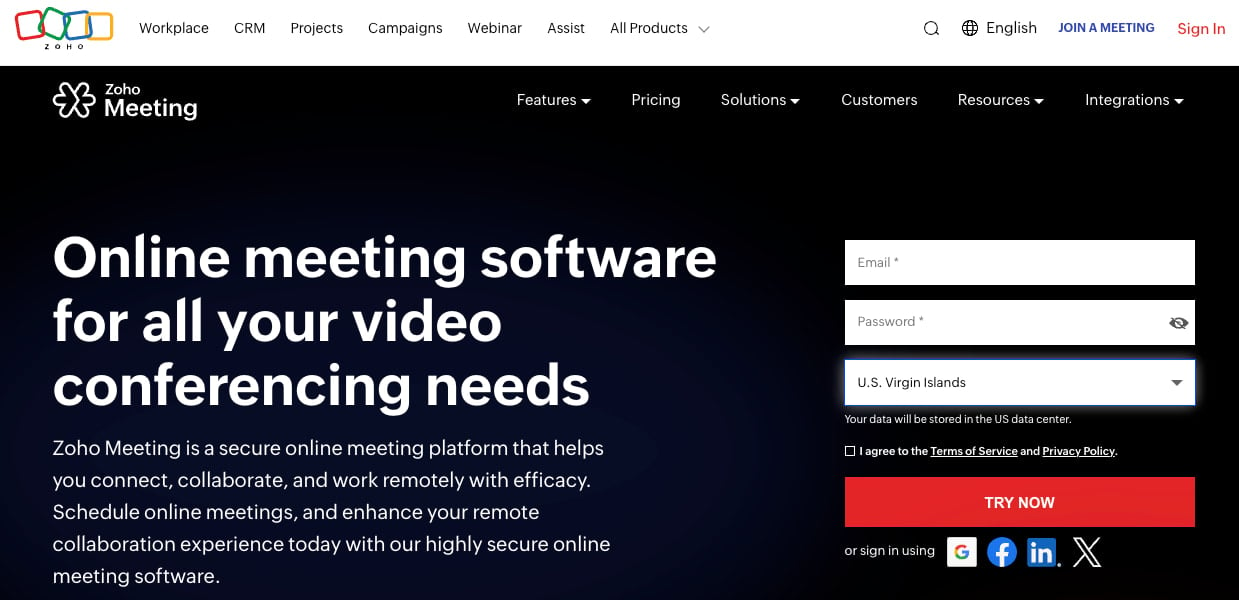
Zoho Meeting is part of the Zoho One suite, which covers CRM, helpdesk, project management, and marketing automation. If your organization runs on Zoho tools, the integration depth is the main selling point: meeting records, attendee lists, and follow-up tasks connect directly to Zoho CRM and Zoho Desk without custom development.
It covers webinars alongside standard meetings, with registration pages, recordings, and attendee analytics.
Key features:
- Native integration with Zoho CRM, Zoho Desk, and Zoho Projects
- Webinar functionality with registration pages and attendee reporting
- Competitive pricing for SMB budgets
- Guests join directly from a browser link, no account or download needed
The platform’s primary strength lies within the Zoho ecosystem, as integration options are narrower outside of it compared to category leaders. Furthermore, the interface and overall feature depth may not match top-tier platforms for teams not already using Zoho’s suite.
Best for: SMB and mid-market teams already using Zoho CRM or Zoho Desk who want meetings that feed directly into their existing workflow.
11. TruConf
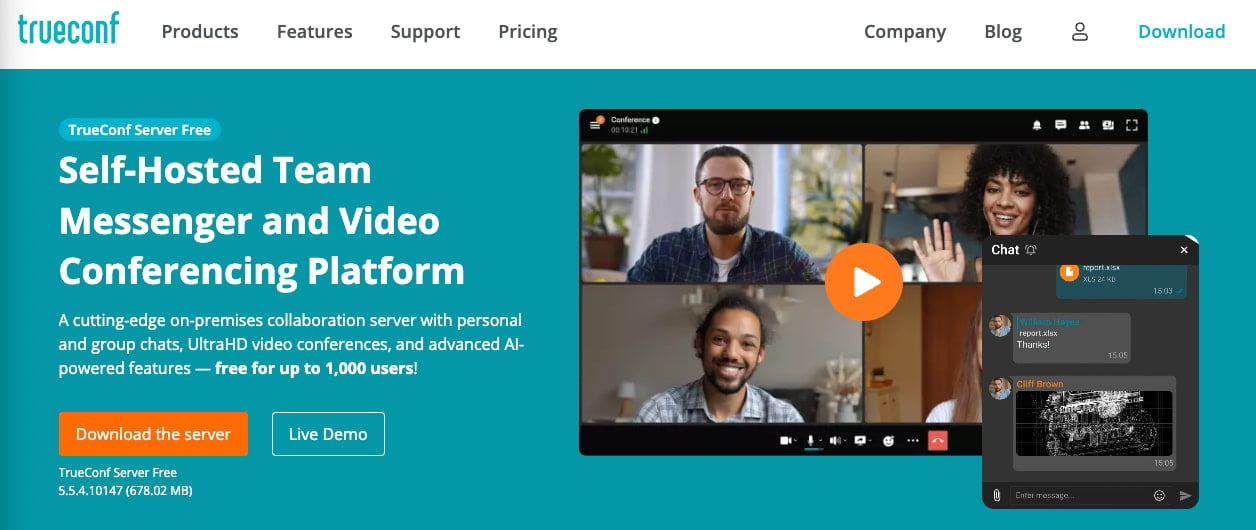
TruConf is a video conferencing and UCaaS platform with strong on-premise deployment capabilities. Where most modern platforms moved to cloud-only, TruConf lets organizations run their entire communications infrastructure on their own servers, which matters for regulated industries, government organizations, and enterprises with strict data residency requirements.
It also performs well on low-bandwidth connections, which can be an advantage for organizations operating across distributed locations with variable connectivity.
Key features:
- Full on-premise deployment option for data sovereignty and air-gapped environments
- Reliable performance on low-bandwidth connections
- UCaaS scope: video, calling, messaging, and group chat in one platform
The platform features a smaller partner and integration ecosystem compared to category leaders. It’s also less established in North American markets, resulting in less abundant support and documentation than top-tier platforms.
Best for: Organizations in regulated industries or government sectors that require on-premise deployment and full control over meeting data.
12. ClickMeeting

ClickMeeting is a webinar platform first, a general meeting tool second. Its primary value is the infrastructure for running online events: registration and landing pages, automated webinar sequences, attendee analytics, and post-event recordings. Marketing teams and educators use it to run recurring webinars, product demos, and online courses at scale.
Key features:
- Webinar automation: scheduled, on-demand, and automated event types
- Custom registration and landing pages
- Attendee analytics, polling, and call-to-action tools for lead generation
- Integrations with HubSpot, Salesforce, and Mailchimp
ClickMeeting is designed specifically for webinars rather than general internal meetings. Consequently, it doesn’t include features such as persistent messaging, telephony, or enterprise governance.
Best for: Marketing teams, educators, and event organizers running regular webinars, virtual product demos, or online training programs.
Top features to look for in video conferencing software
A capable video conferencing platform does three things well: it protects sensitive data, produces documentation that outlasts the call, and gives IT visibility across every session. The features below matter at every team size, but where they become non-negotiable differs significantly between a 15-person startup and a 5,000-person enterprise.
Enterprise security and compliance capabilities
Every video conferencing platform should offer baseline security: end-to-end encryption, password-protected rooms, and waiting room controls. For enterprise environments, those requirements escalate fast.
For small teams, this means verifying that encryption and basic access controls exist and that the vendor has a clear policy on where recordings are stored. For enterprise buyers, it means SSO, MFA, detailed audit logs, and compliance certifications specific to your industry.
- Identity and access control: Single sign-on (SSO), multi-factor authentication (MFA), role-based permissions, and configurable waiting rooms let you control who joins and what they can do. Small teams need the basics, while enterprise IT needs the full stack.
- Encryption and data governance: Encryption in transit and at rest, clear key management documentation, and configurable retention policies for recordings and transcripts protect sensitive meetings at any scale.
- Auditability and compliance support: Certifications like SOC 2 and ISO 27001, detailed audit logs, and policy controls matter most in regulated industries, but they’re worth evaluating for any organization handling customer data under the General Data Protection Regulation (GDPR), Health Insurance Portability and Accountability Act (HIPAA), or similar requirements.
AI-powered conversation intelligence and analytics
AI transcription and summaries are now expected capabilities for any serious platform. The difference between basic transcription and genuinely useful AI, though, varies a lot across the tools in this list.
For SMB teams, AI transcription reduces admin overhead: fewer manual notes, faster follow-up, less time reconstructing what was decided.
For enterprise buyers, AI-powered conversation analytics add a second layer of value: cross-channel data on meeting patterns, coaching insights from recordings, and the ability to search every call by topic or keyword rather than scrubbing through video.
- Automated transcription and summaries: Real-time or post-call transcription combined with AI-generated summaries lets teams skip manual notes and get straight to actions.
- Searchable recordings and highlights: Jumping to the specific moment a decision was made is faster than replaying 45 minutes of meeting. Not all platforms offer this, and it’s worth asking about specifically.
- Cross-channel analytics: For enterprise buyers, connecting meeting data with voice calls and contact center interactions gives a fuller picture of how the organization communicates and where bottlenecks live.
Unified communications platform integration
Standalone meeting tools look affordable at the line-item level. They add up when you count the separate messaging tool, the separate phone system, and the IT overhead of managing three vendor relationships instead of one.
For teams that are growing, this compounds. SMB buyers who pick a standalone tool often face a costly migration two or three years later when they need admin control, governance, and telephony the original tool doesn’t cover. Understanding the difference between web conferencing and full UCaaS is worth doing before you buy.
- One platform for calling, messaging, and meetings: A single vendor for all three reduces IT complexity, simplifies identity management, and keeps communication data in one place.
- Contact center integration: For teams with customer-facing work, launching a video session directly from a support or sales workflow cuts friction out of escalations and demos.
- Deep productivity integrations and APIs: Native connections with Microsoft 365, Google Workspace, Salesforce, and your CRM reduce context switching and keep communication data in sync.
Scalability and global performance infrastructure
Poor meeting quality damages stakeholder confidence as much as it creates technical friction. When executives drop connectivity during board calls or sales teams lose audio during demos, the platform takes the blame.
Ask for specifics before you commit. What does the SLA actually guarantee? How does the vendor perform across your geographic footprint? What monitoring tools does IT have access to? These questions separate vendors with good marketing from ones with proven infrastructure.
- Global infrastructure and redundancy: Reduce latency with distributed data centers and protect uptime with documented SLAs.
- Real-time quality monitoring: IT dashboards that surface issues by user, location, or device let your team address problems before a critical call, not after.
- SLA verification: When evaluating vendors, request historical uptime data alongside contractual SLA terms. Past performance tells you more than the number on the contract.
How to evaluate video conferencing vendors for enterprise deployment
Once you narrow your shortlist, it’s important to remember that you’re selecting a long-term communications partner. Use the criteria below to structure your request for proposal (RFP), align stakeholders, and pressure-test each vendor’s ability to scale with your organization.
Validate vendor stability and roadmap alignment
Choose a partner that plans for where your business is going, not where it’s been. Look for financial strength, market position, and product velocity to back it up. Ask for a roadmap, review recent releases, and confirm the vendor is actively investing in AI, security, integrations, and global scale.
Rigorously assess security and compliance posture
Protecting conversations is non-negotiable, so bring security, privacy, and legal stakeholders in early.
Request trust documentation, penetration testing summaries, compliance certifications, and incident response processes. Clarify data residency, recording retention policies, and breach notification standards. If a vendor can’t provide transparency here, reconsider the risk.
Demand structured deployment and adoption support
Enterprise rollout requires more than technical setup. Evaluate onboarding programs, architecture guidance, network assessments, and training resources.
Ensure the vendor supports change management and drives adoption across teams and regions. The right partner accelerates time to value, not just implementation.
Insist on enterprise-grade support and accountability
Mission-critical communications require defined service levels. Confirm 24/7 support, documented response times, and clear escalation paths.
Review SLAs and ask how the vendor handled past incidents. You need accountability, transparency, and proven resilience.
Prioritize centralized governance and administrative control
Give IT the visibility and control to manage communications at scale. Look for centralized administration, role-based access controls, policy enforcement, and detailed audit logs.
Your platform should simplify governance across business units and geographies, not increase operational burden.
Verify integration depth and ecosystem strength
Modern enterprises operate across interconnected systems, so confirm native integrations with your identity provider, productivity suite, CRM, IT service management tools, and contact center. Then, evaluate the partner ecosystem to ensure the platform can extend with your workflows.
Quantify total cost of ownership (TCO) with a consolidation mindset
Look beyond license pricing to understand your TCO. Factor in tool redundancy, hardware investments, support overhead, training costs, and administrative complexity.
Platforms that unify voice, video, messaging, and analytics often reduce long-term operational expense while increasing control and visibility.
How to find the right video conferencing software for your team
Your decision should depend on team size, your existing software stack, and what you expect from the platform three years from now.
Small teams
Ease of use and a generous free tier matter more than enterprise admin controls you don’t need yet.
Google Meet (for Workspace users), Whereby (for frictionless guest access), or Jitsi Meet (for open-source and free) all work well for teams of 10 to 25 people with straightforward meeting needs. The priority is a tool your team actually uses.
Mid-size teams
The free tier conversation is over. Now you’re thinking about admin control, compliance basics, and whether your meeting tool will create fragmentation as you grow.
GoToMeeting and Zoom both perform well. But if you’re already running your phone system on a separate tool and your messaging on another, this is a good point to evaluate whether finding the right video conferencing solution means consolidating into UCaaS now rather than paying for a painful migration two years from now.
Enterprise teams
Apply the vendor evaluation framework from the previous section before you shortlist. Feature comparison matters less than security posture, global infrastructure, SLA commitments, and support accountability.Enterprise deployments run into challenges most often at adoption and governance, not at feature parity.
Three things to confirm before you commit:
- Lock down your requirements before your demo: Document security, compliance, and data residency needs upfront. It’s much easier to pressure-test vendor claims with requirements in hand.
- Evaluate fit with your long-term stack: Decide whether this tool stands alone or fits a broader communications strategy before you see a pricing proposal.
- Pilot before you commit: Test across the devices, regions, and meeting types you actually run. Gaps that don’t show up in a demo tend to show up two weeks into a pilot.
If you want to consolidate video, business phone, messaging, and AI productivity in one platform, RingCentral Video is worth evaluating. It runs on RingEX: one vendor, one admin console, and AI built across every channel.
Video conferencing solutions FAQs
What is the difference between video conferencing and web conferencing?
Video conferencing focuses on real-time audio and video communication between participants. Web conferencing is a broader term that typically includes screen sharing, webinars, remote presentations, and audience participation tools like polls and Q&A, sometimes without live video from all participants.
In practice, most modern platforms cover both, so the distinction matters less than it did five years ago.
What is the best free video conferencing software?
The best free option depends on what you’re optimizing for.
- Google Meet is the strongest choice for teams already in Google Workspace.
- Jitsi Meet is the best fully open-source option, with no accounts required and self-hosting capability.
- Whereby’s free tier works well for small teams that need a permanent custom room link.
- Zoom’s free tier allows 100-participant meetings but caps group calls at 40 minutes.
Is video conferencing secure?
The baseline security standard across serious platforms includes end-to-end encryption, password-protected meetings, and waiting room controls. But “secure” means different things depending on your context.
Healthcare, financial services, and government contractors have specific compliance requirements, like the Health Insurance Portability and Accountability Act (HIPAA), SOC 2, FedRAMP, and others, that only certain platforms meet at the right configuration level. Verify the specific certifications your industry requires before deploying at scale.
How many participants can join a video conference?
It depends on the platform and plan:
- RingCentral: 300 to 10,000 participants
- Zoom: 100 to 5,000 participants
- Whereby: 4 to 2,000 participants
- Microsoft Teams: 100 to 1,000 participant
- Google Meet: 100 to 1,000 participants
- Webex: 100 to 1,000 participants
- GoToMeeting: 150 to 250 participants
- Zoho Meetings: 10 to 250 participants
- Dialpad Meetings: 150 participants
For example, RingCentral’s RingEX includes AI Meetings, a video collaboration suite that covers small team meetings up to 1,000 attendees. For large-scale events (all-hands meetings, virtual conferences, and marketing webinars), RingCentral Webinar and RingCentral Events can fit up to 10,000 participants.
Updated Aug 17, 2026