AI Communications









Compare features, scalability, security, and AI capabilities to find the right platform for fast-moving, distributed teams.
Remote work doesn’t just change where you meet. It changes how fast you need to connect.
If your team still juggles endless email threads and phone tag, you’re already behind. Video conferencing cuts through the noise, bringing your team, customers, and partners together in real time, from anywhere. All you need is the right platform.
That’s where things get complicated.
Dozens of tools compete for your attention. Some focus on basic meetings. Others promise advanced features but deliver more complexity than clarity. The difference between the right choice and the wrong one shows up in every meeting, every week.
What follows is a clear, side-by-side look at today’s top video conferencing software, covering the features that matter, where each solution shines, and how to find the one that fits the way your team actually works.
Key takeaways
- Consolidate your communications stack: Unify video, voice, messaging, and AI on one enterprise platform.
- Lead with security and intelligence: Protect every conversation and turn meetings into actionable insight.
- Choose a partner built for scale: Align roadmap, integrations, and support with your long-term enterprise strategy.
Top 5 enterprise-ready video conferencing solutions
These platforms power large organizations with multiple locations, departments, and strict security requirements. While each scales effectively, they differ in architecture, integrations, and everyday usability.
1. RingCentral Video
RingCentral Video powers meetings within RingEX, bringing video, messaging, and enterprise phone into one cloud platform.
Instead of stitching together separate apps, your teams can call, message, and meet in a single workspace, reducing friction, simplifying IT management, and improving adoption across locations.
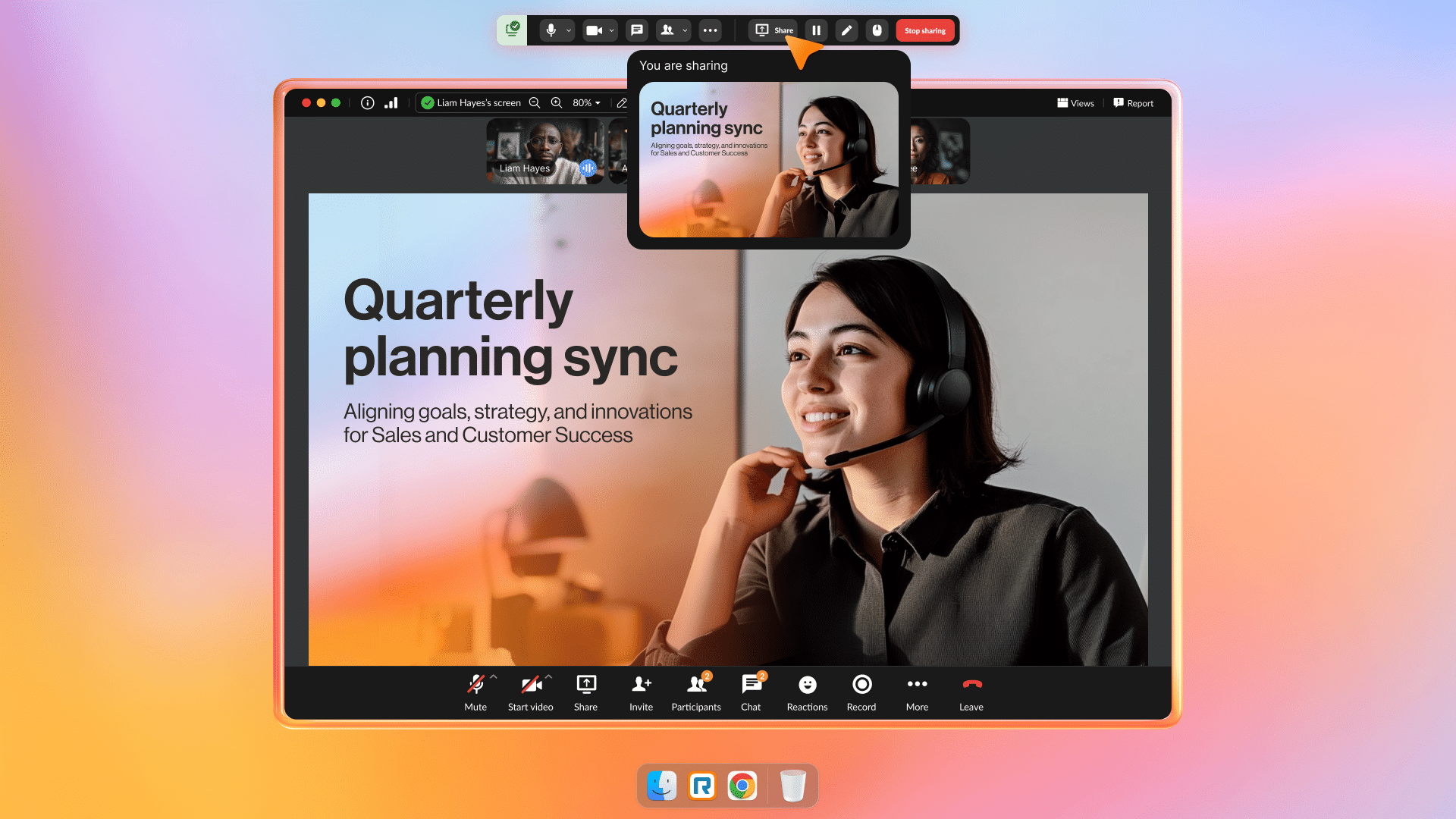
Why it works for enterprise teams:
- One unified communications platform: Your teams move from chat to meeting to call without switching tools, while IT cuts app sprawl and enforces consistent policies across regions.
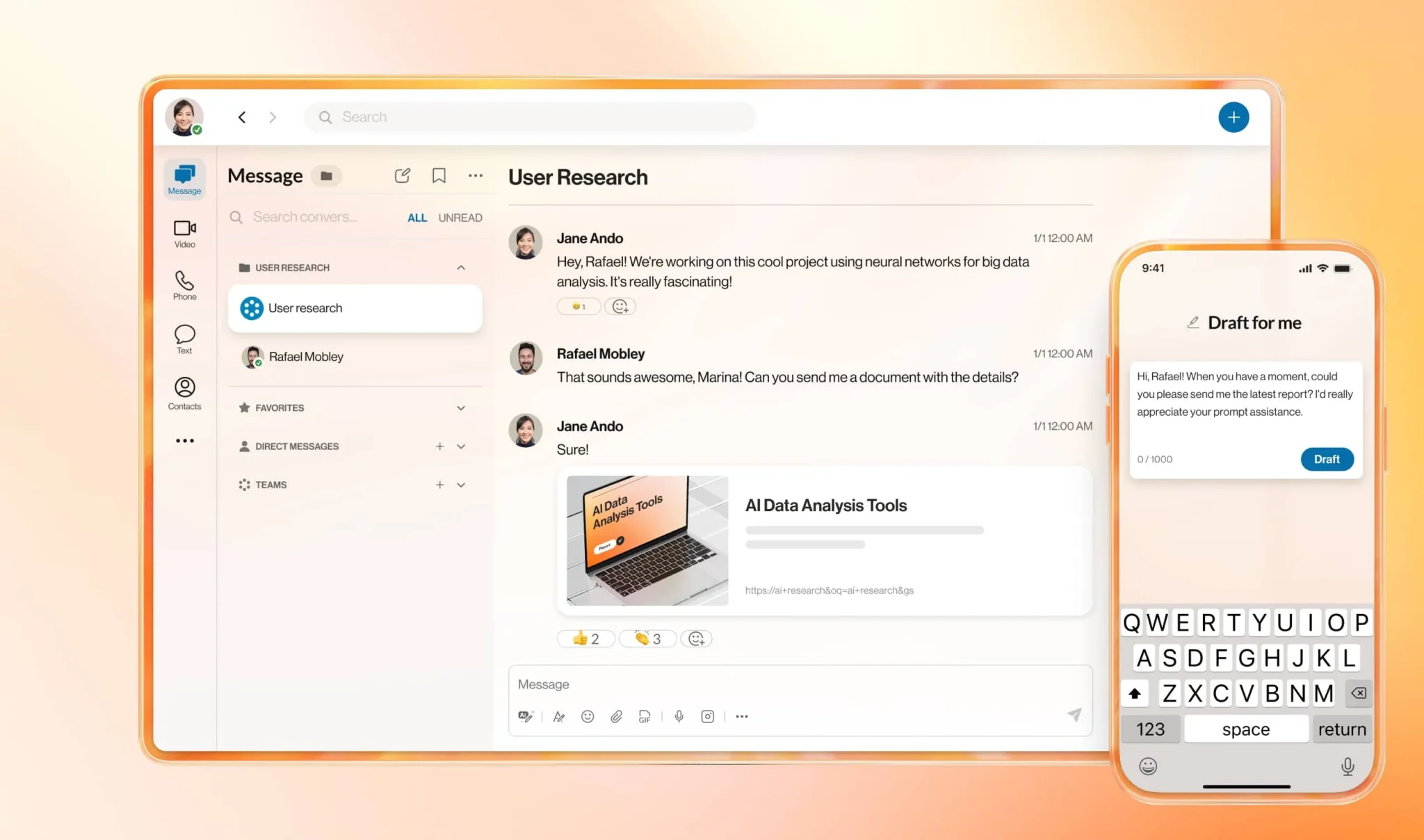
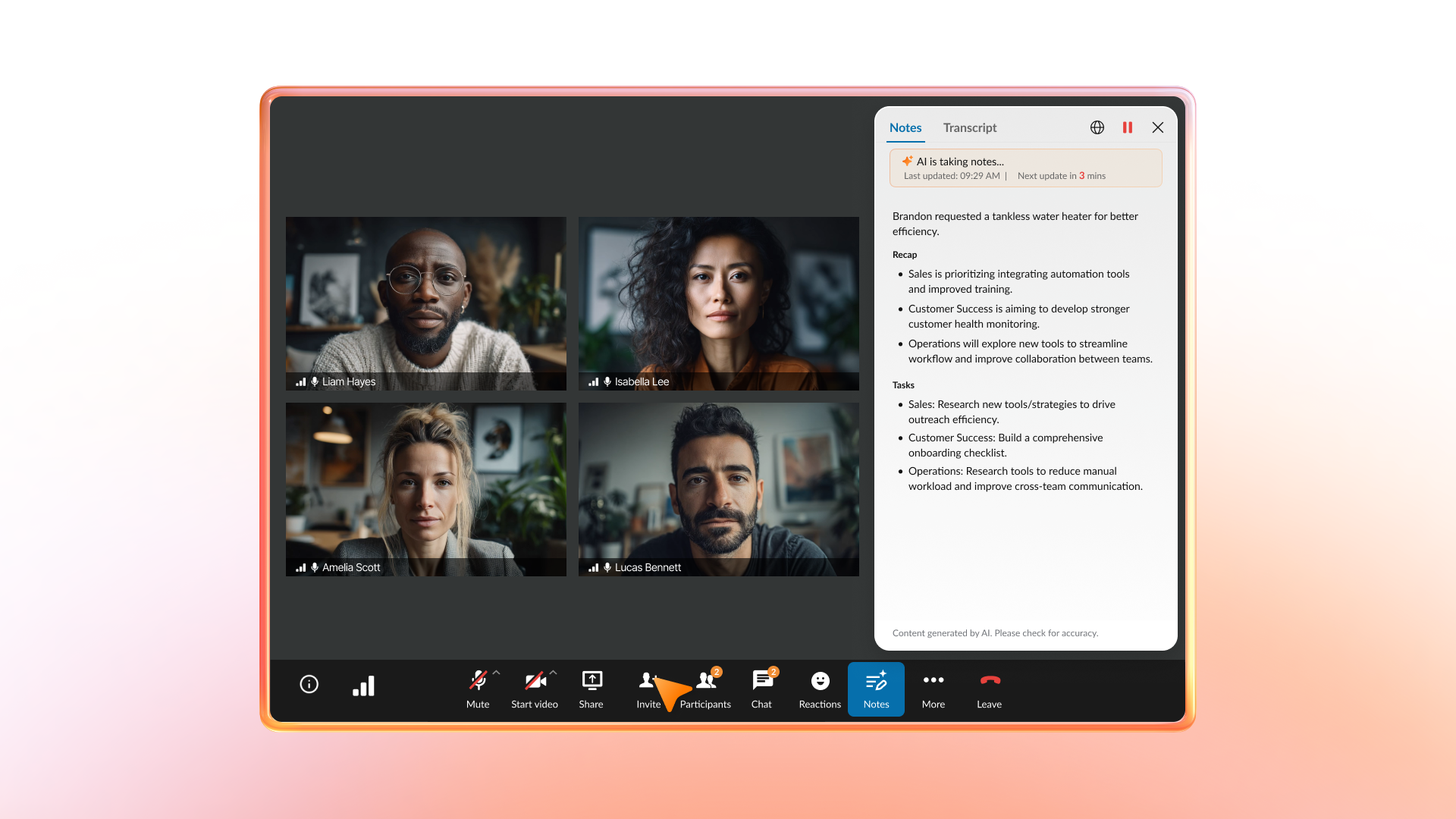
- Built-in AI that drives execution: Generate live transcriptions, automated summaries, and meeting highlights automatically. Teams spend less time taking notes and more time acting on decisions, while leaders gain clearer documentation and accountability.
- Enterprise-grade security and governance: Protect conversations with role-based access controls, waiting rooms, passcodes, and encryption in transit and at rest. IT maintains oversight and supports compliance requirements without adding third-party tools.
- Global performance with deep integrations: Run meetings on a carrier-grade network with real-time quality monitoring, and connect seamlessly to Microsoft 365, Google Workspace, Salesforce, and other core systems. Your organization keeps workflows connected while maintaining visibility and control at scale.
RingCentral Video works best when you view video as part of a broader unified communications and customer experience strategy rather than a basic standalone tool. If you only need simple meetings, the full platform may offer more functionality than you require.
2. GoToMeeting
GoToMeeting delivers a purpose-built video conferencing platform designed for organizations that prioritize straightforward, reliable meetings. It focuses on consistent audio and video quality, minimal setup friction, and dependable performance across varying network conditions.
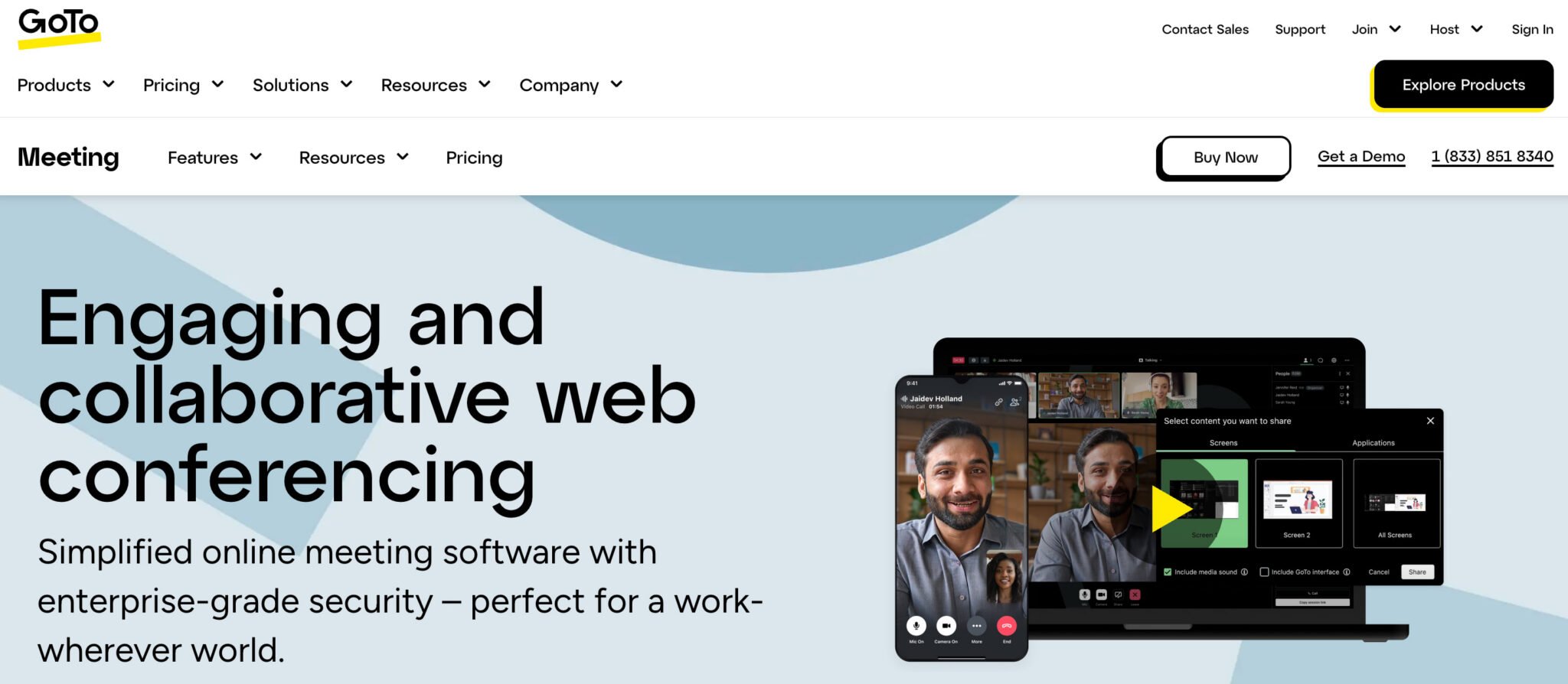
The platform includes AI-powered transcription, meeting summaries, and action item capture to help teams stay aligned after calls. Built-in drawing and screen annotation tools support design reviews, training sessions, and technical discussions.
However, GoToMeeting centers primarily on meetings. If you need persistent team messaging, enterprise telephony, or contact center capabilities, you’ll need additional tools alongside it.
3. Zoom
Zoom built its reputation on fast, intuitive video meetings, and many organizations still rely on it as their primary conferencing tool. Its simple setup, clean interface, and familiar controls make it easy for employees, customers, and partners to join meetings without friction.
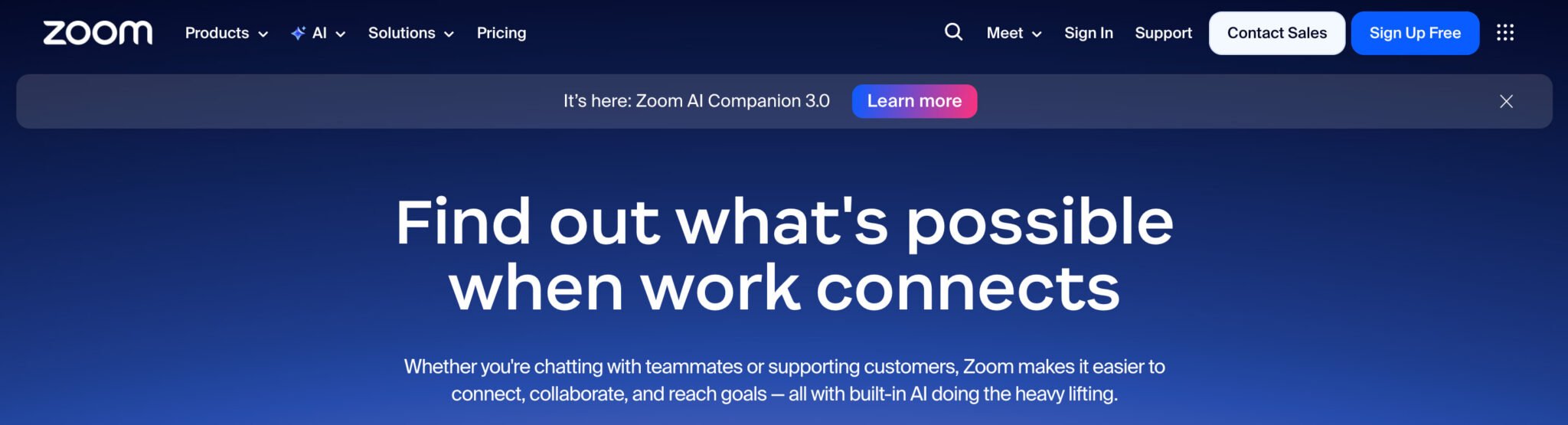
For enterprises that host large town halls or external webinars, Zoom supports high participant counts, moderated Q&A, polling, and virtual events at scale.
However, advanced security, compliance, and telephony capabilities often require higher-tier or add-on licenses, which can increase total cost in large deployments. For enterprises prioritizing consolidation, governance, and unified workflows, it’s important to evaluate how well the platform aligns with your long-term communications strategy.
4. Cisco Webex Meetings
Cisco Webex Meetings sits within Cisco’s broader collaboration ecosystem, which includes Webex Calling, Webex Messaging, and Webex Contact Center.
Many enterprises choose Webex when they already rely on Cisco for networking and security infrastructure and want tighter alignment between their collaboration stack and network environment.
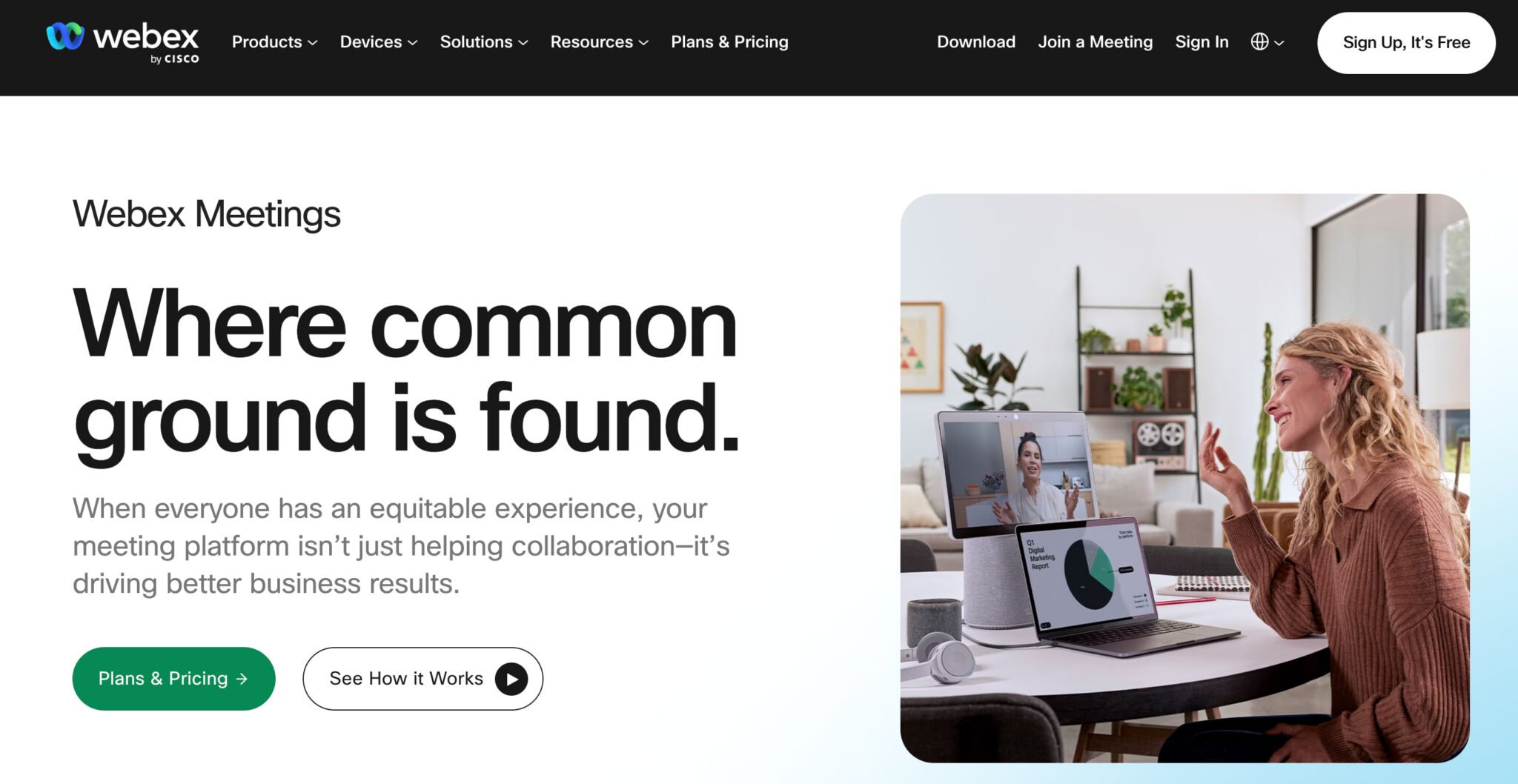
Webex integrates meetings, messaging, and calling under a single suite and connects seamlessly with Cisco room devices to create consistent hybrid meeting experiences.
AI-powered features such as background noise removal, real-time translation on supported plans, and Webex Assistant for note-taking and highlights help teams collaborate more efficiently.
To unlock the full value of the ecosystem, you typically need broader Cisco adoption across devices, calling, or contact center, which may not align with every multi-vendor strategy.
5. Google Meet
Google Meet integrates directly with Google Workspace, making it a natural fit for organizations that run on Gmail, Google Calendar, and Google Drive. Teams can schedule and join meetings from calendar invites, launch sessions from Gmail, and store recordings in Drive for easy access and sharing.
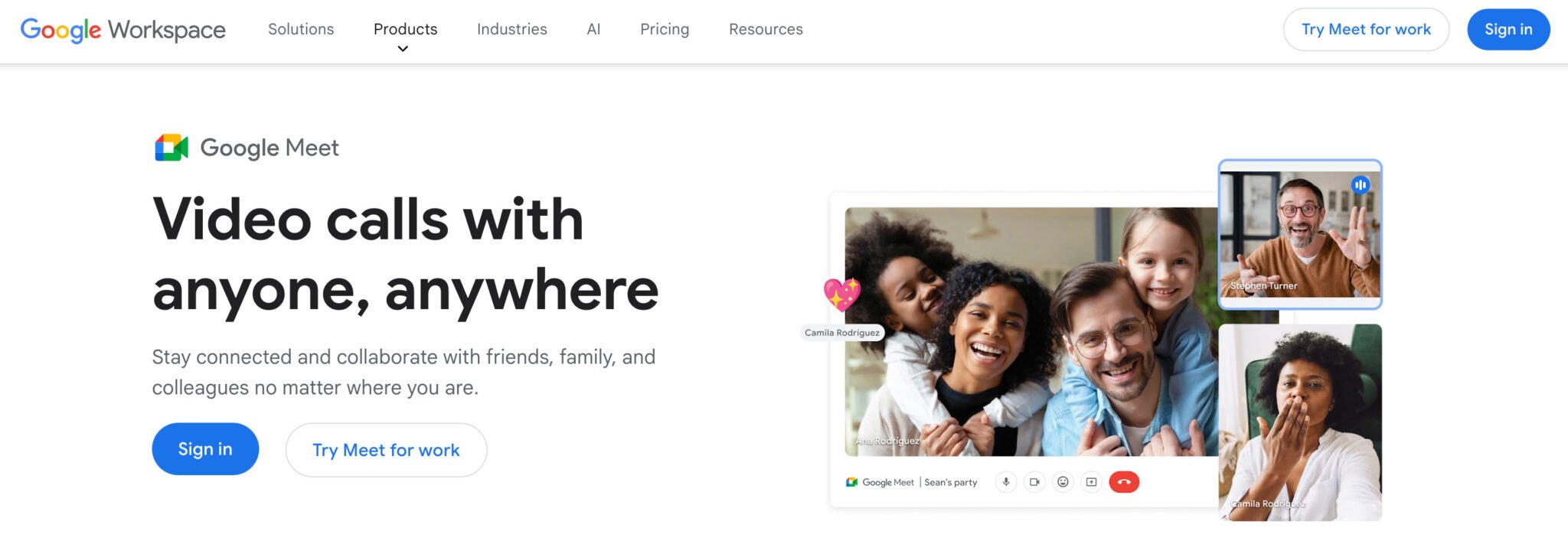
Its browser-first design lets participants join without installing plugins, an advantage for enterprises with locked-down desktops or frequent external guests.
However, advanced recording, compliance, and administrative controls depend on your specific Google Workspace edition. And because Meet focuses primarily on meetings, you’ll likely need separate solutions for enterprise telephony, contact center, and deeper analytics.
Top features to look for in video conferencing platforms
The right platform protects sensitive conversations, drives measurable productivity, and gives IT the control to manage communications at scale across hybrid and global teams.
The following capabilities are critical if you’re supporting hybrid work, global operations, and regulated or security-conscious environments.
1. Enterprise security and compliance
Your meetings carry financial data, HR conversations, product roadmaps, and customer information. You need controls that reduce risk, not introduce it.
- Identity and access control: Enforce single sign-on (SSO), multi-factor authentication (MFA), role-based permissions, waiting rooms, and passcodes so you control who joins and what they can do.
- Encryption and data governance: Protect data with encryption in transit and at rest, clear key management policies, and configurable retention controls for recordings and transcripts.
- Auditability and compliance support: Rely on certifications such as SOC 2 and ISO 27001, plus detailed audit logs and policy controls that help you demonstrate governance to regulators and stakeholders.
2. AI-powered conversation intelligence
Every meeting generates insight. Without AI, that insight often disappears when the call ends.
- Automated transcription and summaries: Reduce manual note-taking and help stakeholders catch up quickly.
- Searchable recordings and highlights: Jump directly to decisions, objections, or action items instead of replaying entire meetings.
- Cross-channel analytics: Connect meeting data with voice and contact center insights to understand performance across the entire customer journey.
3. Unified communications integration
Video shouldn’t live in a silo. If you deploy it as a standalone tool without thinking about messaging, telephony, and contact center, you risk increasing cost and complexity.
- One platform for calling, messaging, and meetings: Simplify vendor management, identity control, and analytics inside a single unified communications environment.
- Contact center integration: Launch video or screen share directly from customer workflows to resolve issues faster.
- Deep productivity integrations and APIs: Native integrations with Microsoft 365, Google Workspace, Salesforce, and other core business apps reduce friction.
4. Scalability and global performance
When executives or customers experience poor meeting quality, confidence drops fast. Look for:
- Global infrastructure and redundancy: Reduce latency with distributed data centers and protect uptime with documented service-level agreements (SLAs).
- Network optimization and monitoring: Use real-time dashboards to troubleshoot by user, device, or location and proactively manage quality.
How to evaluate video conferencing vendors for enterprise deployment
Once you narrow your shortlist, it’s important to remember that you’re selecting a long-term communications partner. Use the criteria below to structure your request for proposal (RFP), align stakeholders, and pressure-test each vendor’s ability to scale with your organization.
Validate vendor stability and roadmap alignment
Choose a partner that plans for where your business is going, not where it’s been. Look for financial strength, market position, and product velocity to back it up. Ask for a roadmap, review recent releases, and confirm the vendor is actively investing in AI, security, integrations, and global scale.
Rigorously assess security and compliance posture
Protecting conversations is non-negotiable, so bring security, privacy, and legal stakeholders in early.
Request trust documentation, penetration testing summaries, compliance certifications, and incident response processes. Clarify data residency, recording retention policies, and breach notification standards. If a vendor can’t provide transparency here, reconsider the risk.
Demand structured deployment and adoption support
Enterprise rollout requires more than technical setup. Evaluate onboarding programs, architecture guidance, network assessments, and training resources.
Ensure the vendor supports change management and drives adoption across teams and regions. The right partner accelerates time to value, not just implementation.
Insist on enterprise-grade support and accountability
Mission-critical communications require defined service levels. Confirm 24/7 support, documented response times, and clear escalation paths.
Review SLAs and ask how the vendor handled past incidents. You need accountability, transparency, and proven resilience.
Prioritize centralized governance and administrative control
Give IT the visibility and control to manage communications at scale. Look for centralized administration, role-based access controls, policy enforcement, and detailed audit logs.
Your platform should simplify governance across business units and geographies, not increase operational burden.
Verify integration depth and ecosystem strength
Modern enterprises operate across interconnected systems, so confirm native integrations with your identity provider, productivity suite, CRM, IT service management tools, and contact center. Then, evaluate the partner ecosystem to ensure the platform can extend with your workflows.
Quantify total cost of ownership (TCO) with a consolidation mindset
Look beyond license pricing to understand your TCO. Factor in tool redundancy, hardware investments, support overhead, training costs, and administrative complexity.
Platforms that unify voice, video, messaging, and analytics often reduce long-term operational expense while increasing control and visibility.
Choosing the right video conferencing solution for your organization
When you narrow your shortlist, stop asking whether a platform can host meetings. Start asking whether it can simplify your stack, protect sensitive data, and support how your organization plans to work over the next three to five years.
Use this structured approach to move from evaluation to confident rollout:
- Define requirements early: Align on priority use cases and document security, compliance, and data residency needs upfront to avoid costly surprises.
- Align with your long-term strategy: Decide whether video stands alone or fits into a unified communications platform that simplifies governance and reduces tool sprawl.
- Pilot in real-world conditions: Test across teams, regions, devices, and executive scenarios to uncover performance or adoption gaps before full rollout.
- Set measurable success metrics: Track adoption, support volume, tool consolidation, quality improvements, and AI-driven time savings from day one.
- Plan governance and enablement: Assign clear ownership, deliver targeted training, and monitor analytics to sustain adoption and maintain control at scale.
If you want to unify video conferencing, business phone, messaging, and AI-powered productivity in a single enterprise-ready platform, RingCentral Video is a strong choice.
The right choice will simplify your communications environment, strengthen governance, reduce complexity, and lay the foundation for smarter, AI-assisted collaboration across your entire organization.
Updated Mar 09, 2026