Virtual Receptionist Software: Types, Features, and Pricing

Handle inbound calls with virtual receptionist software that answers, routes, books, and responds without a full-time front desk team.

  • Answer and route calls 24/7 without adding headcount
  • Book appointments and capture leads automatically
  • Connect with existing CRM, calendar, and other business tools
  • Get started without IT setup or a separate admin console

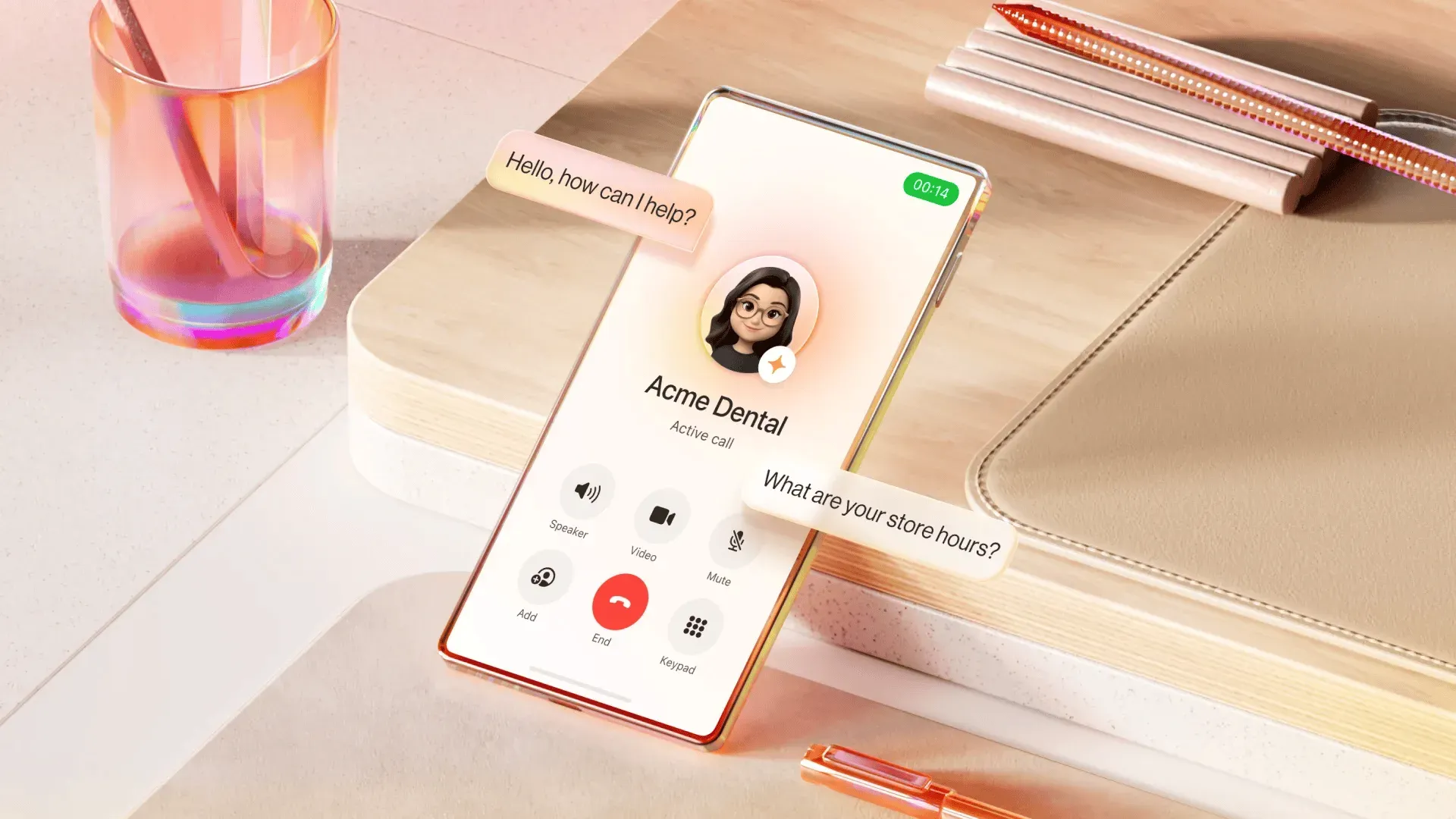
Front desk operations have changed—what once required a physical console and a full-time employee can now be handled by solutions that answer calls 24/7, route customers based on context, book appointments, and respond to common questions without missing a beat.

For businesses managing inbound call volume without a dedicated front desk team, the right starting point is understanding which type of solution fits how they work.

Key takeaways
  • Virtual receptionist software handles inbound calls without a full-time human receptionist—answering, routing, booking, and responding automatically.
  • Virtual receptionist solutions are categorized into three types: human-staffed services, IVR systems, and AI-powered software
  • AI-powered virtual receptionist software are the most rapidly adopted—and typically the most cost-efficient per call
  • RingCentral AI Receptionist (AIR) works with any phone, no IT setup needed

What is virtual receptionist software?

Virtual receptionist software manages inbound business calls. It can greet callers, handle common questions, route customers to the right person or department, capture contact information, and schedule appointments automatically.

Unlike traditional phone systems that guide callers through button-based menus, modern virtual receptionist software can engage in natural conversations, understand what a customer needs, and complete routine tasks with little or no human involvement.

For businesses that want to stay responsive without adding headcount, that capability makes it a scalable alternative to the traditional front desk.

3 types of virtual receptionist software

Not all virtual receptionist solutions work the same way. The right option depends on the business’s size, customer expectations, call complexity, and available budget.

1. Human-staffed virtual receptionist services

Human-staffed services employ trained virtual receptionists who answer calls on behalf of a business. However, human agents can only do so much.

Fielding the same FAQs, routing routine calls, and responding to repetitive texts hour after hour takes a real toll—leaving agents stretched thin and less effective when complex situations actually need their attention. And when the workday ends, so does coverage. After-hours calls go unanswered, and after-hours opportunities go missed.

Best for: Businesses handling complex, high-stakes conversations—such as law firms managing sensitive client intake or medical practices requiring empathy-driven interaction.

Limitations:

  • Higher labor costs ($15-$25 per hour, plus taxes and benefits)
  • Inconsistent service quality across agents
  • After-hours coverage often costs extra
  • Agents may lack deep knowledge of the business

2. IVR (interactive voice response) systems

IVR systems automate call routing through predefined menus. Most callers know this experience well: "Press 1 for Sales. Press 2 for Billing. Press 3 for Technical Support." IVR doesn’t understand spoken language—it follows scripted rules based on button selections or basic voice commands.

Best for: High-volume businesses that need simple, predictable call routing and don't require conversational interaction.

Limitations:

  • Frustrating for callers who have to navigate rigid menus
  • Cannot understand natural language or handle complex questions
  • Require ongoing manual updates when routing rules change
  • Callers often abandon calls or ask to "speak to a human" immediately

3. AI-powered virtual receptionist software

RingCentral AI Receptionist now generally available

AI-powered virtual receptionist software is the newest generation of business call management. Instead of menus, conversational AI listens to what customers say, understands their intent, and responds naturally. It can answer questions, collect information, schedule appointments, transfer callers, and capture leads, without a human receptionist or a fixed menu structure.

Best for: Small and mid-sized businesses that need 24/7 front-desk coverage without adding headcount—and want a consistent, professional experience at a predictable monthly cost.

RingCentral AI Receptionist (AIR) is one example of this category—designed to work with any phone setup without requiring a platform switch or technical configuration. Many teams can set up a virtual receptionist and begin testing within the same day.

Key features to look for in virtual receptionist software

When comparing virtual receptionist software providers, prioritize the capabilities that affect customer experience and operational efficiency.

  • Natural language call handling
    Look for software that understands natural speech instead of requiring callers to press buttons. AI-powered virtual receptionist software can interpret customer intent, ask follow-up questions when needed, and respond conversationally.
  • Appointment booking during the call
    The right virtual receptionist software should allow callers to book appointments without waiting for an employee to become available. By integrating with business calendars, virtual receptionist software can automate scheduling and reduce administrative work.
  • 24/7 availability
    A virtual receptionist should continue answering calls during evenings, weekends, and holidays, ensuring inquiries are acknowledged even when the office is closed. Around-the-clock availability also helps businesses capture leads that might otherwise be lost to voicemail.
  • CRM and calendar integrations
    Customer information shouldn't sit in isolation. Software that connects with a CRM, scheduling tools, and business applications keeps details synchronized so teams can follow up accurately without manual data entry.
  • Intelligent call routing and live transfer
    Efficient routing connects callers to the right person the first time. Solutions that determine intent and route based on department, availability, or business rules—and that can transfer calls to a live employee without making the caller repeat themselves—deliver a noticeably better experience.
  • Security and compliance
    Depending on the industry, compliance with frameworks such as the Health Insurance Portability and Accountability Act (HIPAA), Service Organization Controls 2 (SOC 2), or the General Data Protection Regulation (GDPR) may be required. Evaluate each provider’s security standards, data handling practices, and administrative controls before committing.
  • Pricing model
    Pricing structures vary significantly between providers. Some charge per minute or per call, making monthly costs difficult to forecast. Others offer flat-rate pricing that simplifies budgeting regardless of call volume.

Who needs virtual receptionist software?

Virtual receptionist software benefits businesses of nearly any size, but certain industries see the strongest return because so much of their customer communication happens over the phone.

Medical and healthcare

Healthcare providers handle appointment requests, prescription inquiries, insurance questions, and patient follow-ups throughout the day. A virtual receptionist takes on that routine call volume so clinical staff can stay focused on patient care, without leaving any inquiry unanswered.

Legal practices

Law firms receive time-sensitive inquiries from prospective clients who won't wait long before calling the next firm on the list.

Virtual receptionist software can automate client intake, answer calls promptly, gather preliminary information, and even direct callers to the appropriate attorney. That frees legal staff to focus on case preparation, client management, and other high-value work.

Home services and contractors

Most missed calls happen in the field. When an electrician or plumber is mid-job, they're not checking their phone, but the person calling often needs a response right away. A virtual receptionist captures job details, schedules appointments, and routes urgent requests without interrupting technicians in the field.

Real estate

Agents spend their days at showings, client meetings, and property tours—rarely at a desk. Virtual receptionist software captures new inquiries, answers basic questions, and books appointments so no lead goes unanswered while an agent is unavailable.

Retail and service businesses

Salons, fitness studios, and retail stores receive repetitive calls about hours, locations, pricing, and availability. Automating those conversations frees employees to focus on in-person customers while keeping phone support responsive.

Hospitality

Hotels, restaurants, and event venues manage high call volume with seasonal spikes, reservation changes, and inquiries that require immediate response. Virtual receptionist software handles reservation questions, shares business information, routes callers appropriately, and manages call volume spikes during busy periods.

AI virtual receptionist software vs. human receptionist: a comparison

AI virtual receptionist
Human receptionist
Availability
24/7, including holidays
Limited to business hours
Cost
Lower operating costs
Higher salary and employment costs
Call capacity
Handles unlimited simultaneous calls
Availability depends on staffing
Consistency
Delivers consistent responses
Performance may vary between agents
Empathy
May escalate highly complex situations
Greater emotional intelligence and judgment
Setup
No hiring or training required
Requires onboarding and ongoing management
Complex conversations
Certain conversations still benefit from human judgment
Stronger relationship-building and flexible decision-making

For most businesses, AI doesn't replace people—it handles the volume so people can focus on interactions that require judgment, empathy, or expertise. Routine calls, common questions, appointment scheduling, and standard routing happen automatically. Complex or sensitive conversations get handed off to the right team member. That balance improves efficiency without removing human judgment from the interactions that require it.

Virtual receptionist software pricing: What to expect

Pricing varies based on the chosen type of solution, the level of automation provided, and how providers structure their billing.

Solution Type
Typical Monthly Cost
Common Billing Model
Human-staffed virtual receptionist
$1,300–$4,000
Per hour
IVR system
$50–$300
Flat rate or usage-based
AI-powered virtual receptionist
$29–$99
Usually flat monthly pricing
RingCentral AI Receptionist (AIR)
Starting around $39–$49
Flat monthly rate with 100 minutes included—works with any phone system

How RingCentral AI Receptionist (AIR) works

Most virtual receptionist platforms operate as standalone applications. That means businesses need to connect multiple systems, manage a separate admin console, and go through an implementation process before anything actually works.

RingCentral AI Receptionist takes a different approach.

AIR is designed to meet businesses where they are. For teams already using RingCentral, it works as an add-on so they can begin using AI-powered call handling without deploying separate software or managing another administrative console. Meanwhile, for businesses on other phone systems, AIR works just as well as a standalone solution, connecting existing infrastructure without requiring a platform switch.

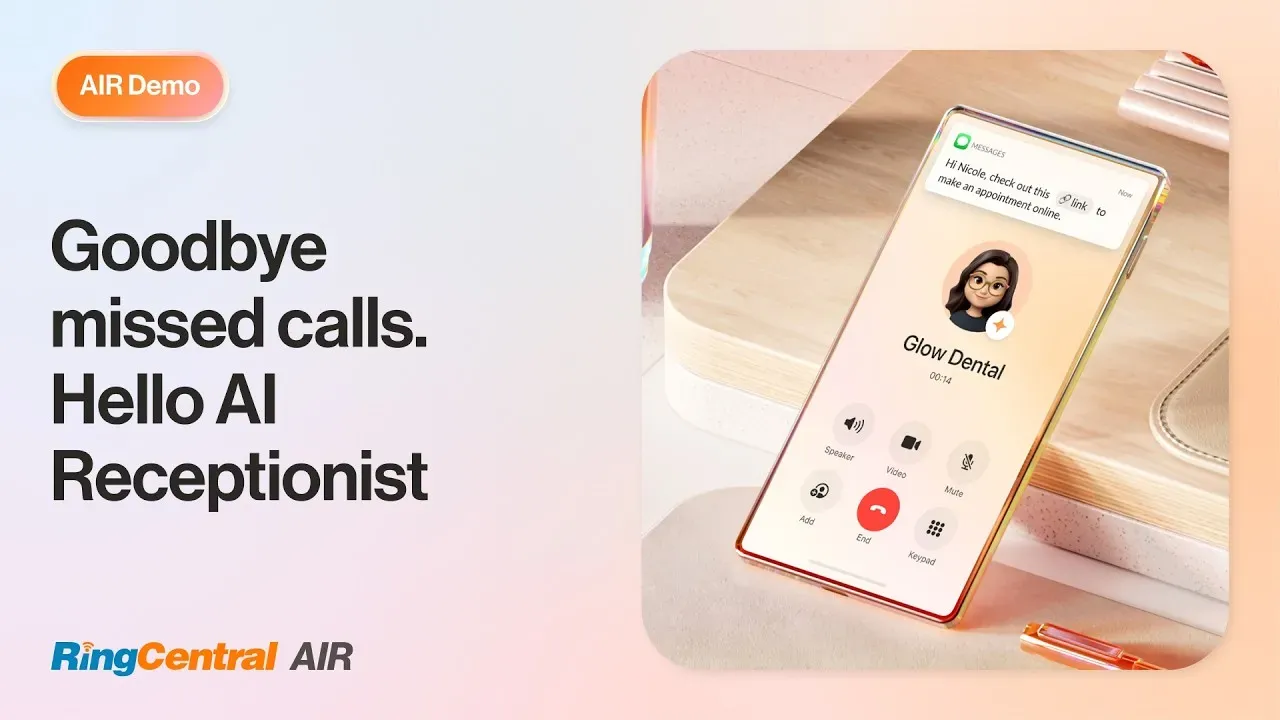
RingCentral AI Receptionist (AIR) | Demo

Here's what AIR handles out of the box:

  • Flexible with any setup. AIR layers on top of any existing phone infrastructure, whether it be cloud, on-premises, or hybrid, without a rip-and-replace. Businesses can add AI-powered call handling to what they already have, with no new software to configure and no IT overhaul required to get it live.
  • Handles after-hours calls automatically. When the office closes, AIR keeps answering. It captures leads, books appointments, and sends SMS follow-ups, so opportunities don't slip through after 5 PM.
  • Captures lead information and syncs it to the CRM. During every call, AIR collects caller details—name, contact information, reason for calling—and automatically syncs that data to the business’s CRM. Teams can follow up on conversations already informed, with no manual data entry required.
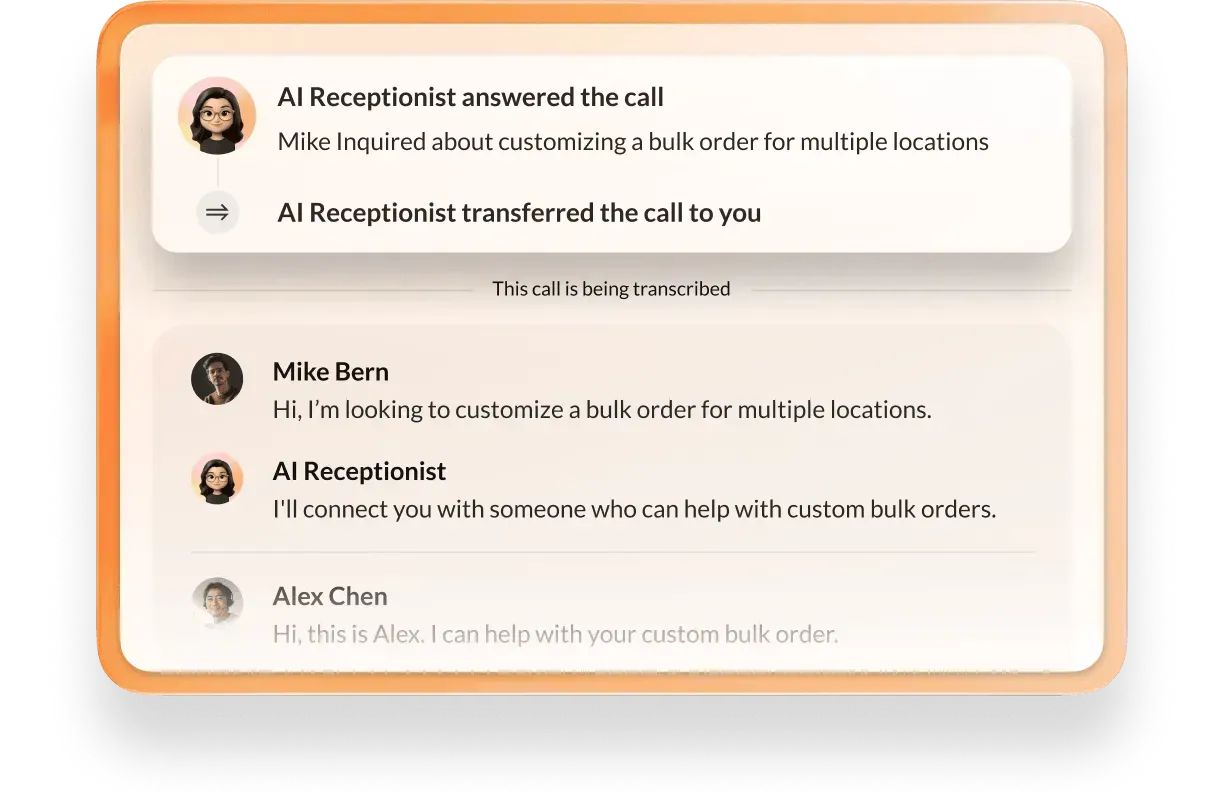
  • Routes calls with context, not just numbers. AIR understands caller intent and routes based on name, department, location, or conversation context. When a call does transfer to a live team member, AIR attaches a call summary so the caller never has to repeat themselves.
AI IVR transferring a call to a human agent
  • Books appointments during the call. AIR connects to the business’s calendar system and books appointments in real time, including confirmation texts—no manual follow-up needed.
  • Answers FAQs using existing business content. Setup takes minutes. Businesses can point AIR at their website, upload their FAQs, or paste in their business details—and it's ready to answer questions accurately from day one.

Ready to get started with virtual receptionist software?

RingCentral AI Receptionist offers straightforward, flat-rate pricing and no IT setup required, making it easy to predict costs as call volume grows.

FAQs about virtual receptionist software

The best virtual receptionist software for small businesses depends on call volume, budget, and how complex the calls are.
AI-powered solutions like RingCentral AI Receptionist (AIR) are generally the strongest fit—they offer 24/7 coverage, flat-rate pricing, and natural-language call handling without requiring technical setup or a dedicated IT team.
Costs range from around $29/month for basic AI tools to $1,000+/month for premium human-staffed services.
RingCentral AIR starts at $39–$49/month as a standalone or as an add-on to a RingCentral plan. The flat-rate model makes monthly costs predictable regardless of call volume.
For most routine call types—FAQs, appointment booking, lead capture, and call routing—AI virtual receptionist software outperforms human receptionists on cost, availability, and consistency. Human receptionists retain an advantage for emotionally complex or highly nuanced calls. Many businesses combine both: AI handles the volume, humans handle the exceptions.
Most AI-powered virtual receptionist software integrates with popular CRM and calendar tools. For example, RingCentral AIR connects with Salesforce, HubSpot, Zoho, Google Calendar, and Outlook, automatically logging call details and syncing appointment bookings without manual data entry.