Connect RingCentral
to your favorite LLMs
Bring your RingCentral calls, texts, voicemails, and chats into your preferred chat-based LLMs, so you can find context, follow up faster, and get work done with simple prompts.
Prioritize leads with call and CRM data
- Send abandoned-cart SMS reminders
Flag support issues in transcripts
Turn conversations into task lists
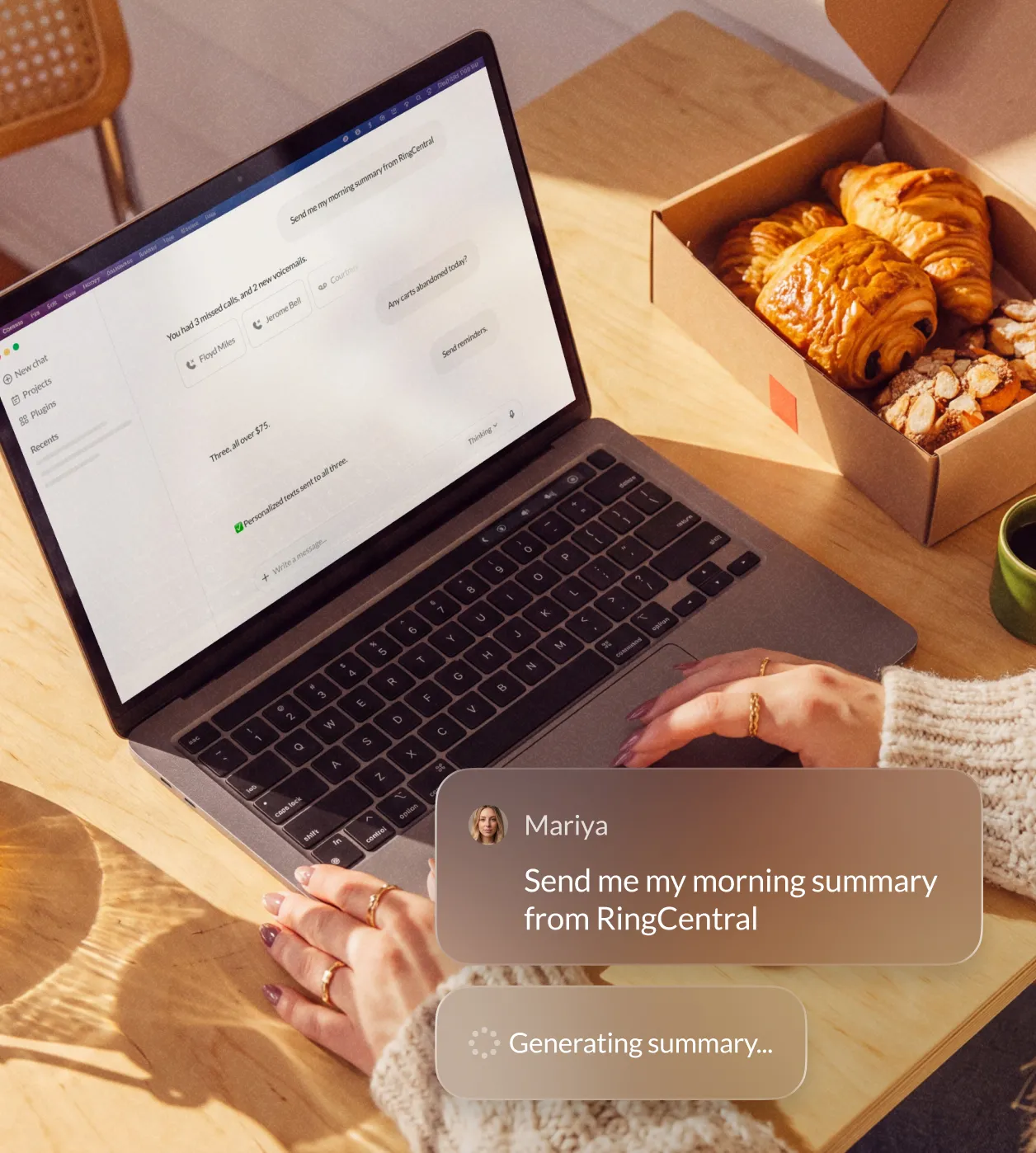
Every conversation becomes something AI can act on
Connect your call notes, voicemails, faxes, messages, and team chat history to LLMs like Claude and ChatGPT.
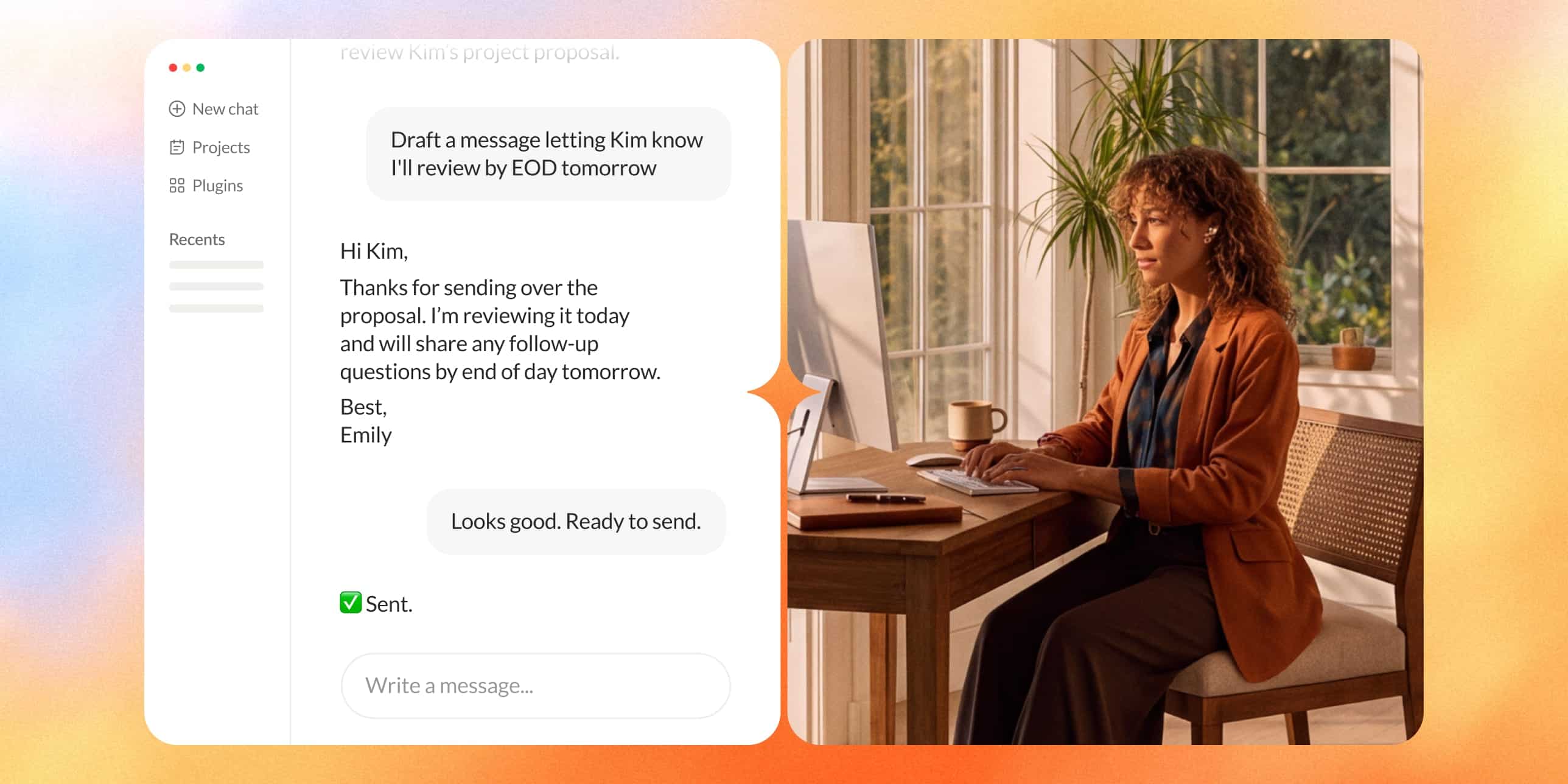

Track next steps
Filter through missed calls, voicemails, and team chats to find what matters and follow up faster.
Never miss any context
Search your communications history and maintain context across channels—right from your LLM.
Let AI take action
Draft SMS replies, prioritize voicemails, and surface action items automatically.
Secure by design
Respect existing roles and permissions, so users only see what they’re authorized to access.
Catch up and take action, all in one place
Start your day with the right follow-ups
Ask your LLM for a daily summary of priority calls, messages, voicemails, and action items.
Build smarter outbound call lists
Track key deals, open questions, follow-ups, and sales opportunities by pulling context from your call history and AI notes.
Triage voicemails faster
Sort voicemails into urgent issues, leads, and follow-ups, then draft a text reply and review before sending.
Keep teams and workflows updated
Summarize team chats, send appointment reminders, and securely route online faxes to keep work moving across channels.
Real teams, real productivity
AI-forward companies are already using RingCentral within their favorite LLMs to get more done.

50%
Increase in lead response rate
"The RingCentral ChatGPT plugin increased our lead response rate by 50%. It analyzes message performance to show us what works, driving better conversions, revenue, and member retention."
Cam Lothridge, Owner, Orangetheory Fitness Warner Robins

98%
Time savings on message management
"RingCentral MCP for Claude gives me a scheduled summary of my direct mentions and action items, cutting through the noise and reducing review time to seconds."
Giv Parvaneh, CTO & Co-Founder, Captivo Labs
Frequently asked questions
A plugin provides your LLM with a connection to RingCentral and recommended skills to help boost business efficiency. Install it once, sign in with your RingCentral account, and your LLM can see the calls, texts, and team chats you give it permission to, the same way it already works with anything else you've connected to it.
Yes. The LLM only accesses the RingCentral information your account is authorized to see.
Plugins are designed to respect your existing RingCentral roles and permissions. Each person only sees the information their account is authorized to access, based on their extension and assigned roles.
RingCentral provides ready to install plugins for ChatGPT and Claude in our App Gallery. You can also connect with any LLM that supports the Model Context Protocol (MCP) using our MCP documentation.
No. You can install the plugin and sign in with your own RingCentral account in a few minutes, no ticket, no configuration. If your company manages which apps are available to install, check with your admin first.
Nothing happens without your confirmation first. Before the LLM sends a text, posts a message, or takes any action on your behalf, it shows you exactly what it's about to do and waits for you to confirm. Without your confirmation, the LLM only shares the data with you and doesn’t take any action.
Start using RingCentral with
your favorite LLMs
your favorite LLMs