Smarter workflows
RingCentral for Google Chrome | Workspace
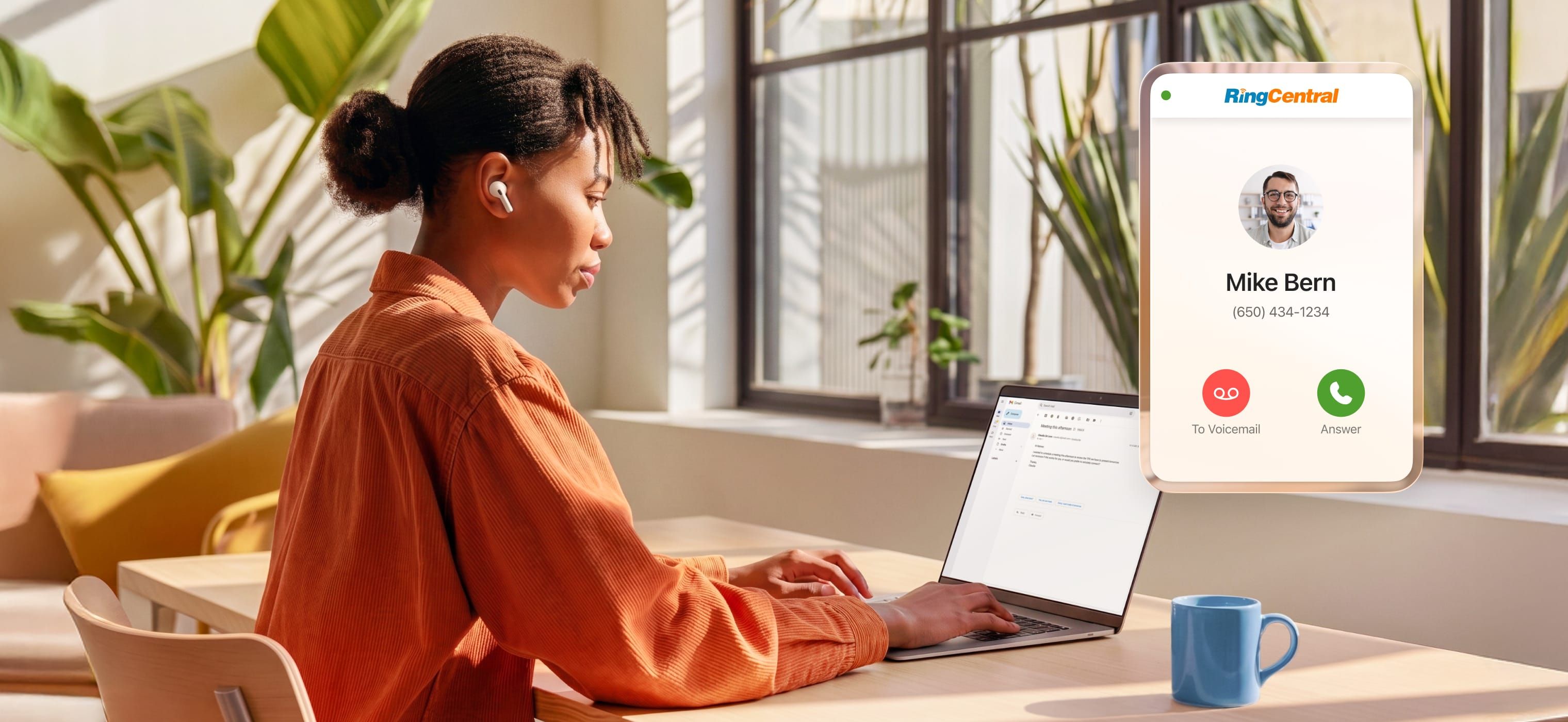
Access RingCentral for messaging, video, and phone in Google apps for easy collaboration.
Stay focused by scheduling meetings or starting calls directly in Calendar, Gmail, or Chrome.
Quickly set up RingCentral for Google, helping teams work smarter with minimal effort.

Ditch the expensive hardware. Turn Google Chrome into a business phone, powering mobile and remote work.
Connect with customers instantly from any web page, reducing friction and speeding up response times.
Capture key details automatically so teams stay aligned, follow up faster, and never miss what matters.

Never miss a call with 24/7 intelligent call handling that routes customers correctly and frees up your team’s time
Turn every interaction into insight with real-time guidance and post-call analysis that improves performance and outcomes
Engage customers across voice and SMS with shared visibility, faster responses, and more efficient team collaboration

Schedule and join RingCentral video meetings in Google Calendar—no app switching, just click and meet.
Simplify meeting workflows with AI-powered live notes, translated transcripts, and more.
Connect your Google Calendar to create personalized booking types that reflect your true availability and preferred meeting durations.


Integrate RingCentral with popular business apps like Salesforce, HubSpot, Microsoft Teams, and more.
The world’s most reliable cloud phone system with built-in team messaging – all reimagined with AI at every step.
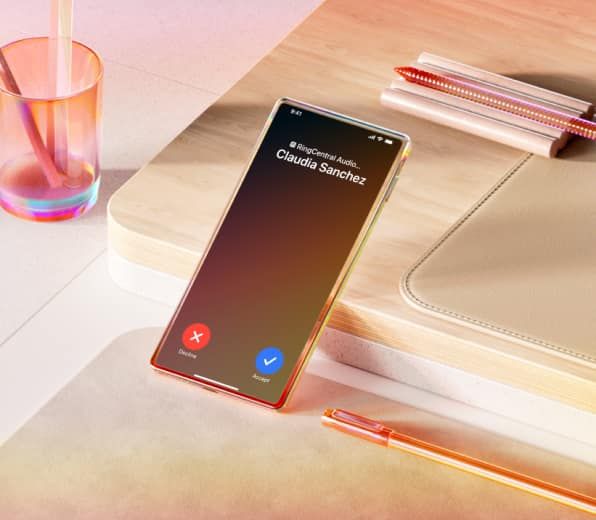
Create effortless customer experiences across every channel with our AI-first contact center solutions.
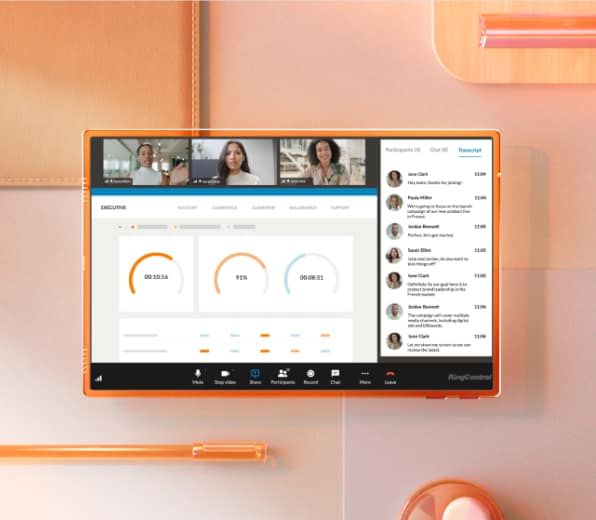
Curate virtual, onsite, or hybrid events where AI enhances every milestone – from planning to execution.
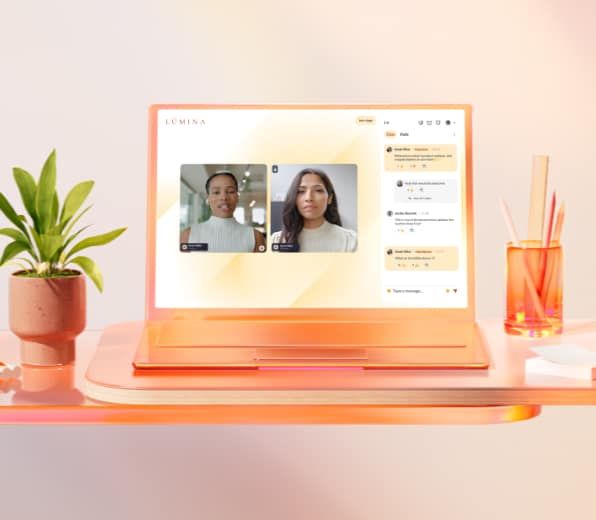
Empower sellers at every stage with at-a-glance sales views, AI-powered scoring, and instant call summaries.
RingCentral transforms Google Chrome into a softphone, allowing you to make calls, send SMS, and manage communications directly from your browser. With click-to-call functionality and AI-powered call notes, you can streamline workflows without needing additional hardware.
Yes! You can easily schedule and join RingCentral video meetings directly from Google Calendar. Simply click to start or join a meeting without switching between apps.
RingCentral AI Assistant automatically takes notes during calls, highlights key topics, and identifies next steps. You can share these notes with your team for better collaboration and follow-ups.
Absolutely! With RingCentral for Gmail, you can make outbound calls, send SMS, and access call history directly from your email conversations, improving communication and efficiency.
Elevate collaboration and productivity by integrating AI-powered communications with Google Workspace.


Because we use the RingCentral integration with Google Chrome, our specialists can dial a customer’s number right from the Chrome extension, without ever opening RingEX. That convenience alone probably saves every agent at least 10% of their time, every day
Bill Heep | Director of Communications and Systems, AUTOPAY
10%
Agents time saved with RingCentral for Google Chrome
$600,000
Annual savings since migrating all of the company’s telephony to RingCentral