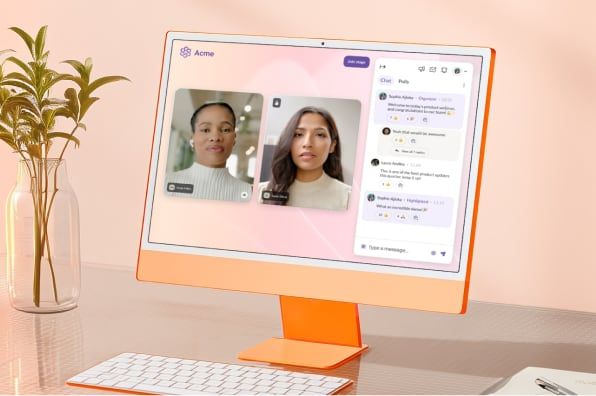
Small Business
Enterprise
Developers
Talk to an expert:(800) 574 5290
Support
Plans & PricingCompany

RingCentral Rooms™

Modern and flexible meeting workspaces

Your conference room solution that can take phone calls and join any third-party meetings.
Contact salesSee pricing
An in-office employee using RingCentral Rooms to host a hybrid meeting

Products

  • RingEX
  • Team Chat
  • AI Meetings
  • Business Phone
  • Fax
  • SMS
  • RingCX
  • Webinars & Events
  • Features
  • Phones and headsets

Partners

  • Global service providers
  • Channel partners
  • ISV partners
  • Hardware partners
  • Connectivity partners
  • Affiliate partners
  • Strategic alliances

Open Ecosystem

  • Developer platform
  • APIs
  • App gallery
  • LLM Plugins & MCPs

Learning

  • What's new
  • Resource center
  • Blog
  • Customer stories
  • Newsroom
  • Events & Webinars

Company

  • About Us
  • Leadership
  • Investor relations
  • Ventures
  • Trust Center
  • Corporate Responsibility
  • Careers

Help & Support

  • RingCentral app login
  • Admin portal login
  • Customer support
  • Download app
  • View demo
  • Contact sales
Effortless setup

Deploy hardware from Poly, Yealink, and more with pre-installed software, and join meetings with one-touch.

Cross-platform compatible

Join Teams, Zoom, Webex, Google, and other third-party meetings from your room with one tap—it's that easy.

Easy to manage and monitor

Get detailed analytics for room usage, service quality, and alerts, under a single-pane of glass administration.

Flexible room management

Set up scheduling displays to view availability and book rooms, and also instantly transition meetings from mobile to rooms.

RingCentral Rooms meeting invite displayed on RingCentral app

Cross-platform conferencing made simple

Join other video meetings directly from RingCentral Rooms, with a single click.
  • Zoom
  • Cisco Webex
  • Microsoft Teams
  • Google Meet
Learn more

Reimagine the workspace experience

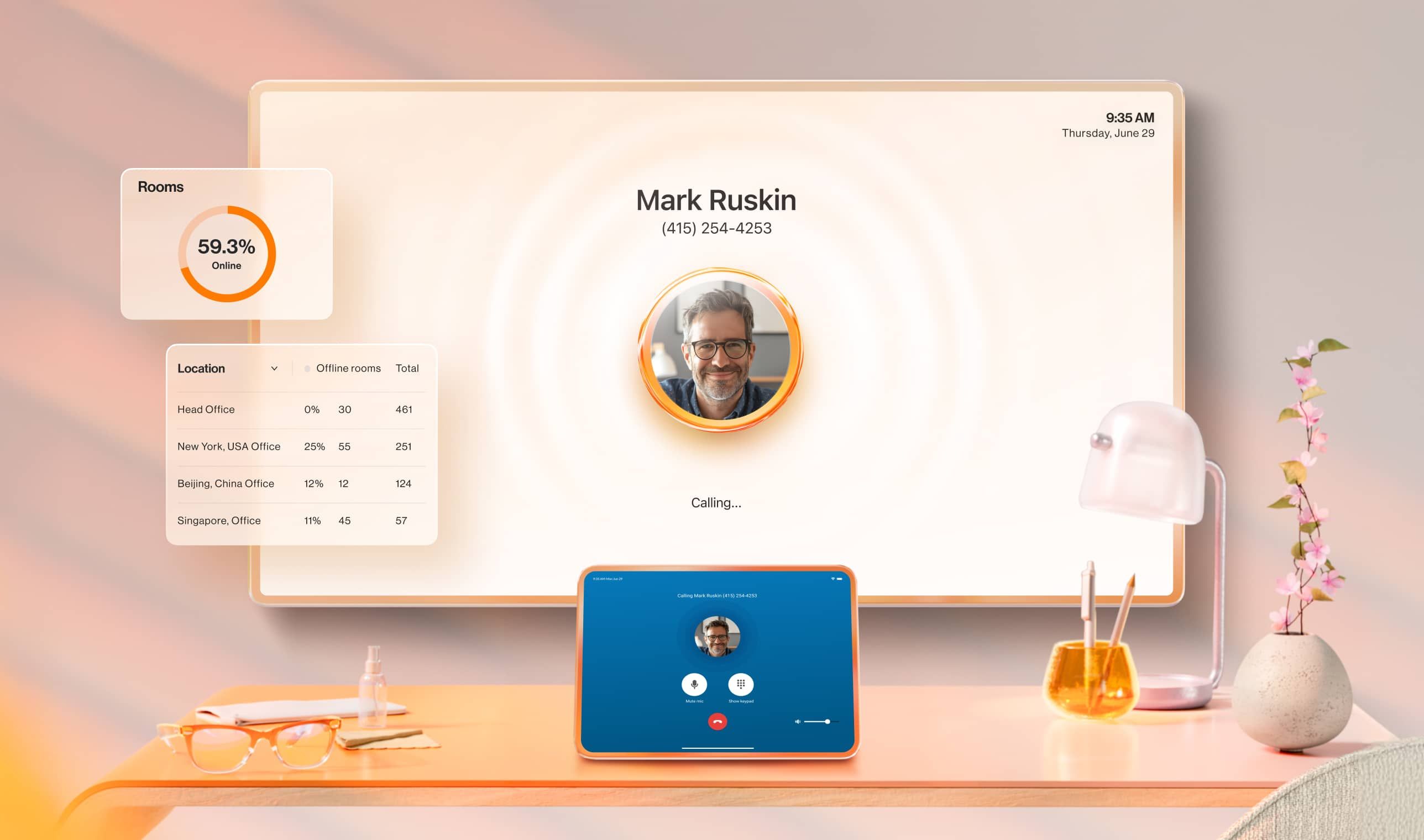
Incoming call notification displayed on both the conference room monitor and tablet screen.

Handle calls and meetings

Handle calls and meetings

Use your room hardware for both conference calls* and meetings. *Rooms Phone Line license required.

Easily display room availability

Easily display room availability

See if a conference room is free or booked using a Scheduling Display on a supported tablet.

Create digital signage

Create digital signage

Display digital content and information from the room's TV screens.

Access workspace analytics

Access workspace analytics

Get admin access to real-time and historical data, quality-of-service dashboards, and custom alerts.
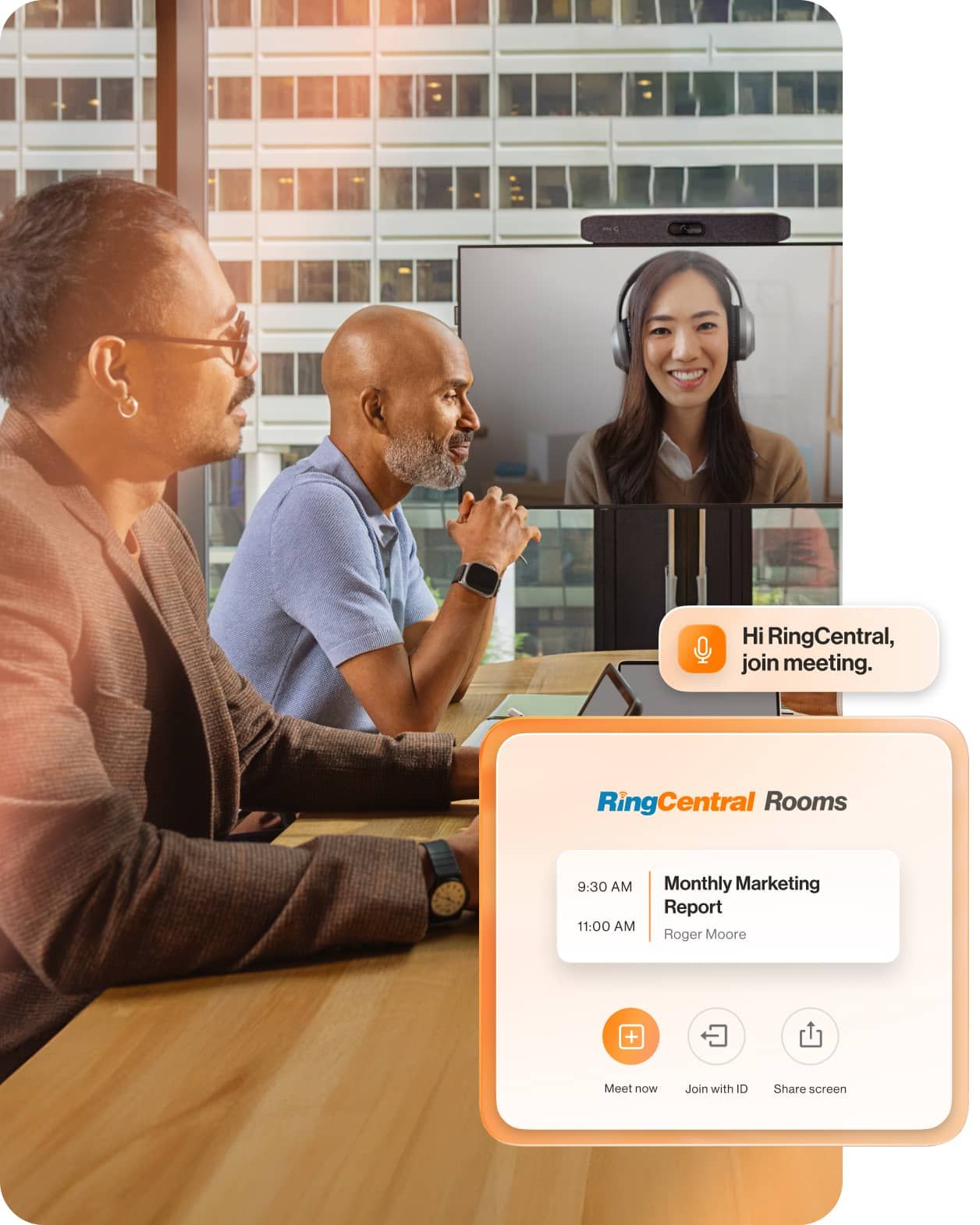
In-office employees and remote working joining a meeting via RingCentral Rooms

Hybrid meetings made simple and powerful

  • Effortless meeting transitions

    Seamlessly move your video meeting to an available room nearby. With just one tap on your mobile device, your discussion continues without any breaks.

  • Mobile device room controls

    Control the meeting settings from your own personal device, no matter where you sit in the meeting space.

  • Touchless meeting experience

    Start the meeting with a voice command or from your mobile phone.

  • Auto framing and zooming

    AI-powered auto-framing automatically keeps all in-room participants visible (supported by select appliances).
Essentials for every meeting room

View datasheet
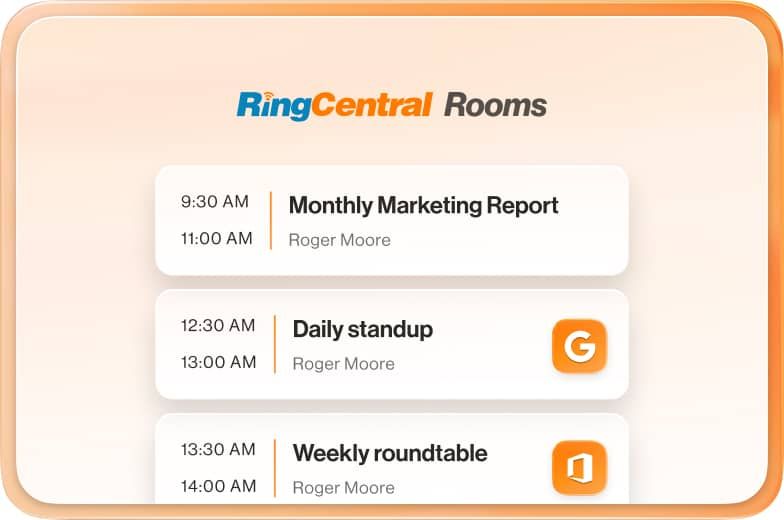
A list of meeting invites on RingCentral Rooms

Room calendar integrations

Integrate a room’s meeting schedule with both Office 365 and Google calendaring systems.
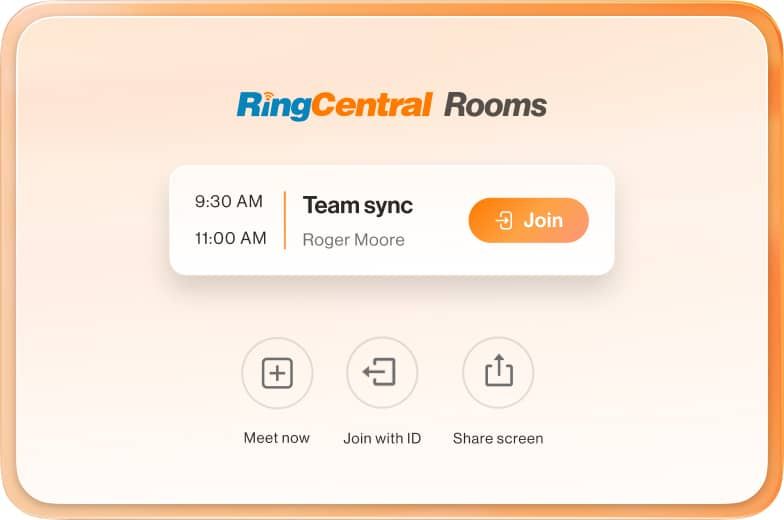
One-touch join meeting button on RingCentral Rooms

One-touch join and wireless sharing

Instantly start and join meetings with a single touch, and effortlessly share your screen either wirelessly or via HDMI.
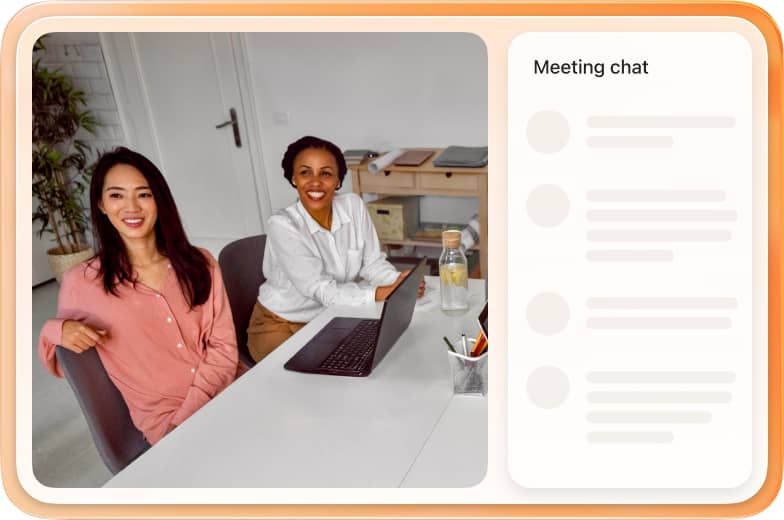
Meeting chat feature on RingCentral Rooms

Consistent and unified experience

Built on the RingCentral platform, users enjoy a simple, interactive experience that is seamless across RingCentral’s video and team messaging.
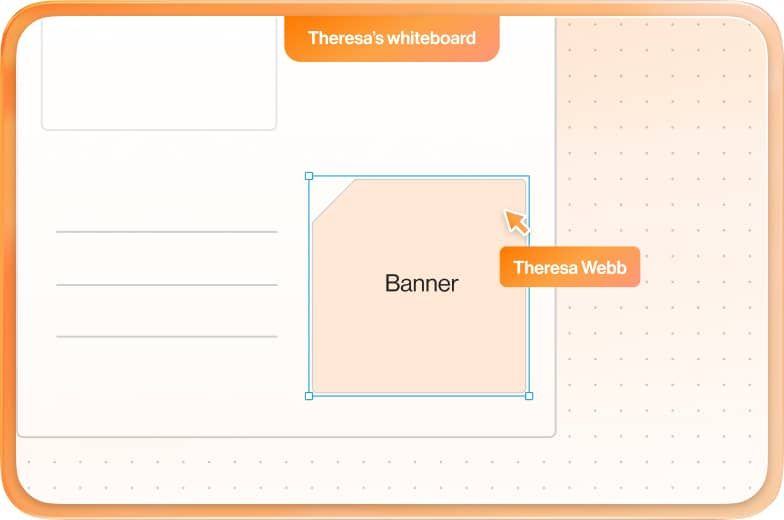
Whiteboard feature on RingCentral Rooms

View chat, whiteboard, and closed captions

View meeting chat, whiteboards, closed captions on screen during a meeting.
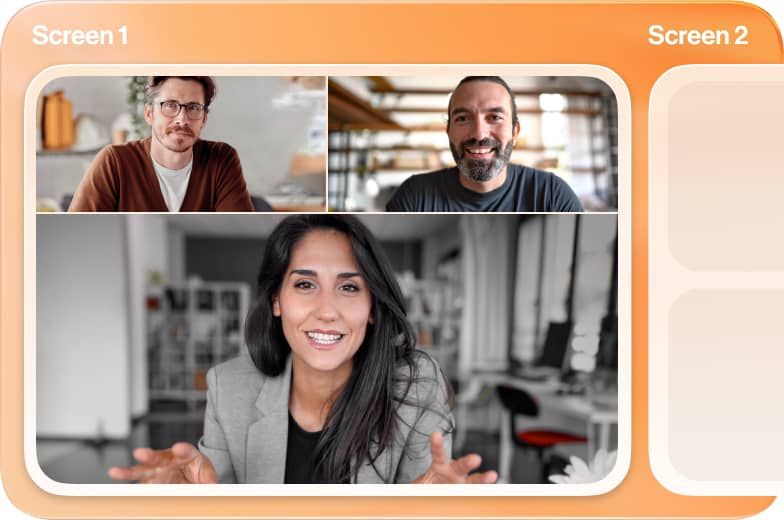
Dual screen support feature on RingCentral Rooms

Dual screen support

View shared content and video participants on separate screens for enhanced meeting engagement, with content, active speaker, and gallery view modes.
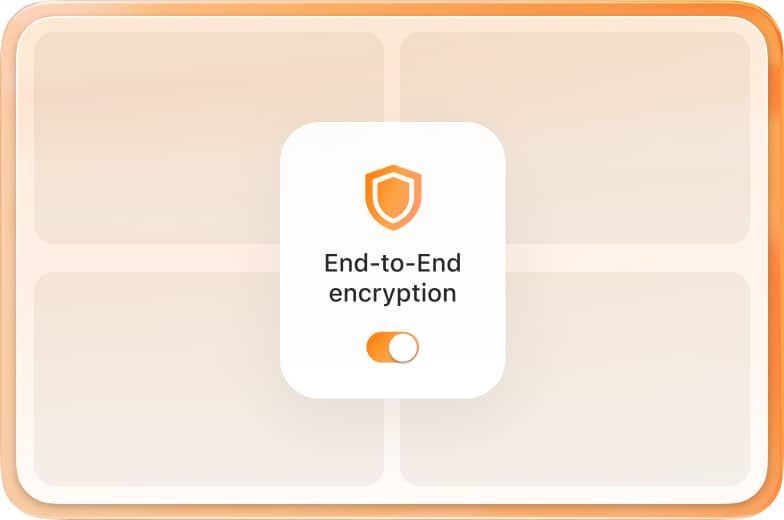
End-to-end  encryption feature on RingCentral Rooms

Secure meetings

Turn on end-to-end encryption for your meetings to keep your conversations private and secure.
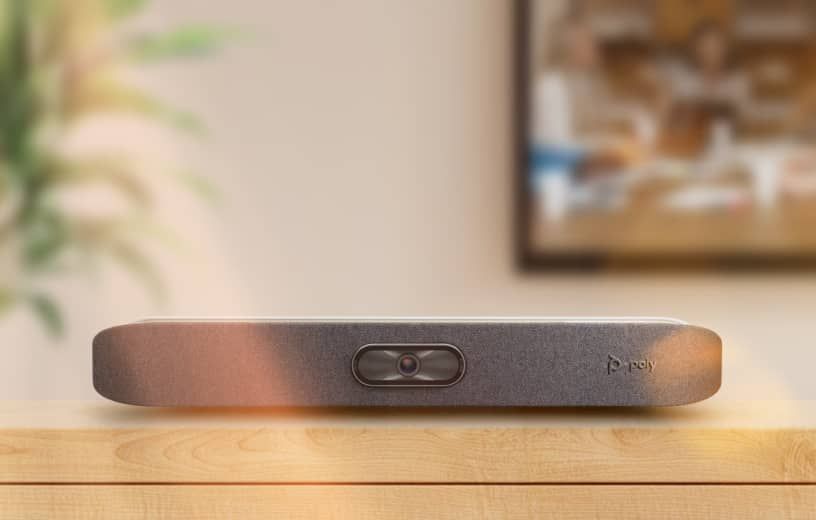
Get started in seconds

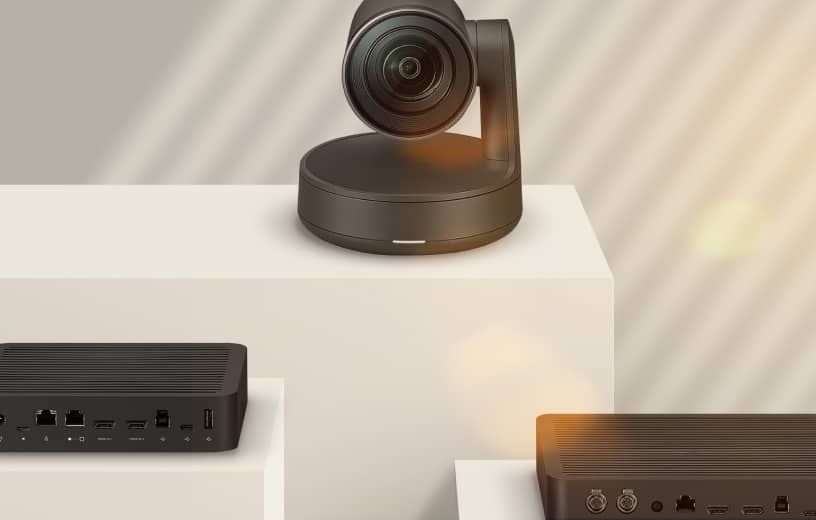
All-in-one video bar equipment

All in one Video Bars with RingCentral Rooms pre-installed

RingCentral Rooms appliances
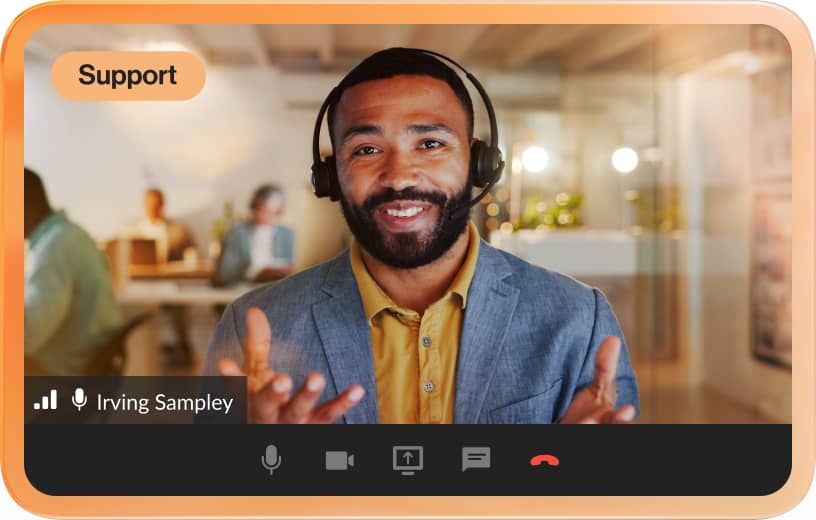
RingCentral support team member conducting an onboarding session for RingCentral Rooms

Our Professional Services team can help with everything you need

Get help from an expert
External webcam equipment

Get the most up-to-date hardware for your business

Learn about Device as a Service (DaaS)
Upcoming meeting schedule shown on the conference room display screen

Setup is simple

  • 1. Get a RingCentral Rooms license

    Add-on to your purchase of a RingEX or RingCentral Video Pro+ license. $49 month/room

  • 2. Connect your devices

    We support both Android appliances and Windows kits from popular hardware providers. See our list of recommended setups here.

  • 3. Sign in and meet with one tap

    Join RingCentral meetings or any third-party meeting from your connected calendar—it's that simple.

Bring all of your video experiences together with AI Meetings

Meetings

Simple and reliable video meetings.

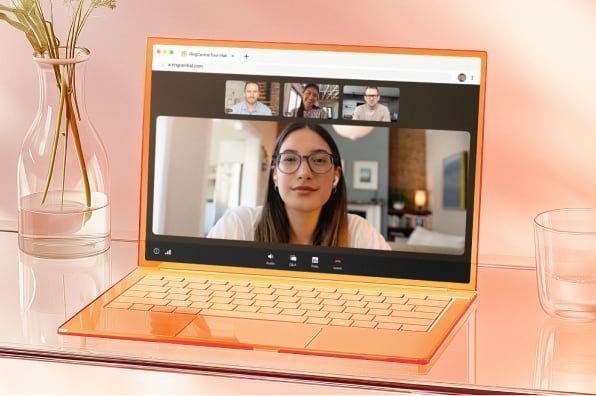
Real-time transcription displayed during a RingCentral Video meeting

Town Halls

Connect and engage audiences at scale.

An ongoing RingCentral Town Hall displayed on a laptop screen.

Webinars

Engaging webinars that inspire and convert.

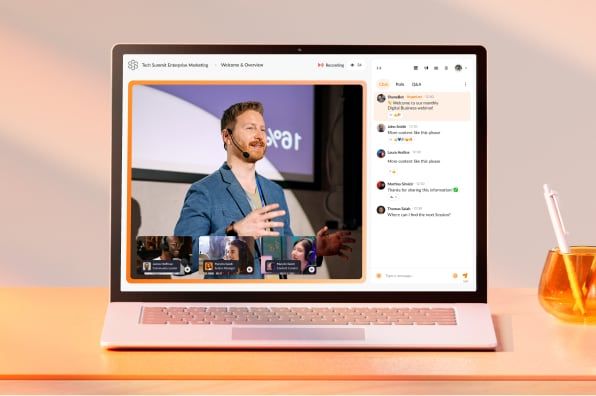
Ongoing virtual town hall hosted on the RingCentral Webinar platform

Events

Branded and personalized experiences.

Virtual event hosted on the RingCentral Events platform

FAQs about RingCentral Rooms hardware & video conferencing equipment


Connect your teams from anywhere

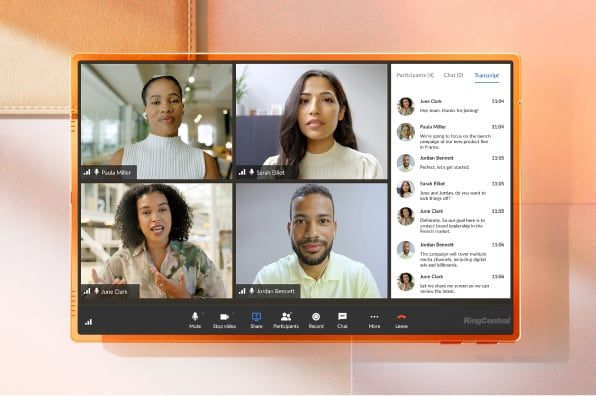
Instantly turn any space into a conference room with RingCentral.
Contact salesSee pricing

How can we help? Contact us

LegalPrivacyCookie NoticeSite MapAccessibilityContact UsCookie PreferencesDo not sell or share my personal data
© 2026 RingCentral, Inc. All rights reserved.