Easily turn any chat into a call or video meeting to keep work moving.

Chat, meet, share files, and collaborate freely with AI messaging designed to work your way.

Use one app for chatting, calls, texts, video, and file sharing, and securely work one-on-one or in groups.
Easily manage tasks, send audio and video messages, share files, and organize discussions with private and public groups.
Decide who can join groups and conversations, with centralized management of user access and data security.
Easily add users and devices as you grow, and let guests join through a browser without any downloads needed.
Send photos, videos, audio, gifs, and files from one beautiful workspace.
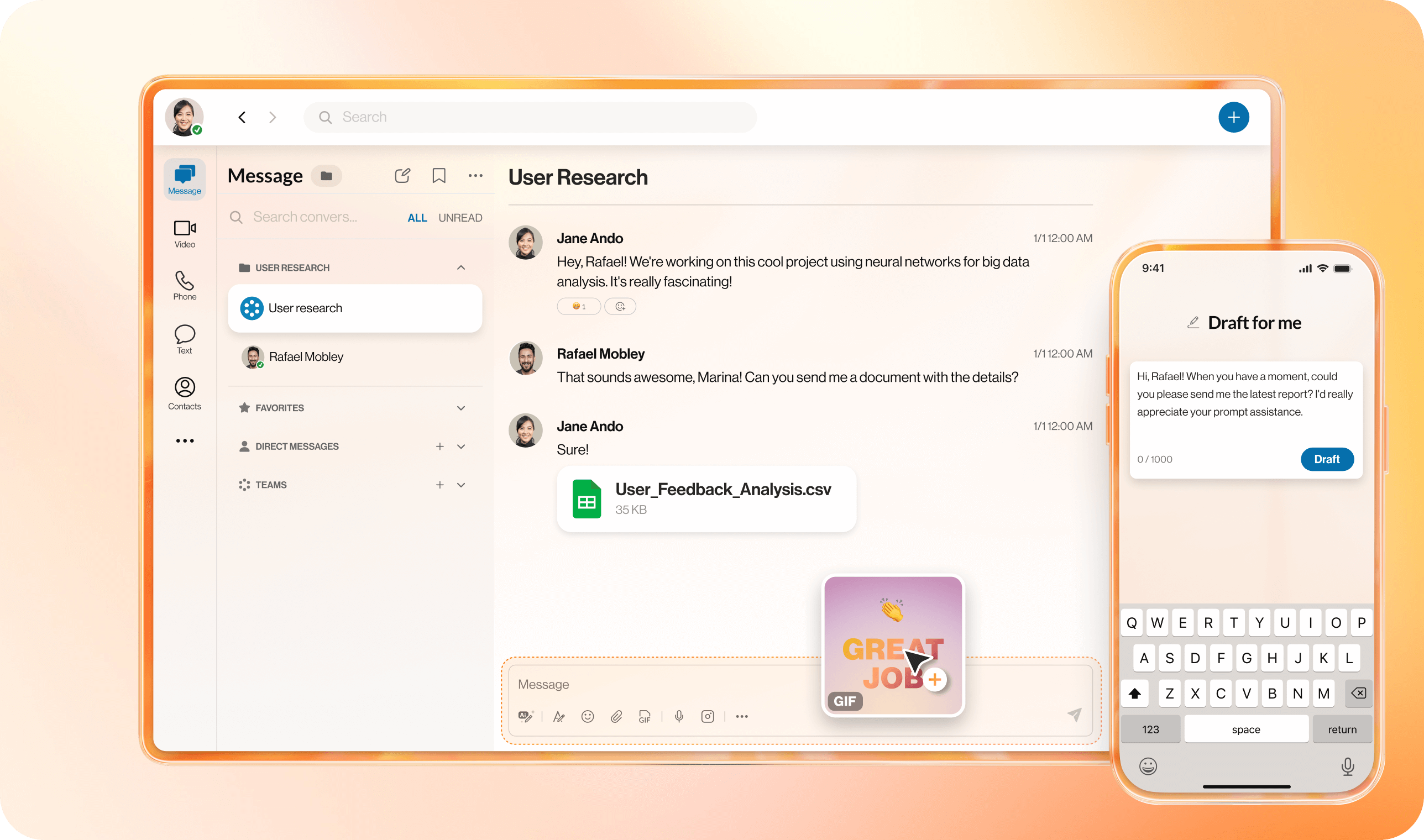
Easily turn any chat into a call or video meeting to keep work moving.
Create and share collaborative notes, tasks, and events to stay on top of key due dates or special occasions.
Keep your team conversations flowing seamlessly across your phone, tablet, and desktop.
Instant messaging, file sharing, video conferencing, and project management—all seamlessly connected.
Organize conversations by project or topic and pin important messages for easy access.
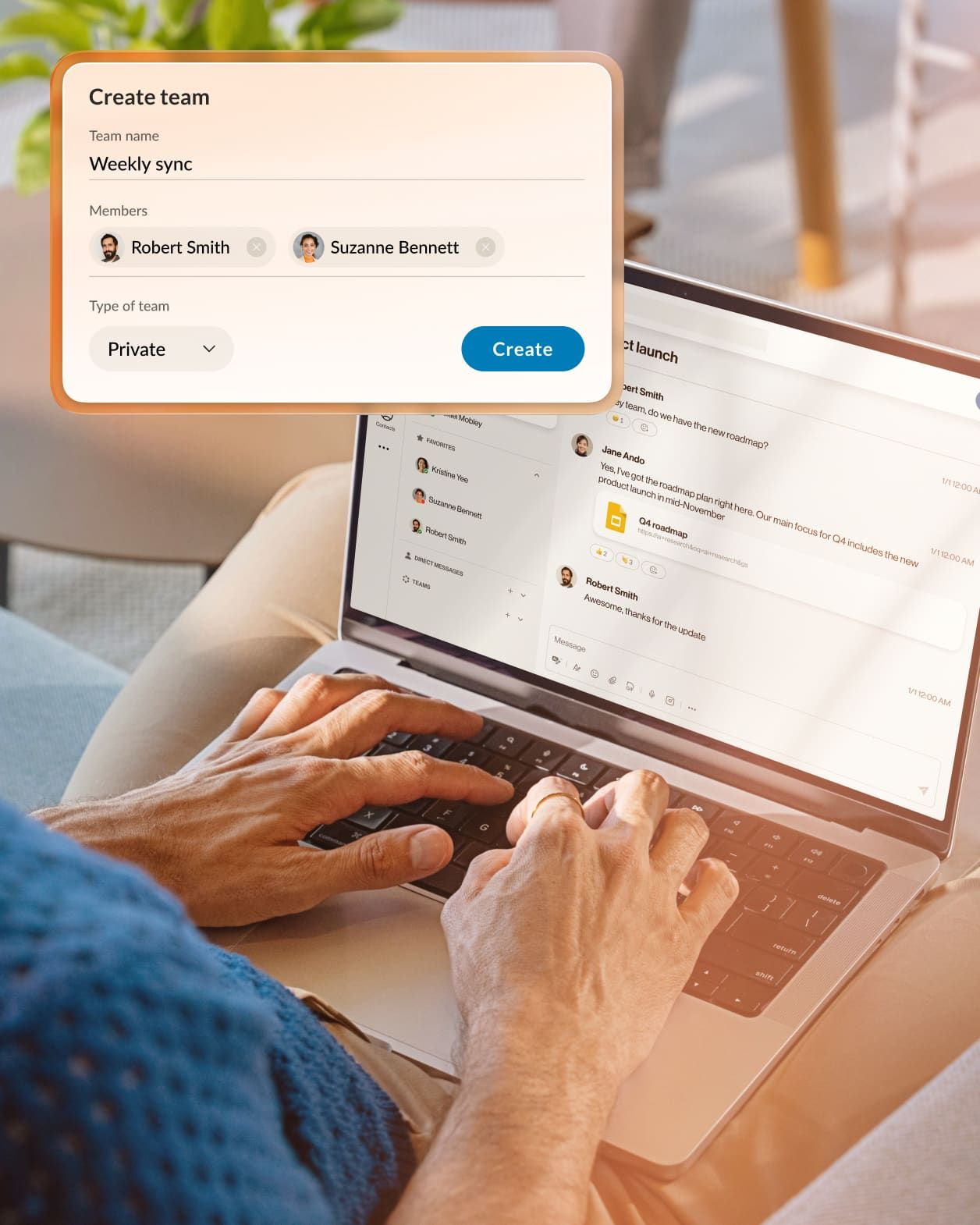
Prioritize tasks with color-coded folders, set reminders, choose how you view messages, and easily spot important direct mentions.
Save important group messages and files for quick access, or use easy search tools to find info fast with keywords, mentions, and filters.
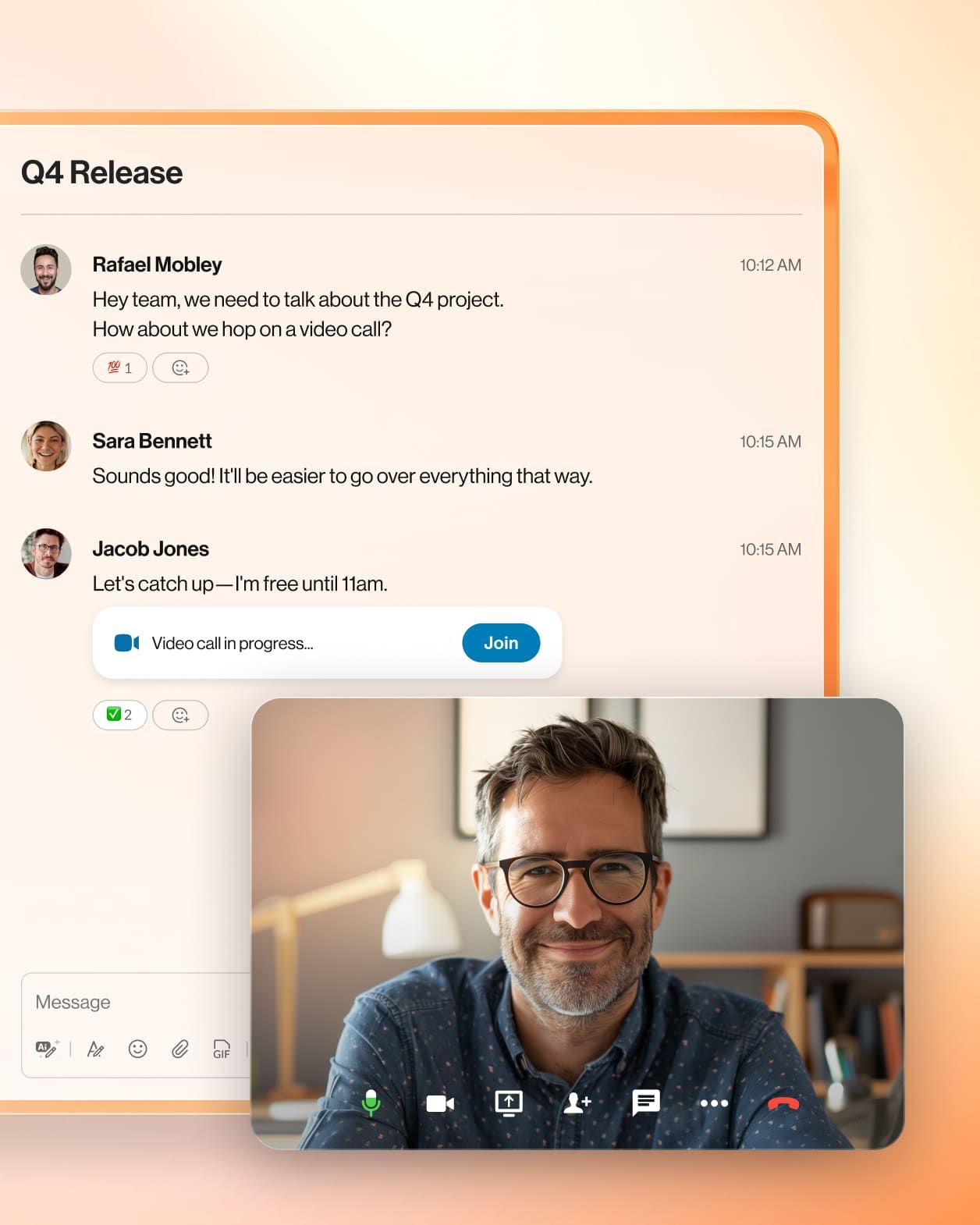
Share recordings to bring everyone along, or start a call or video meeting from live chats in one click.
Easily add clients and partners to group chats, and share emails to keep everyone on the same page—making teamwork simple.
Create a new messaging channel in a click after meetings, or connect your meeting to an existing group chat—so you can keep the collaboration going.
Enjoy a streamlined experience with RingCentral AI across your conversations, all while keeping your information safe and private.
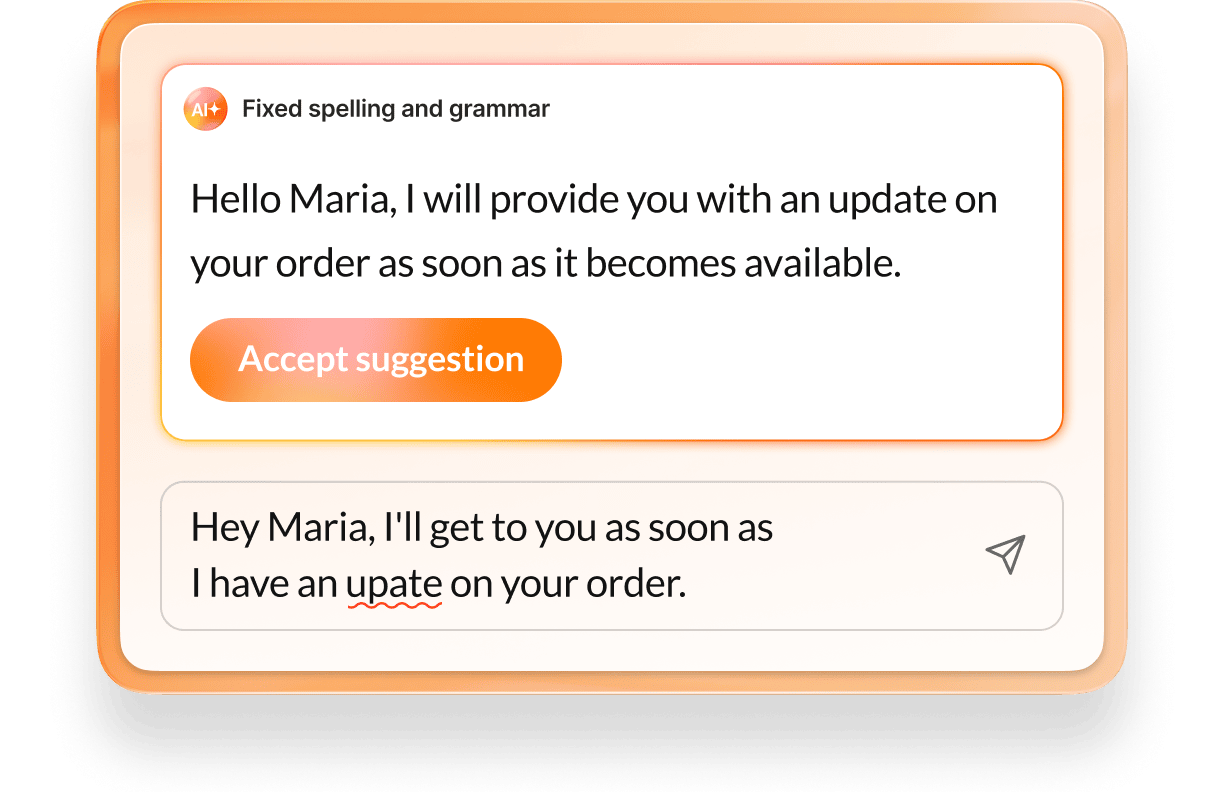
Improve communication and draft messages effortlessly with helpful prompts.
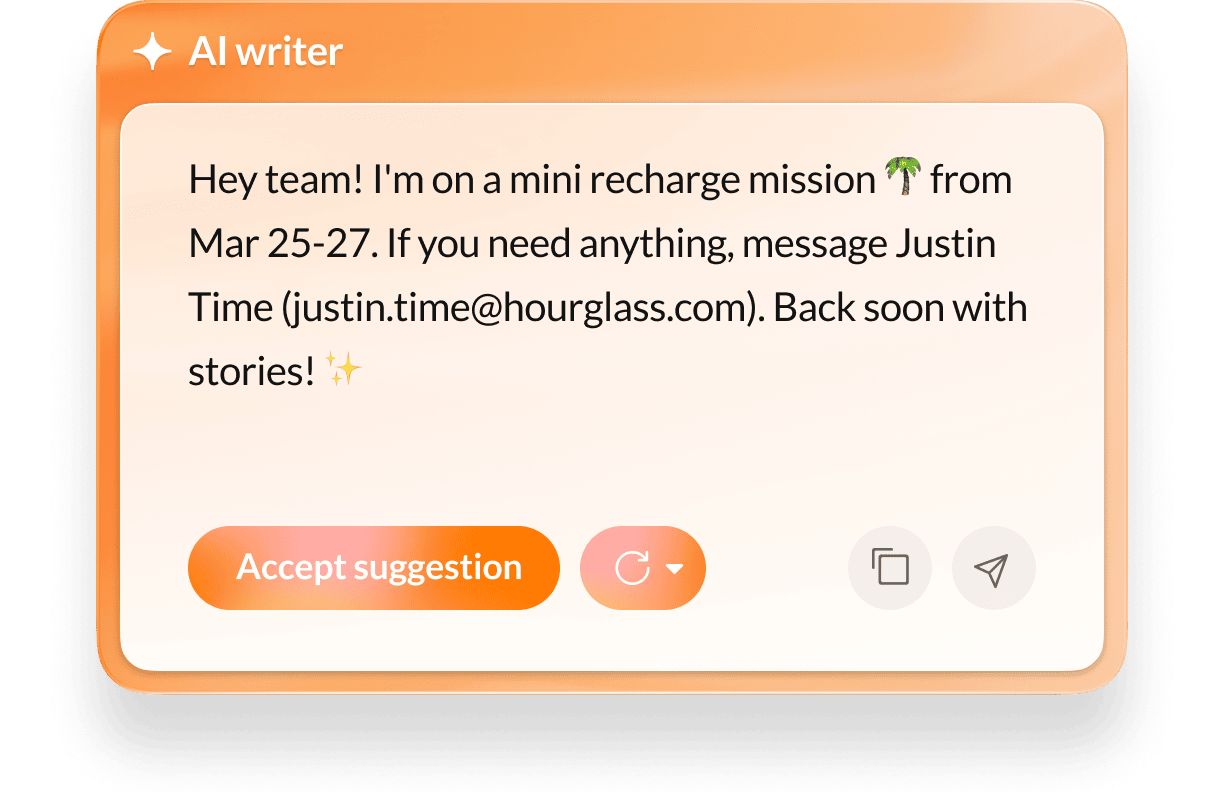
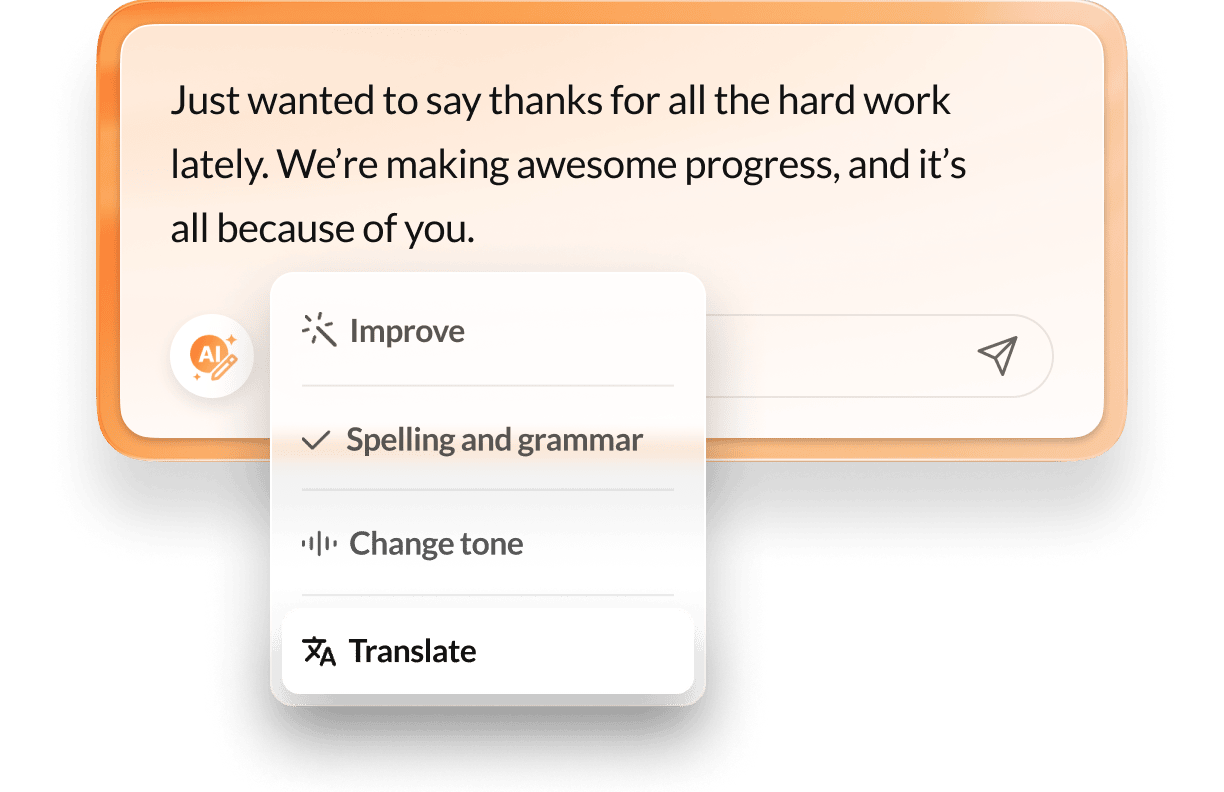
Check grammar, set the right tone, and make your messages clearer with a click.
Bridge language barriers with automatic Chinese, French, English, Spanish, and German translations.
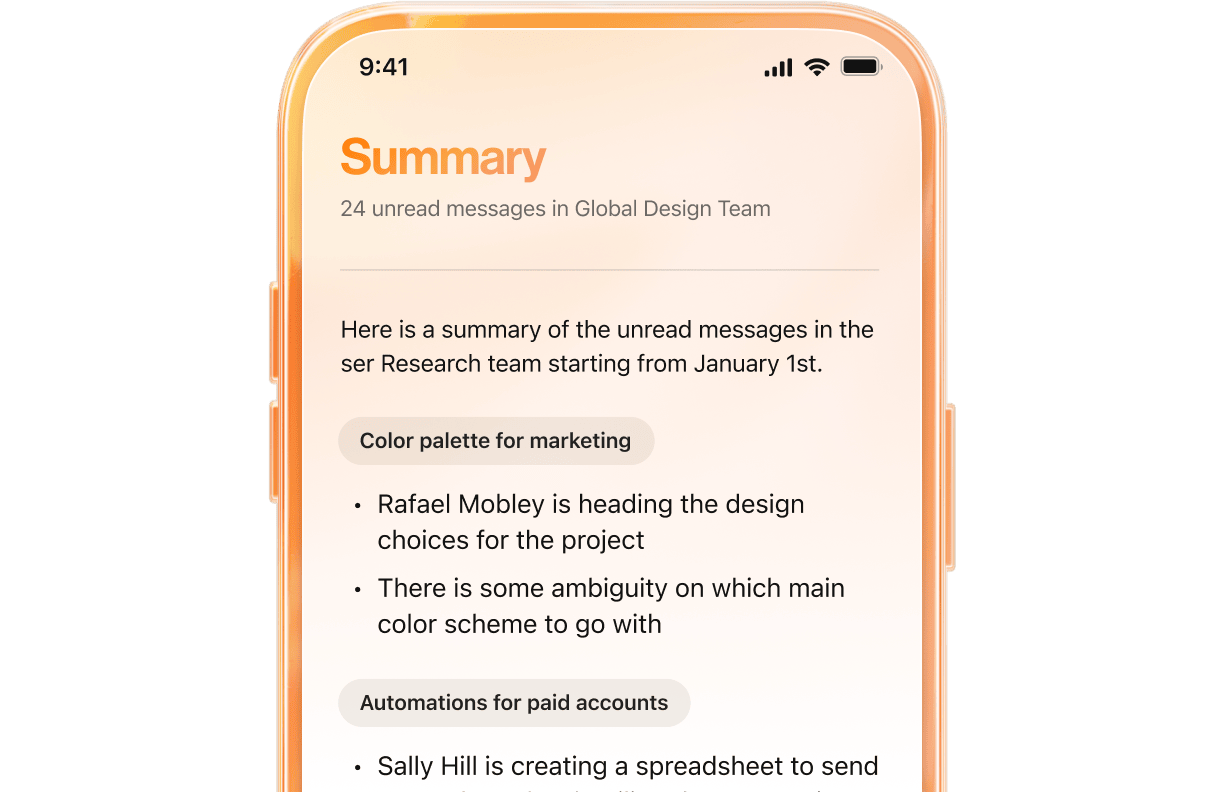
Use AI summaries to breeze through long team chats.
Experience our AI-powered messaging in action, and see how easy it is to collaborate.


Connect over 500 pre-built integrations, or build custom integrations with our open APIs to sync meetings, automate workflows, and more.
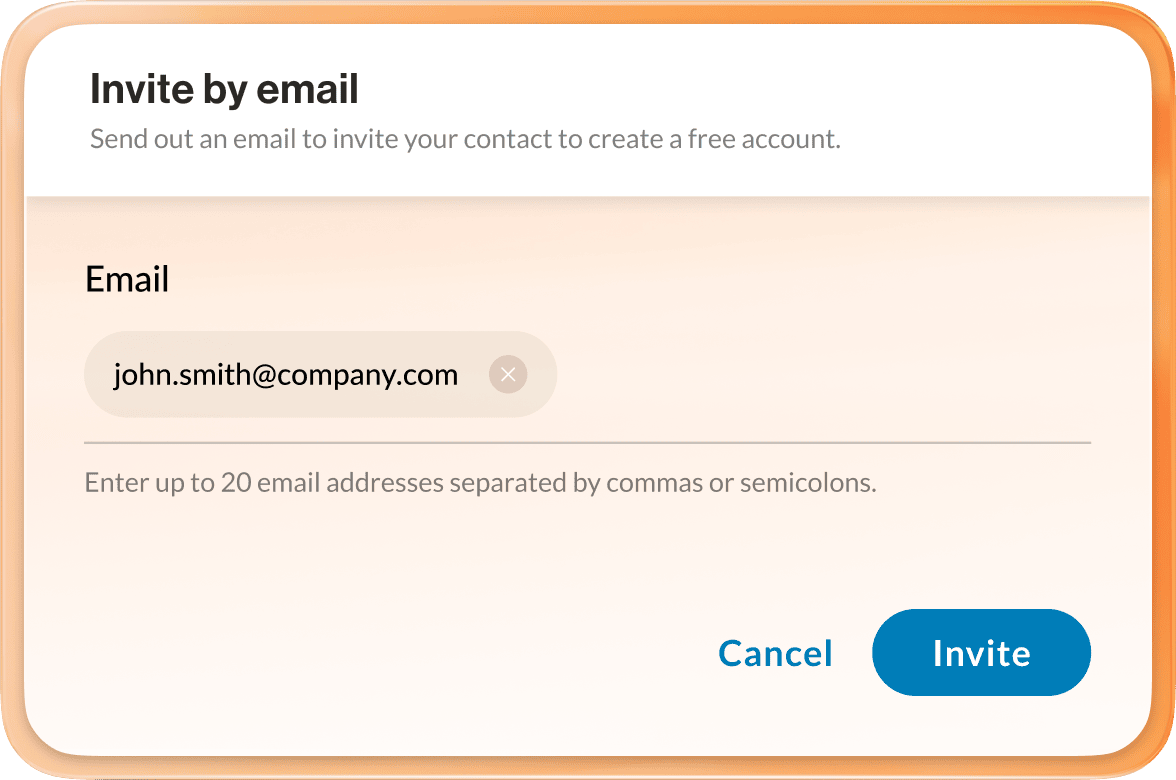
Invite external guests to collaborate in a team conversation by email, text, or sharing a link.
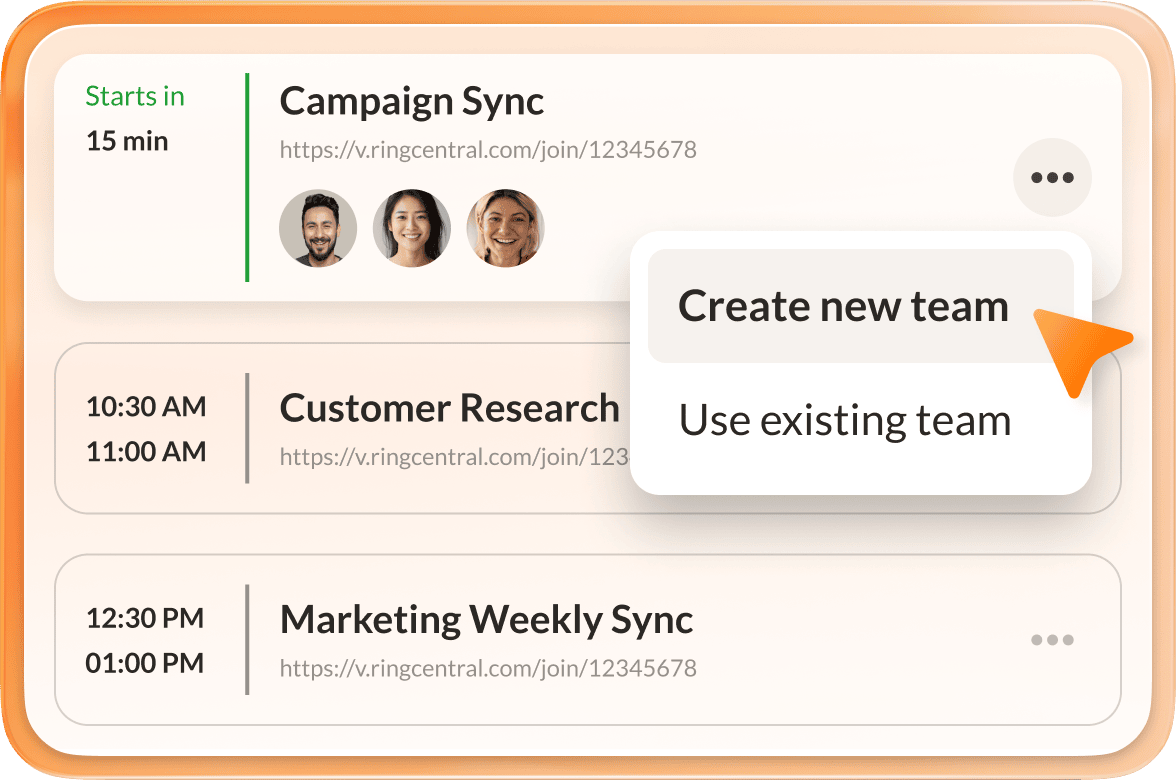
Create a team based on a scheduled RingCentral video meeting.
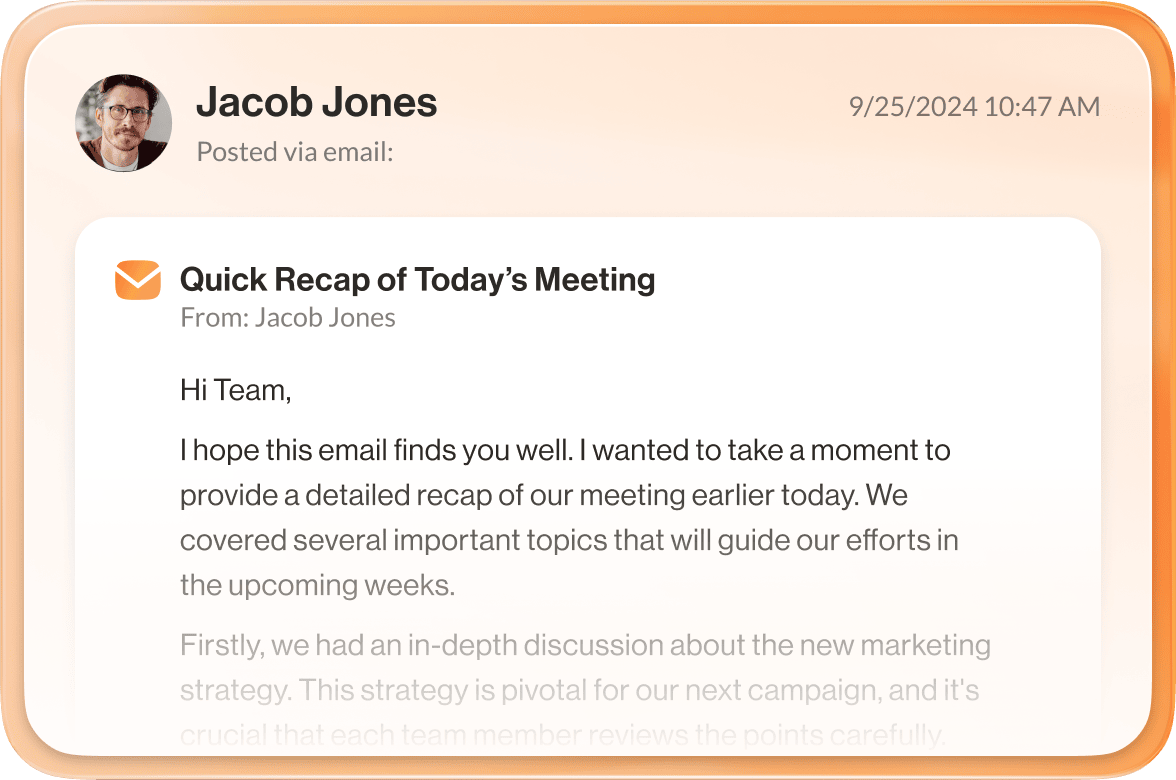
Receive your emails as messaging in the RingCentral app to ensure you never miss a beat.
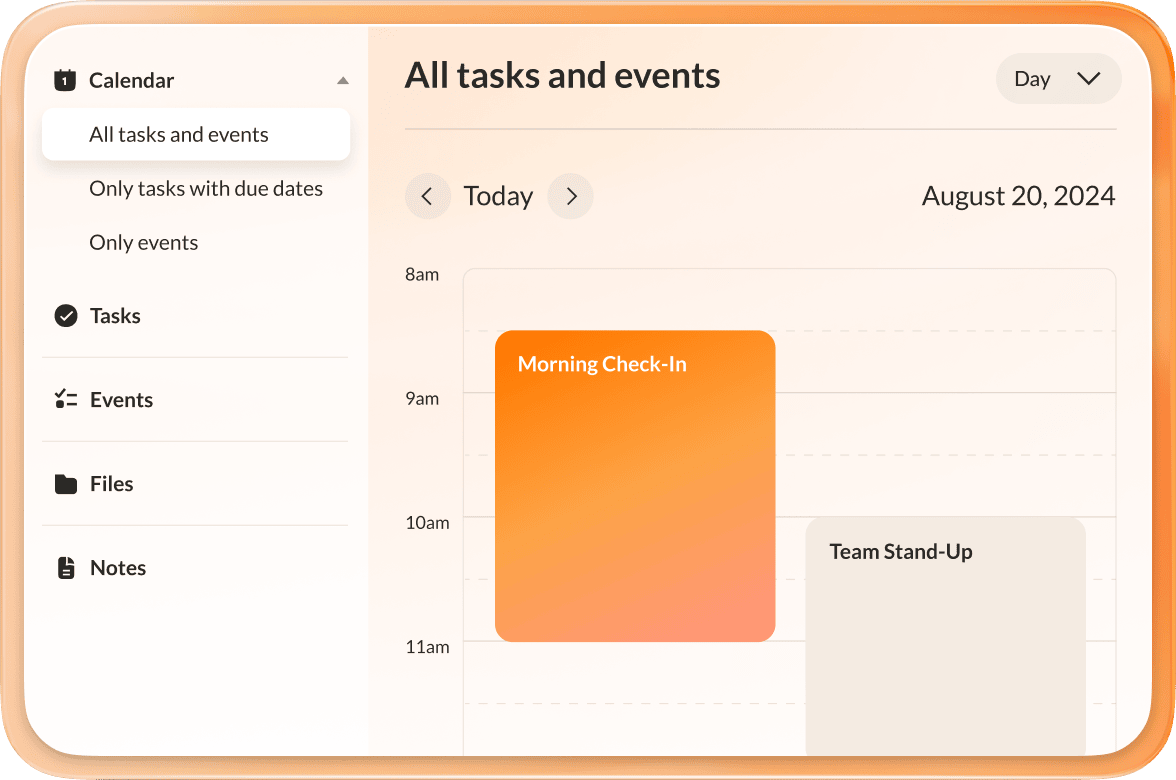
Collaborate with your team by sharing notes, tasks, and events to manage projects and keep track of important dates.
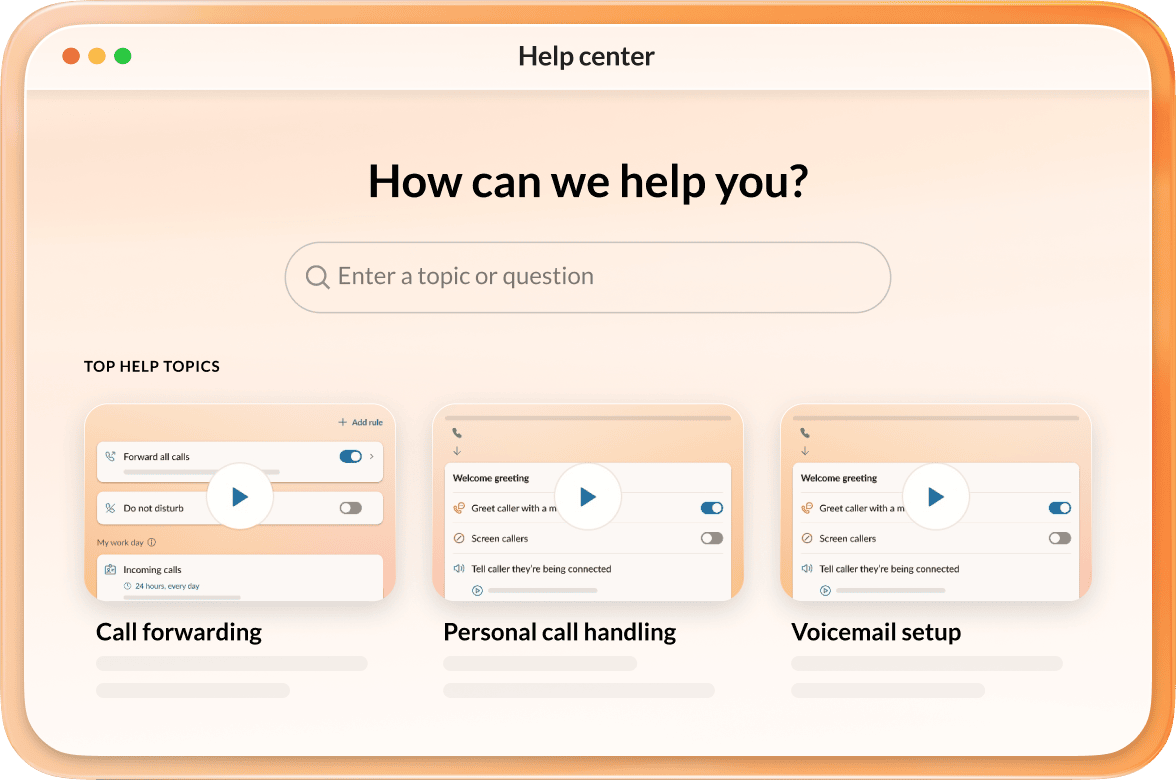
Access the in-app help center to onboard, explore features, and get assistance.
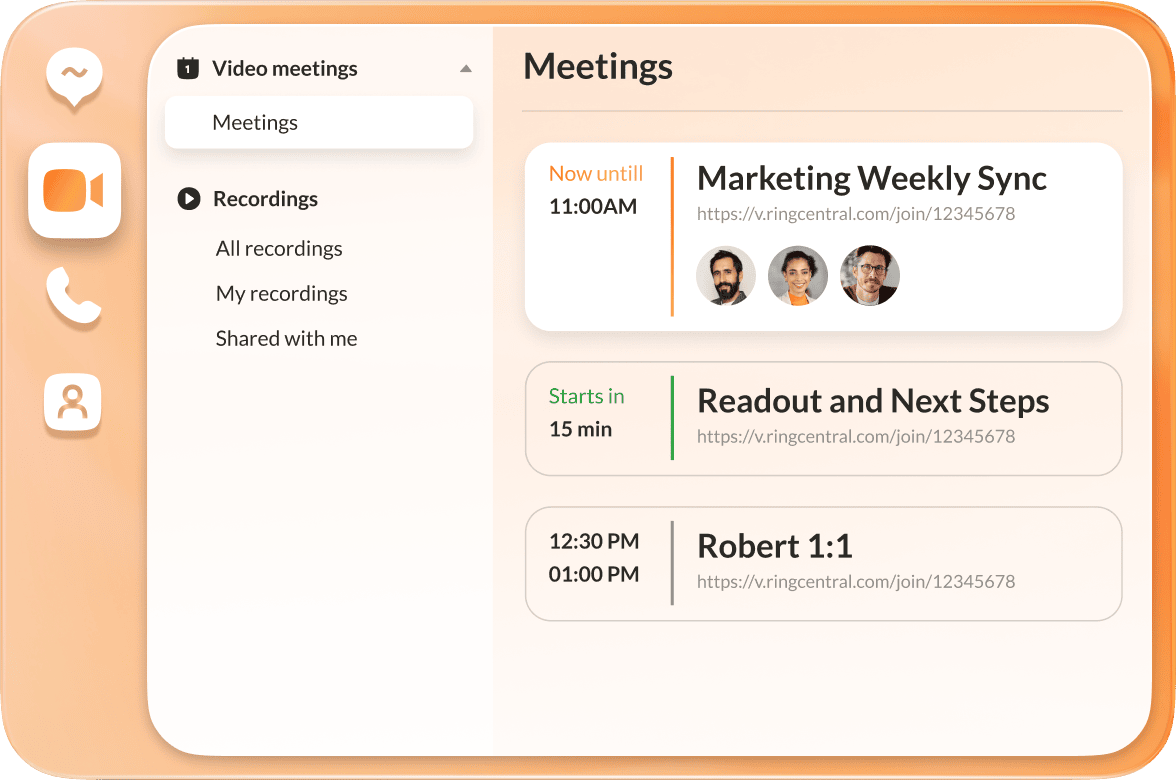
Sync your Outlook and Google calendars for a unified view of all your meetings and events.
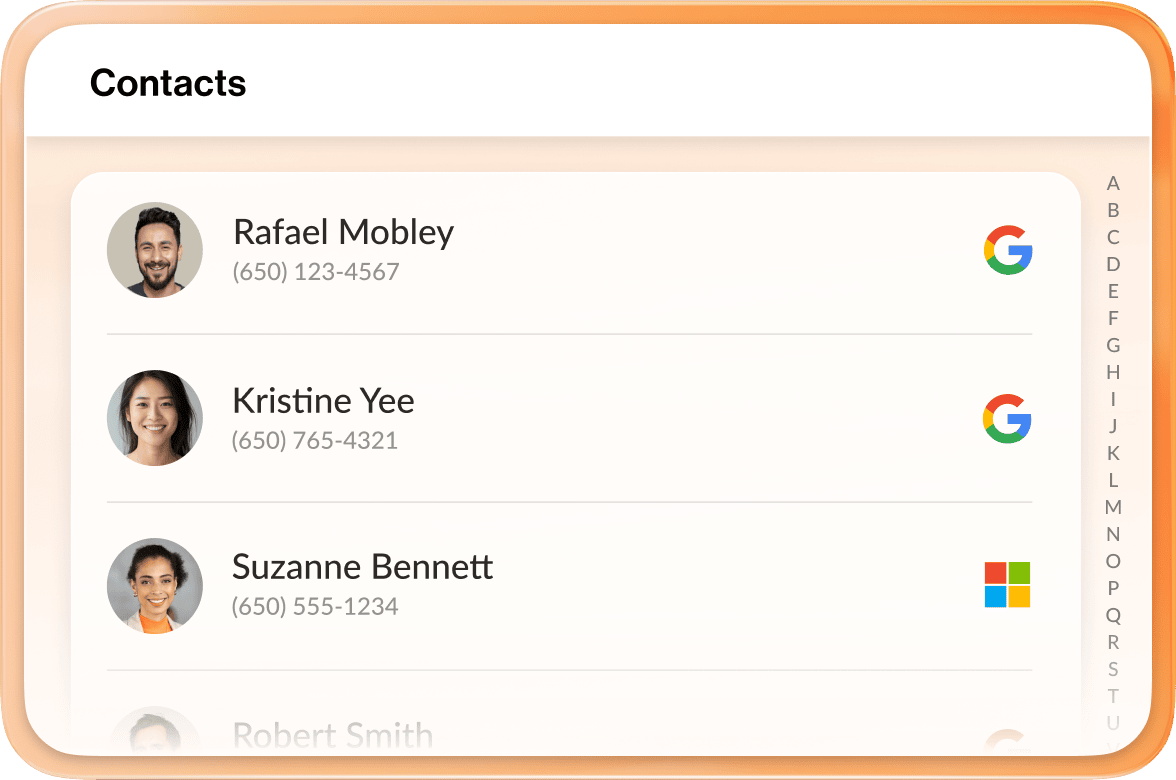
Sync your Microsoft or Google directory, ensuring your contacts are just a click away.
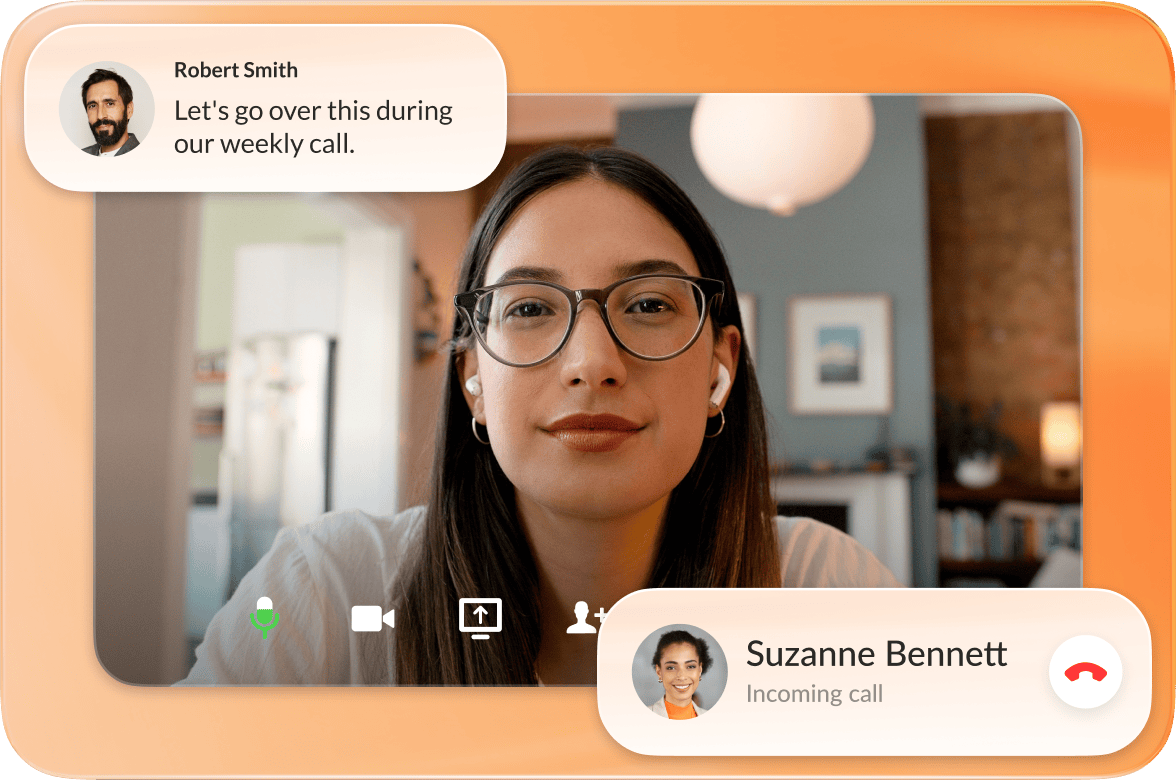
Send, receive & manage all calls, business SMS, video meetings, and team messaging in one place.
The world’s most reliable cloud phone system with built-in team messaging – all reimagined with AI at every step.

Create effortless customer experiences across every channel with our AI-first contact center solutions.
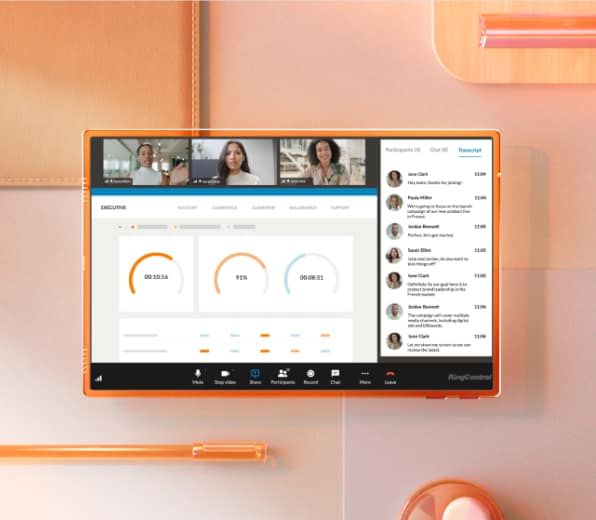
Curate virtual, onsite, or hybrid events where AI enhances every milestone – from planning to execution.
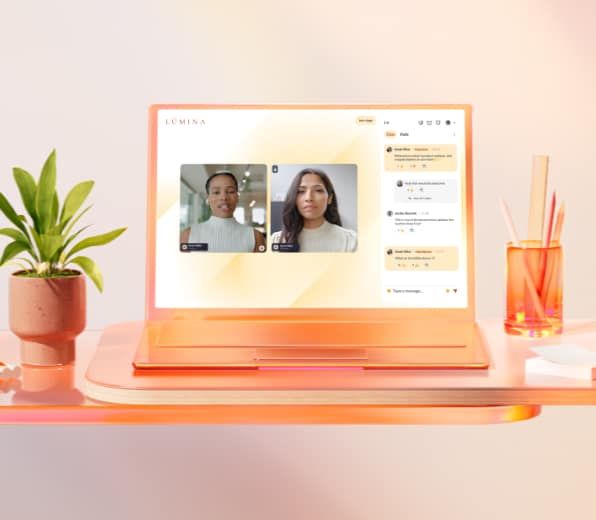
Empower sellers at every stage with at-a-glance sales views, AI-powered scoring, and instant call summaries.

RingCentral team messaging is a tool to send and receive instant messages—but it is more than that. We built our team chat app to serve as a unified, intuitive, open, and secure place where groups can talk, manage tasks, share files, and collaborate in real-time.
We understand that in today’s workplace, effective communication and collaboration tools are vital to maintaining productivity and keeping up with everything that needs to get done. What RingCentral team messaging offers is a simple yet rich platform that allows instant messaging, file sharing, project management, unlimited cloud storage, and much more.
RingCentral provides a range of AI-powered capabilities to enhance enterprise communications:
Advanced search function
When things get busy, it is ridiculously easy to miss pings and messages from co-workers. A good team chat and messaging app (like RingCentral) should have an advanced search function to help you find buried documents, links, and past conversations without turning the task into a time-consuming ordeal.
Moreover, you should be able to search not only by keywords but by date ranges, contacts, groups, file types, other filters, and even settings. Not every communication app has that option—but RingCentral does! In addition, RingCentral also allows users to pin and bookmark comments for easier access to information and files.
Seamless integration
A team messaging app should seamlessly integrate with the other communications tools you are using, such as your cloud phone system and video conferencing service. The RingCentral app unified messaging, enterprise telephony, and rich video conferencing in a single app experience.
Furthermore, the RingCentral app leverages the breadth and depth of our integration library, allowing users to embed third-party applications in the team messaging experience with RingCentral Add-Ins.
Collaboration features
Team messaging apps have evolved to become an excellent means for keeping track of business to-dos. RingCentral, for instance, allows users to create tasks in any conversation, be it for direct or group messaging.
You can also reply directly to the task so that when you click it, you can open up and view all replies corresponding to it. This prevents relevant comments from being buried by other messages in the chat room.
You should also look for a messaging platform that allows users to share files, documents, links, images, and videos. This can save you the time and trouble of opening a new browser and digging through files sent through email or online storage drives.
Presence status
Online, offline, in a meeting, on a phone call, or busy with a rush task? Your presence status in the messaging app can help team members make better decisions about who to contact and when to do so.
Personalization
Juggling multiple conversations and meetings can be a challenge, and it’s only a matter of time before you’ll find yourself drowning in messages. When you have the option to create customizable personal folders, things can be more manageable.
You can put direct and group conversations into folders and categorize them according to priority, project deadlines, or any criteria you want. Clicking on the folders will reveal (and hide) conversations, allowing for a more organized dashboard.
Emojis and GIFs
When you hear the term business communications, you probably associate it with professionalism. But even in the most formal of workplaces, casual conversations also exist! For those moments, emojis and GIFs are a great way to add a bit of fun to your messages.
You can use them to send a response to a significant achievement, a funny joke, a friendly banter, or a minor announcement. You can also send a thumbs up as an acknowledgment of a message.
RingCentral’s messaging platform is made not only for employee-employee communication, but also for vendor-client communication. This means that anyone who works for your business in some capacity can take advantage of our team communication app: part-time employees, freelancers, consultants, and more.
You can invite anyone—internal or external—to join the conversation. Our team messaging app is a place where you can bring everyone together. Being able to add outside contacts without giving them access to every internal channel is a foolproof solution to creating an open communication line that can still have restrictions and permissions in place.
The short of it is this: team messaging apps simplify business communications. It is taking over email in many workplaces because it enables people to communicate better and stay connected despite differences in time zones, work hours, and locations. Here are other benefits to help you decide:
Chats are a fast and easy way to get in touch with remote teams and co-workers. However, some conversations demand meetings with voice and video. With RingCentral, you can effortlessly switch from team messaging to a call or video meeting with just one click.
Every conversation has a phone icon and a “Schedule a meeting” button. Once clicked, it opens a new window where you can select all your meeting details (start/end times, participants, password, waiting room, and more). It’s that easy!
Alternatively, you can always opt for messaging when you don’t feel like talking or meeting “face-to-face” with anyone. It can give you a much-needed break from fatigue brought about by constantly attending virtual meetings and conference calls. Our app has all the messaging features you would ever need to get your point across, so you don’t have to worry about anything.
You can access our team messaging platform when you sign up for RingCentral Video Pro or RingEX, both of which are compatible with iOS, Android, Windows, Mac, and Linux. You can even access team messaging from your browser.
This means you can send and receive messages anytime, anywhere, and from any device.
Our team chat and messaging app is available for free with RingCentral Video Pro and contains pretty much all the functionality small businesses would require.
If you’re a larger organization, you might want to consider getting our upgraded communication solution as part of RingEX. Our paid plans are competitively priced, so you are guaranteed to receive the product that meets your needs and budget.
Click here to learn more about RingCentral plans and pricing.
At RingCentral, we understand that businesses require different tools to keep processes going. This is why we created our products not only to have built-in features, but also to be capable of integrating with hundreds of other communication and collaboration tools if you need them.
Our extensive catalog of more than 300 ready-to-use integrations includes popular apps like Google Chrome, Google Drive, Salesforce, Zendesk, Microsoft 365, and Asana. You can also build your own app with our open APIs, SDKs, and widgets.
RingCentral can help employees avoid frustration over complicated workflows, save time, and be more productive by eliminating the need to toggle between apps. We have the answer to making your business run better!
See why over 600,000 businesses use RingCentral to run their business.


We’re using RingCentral for everything now—our phones, our contact center operations, audio and video conferences, team messaging, even fax. It’s great to finally have all these communication services integrated with each other and under a single partner’s solution.
Leslie Points | Department Manager, Member Service Center
297
requirements for their unified communications platform evaluation—and RingCentral met every one
$300+
saved per agent now that the support team no longer needs desk phones