Small Business
Enterprise
Developers
Talk to an expert:(800) 574 5290
Support
Plans & PricingCompany
  1. Simplified business communications for your success
  2. What is an online meeting?
  3. Benefits of RingCentral's online meeting software
  4. RingCentral features to make your online meetings better
  5. Online meeting FAQs
  6. Related assets
  1. Home
  2. Features
  3. Online Meetings

TABLE OF CONTENTS

  1. Simplified business communications for your success
  2. What is an online meeting?
  3. Benefits of RingCentral's online meeting software
  4. RingCentral features to make your online meetings better
  5. Online meeting FAQs
  6. Related assets

Products

  • RingEX
  • Team Chat
  • AI Meetings
  • Business Phone
  • Fax
  • SMS
RingEX™

Online meetings with RingEX™

Get a reliable online meeting platform with video and audio conferencing for improved business communications.

Free trialPlay video

Get started today

Simplified business communications for your success

Meeting the constantly evolving demands of business—and your workforce—can be a challenging task. With people increasingly choosing remote or hybrid working, you need efficient virtual meeting software that promotes communication and encourages collaborative working.

With RingCentral's online meeting solution, you have a platform that helps you meet those challenges. From simple audio conferencing to multi-participant video conferences and everything in between, you can do it all!

RingCentral is cloud-based and offers a unified communications system specially designed for businesses. We also provide enterprise-level VoIP services without the need for installing secondary and expensive hardware such as PBX boxes or servers. This gives our clients access to voice-based, text-based, and fax communications as well as HD video meetings and online conferences. With us, you can achieve the flexibility, scalability, and functionality that modern businesses need.

What is an online meeting?

As the name suggests, an online meeting is one that takes place via the internet. It can also be called a remote meeting, a virtual meeting, or a web conference. It uses digital technology to connect people from different locations.

With the growth of remote working and the need for organizations to operate internationally and globally, online meetings represent an easy and efficient way to communicate across those often vast distances. But are they all the same?

Benefits of RingCentral's online meeting software

It saves time and money.

This is perhaps one of the most obvious advantages of investing in an online meeting service like RingEX. Imagine this: an organization wants to host a major sales conference for small businesses and wants all employees to attend. This sounds great, but this also translates to added costs and lost work hours. Hosting this event through an online conference room saves on both counts.

But this can even be true on a smaller scale, too. If participants go to an in-person meeting, they not only lose time while attending but also commuting and traveling. By opting for a virtual meeting instead, people can be working one minute, participate in a meeting the next, and then go straight back to work, minimizing any effects on productivity.

Read the white paper: Seeing Is Believing

It allows more people to join.

One common problem, particularly for larger businesses, is the logistics of holding a face-to-face meeting or conference. It requires a physical space large enough to accommodate attendees. Plus, renting an external area can be expensive.

Using a web conferencing solution like RingCentral allows you to host a meeting with global audiences. You can schedule customer webinars, training sessions, sales presentations, product showcases, live streams, and whatever kind of online gathering you require.

Learn more about web conferencing

It is secure.

Security of data and information is always a main concern for businesses, and for good reason. The last thing you want is that data being accessed and leaked to the world, thus damaging your reputation.

You have no such worries with RingCentral. We put security at the center of our systems. We use robust encryption to protect your web meetings, and you can configure the security features to meet your needs.

Check RingCentral's comprehensive cloud security

It is easily accessible on any device.

Gone are the days when we all had the same basic type of phone. Virtual meetings have to recognize diversity and ensure that participants can access meetings no matter their device, whether through a mobile device or on a Linux desktop.

With unified platforms such as RingCentral, your team can use any device to join online meetings. You can work from home using a laptop, in the office with a desktop, or on the road with a phone—it does not matter because you can always access RingCentral anytime, anywhere.

Download the desktop app

It allows for better communication and collaboration.

There are a lot of factors that can affect productivity: distributed locations, varied schedules, different time zones, and more. What RingCentral does is create a virtual workspace where people can connect and collaborate effectively. With our online meeting platform, you can:

  • Host HD video meetings for audiences of all sizes
  • Share documents, files, applications, and other assets in local or cloud storage such as Box and Dropbox™
  • Hold unlimited conference calls and provide local dial-in numbers so that anyone around the world can join
  • Create whiteboards, generate meeting transcripts, and add annotations in real time
  • Build your own workflows using custom APIs
  • Review meeting recordings that include summaries and keywords from transcribed discussions

See all features

RingCentral features to make your online meetings better

There are many cloud-based virtual meeting solutions available on the market. Some are specialized and focus on a few features, while others offer a more unified approach. Here are some RingCentral features that might make it your first choice:

HD video conferencing

High-quality video means you see every face and every detail clearly, including those subtle nuances of body language.

Audio dial-in access

Meeting participants can join a meeting by calling a dedicated number, making the process a breeze. This works for both local and international participants.

Online meeting FAQs


Related assets

  • Datasheet: Contact Center
  • Datasheet: RingCentral Rooms
RingCX
  • Webinars & Events
  • Features
  • Phones and headsets
  • Partners

    • Global service providers
    • Channel partners
    • ISV partners
    • Hardware partners
    • Connectivity partners
    • Affiliate partners
    • Strategic alliances

    Open Ecosystem

    • Developer platform
    • APIs
    • App gallery
    • LLM Plugins & MCPs

    Learning

    • What's new
    • Resource center
    • Blog
    • Customer stories
    • Newsroom
    • Events & Webinars

    Company

    • About Us
    • Leadership
    • Investor relations
    • Ventures
    • Trust Center
    • Corporate Responsibility
    • Careers

    Help & Support

    • RingCentral app login
    • Admin portal login
    • Customer support
    • Download app
    • View demo
    • Contact sales

    How can we help? Contact us

    LegalPrivacyCookie NoticeSite MapAccessibilityContact Us

    Multi-point video conferencing

    RingCentral lets you hold video conferences with larger groups of participants, making it perfect for virtual events or webinars.

    Screen sharing

    Meetings are not just about talking. RingCentral's screen share option means it's easy to share data, graphs, information, and other visual presentations.

    Spotlight speaker

    When there are at least three meeting participants, this feature means that the active speaker is highlighted to all viewers.

    VoIP calling

    Cloud-based calls for your RingCentral account can be made from your desk phone or smartphone, thus saving your valuable airtime minutes.

    Call Me and Call Out

    Call Me means you can switch an audio meeting to your mobile without dialing in. Call Out lets you invite someone to a meeting room by simply calling their number.

    Integrated chat

    RingCentral comes with built-in messaging features. You can send direct messages to specific participants as well as send group messages for all to see.

    Schedule meetings for another host

    This feature simplifies admin tasks by allowing you to schedule meetings for other people. So long as the settings reflect your authorization, you won't have any problems doing so.

    Calendar integration

    Schedule business meetings using our plugins for iCal, Google, or Outlook. Easy integration with any calendar app you use means that meetings scheduled on one app will be instantly synced to your other systems.

    Meetings can go for up to 24 hours

    With a maximum time limit of 24 hours, RingCentral offers the time flexibility you need. Need more time? Simply dial in and start another 24-hour cycle.

    Compatibility

    With compatibility across most operating systems—Windows, Mac OS, iOS, and Android— RingCentral is accessible from almost every device, giving you the flexibility and mobility you need.

    Cookie Preferences
    Do not sell or share my personal data
    © 2026 RingCentral, Inc. All rights reserved.
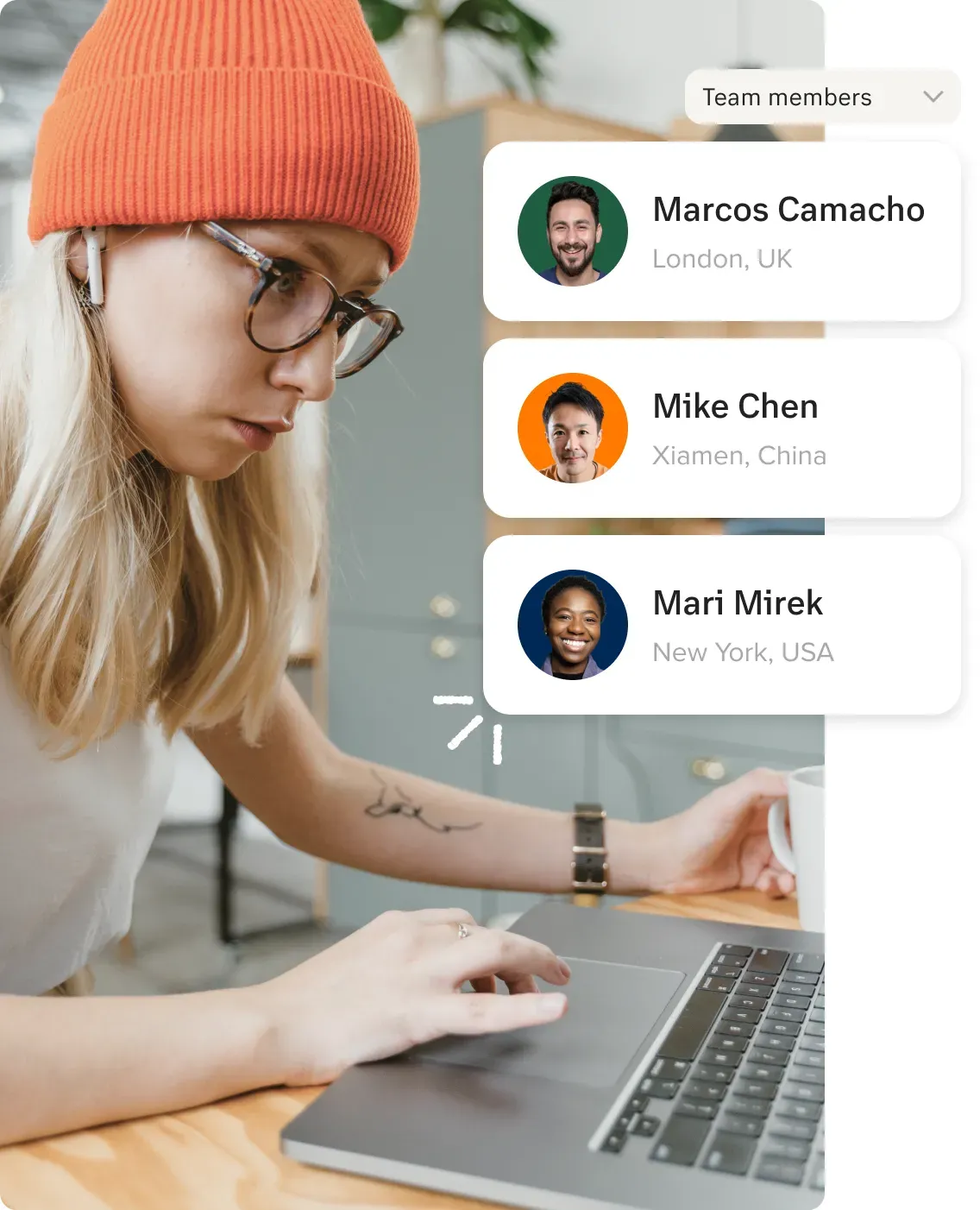
    Global team members connecting via a RingCentral online meeting
    An employee attending an online meeting via the RingCentral app
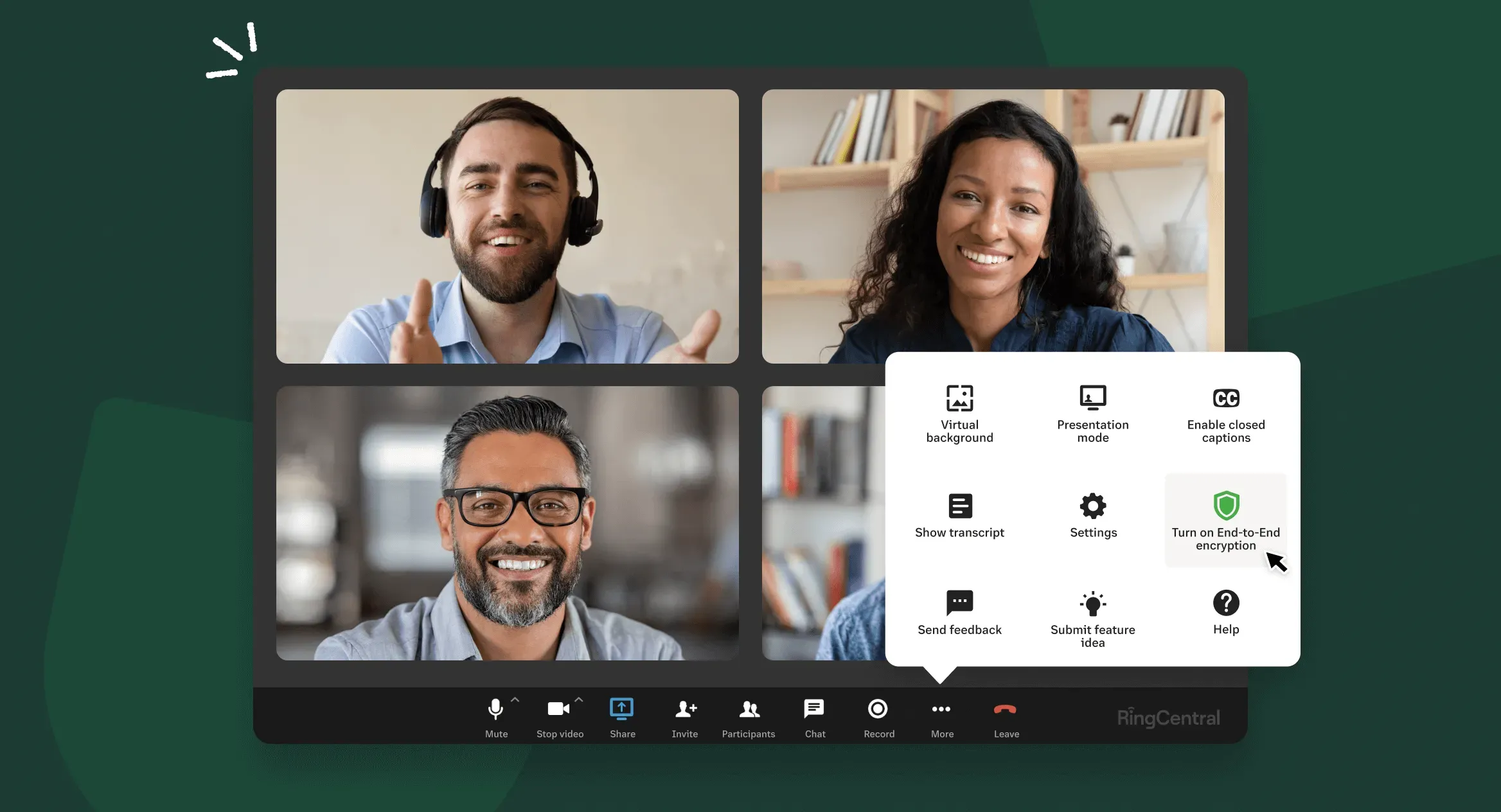
    A RingCentral Video meeting on a Mac web browser
    Country

    By clicking the button above, you consent to receiving calls and emails from RingCentral. Calls may be connected using automated technology.

    Privacy Notice
    Required fields*