RingCentral can provide the online fax service for your modern business.

Fax without a fax machine with an online fax service
RingCentral can provide the online fax service for your modern business.

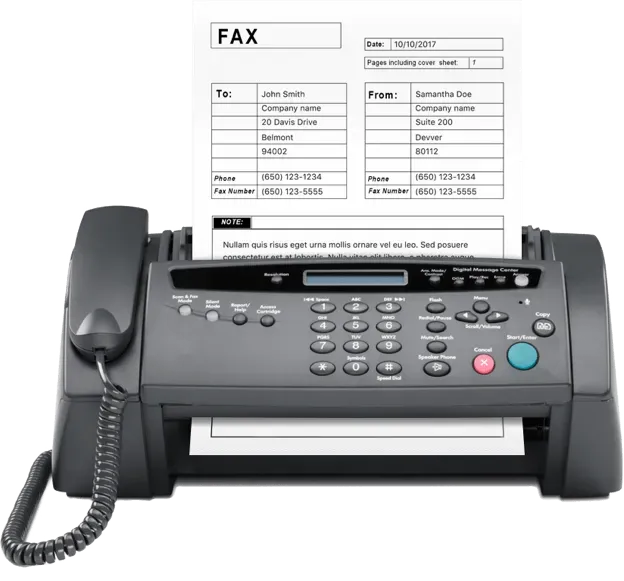
Sending a fax means using a phone line connected to a device such as a printer to send someone a reproduction of printed or scanned documents containing text or images. The combination of phone line and printer is often what’s referred to as a fax machine.
Fax machines use phone lines to transmit electronic data. When you send a document via fax, it’s first scanned as an image and converted into data bits, and then transmitted via phone using your fax machine.
The receiving fax machine converts the bits back into an image and then displays or prints it. Many businesses still use fax, but nowadays send faxes via the internet as opposed to analog phone lines.
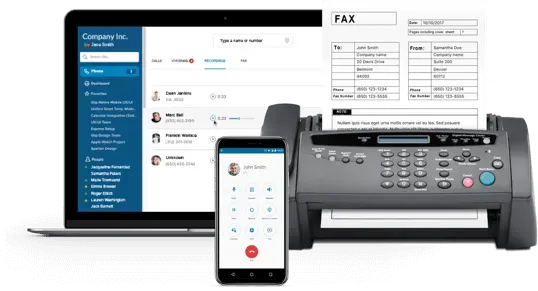
Online fax technology means you can send via email or by using fax software on your computer or devices.With RingCentral, online faxing is built into RingEX , our AI-powered cloud communications solution that unifies messaging, video, and phone in one platform.
Email to fax is one common way you can send a fax from a computer. With this technology, you can attach documents such as Microsoft® Word or PDF files to a regular email, and then send it to a specific fax number.
The recipient can then accept the fax via their fax machine or email inbox. To do this, you’ll need to subscribe to a third-party online fax service to get a fax number.
Traditional fax | Fax online |
|---|---|
You need to spend hundreds of dollars on fax hardware, paper, ink, toner, replacement parts, and repairs. | Low monthly fees. |
You need to be right next to your—often cumbersome—fax machine to send or receive a fax. | Fax on your computer or mobile device. |
If you receive a lot of faxes each day, you need to spend time leafing through printed fax sheets to find what you need. |
Some people are more comfortable with older technology. This is often the case for decision makers who belong to an older generation, or those who work in remote areas with limited or no access to modern technology. You can easily accommodate such users and communicate more effectively by sending them an online fax.
You’ll still regularly find customers who prefer fax, so to provide the fullest possible service you’ll need a fax option.
Fax is also still popular because it provides a paper trail.
You can easily prove a fax was sent from one person to another because you can easily generate a fax log. And, if you need to, there are ways you can do this when you send a fax online.
Government standards suggest that faxing is more secure than email. And some healthcare businesses still follow government advice and use fax instead of undergoing the costly and taxing process of ensuring their email encryption is HIPAA compliant .
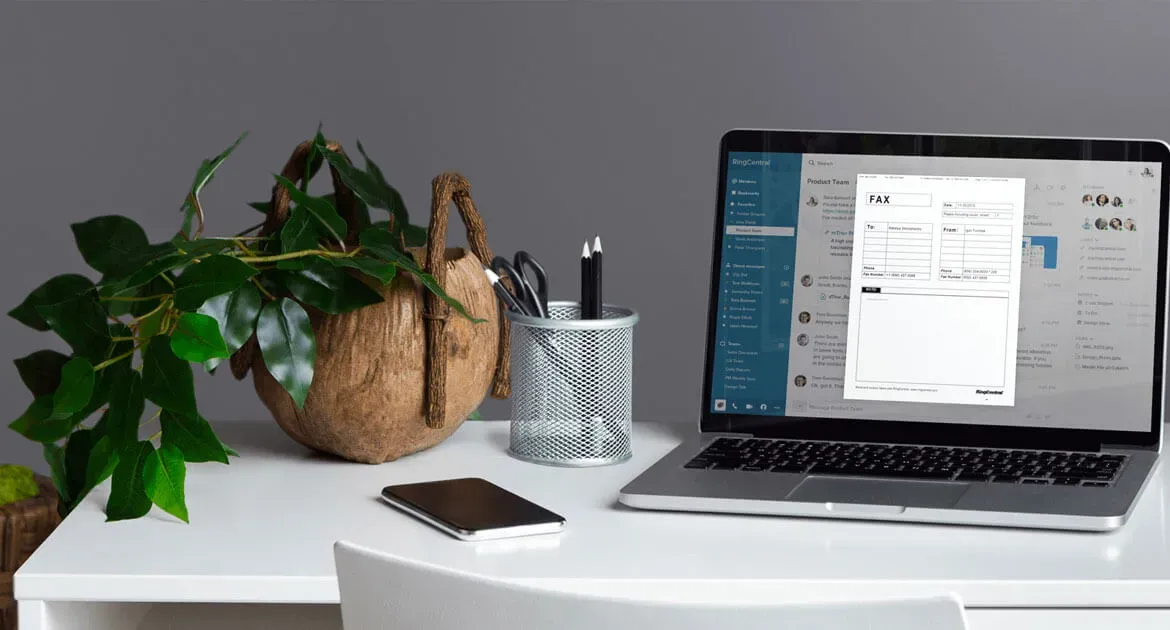
It’s easy to fax online from your computer with RingCentral. All you have to do is log on to your account. Then, look for the fax icon in the upper right-hand corner of your dashboard to open the fax window. Fill in the fax number, write your cover page (if you need one), then attach the file you want—up to 20 MB—from your computer or online file storage service. Then, either send your fax right away or at a specified date and time in the future.
On your computer, open your email account, enter the recipient’s fax number and then “@rcfax.com”. On your email subject line, type in the text you want to see on the fax cover page. Then, attach the necessary document and send the email.
Once logged on to your RingCentral account, and armed with the right extension number, click on the FaxOut icon at the bottom of your desktop app. (It’s meant to look like a sheet of paper coming out of a machine.)
Then, enter the recipient’s fax number or select a saved contact and choose a cover page (add a note if you need to). Lastly, drag and drop the file you want to attach or click on the Attach icon (which looks like a paper clip) and choose Send now or Send later.

We’re easily seeing a 40% to 50% reduction in communication costs. Several years on, I am still very happy that we chose RingCentral.
Nick Barbarise | Director of Information Technology
Read the case studyYour online fax services should go beyond simply sending documents to people. RingCentral provides you with several features that mean you can leave a wholly professional impression with your fax recipients.
With RingCentral, you can customize your cover page to reflect the image you want to project. You can choose from a variety of templates, ranging from classic to modern or elegant to urgent, depending on your message.
RingCentral allows you to attach multiple file types to your faxes, including .pdf, .psd, .doc, .docx, .xls, .xlsx, .ppt, .pptx, .html, and .csv.
With RingCentral, you can instantly fax a document with Microsoft Office. Just click File, then Print, go to the printer list and choose RingCentral Internet Fax as your printer. You can also attach files from your Google Drive™ or Box cloud storage account without opening a new window to upload attachments.
RingCentral’s email-to-fax means you can send your fax online using your email client. So, you don’t have to wait to get to the office to send an urgent fax. Instead, use the email account linked to your RingCentral number and enter the fax number of your recipient.
With RingCentral installed on your computer, phone, or tablet, you can access and manage your faxes, and delete files you no longer need.
Unlike with an outdated fax machine, with RingCentral you can send a document to up to 50 recipients at once. You can also enable the fax broadcasting feature, which allows you to send additional copies.
If you want to, with RingCentral, you can keep your old fax number (you will still need to enlist a technical expert to help you facilitate a number transfer). If you don’t have a fax number yet, you can choose between a toll-free number or a local number. Alternatively, RingCentral can generate one for you when you sign up.
So, it’s easy to fax online, and more productively, without cumbersome hardware.
Cloud-based services are increasingly popular among small business owners, and online fax services are attractive to people who still want to use fax due to the convenience and security.
If your business is just getting started, you’ll naturally want to minimize costs and maximize returns. Your first instinct might be to look for a free fax service. After all, why pay for something you can get for free?
While you might sign up for “free” fax services, in reality there’s no such thing. The fax service might appear free at first, and offer all the basic features you need from a fax provider. But even the best free online fax service will be limited, and at some point, you’ll need to pay for the full version.
If faxing is vital to your day-to-day operations, consider subscribing to an online fax service that offers you everything you’ll need for minimal monthly or annual fee.
To make sure you choose the right online fax service, carefully check the features and limitations of each service provider. For example, find out how many pages you can fax (there’s often a limit). Some fax services only allow up to three pages, while others go as high as 40, or even offer an unlimited number.
You should also make sure your provider can support your files. Some services support up to 30 file types, while others are limited to .pdf or .doc files. And, if you need to send faxes internationally, make sure your service provider facilitates this. If so, check whether you need to pay a different rate for this option.
One of the most important things you need to check is whether a provider can send a fax online securely. Make sure your provider uses good encryption technology to guarantee you security, privacy, and safety.
Partners
Open Ecosystem
Learning
Company
Help & Support
You only print the faxes you need—or even go paperless and read faxes on screen. |
Anything your fax machine prints—including confidential information—can be read by anyone in the office. | Your sensitive information remains private and secure in your inbox. |
Traditional faxing means sending your messages through non-secure public phone lines. | Most online faxing is encrypted, so your data is protected. |
Send and receive faxes using your computer, tablet, or smartphone. All you need is an internet connection.
RingCentral uses the strongest encryption and follows the strictest security policies to comply with industry standards in cloud platform technology.
Fax as soon as you’ve signed up with instant account activation. RingCentral makes faxing simple.
Send faxes to multiple recipients, attach files from your cloud storage service, design custom cover sheets, and more.
Sign in to your online account and get access to detailed fax logs. View every fax sent and received on your dashboard for extensive tracking and greater control.
Throw out your old fax machine and forget about spending another dime on toner or paper. Trim costs on a shoestring budget with modern faxing.