RingCentral for Microsoft Teams
Build an informal contact center in Microsoft Teams
Bring voice, advanced SMS, AI-powered routing, and conversation insights directly into Teams with the new Customer Engagement Bundle.
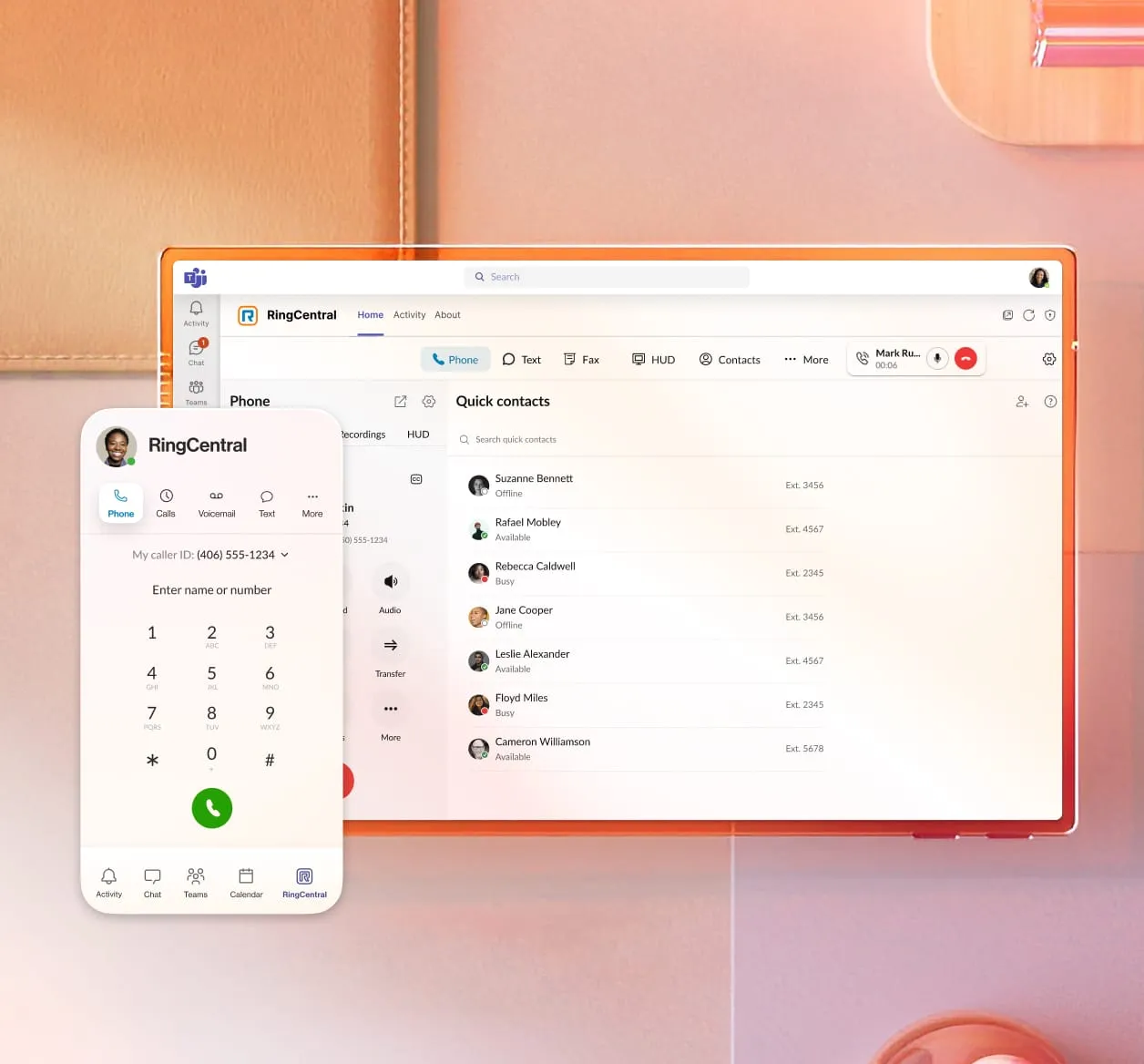
Customer engagement
Route inquiries, manage queues, and connect customers to the right person directly in Teams.
AI across every interaction
Automate call handling and capture insights with AI-powered routing, summaries, and conversation intelligence.
Voice and SMS engagement
Handle customer conversations in Teams with reliable calling and advanced SMS, including a shared inbox.
Works natively in Teams
Manage customer engagement directly in Teams with no new apps or workflow changes.
AI-powered calling within Microsoft Teams
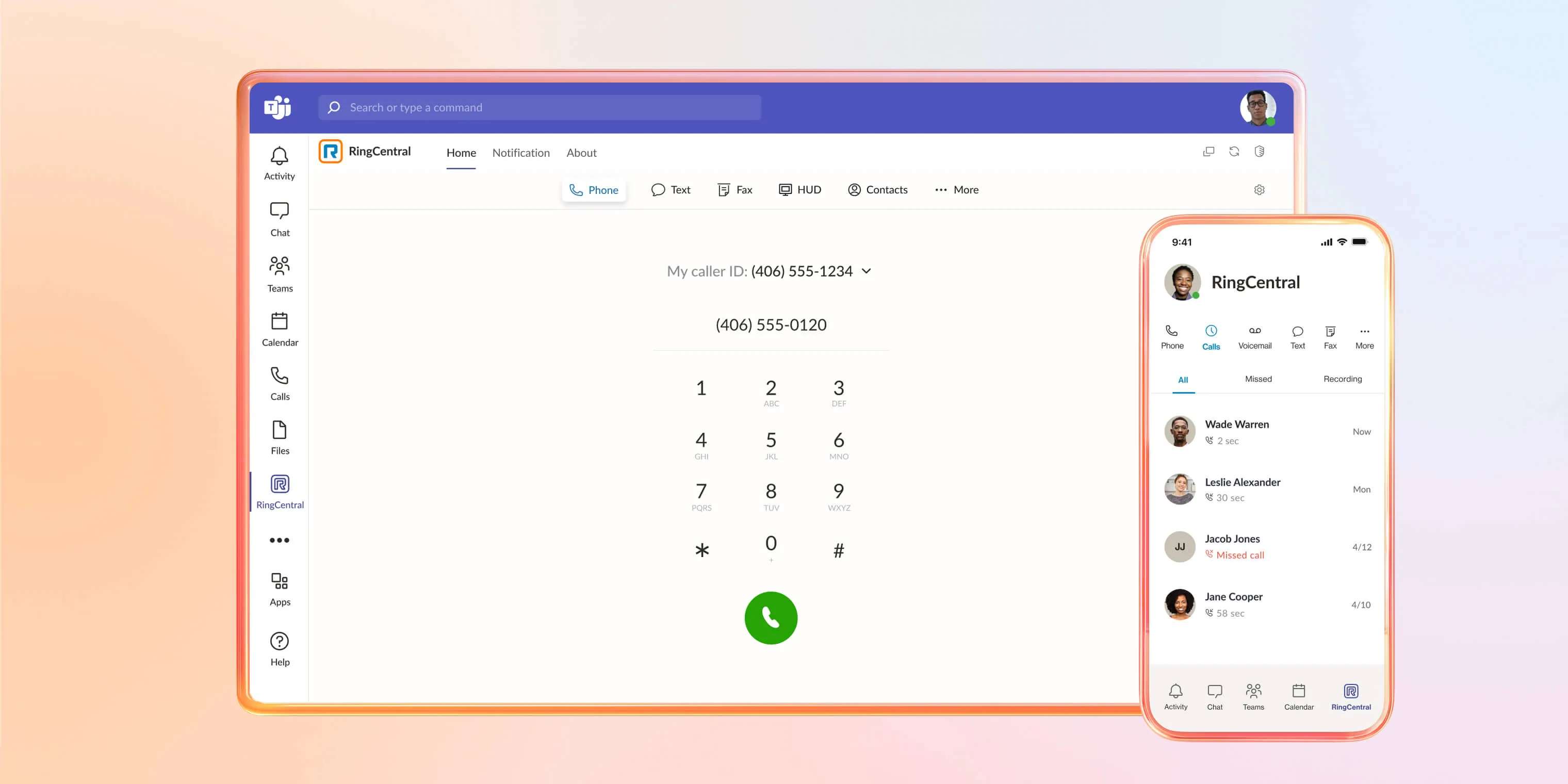
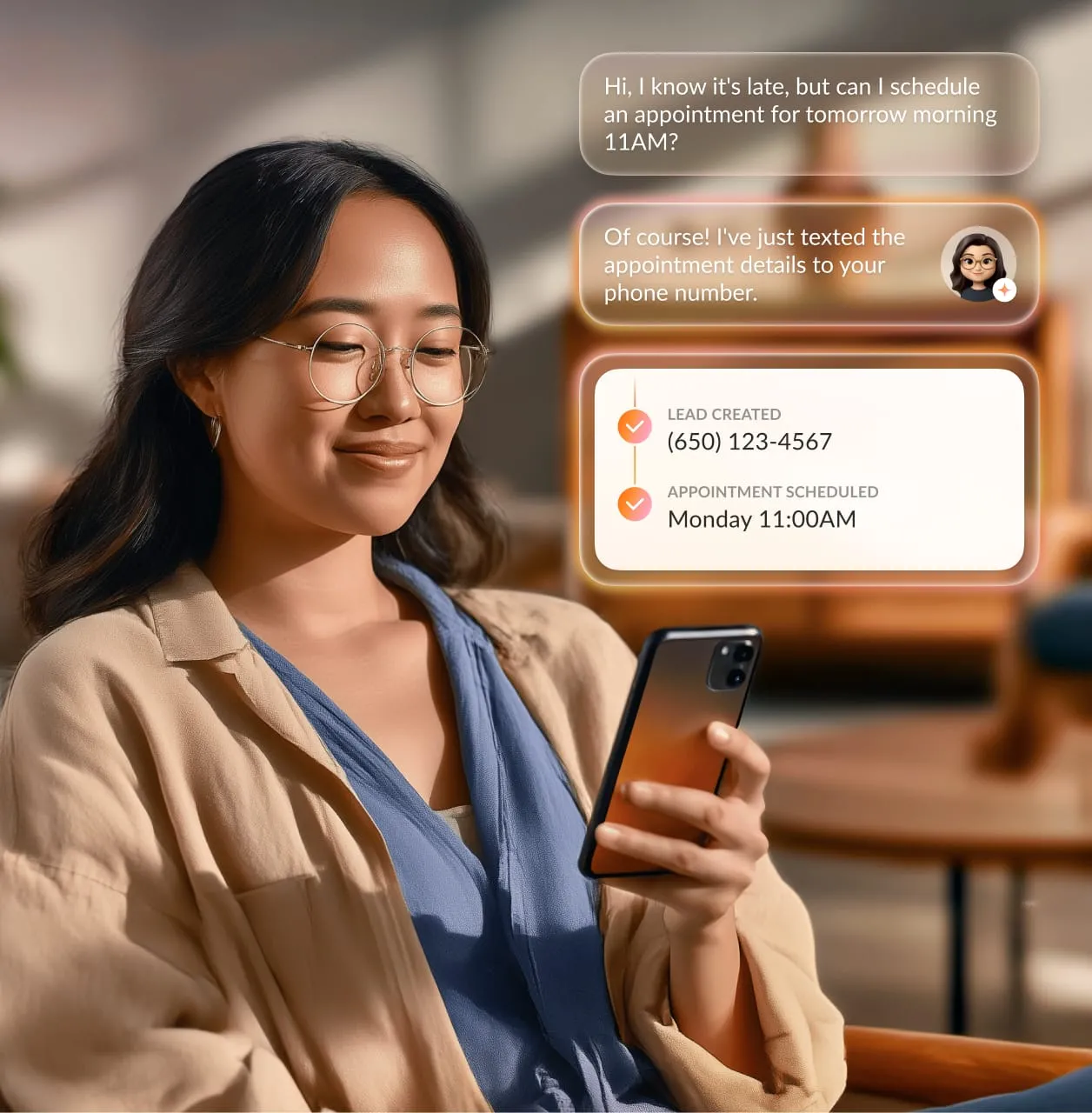
AI Receptionist
Never miss a customer conversation
Answer calls 24/7 in Teams with AI
Automatically answer every call, capture intent, and ensure every inquiry is received with RingCentral AI Receptionist.
Route customers to the right place
Intelligently direct callers to the right team or person based on their needs.
Handle high call volumes with ease
Scale call handling without adding staff or overwhelming your teams.
Customer Engagement – NEW!
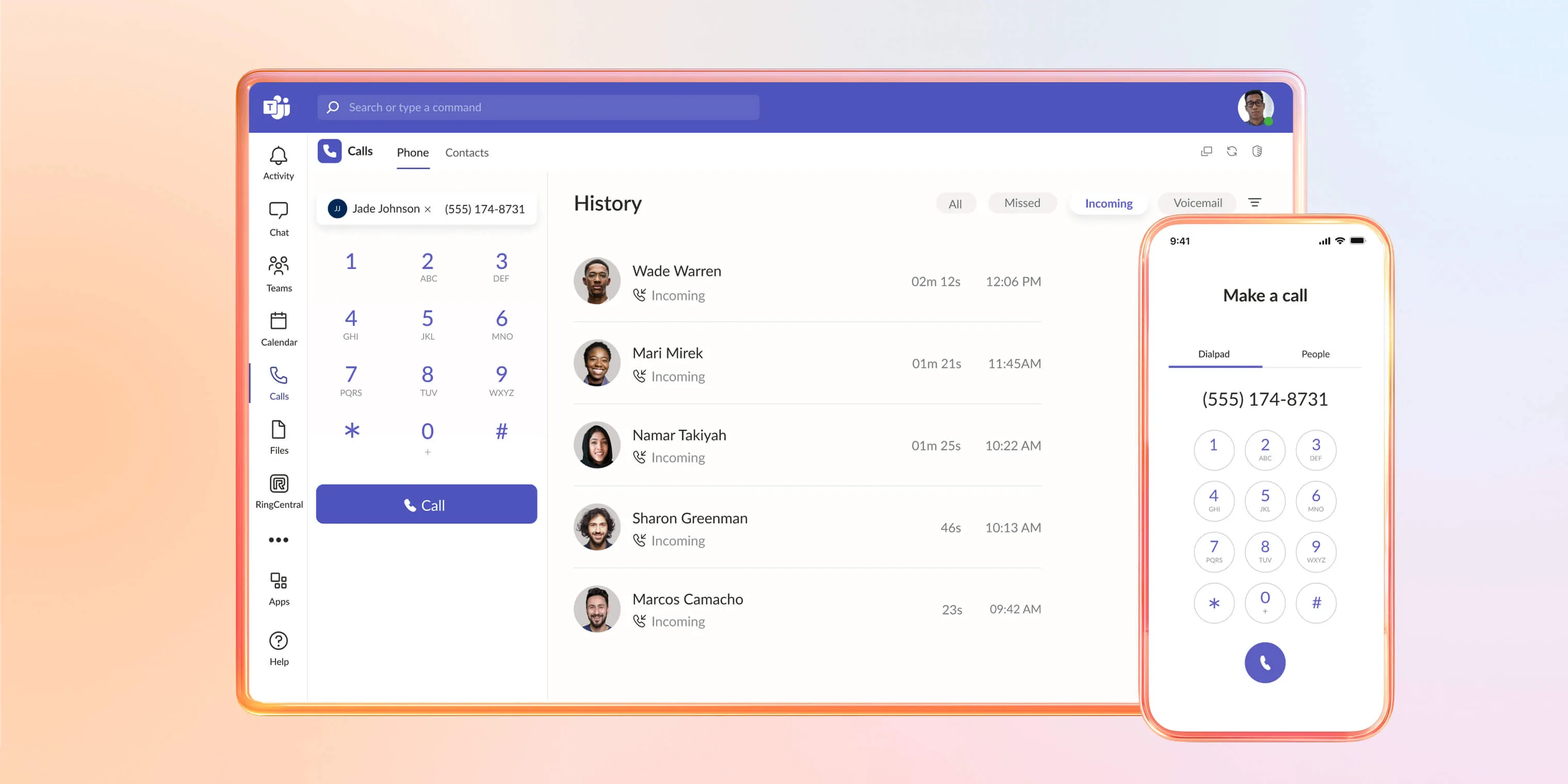
Manage interactions across voice and SMS
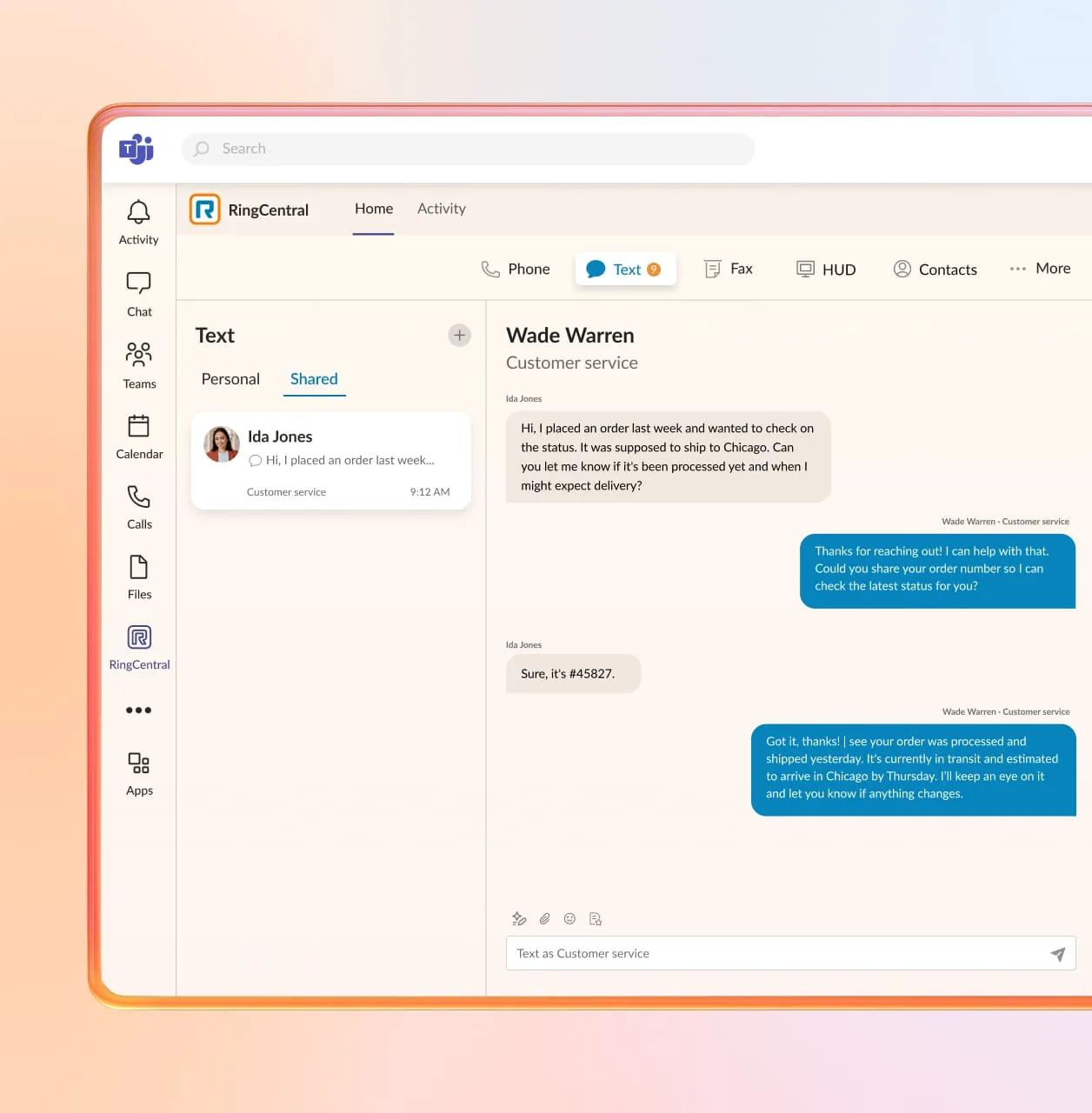
Coordinate calls and messages in one place
Stay on top of every customer interaction without switching tools or losing context in the new RingCentral Customer Engagement Bundle, now available for Teams.
Collaborate on SMS as a team
Use a shared SMS inbox to respond, assign, and manage customer messages together.
Improve wait times and reduce drop-offs
Give customers queue position updates and callback options to avoid long holds.
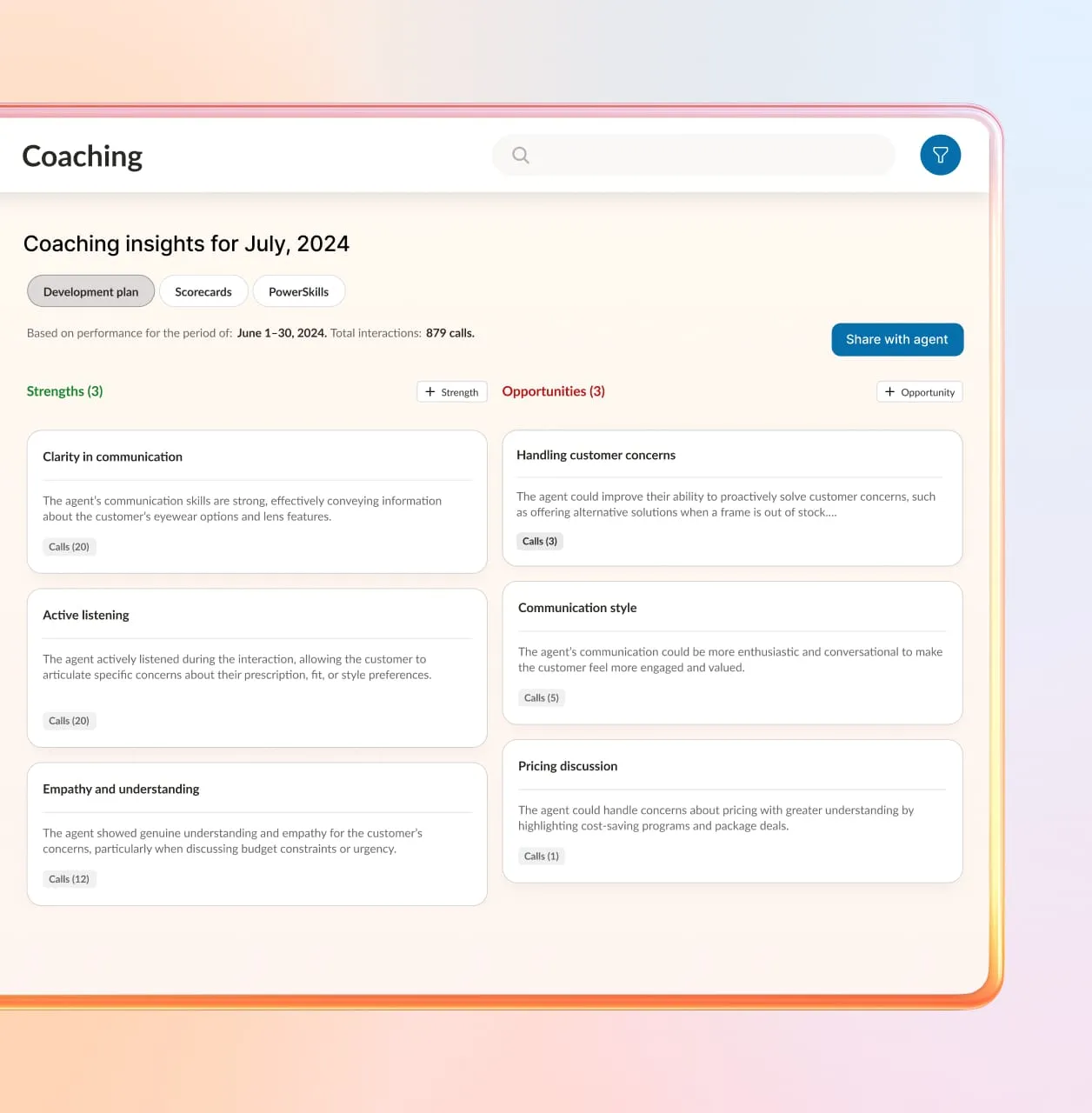
AI Conversation Expert
Turn conversations into actionable insights
Capture insights from every interaction
Automatically analyze conversations to identify trends, issues, and opportunities with RingCentral AI Conversation Expert.
Summarize calls and key moments
Generate clear summaries, action items, and decisions without manual effort.
Improve performance over time
Use conversation data to coach teams and optimize customer engagement workflows.
RingCentral is trusted by over 600,000 businesses of all sizes

Our new phone system had to be easy to use, mobile, known for reliability, and it had to integrate seamlessly with Microsoft Teams. We investigated a lot of companies, and only RingCentral checked all the boxes.
Anca Preda, Vice President of IT, The Minto Group
300
Employees migrated to RingCentral in a single day
Costs
↓
After removing old hardware and canceling phone maintenance contracts
Products used:

RingEX
Take a quick product tour
See the RingCentral for Microsoft Teams integration in Action

Pick the perfect RingCentral for Microsoft Teams plan
Get up and running today, and upgrade at any time.
integrations
Connect all your essential apps
Get the flexibility to embed RingCentral where you work or to make your Microsoft 365 apps even more powerful.
Stay productive without app switching
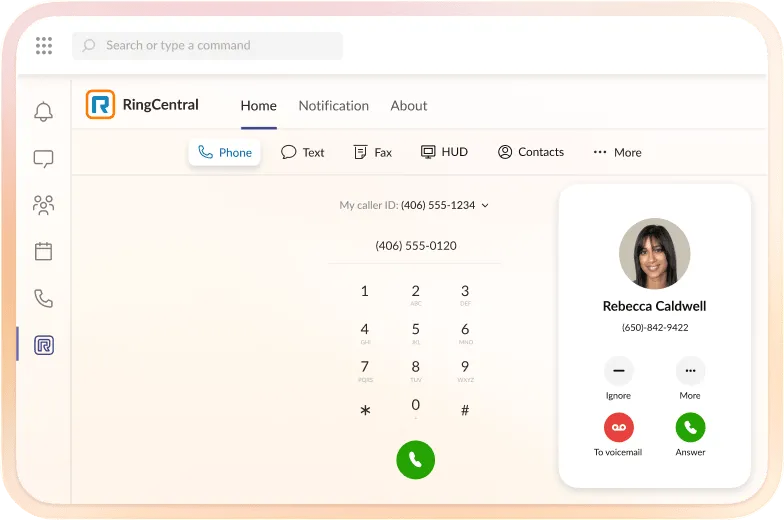
Highly reliable telephony
Integrate a 99.999% reliable cloud phone system into Microsoft Teams
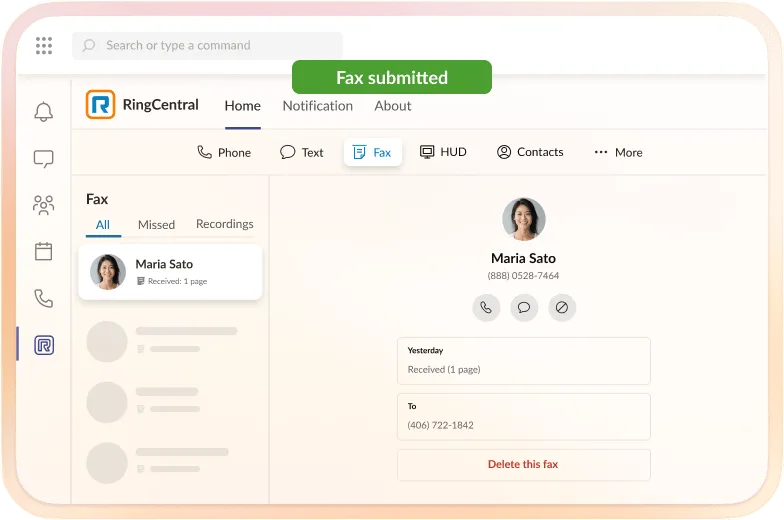
Built-in business eFax
Keep all business communications, including fax, in one place within Teams
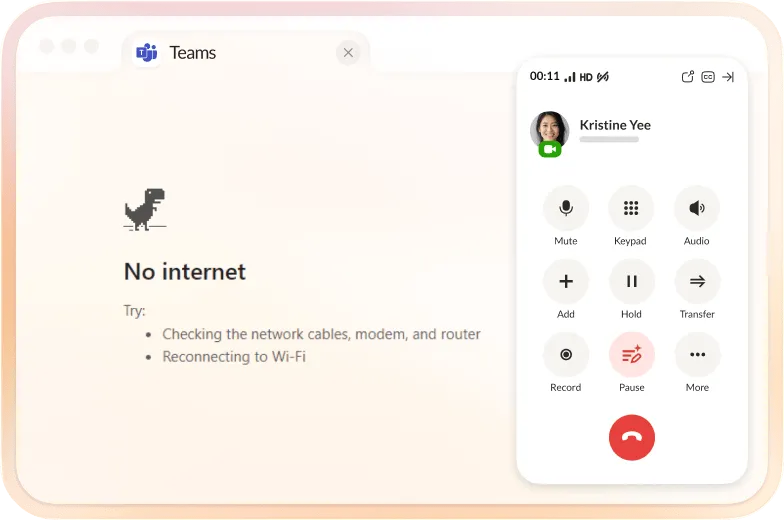
Business continuity and redundancy
Make calls in RingCentral even when Teams is unavailable
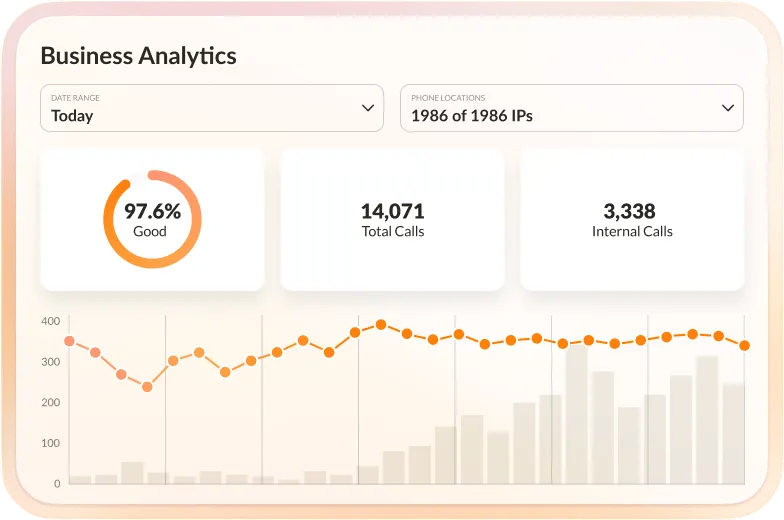
Market-leading analytics
Advanced call analytics without a pricey PowerBI license
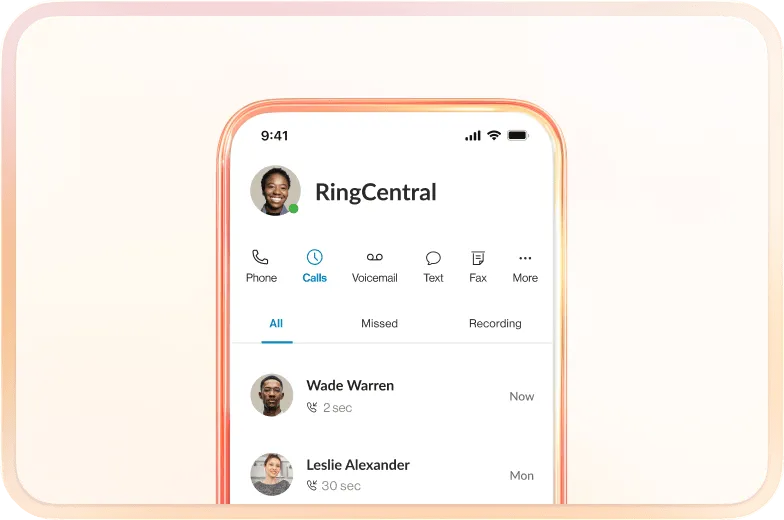
Compatible with all Teams apps
Connects with Classic, New, desktop, mobile, and web apps
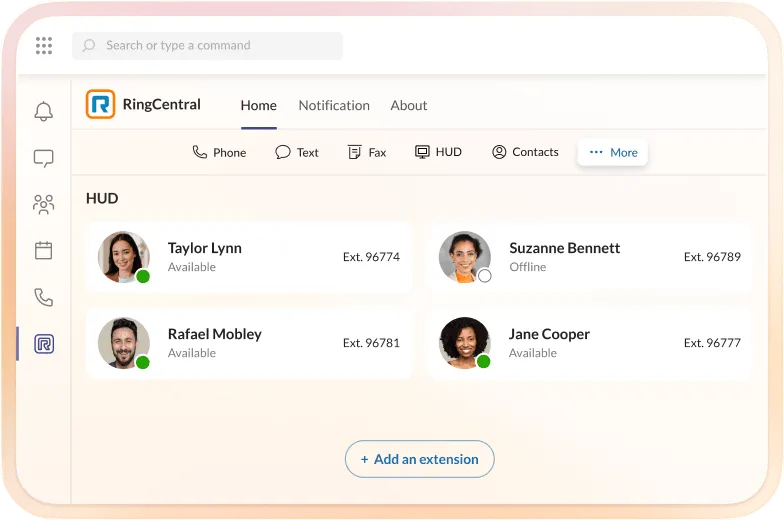
Advanced call capabilities for Teams
Heads-up display, call queue management, and more
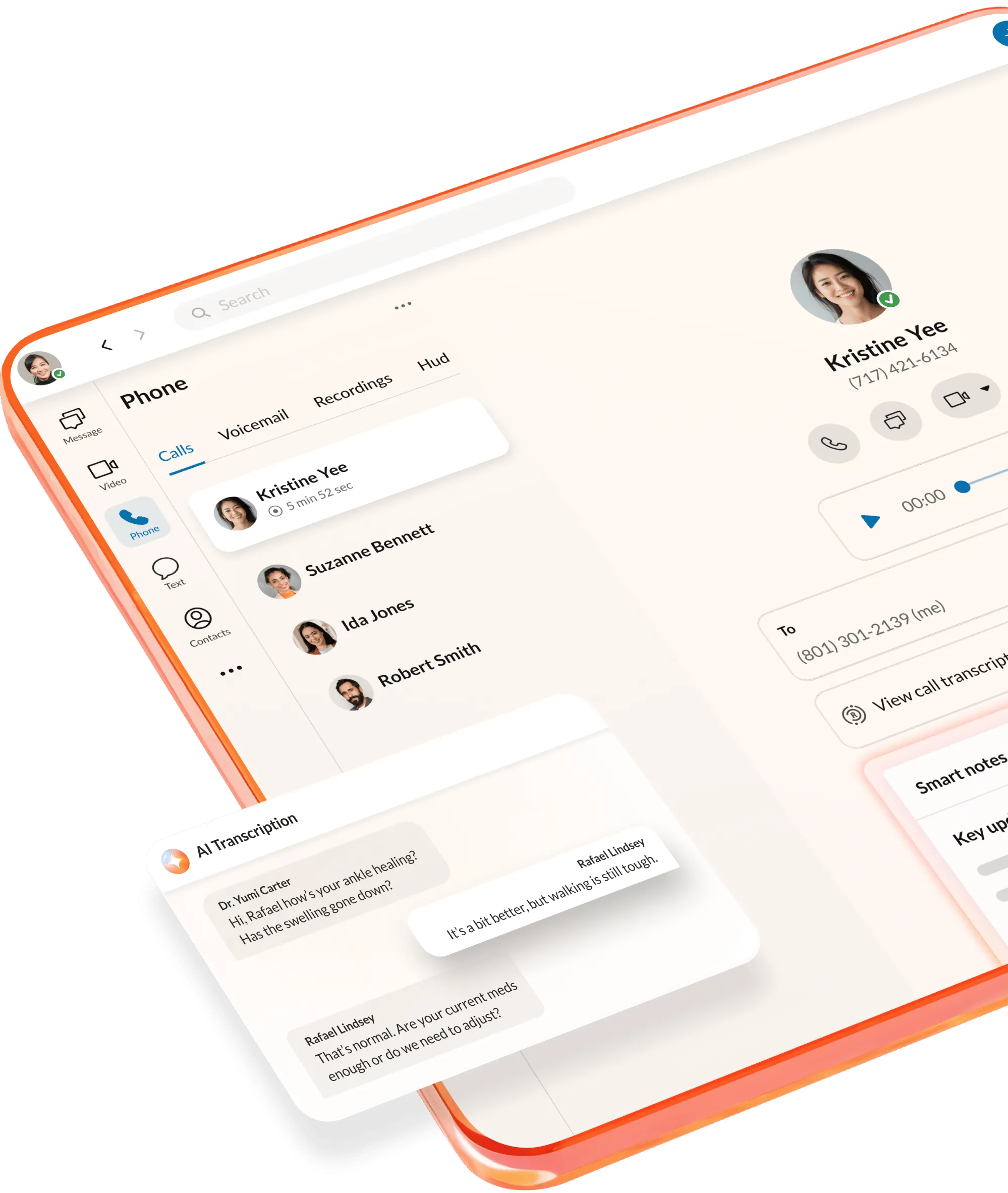
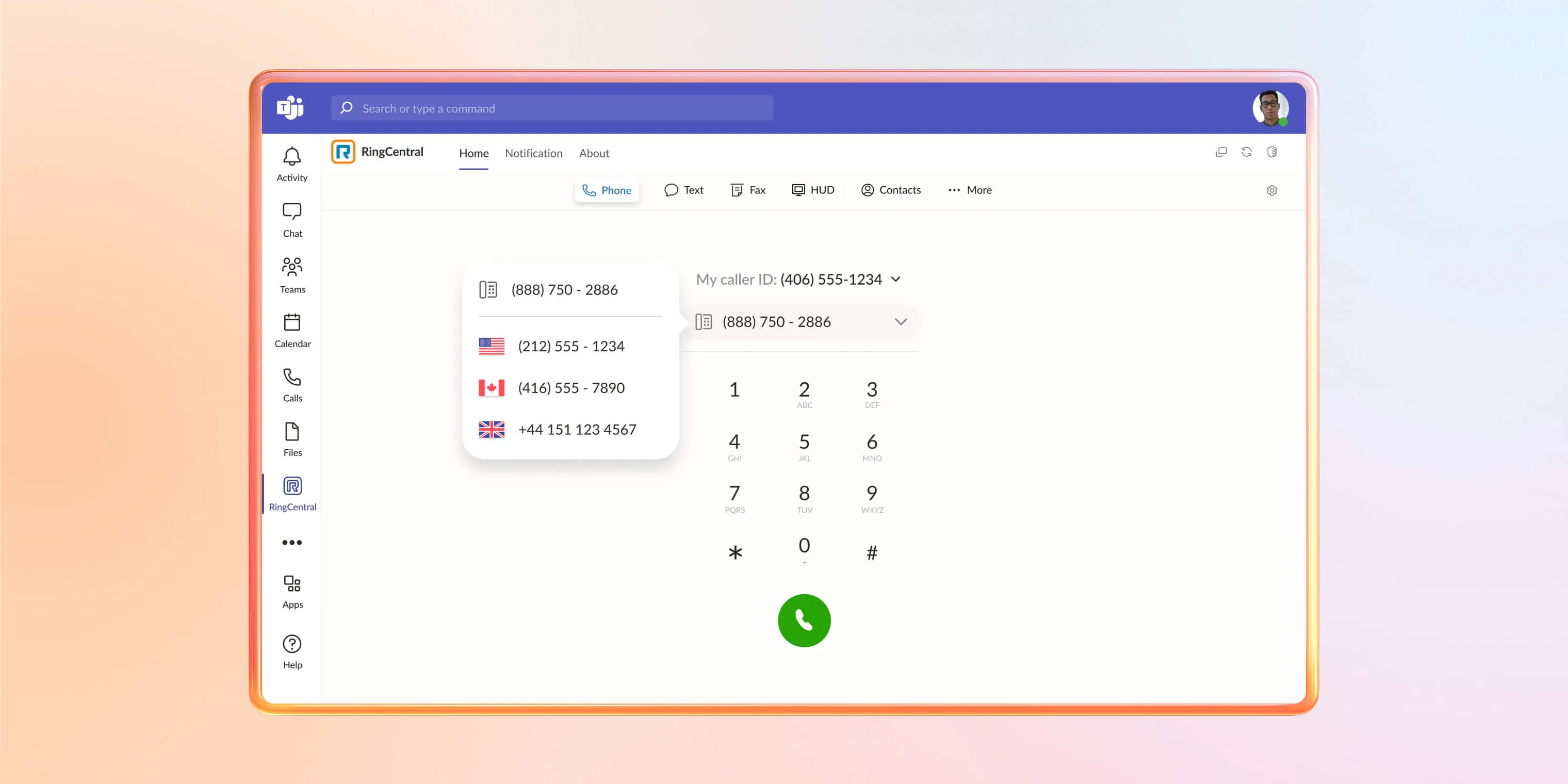
OPERATOR CONNECT BETA
Add global calling to Microsoft Teams
Request an invite to our early access program to make business calls right from Microsoft Teams. Set up in minutes and make connecting globally easier with built-in AI, SMS, and fax.