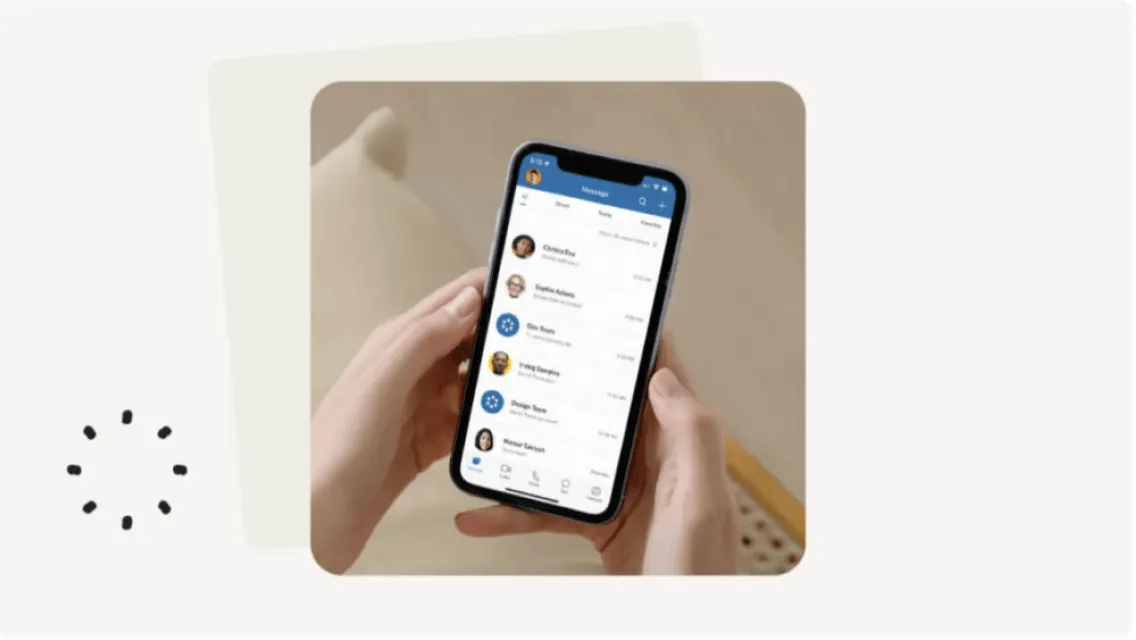
RingCentral Softphone: A Phone for your Desktop
With RingCentral, you have a complete unified communications solution. Enjoy softphone, fax, text, and video conferencing in one app.
Presenting RingCentral softphone, embedded in the RingCentral App for desktop. When you use the RingCentral app, you can experience high-quality VoIP calling and transforms your PC or Mac into a sophisticated business phone system with softphone features and options.
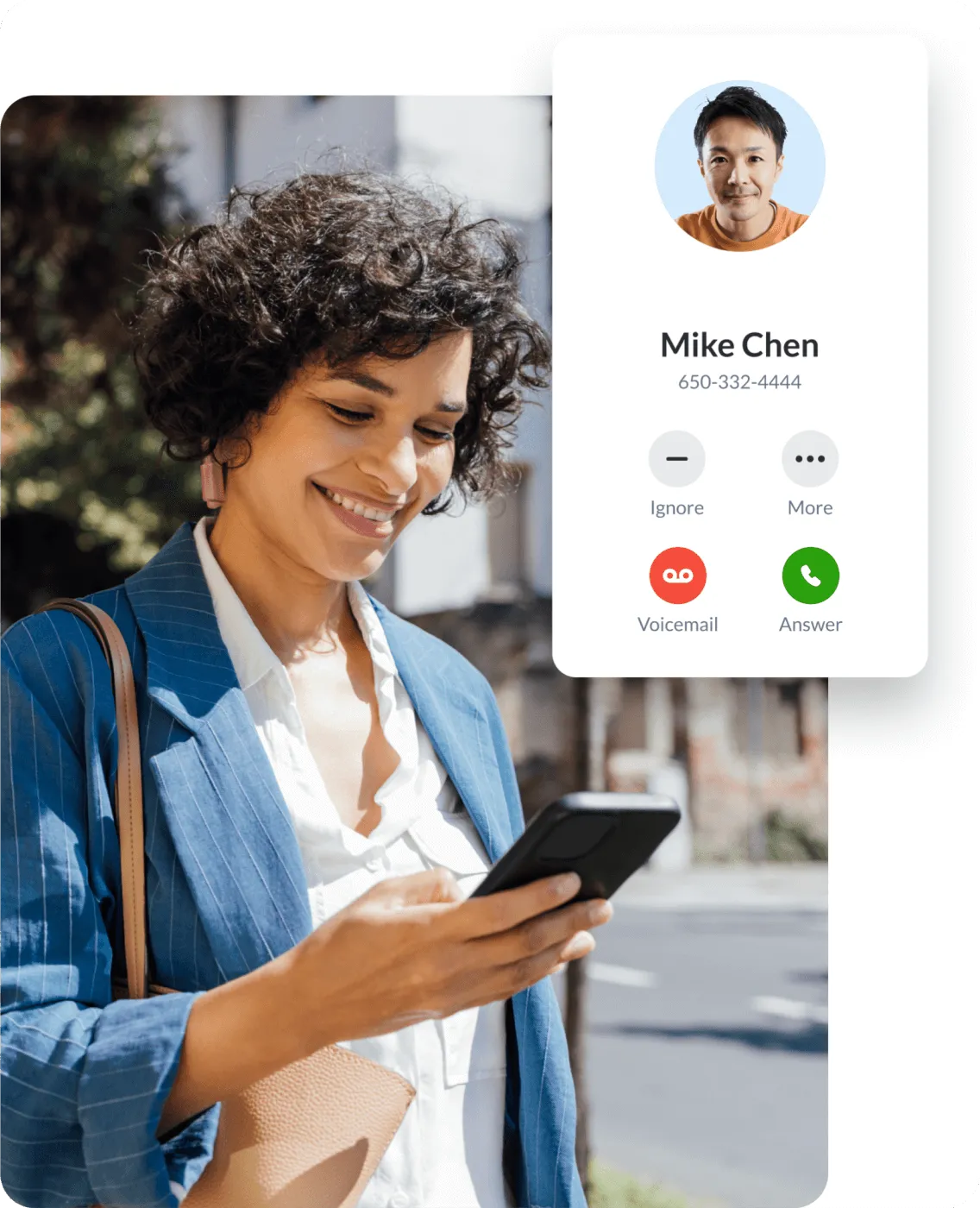
What is a Softphone?
As the name suggests, a softphone is the technology that allows you to make phone calls without the need for telephone hardware. Instead, you can make a call using software installed on your existing mobile devices or desktop computers. To make a call, open the software on your device, use a headset, and connect to the internet.
Softphone software is an essential business communications feature of a VoIP phone system or unified communications platform.
With softphones, you can offer all the functionality of regular landline desk phones, along with a range of added VoIP capabilities (auto-attendant, voicemail, video conferencing, etc.) that are accessible via a user-friend interface.
How does a softphone work?
Softphone apps operate using VoIP (Voice over Internet Protocol) Telephony. To use a softphone, you’ll need:
- Internet connection
- Hardware or mobile device you can connect to the internet (e.g., android or iOS phone, Mac or Windows laptop, or computer)
- Headset or device with a built-in speaker
As part of a unified communications solution, softphone software is great for organizations, as it eliminates the need for desk phones and other traditional hardware such as fax machines and hard phones. Instead, you can use a cloud-based virtual phone system on your mobile device or computer that provides advanced features and functionality for your business, promoting efficiency and productivity.

Benefits of the Softphone

Get a business phone system that grows as your business grows. With RingCentral, adding new phone numbers and new users is very easy and convenient. There's no need to buy hardware, and you spend less time integrating the new users and locations into your business phone system.
Why is the softphone attractive for remote workers? You're not tied to chunky hardware as you work from anywhere. With softphone software, you can install it on any internet-enabled mobile device, such as a laptop, tablet, or phone. But the beauty of the RingCentral app is it's not limited to phone calls. You can also send and receive messages, fax, and SMS. You can also host and join video meetings instantly.
Software application integrations are increasingly important, too. You want your softphone to work with the apps that your business is already using. The RingCentral App has hundreds of integrations with popular business and productivity apps like Google Workplace, Microsoft Teams and Office 36g, Salesforce, Servicenow, Zendesk, and more. If you have your own apps, RingCentral has APIs that lets you customize how you want to integrate RingCentral into your process and workflows.
The RingCentral App has an intuitive interface that makes it very easy to use. With a few clicks you can start a call or a video meeting. Access your company directory from the app and organize your contacts in teams or groups.
Since RingCentral is a cloud-hosted communications solution, all upgrades and updates to its services, including all app updates, are automatic. No need for additional licenses or additional payments to get the latest features.
RingCentral employs several layers of security to protect your data and your calls. Also, RingCentral is compliant to multiple security standards and regulations that certifies the security and privacy of your information.
How do you use a Softphone?
The RingCentral app's intuitive interface provides you with a single view of multiple calls. You can also do advanced call management straight from the app. Efficiently switch calls, mute calls, or send callers to voicemail. You can also easily park a telephone call at a virtual location, then retrieve it from any other phone or softphone in your system—even a mobile device can pick up a parked call.
Other perks you can do to manage your calls are to seamlessly flip an ongoing call to your desk phone, computer, or mobile device and transfer a voice call to any phone number or extension. You can add up to six callers into a conference call at any time.
With a RingCentral softphone app, you can record a single call, or change your settings to automatically record all your calls.* You can also download recorded conversations, store them on your computer, or forward them to others for review.
*Automatic call recording is available for Office Premium and Ultimate editions.
Another function you can do with a RingCentral softphone is to communicate with your callers without picking up your handset. You can also set up your phone calls so your callers can hear a default message or type a personalized one to be transmitted via text-to-speech technology when you’re too busy to take the phone call. These options are available even while you’re participating in a web meeting or are on another call.
You can listen to voice messages as they’re being recorded by the caller. Not only that, you can intervene when a caller is leaving a message so you can accept the call.
- Send and receive SMS text messages from your computer—including group messages.
- Launch RingEX to participate in online meetings with one click.
- Launch the RingCentral app to start collaborating on tasks, sharing files, and participating in group discussions with your colleagues
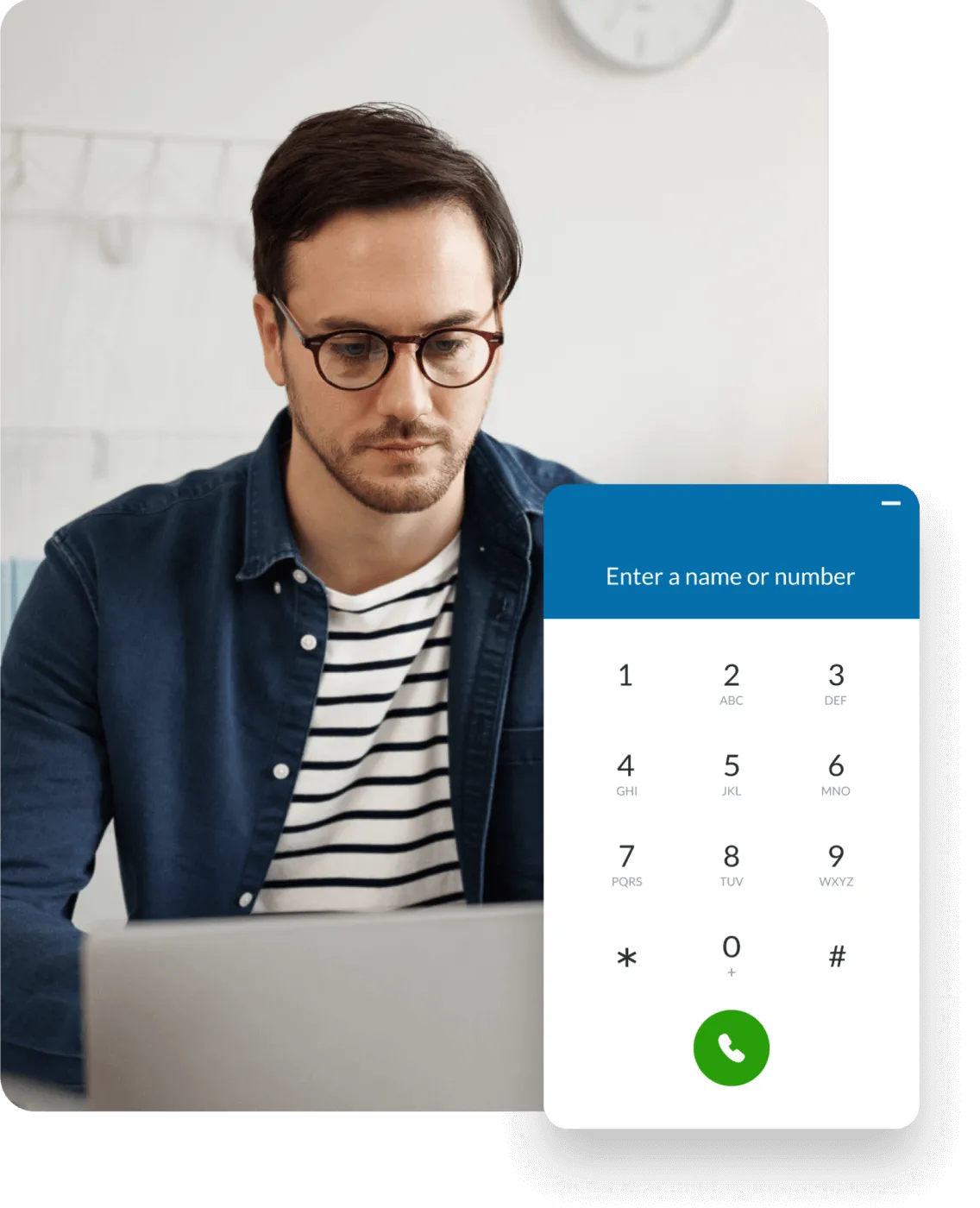

Why choose RingCentral?
RingCentral Softphone Key Features
Shared Contacts
Presence
Connectivity
Unified VoIP Communications
Voicemail
Advanced Call Management
Audio and video calls
Team Messaging and Business SMS
App Integrations
Softphone Frequently Asked Questions (FAQs)
- Minimum 2 GHz (32-bit or 64-bit) processor
- Minimum of 4 GB of memory (8 GB recommended)
- 400 MB of free hard drive space
- Required minimum screen resolution is 1,024 x 768
- Intel processor
- Minimum of 4 GB of memory (8 GB recommended)
- 400 MB of free hard drive space
- Required minimum screen resolution is 1,024 x 768