Virtual Phone System

Empower your business with virtual phone numbers and a complete cloud-based communication platform.
  • Ultimate mobility and flexibility
  • Cost-effective cloud infrastructure
  • Rapid deployment and setup
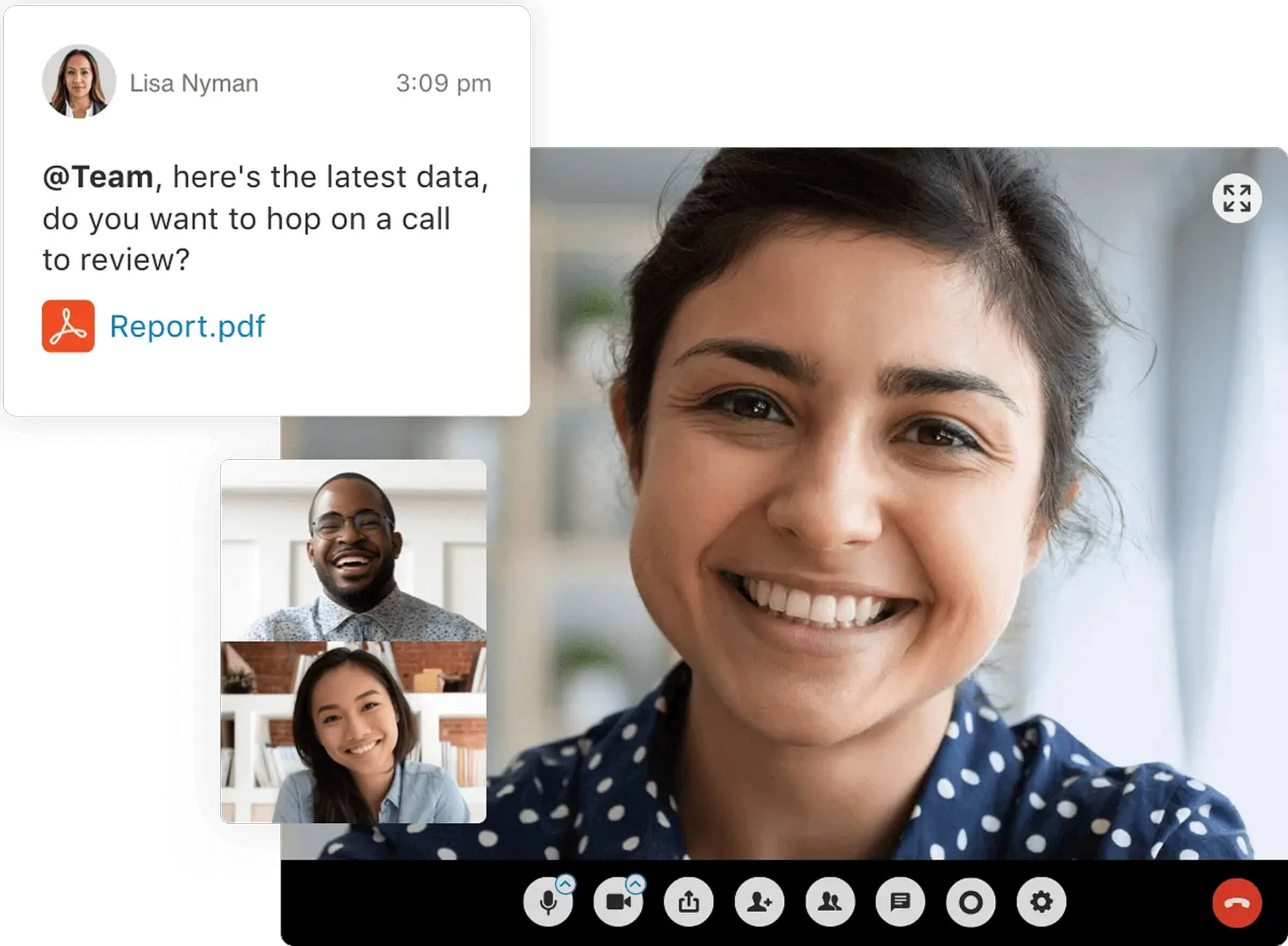
Remote team collaborating via RingCentral video call and messaging platform.
A virtual phone system puts your entire business phone infrastructure in the cloud, accessible from any internet-connected device. This shift from on-premise to hosted eliminates upfront equipment costs, accelerates setup from weeks to hours, and gives your team the freedom to work from anywhere without sacrificing call quality or professional features.

What is a virtual phone system?

A virtual phone system is a cloud-based phone system that allows people to make and receive calls from wherever they are using their laptop or mobile device.

Virtual phones offer a level of mobility and flexibility that’s unachievable with traditional on-premises systems. Minimal hardware is required because the service is delivered via the internet, and there are often affordable plans and pricing.

Virtual phone systems combine the best of traditional landlines—secure lines and clear call quality—with the mobility and flexibility of modern web applications.

As a result, virtual phone system providers can offer more to businesses than is possible from traditional systems.

Why should you use a virtual phone system?

The importance of a virtual phone system that offers all the features your business requires can’t be underestimated. The best virtual phone systems will streamline your workflows and simplify communication for your entire workforce.

Watch the video below to find out why RingCentral could be exactly the solution your business needs. Then, check out the table below, comparing virtual phone systems with on-premises alternatives.
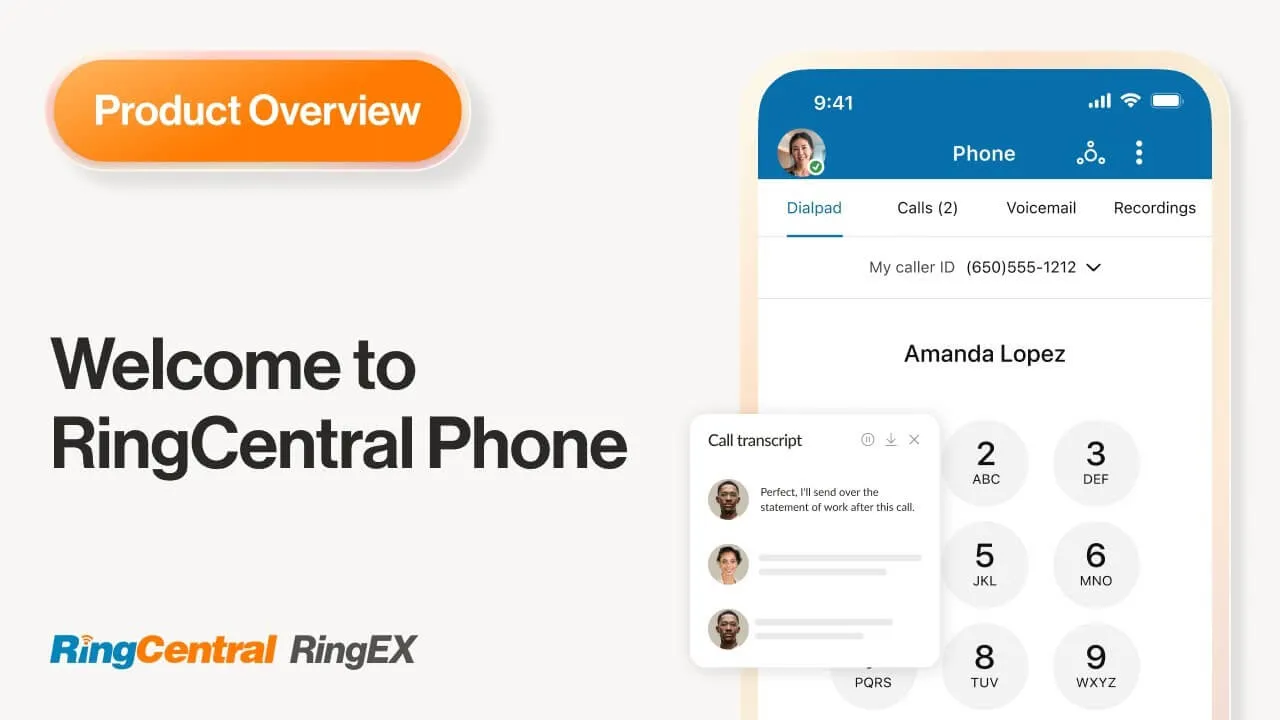
Play Video: Say hello to effortless productivity

On-premises phone systems

Virtual phone systems

Require expensive and bulky hardware like servers
Run over the internet, no hardware required
Installations are complex and expensive
Quick and easy to implement and configure
Customers need to commit long term
No long-term commitment needed from customers
Customers have to pay additional fees for service upgrades
Upgrades and updates are rolled out for free
Premium customer support requires additional fees
24/7 customer support is for all customers
Need to hire or call specialized manpower for maintenance
Manage your phone system from your smartphone
Service change requests take a while to process
Add or repurpose business phone numbers at will

How does a virtual phone system work?

Virtual phones work by using Voice over Internet Protocol (VoIP). When you call someone via a virtual network, a connection is set up between the caller and the person being called.

This connection allows both people to be able to hear and speak to each other just like on a traditional phone call. The only difference is how that connection is established—via the internet rather than through physical cables.

Business benefits of a virtual phone system

Due to the demands of business communication, more robust software is required than for personal use. That’s where the more advanced features of a virtual phone system come into play.

Let’s find out more about the benefits of a business virtual phone system:

As many workforces are now distributed across the globe, one of the benefits of virtual phones for small business and large enterprises alike is that they allow you to customize and use multiple phone numbers.
You can choose the kind of number that you’d like, whether it’s a local number, a toll-free number, or a vanity number. Whichever you need, your team members’ can take and make calls using them from whichever device they like—meaning, for instance, that their personal number always remains hidden.
By making calls using a virtual phone system, it’s possible to use a range of devices that your staff probably already have. There’s no need to splash out on any additional hardware.
They can access a full range of business communications features on:
  • iPads and tablets
  • Wireless IP phones
  • Conference phones
  • Android or iOS mobile devices
  • Desktop PCs or laptops
With the use of virtual phones, your staff can communicate regardless of whether they’re in the office, at home, or commuting. Wherever and whenever important business calls are required, it’s possible to make and take them using a virtual phone system so long as you have an internet connection.
You’ll never miss out on any important business information, no matter where you are.
Communication and collaboration are vital to any business. All of the departments throughout an organization must be able to communicate quickly and effectively to avoid holdups caused by a lack of communication.
With a virtual phone system, teammates can communicate at the click of a button. Need to find out some essential information from a remote colleague? A virtual phone call can help you get the answer you need as quickly as you’d be able to get the answer from your colleague sitting next to you in the office.
Want the many advantages of a great business phone system without the hassle of having tradespeople in your office spending ages trailing wires about to get your new phone system set up?
A virtual phone system is exactly what you need. Forget the days of having to disrupt your office with the installation of physical devices (don’t forget the necessary maintenance, too!). Your staff members can get set up on their own devices at the click of a button.

Things to consider when searching for the best virtual phone system for your business

What should you take into consideration when searching for a virtual phone system that will give your customers and staff exactly what they need?

Your choice of business virtual phone system will depend on:

  • The number of employees who will need to use the virtual phone system
  • The method of customer service that your customers expect from you
  • The allocated budget for your business communications
  • The quality of your internet connection
  • The features you actually need now and what you’ll need in the future—considering this will help ensure that you’re not paying for more than you need and that you get a system that will grow with your business
  • The reliability of any system you’re considering—search for a virtual phone system that offers at least 99.99% uptime
  • The customer support that’s provided

Reviews from existing users of a virtual phone system may also play a role in helping you decide whether it’s the right fit for your business.

Why RingCentral could be the best virtual phone system for you

Now that you know what you need to think of before opting for a virtual phone system, let’s find out what RingCentral has to offer. Notable advantages of a virtual phone system from RingCentral include:

All in one business phone system

Access features and functionalities designed to help your business and your workforce communicate better. Get unlimited VoIP and conferencing with features like SMS, faxing, and team messaging.

Mobile and flexible cloud-based system

The modern VoIP system not only provides a reliable and unlimited telephony solution, but it also includes mobile-friendly features like caller ID, video conferencing, SMS, and even faxing to help businesses communicate better.

Quick and convenient installation

No need for complicated installations. Have your phone service up and running in a day. Easily configure and manage your phone system from an online dashboard.

Secure and reliable cloud phone system

With over five years of 99.999% uptime, the RingCentral platform is built on trust, with globally recognized security and privacy 3rd party certifications. Your communications are protected during the entire transmission journey. Data travels through encrypted networks with layers of authentication for additional security.

Premium technical support

From day one, RingCentral will assist you in setting up and configuring your phone system. Our award-winning, 24/7 customer support team will provide you with expert technical support, consultations, and best-practice recommendations.

Great value with no hidden costs

Get a single, all-inclusive bill with no hidden costs. RingCentral provides your business with a powerful cloud communications system at an affordable and predictable price. No additional fees for premium features.

RingCentral business communications plans for your small business

PAY ANNUALLY AND SAVE UP TO 33%
Volume discounts for 50+ users available. Contact our sales experts to learn more.

More than simply a virtual phone system

RingEx from RingCentral is more than just a virtual phone system—it’s a web-hosted communications suite that adjusts to your organization’s needs. For the increasingly mobile and collaborative work landscape, our unified communications platform is a powerful tool to have.

The best part is that all sorts of companies, whether they’re global enterprises or local small businesses, are just a subscription away from having it.

View a demo today to discover how RingCentral can benefit your business

Frequently asked questions (FAQ) about virtual phone systems

A virtual phone system enables people to make and receive phone calls via the internet rather than physical cables. A range of devices can be used to make this type of call, including cell phones, PCs, and laptops.
A virtual phone system provides many benefits, including cost-effectiveness, quick and easy installation, the ability to work from anywhere that has an internet connection, and scalability as your business grows.
The method of setting up your virtual phone system will depend on the brand of phone system you’ve chosen. But in general, to set up a virtual phone system, you should:
  1. Pick the best phone plan for your business needs and budget.
  2. Sign up with your chosen provider.
  3. Allocate your new phone numbers and extensions.
  4. Set up appropriate phone greetings, call routing rules, and otherwise customize the system.
  5. Start calling customers and receiving calls from them.
The best virtual phone system has many features that will help facilitate your daily business operations.
Some of the features to look out for in your virtual phone system include:
  • Call routing
  • Call transfer
  • Call forwarding
  • Auto attendant
  • Call queuing
  • IVR
  • Call recording
  • Predictive dialers
Like any other technology you’re thinking of using in your company, you must carefully consider your business needs as well as your budget. If you answer “yes” to the questions below, a virtual phone system may be right for you.
  • Do you want to spend your budget more wisely on your business communications?
  • Do you want a solution that can scale up or down with your business?
  • Do you want a phone system that’s quick and easy to set up?
  • Do you want reliable software that won’t be affected by external factors such as poor weather conditions?
Authored by: Ben Wu
Senior Manager, Product Marketing
Reviewed by: John Smith
Director, Content and Research
Updated: 30 January 2026
Important details and disclaimers

Get your virtual phone system up and running today

Don't let legacy hardware hold your team back. Complete the form to receive a customized quote and see how easy it is to manage your business communications from a single platform.

Full name*

Enter a valid full name

Work email*

Enter a valid email address

Business phone number*

Enter a valid phone number

Company name*

Enter a valid company name

Number of employees*

Enter a valid number of employees

*Required fields
By clicking the button above, you consent to receiving calls and emails from RingCentral. Calls may be connected using automated technology.
Thank you for your interest in RingCentral
A sales advisor will contact you within 24 hours. If you'd like to speak to someone now, please call (800) 574 5290