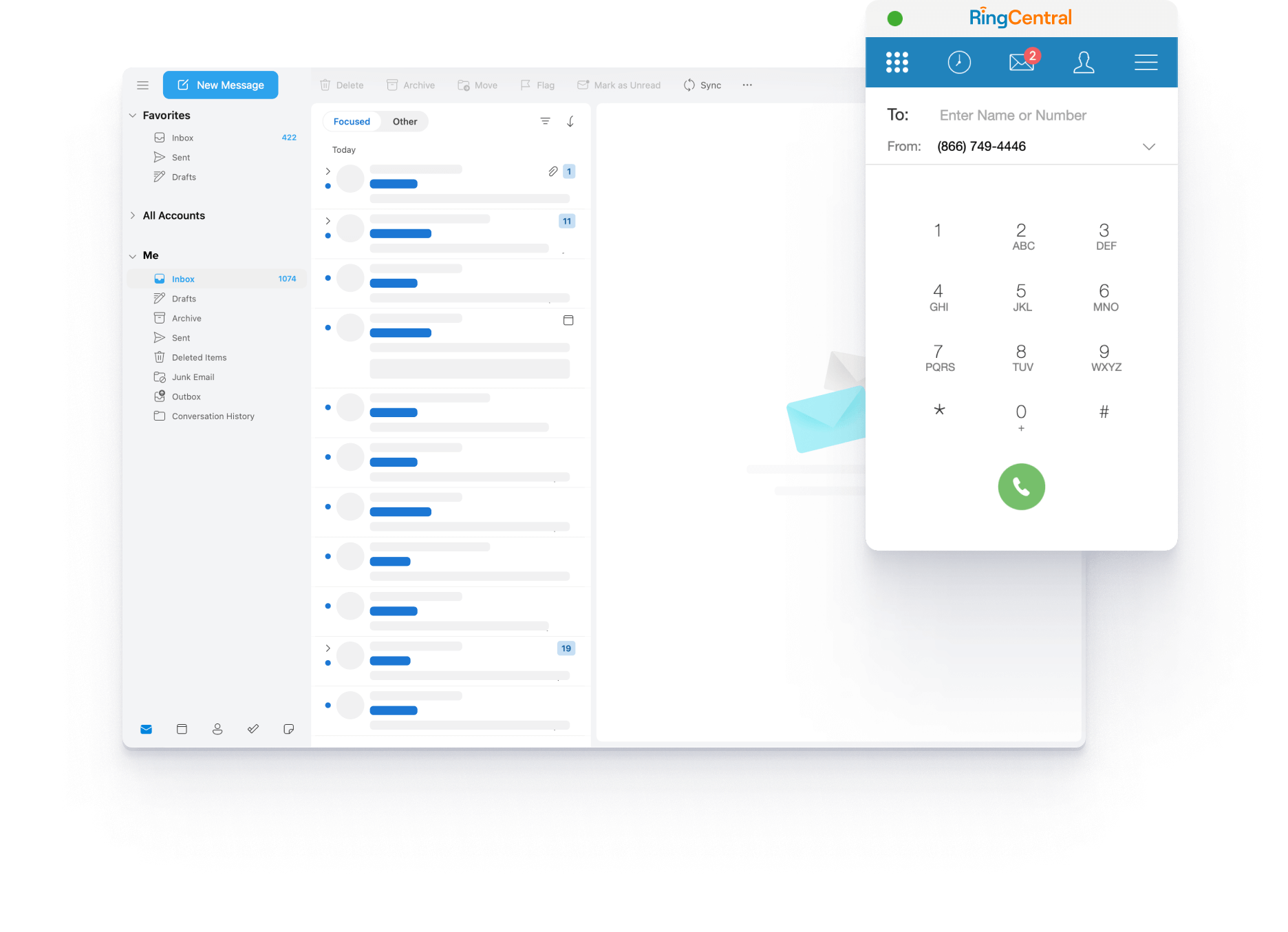
Better together
Take the work out of teamwork by integrating RingCentral with your essential Microsoft tools.
RingCentral for Microsoft Outlook
Make secure HD calls, send messages, check voicemails, and schedule meetings from within Outlook.
RingCentral for Microsoft Teams
Do more together and streamline workflows by integrating advanced phone and video features.
RingCentral for Microsoft Dynamics 365
Never miss an important conversation with click to call and automatic call and text logs.
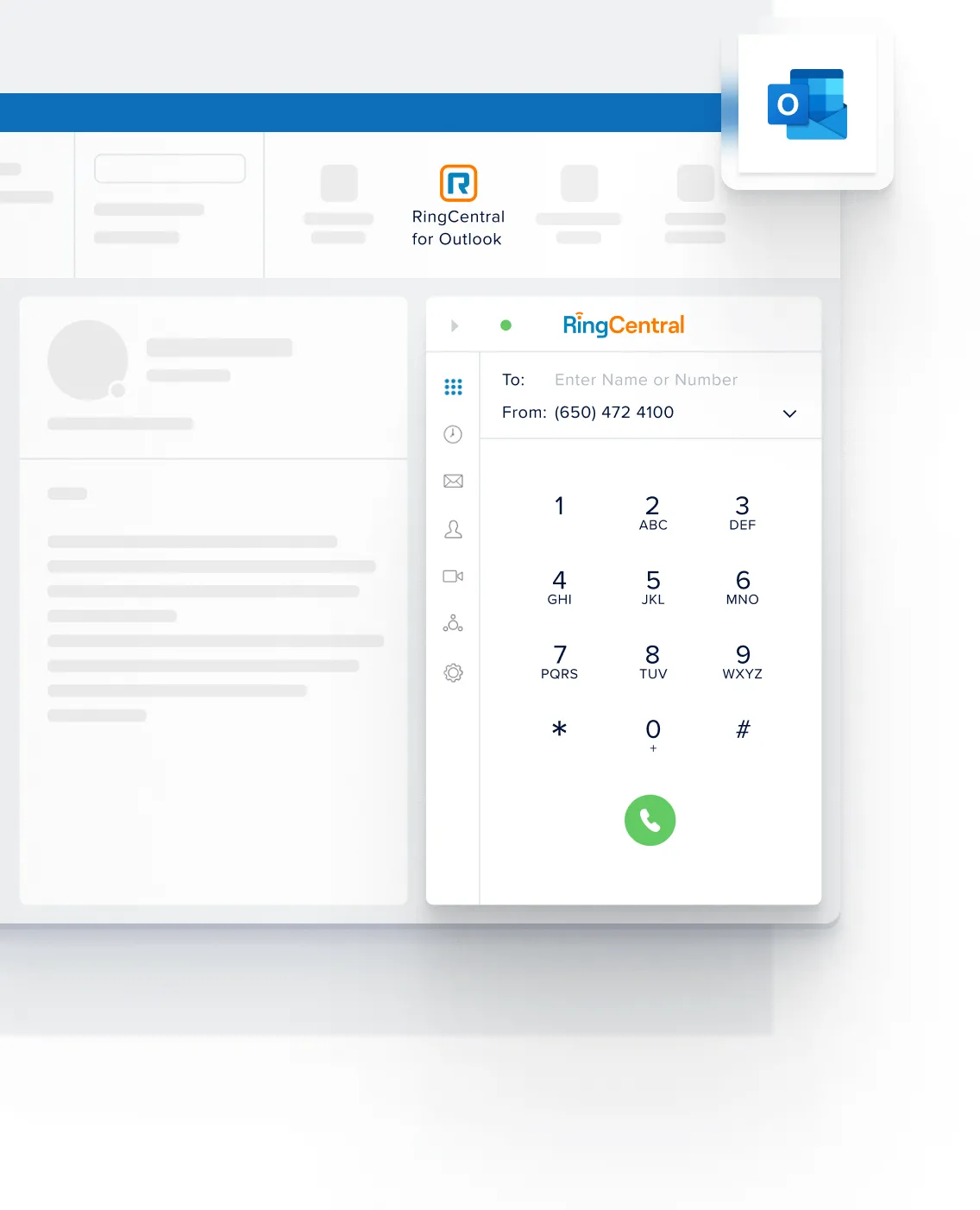
MICROSOFT OUTLOOK
All your communications in one place
Say goodbye to app switching and keep all your business communications in Outlook.
Never miss a call
Make and receive HD calls, view call and message history, check voicemails and SMS messages, and more from within Outlook.
Manage your meetings
Schedule, start, and join meetings securely in your Outlook calendar. Choose customizable settings, including passwords, waiting rooms, authenticated users, and more.
All your contacts in one place
View all RingCentral, Microsoft 365, and personal contacts on one easy-to-search screen. Easily scan contact presence, contact details, and more.
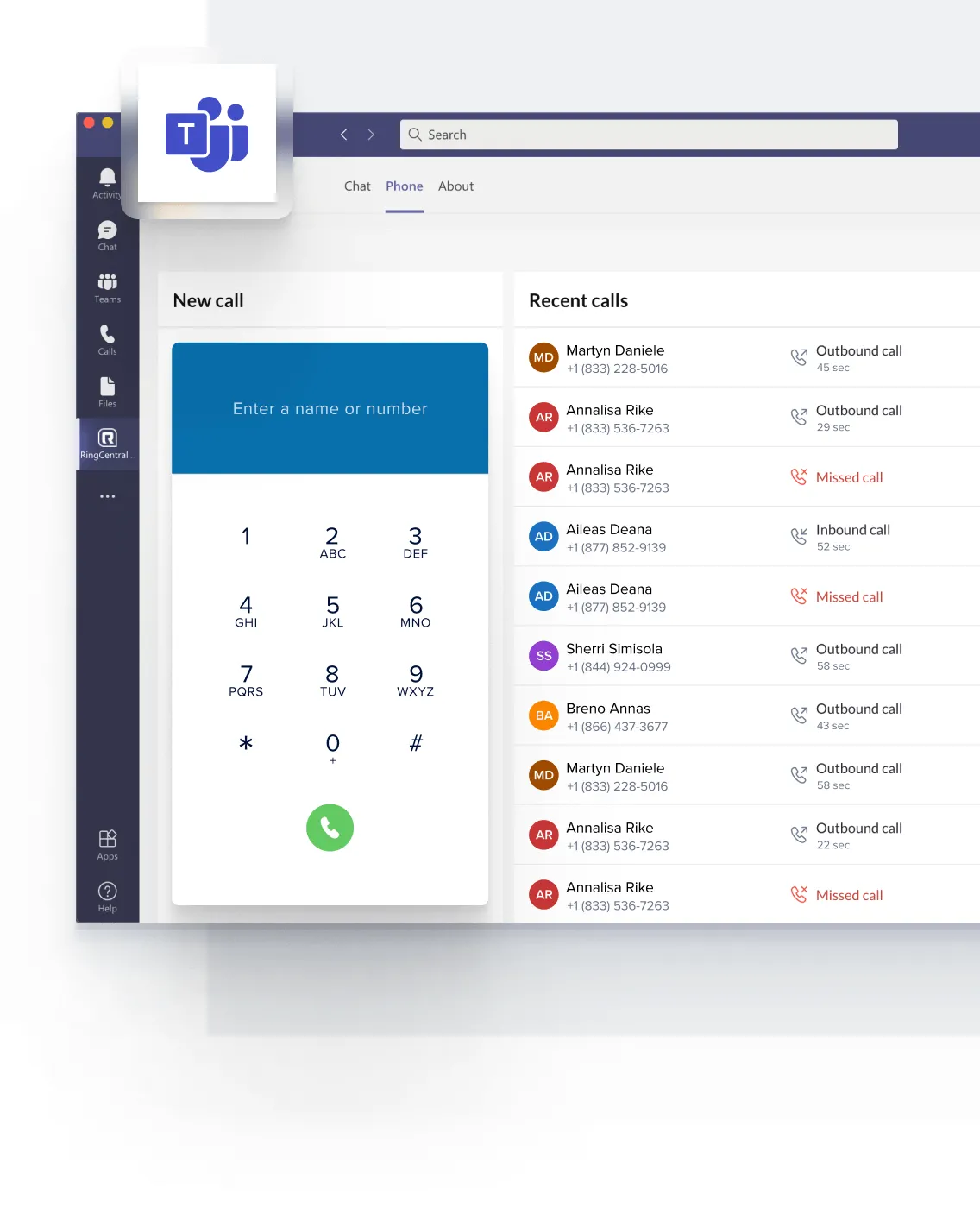
MICROSOFT TEAMS
Work the way you want
Get more done together with phone and meeting features built into Microsoft Teams. Choose one or several integrations, based on your team’s needs.
Find your workflow
Make calls with the embedded RingCentral dialer and schedule, start, or join meetings by @mentioning RingCentral in your Teams conversations or directly using the RingCentral icon in your Teams chatbox.
Connect in a click
Click to call, SMS, or start a meeting and access the RingCentral dialer anywhere within Microsoft Teams in your browser.
Embed a cloud phone system
Bring your global offices together by integrating RingCentral phone features such as IVR, call handling, reporting, and analytics into Microsoft Teams. Benefit from full PSTN in 40+ countries and local and toll-free numbers in 100+ countries.
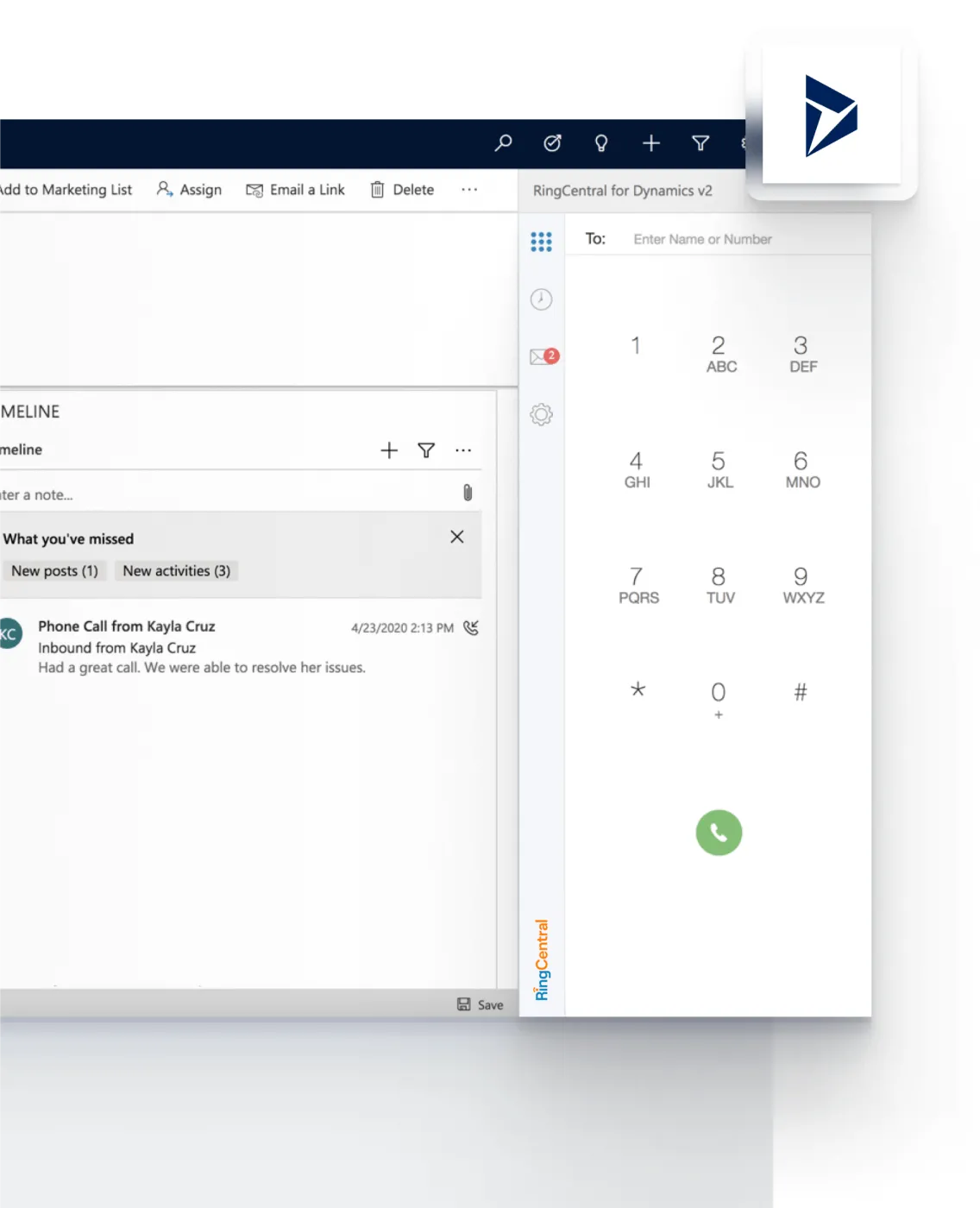
MICROSOFT DYNAMICS 365
Get more out of your CRM
Make every customer interaction matter and close more deals in Dynamics 365 with RingCentral.
Take more calls
Place RingCentral calls from within Microsoft Dynamics by simply clicking the phone number hyperlinks.
Get insights on every call
Be prepared to handle any conversation. Get a 360-degree view of each caller with screen pops triggered by incoming calls.
Never miss an important conversation
Go about business while RingCentral automatically logs your calls and texts, even when you’re in offline mode.
Let’s get you set up
We’ll install RingCentral for Microsoft while you get back to business.
RingCentral integrates into many tools: Microsoft Dynamics, Office 365, even Slack. Our tools are now more valuable and our communications experience is more streamlined.
Anna Buckman, Manager of Global Sales Systems, Socket Mobile

Ebook
Using Microsoft Office 365 with a cloud communications system

Datasheet
RingCentral for Microsoft Teams

Datasheet
RingCentral Cloud PBX for Microsoft Teams

Datasheet
RingCentral for Microsoft 365

Datasheet
RingCentral for Dynamics 365

Datasheet
RingCentral for Microsoft Outlook
See how easy it is to get started